
Nexar 128GBPro-GPS
Nexar Pro Dash Camera User Manual
Model: 128GBPro-GPS
Marca: Nexar
Introducció
The Nexar Pro Dash Camera is a dual-view system designed to provide comprehensive recording of your driving environment and vehicle interior. This manual provides essential information for setup, operation, and maintenance of your device.
Què hi ha a la caixa
- Nexar Pro Dash Camera
- Muntatge del cotxe
- Carregador de cotxe
- Cable de càrrega
- Clip de cable
- Eina d'instal·lació
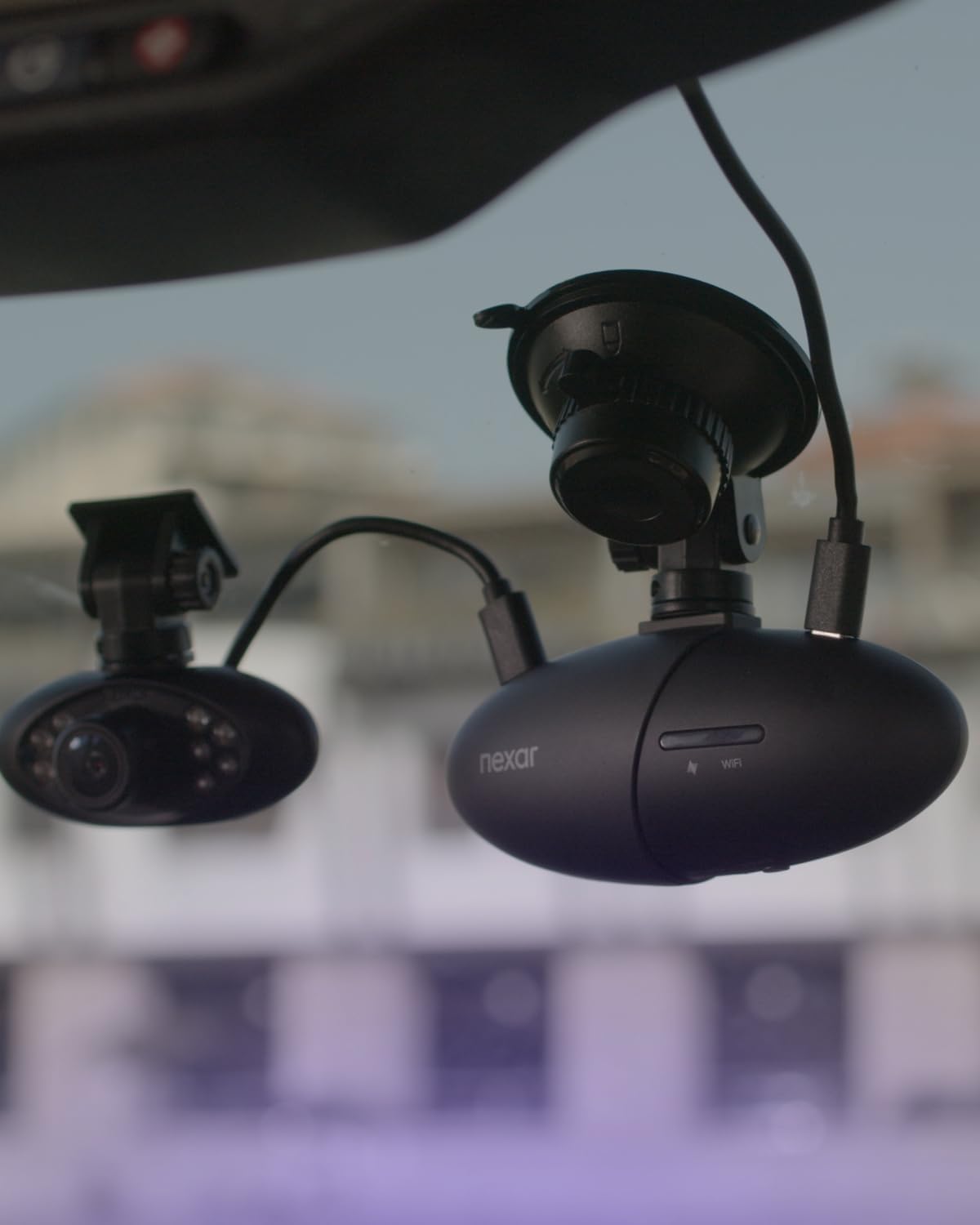
Image: Contents of the Nexar Pro Dash Camera box, showing the main camera unit, car charger, GPS suction cup mount, installation kit, and 11.5 ft USB power cable.
Configuració
1. Mounting the Dash Camera
Attach the Nexar Pro Dash Camera to your windshield using the provided suction mount. Ensure the camera has a clear view of the road ahead and the vehicle interior. The mount includes a GPS tracker.
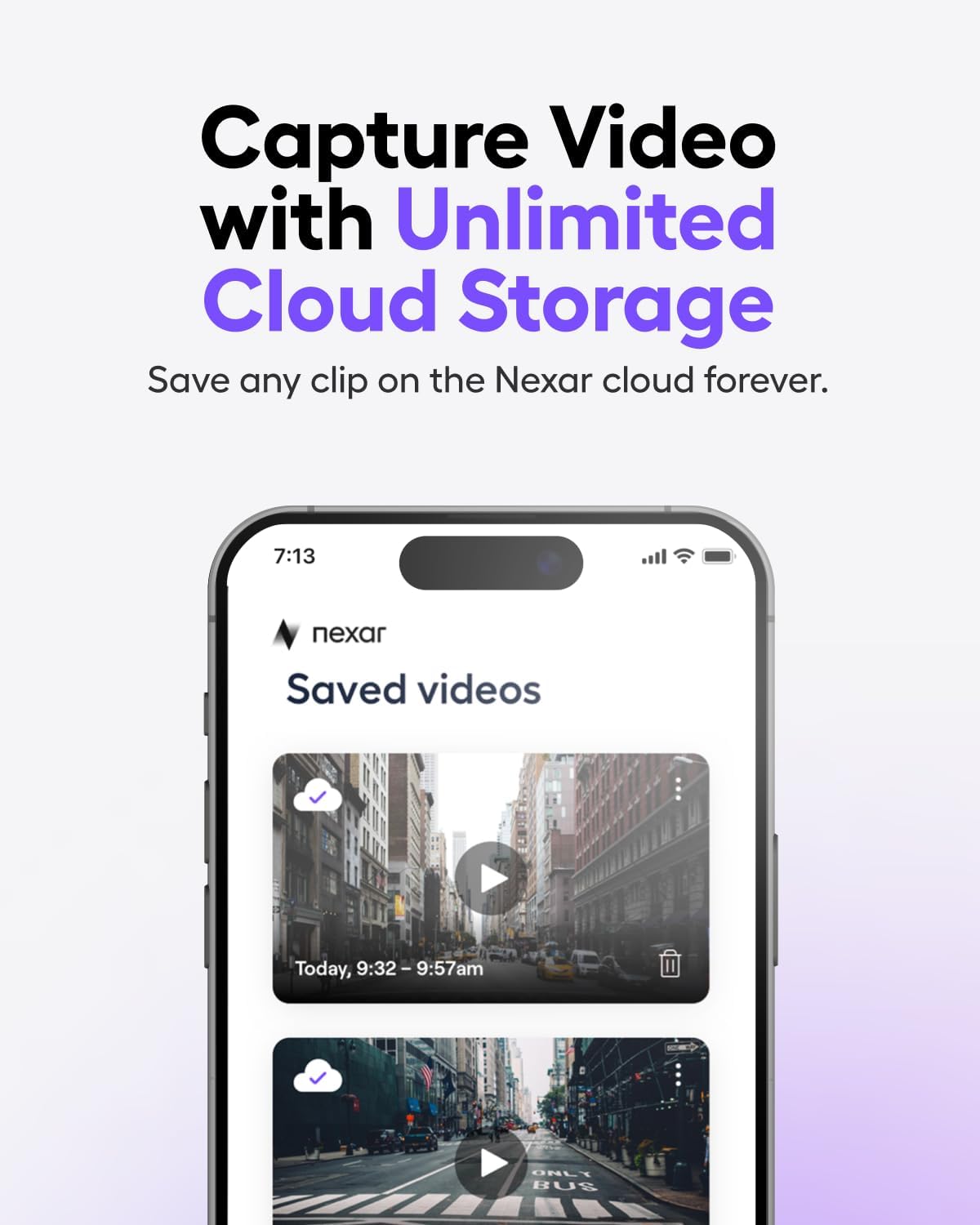
Image: The Nexar Pro Dash Camera securely mounted on the car's windshield, positioned to capture both the road and the vehicle's interior.
2. Connexió d'alimentació
Connect the dash camera to your vehicle's power source using the car charger and charging cable. Use the cable clips to neatly route the cable along the windshield trim to avoid obstructing your view.
Video: A demonstration of installing the Nexar Pro Dual Dash Cam, showing how to mount it on the windshield and connect the power cable.
3. Nexar App Setup
Download the Nexar app on your smartphone (compatible with iPhones 7 and above, most Android models). Follow the in-app instructions to pair your dash camera via Wi-Fi and Bluetooth. A 1-year subscription to the Nexar app is included with purchase, providing unlimited cloud storage for clips and incidents, Parking Mode, and easy access to drive recordings.

Image: The Nexar app interface on a smartphone, illustrating the unlimited cloud storage feature for recorded videos.
Instruccions de funcionament
Enregistrament automàtic
The Nexar Pro Dash Camera automatically begins recording when your vehicle starts. It records in a continuous loop, saving footage to the included 128 GB SD card (expandable up to 256 GB).
Dual View Gravació
The dash camera captures both the road ahead (1080p Full HD, 135° wide angle) and the vehicle's interior simultaneously. The interior camera features night vision for clear recording in low-light conditions.

Image: A split screen displaying the 1080p Full HD video quality from both the front-facing and interior cameras of the Nexar Pro Dash Camera.
24/7 Parking Mode
When your vehicle is parked, the dash camera's Parking Mode activates upon detecting an impact, automatically recording the incident. This feature provides continuous surveillance and alerts you to potential issues.

Image: The Nexar Pro Dash Camera's 24/7 Parking Mode in action, with a notification on a smartphone indicating a detected parking incident.
Automatic Incident Detection & Emergency Alerts
Equipped with Bosch technology and G-sensors, the camera automatically detects incidents like hard braking or collisions. In case of an accident, Nexar can automatically send an SMS to your selected emergency contacts with real-time alerts.
Video: A demonstration of the Nexar Pro Dual Dash Cam's incident detection feature, showing how it records and alerts during events.
Seguiment GPS
The built-in GPS tracks your vehicle's location and speed, providing valuable data for incident reconstruction and route monitoring.
Vídeo: Un usuari review highlighting the Nexar Pro Dash Cam's features, including GPS tracking and app integration for ride-share drivers.
Manteniment
Gestió de targetes SD
The camera records to a MicroSD card in a continuous loop. When the card is full, the oldest footage is overwritten. Regularly check the SD card for proper function and consider backing up important footage. The camera supports up to 256 GB MicroSD cards.
Neteja
Keep the camera lenses clean for optimal video quality. Use a soft, lint-free cloth to gently wipe the lenses. Avoid abrasive cleaners.
Resolució de problemes
La càmera no enregistra
- Ensure the camera is properly powered and the indicator lights are on.
- Check if the SD card is inserted correctly and is not full or corrupted. Format the SD card if necessary (this will erase all data).
- Verify the camera is paired with the Nexar app and recording is enabled.
Poca qualitat de vídeo
- Netegeu les lents de la càmera.
- Assegureu-vos que la zona del parabrisa on està muntada la càmera estigui neta.
- Check app settings for video resolution.
Problemes de connectivitat de l'aplicació
- Assegureu-vos que el Bluetooth i la Wi-Fi estiguin activats al vostre telèfon intel·ligent.
- Restart both the camera and the Nexar app.
- Comprova si hi ha actualitzacions de l'aplicació.
Especificacions
| Característica | Detall |
|---|---|
| Marca | Nexar |
| Nom del model | Nexar Pro GPS Dash Cam System |
| Resolució de captura de vídeo | 1080p |
| Camp de View | 135 graus |
| Tecnologia de connectivitat | Bluetooth, WiFi |
| Característiques especials | Automatic Incident Detection, Built-In GPS, Built-In Microphone, Night Vision, Parking Monitor |
| Tipus de muntatge | Muntatge de succió |
| Mida de la targeta de memòria inclosa | 128 GB |
| Mida màxima admesa de la memòria flash | 256 GB |
| Dispositius compatibles | iPhones 7 and above, most Android models |
| Velocitat de fotogrames | 30 FPS |
Garantia i Suport
Nexar offers a 1-year guarantee on its products. For any issues or support, you can reach the support team through the Nexar app:
- Launch the Nexar app.
- Tap "More" in the bottom right corner.
- Tap "Help" or "Help & Support."
- Tap "Contact Us."
You can also email support at support@getnexar.com.
Nexar also provides a 30-day money-back guarantee and free returns.
Documents relacionats128GBPro-GPS

Ask a question about this manual
Ask about setup, troubleshooting, compatibility, parts, safety, or missing instructions. Manuals+ will review the question and use this page’s manual context to help answer it.