
1. Producte acabatview
The AULA S6 is an ultra-light wireless gaming headset designed for superior performance and comfort. Weighing only 180 grams, it ensures comfort during extended use. It features a 22-hour battery life, intelligent noise reduction, and an embedded microphone for clear communication. The headset supports three connection modes: 2.4GHz wireless, Bluetooth 5.3, and wired via a 3.5mm Aux connection. It also offers a dedicated game and music mode switch, call management buttons, and precise volume control.

Imatge: Frontal inclinat view of the AULA S6 Wireless Gaming Headset, showcasing its white color and ear cup design.
2. Contingut del paquet
Please verify that all items are present in the box:
- 1 x AULA S6 Ultra Light Wireless Bluetooth Gaming Headset (White)
- 1 adaptador sense fil de 2.4 GHz
- 1 x Type-C to 3.5mm Aux Audio Patch Cable (1.5 Meter)
- 1 x cable de càrrega tipus C
- 1 x Manual d'usuari
3. Instruccions de configuració
3.1 Càrrega dels auriculars
Before first use, fully charge the headset. Connect the provided Type-C charging cable to the headset's Type-C port and the other end to a compatible USB power source. The charging indicator light will provide status updates (e.g., red for charging, off/blue for fully charged).
3.2 Connexió a dispositius
The AULA S6 headset offers three connection methods:
- Connexió sense fil de 2.4 GHz:
- Insert the 2.4GHz wireless dongle into a USB port on your computer or gaming console.
- Power on the headset. It should automatically connect to the dongle, indicated by a status light. This mode provides ultra-low latency for gaming.
- Connexió Bluetooth 5.3:
- Power on the headset and activate Bluetooth pairing mode (refer to the headset's control buttons for specific instructions, usually a long press on the power/mode button).
- On your device (phone, tablet, laptop), go to Bluetooth settings and search for 'AULA S6'.
- Select 'AULA S6' to pair. A successful connection will be indicated by a status light or audio prompt.
- Wired 3.5mm Aux Connection:
- Connect one end of the Type-C to 3.5mm Aux audio patch cable to the headset's Type-C port.
- Connect the other 3.5mm end to the audio jack of your device. This connection works without battery power.
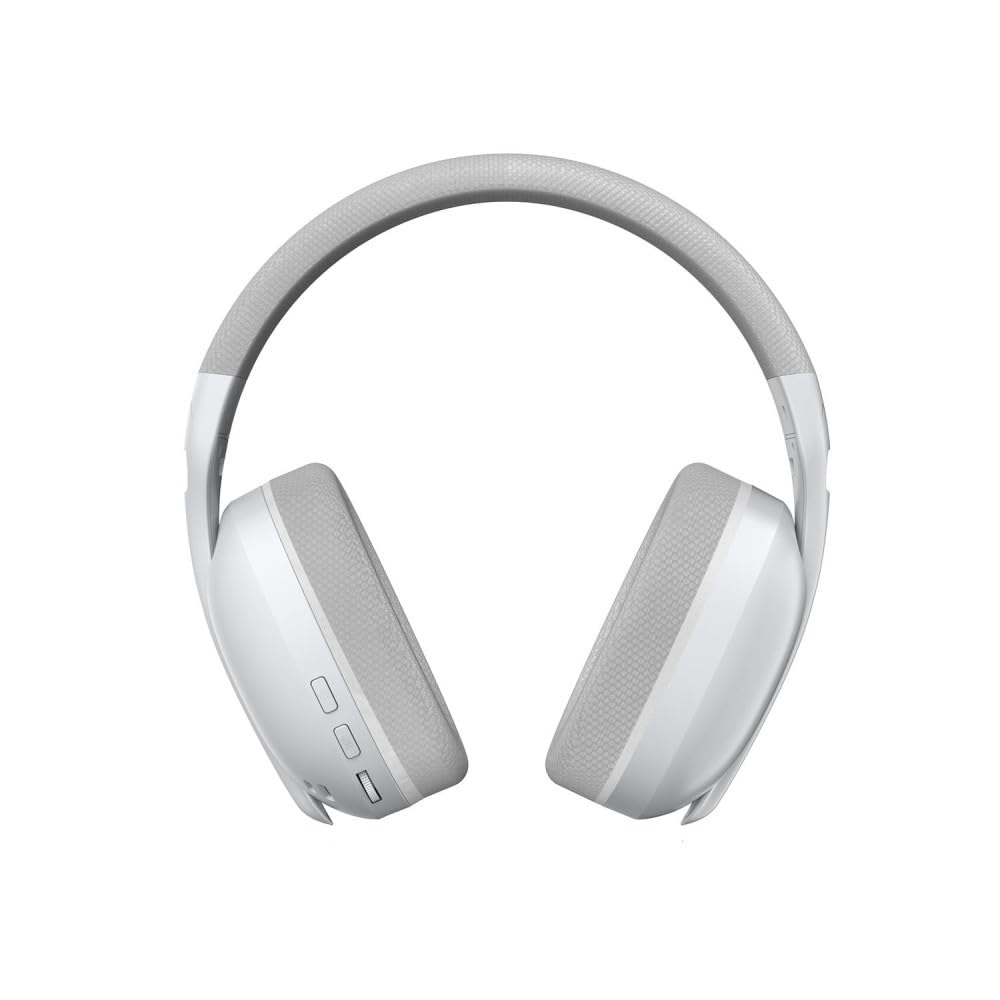
Imatge: Frontal view of the AULA S6 Wireless Gaming Headset, showing the earcups and headband.
4. Instruccions de funcionament
4.1 Encès/Apagat
Press and hold the Power button for approximately 3 seconds to turn the headset on or off. An audio prompt or LED indicator will confirm the status.
4.2 Mode Switching (Game/Music)
The headset features a dedicated switch to toggle between Game Mode and Music Mode. Select the appropriate mode for optimized audio experience based on your activity.
4.3 Control del micròfon
The embedded microphone can be activated or deactivated using the designated control button on the headset. Refer to the physical controls for the specific button.
4.4 Gestió de trucades
When connected via Bluetooth to a phone, you can accept or reject incoming calls using the buttons on the headphone. Consult the headset's controls for specific button functions (e.g., single press to accept, long press to reject).
4.5 Ajust de volum
Adjust the audio volume precisely using the volume wheel located on the headset.
4.6 Connexió multidispositiu
The headset supports simultaneous wireless connection to two different devices, allowing for easy switching between them. Refer to the headset's controls for the specific method to switch between connected devices.
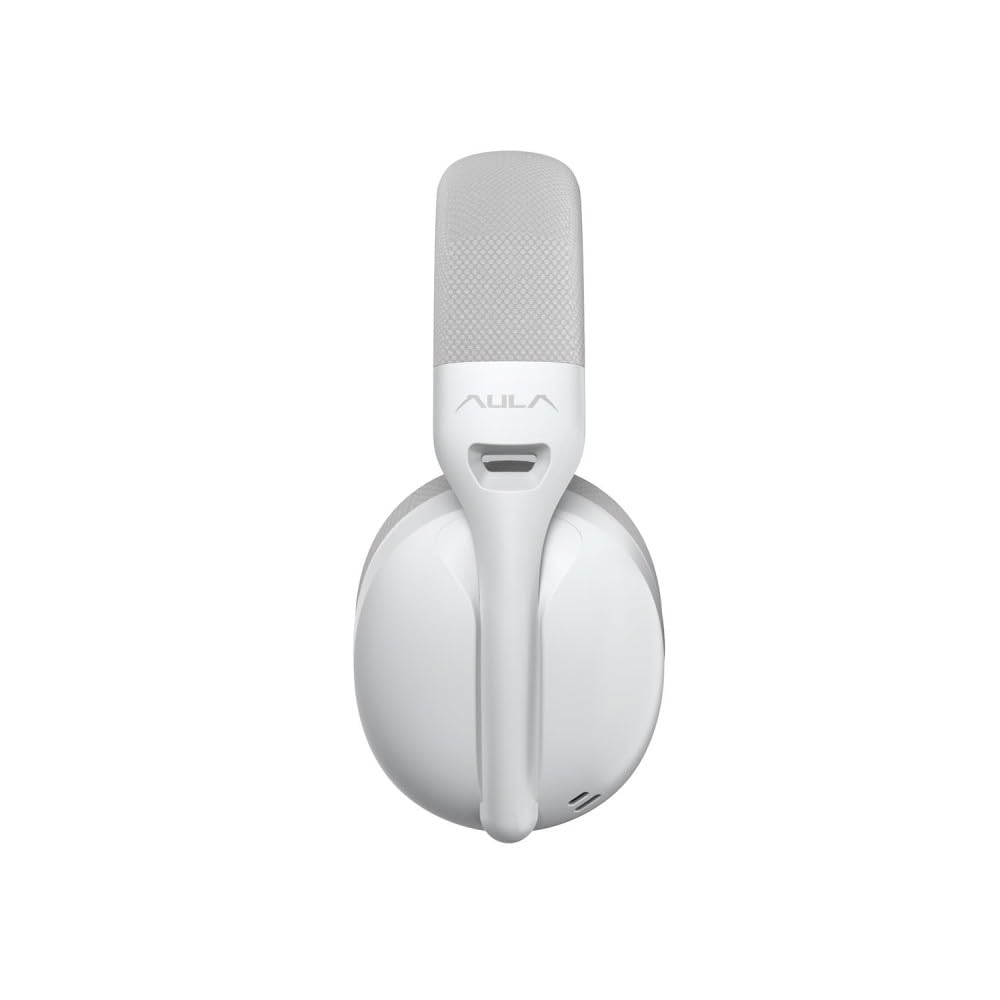
Imatge: Lateral view of the AULA S6 Wireless Gaming Headset in a folded position, highlighting its portability.
5. Manteniment
To ensure the longevity and optimal performance of your AULA S6 headset, follow these maintenance guidelines:
- Neteja: Use a soft, dry cloth to clean the headset. Avoid using harsh chemicals, solvents, or abrasive materials. For ear pads, gently wipe with a damp un drap i deixar assecar completament a l'aire.
- Emmagatzematge: Store the headset in a cool, dry place away from direct sunlight and extreme temperatures. When not in use, consider storing it in a protective case to prevent dust accumulation and physical damage.
- Cura de la bateria: Avoid fully discharging the battery frequently. For long-term storage, charge the headset to about 50% to prolong battery life.
- Cura del cable: Handle cables gently. Avoid sharp bends or excessive pulling that could damage the connectors or wiring.
6. Solució De Problemes
If you encounter issues with your AULA S6 headset, refer to the following common troubleshooting steps:
- Sense so:
- Assegureu-vos que els auriculars estiguin encesos i carregats.
- Comproveu el nivell de volum tant als auriculars com al dispositiu connectat.
- Verify that the correct audio output device is selected on your computer or console.
- If using wireless, ensure the dongle is properly inserted or Bluetooth is paired correctly. Try re-pairing.
- If using wired, ensure the 3.5mm cable is fully inserted into both the headset and the device.
- El micròfon no funciona:
- Ensure the microphone is not muted on the headset or your connected device.
- Check microphone input settings on your computer or console.
- Ensure the headset is selected as the default communication device.
- Problemes de connexió (sense fil):
- Ensure the headset is within the operating range (up to 10 meters for Bluetooth).
- Reduïu les interferències allunyant-vos d'altres dispositius sense fil.
- Try restarting both the headset and the connected device.
- For 2.4GHz, try a different USB port for the dongle.
- La bateria no es carrega:
- Ensure the Type-C charging cable is securely connected to both the headset and the power source.
- Prova un cable o adaptador de corrent tipus C diferent.
- Assegureu-vos que la font d'alimentació sigui funcional.
7. Especificacions
| Característica | Especificació |
|---|---|
| Model | S6 |
| Marca | AULA |
| Color | Blanc |
| Col·locació de l'orella | A l'orella |
| Factor de forma | Sobre l'orella |
| Impedància | 120 ohms |
| Connectivitat | Bluetooth 5.3, 2.4GHz Wireless, Wired (Type-C to 3.5mm Aux) |
| Interval Bluetooth | 10 metres |
| Micròfon | Embedded Microphone |
| Mida del controlador | 40 mm |
| Sensibilitat dels auriculars | 121 ± 1dB |
| Sensibilitat del micròfon | -38 ± 2 dB |
| Interval de resposta | 20 Hz - 20 kHz |
| Pes | 180 Grams (0.31 Kilograms with packaging) |
| Material | Breathable Fabric and ABS Plastic |
| Dispositius compatibles | Cellphones, Desktops, Gaming Consoles, Laptops, Tablets, Telephones, Television |
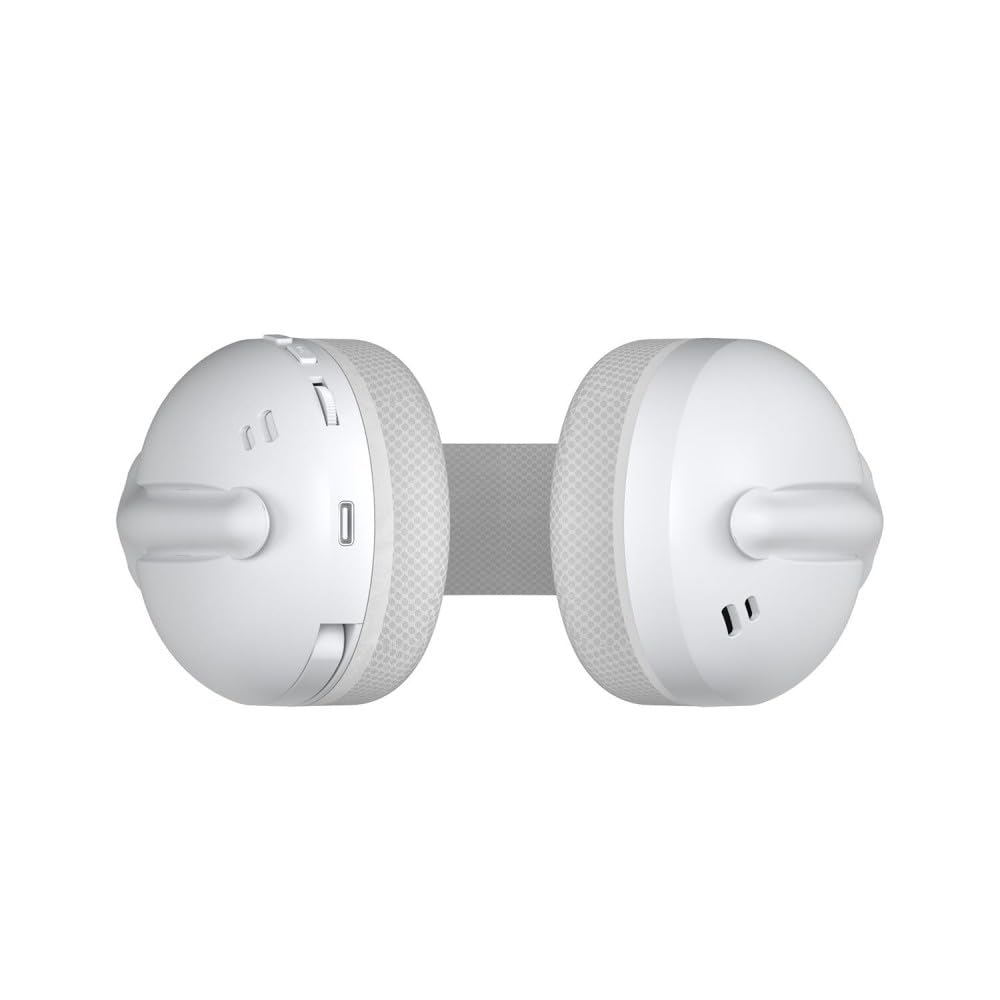
Imatge: De dalt a baix view of the AULA S6 Wireless Gaming Headset in a folded configuration.
8. Informació de la garantia
AULA products are manufactured to high-quality standards. For specific warranty terms and conditions, please refer to the warranty card included in your product packaging or visit the official AULA weblloc web. Conserveu el comprovant de compra per a reclamacions de garantia.
9. Atenció al client
If you require further assistance or have questions not covered in this manual, please contact AULA customer support. Contact details can typically be found on the official AULA weblloc web o a l'embalatge del producte.

Image: Main product image of the AULA S6 Wireless Gaming Headset, showing its overall design.