
1. Instruccions de seguretat importants
Si us plau, llegiu atentament totes les instruccions abans de la instal·lació i l'ús. Conserveu aquest manual per a futures consultes.
Seguretat general
- Assegureu-vos que el subministrament elèctric estigui desconnectat abans de la instal·lació, el manteniment o la neteja.
- Aquest aparell no està pensat per ser utilitzat per persones (inclosos nens) amb capacitats físiques, sensorials o mentals reduïdes, o amb manca d'experiència i coneixements, tret que hagin rebut la supervisió o instruccions sobre l'ús de l'aparell per una persona responsable de la seva seguretat.
- Els nens han de ser supervisats per assegurar-se que no juguin amb l'aparell.
Seguretat elèctrica
- All electrical connections must be made by a qualified electrician and conform to local codes and regulations.
- Assegureu-vos que el voltage and frequency of your power supply match the specifications of the fan.
- The fan must be properly grounded to prevent electric shock.
Seguretat de la instal·lació
- Mount the fan to a ceiling structure capable of supporting a minimum of 15 kg (33 lbs).
- Ensure there is adequate clearance between the fan blades and any obstacles (walls, furniture) and the floor. A minimum distance of 2.3 meters (7.5 feet) from the floor to the blades is recommended.
- Do not install the fan in a location where it can be easily reached by children or pets.
2. Producte acabatview
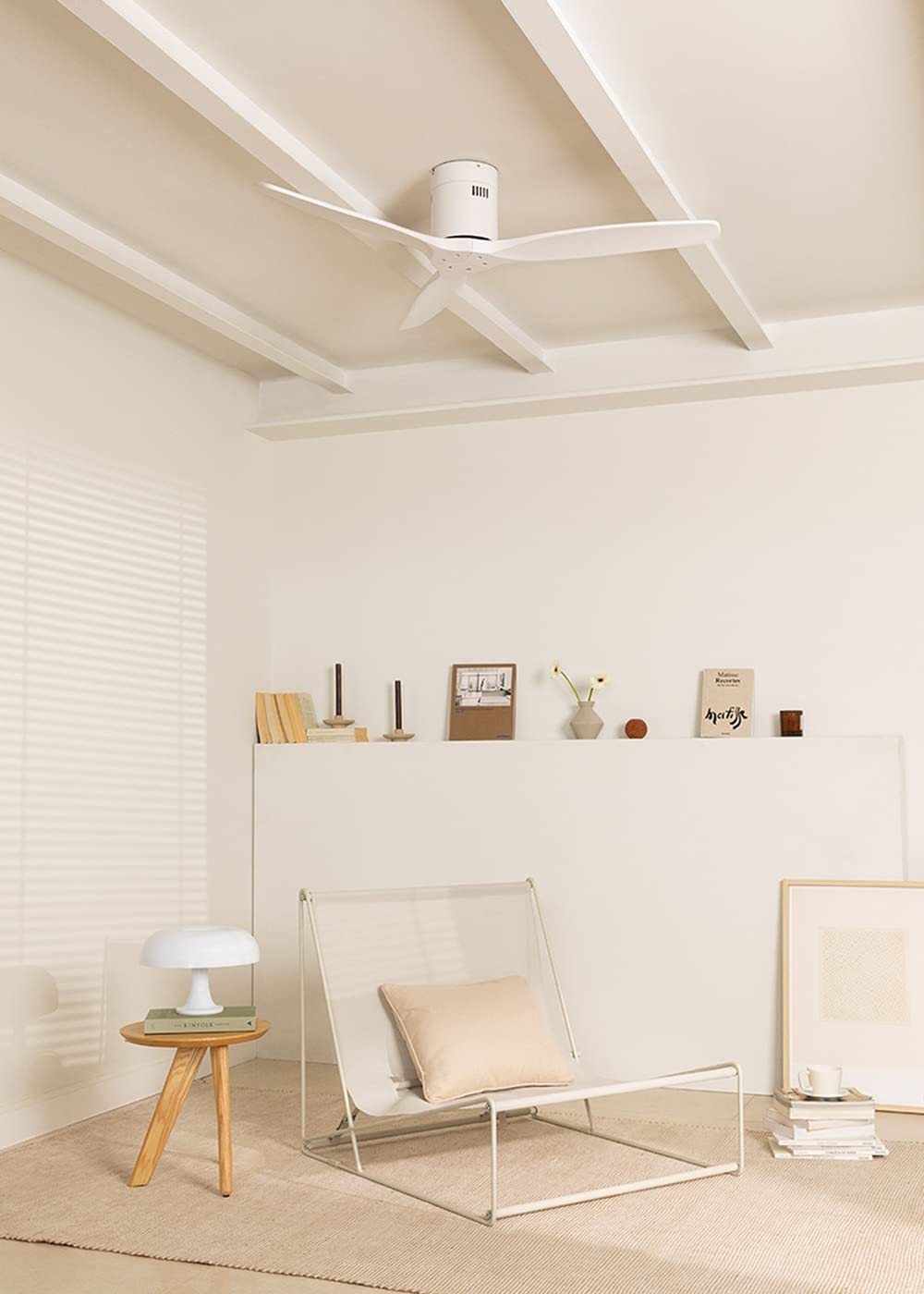
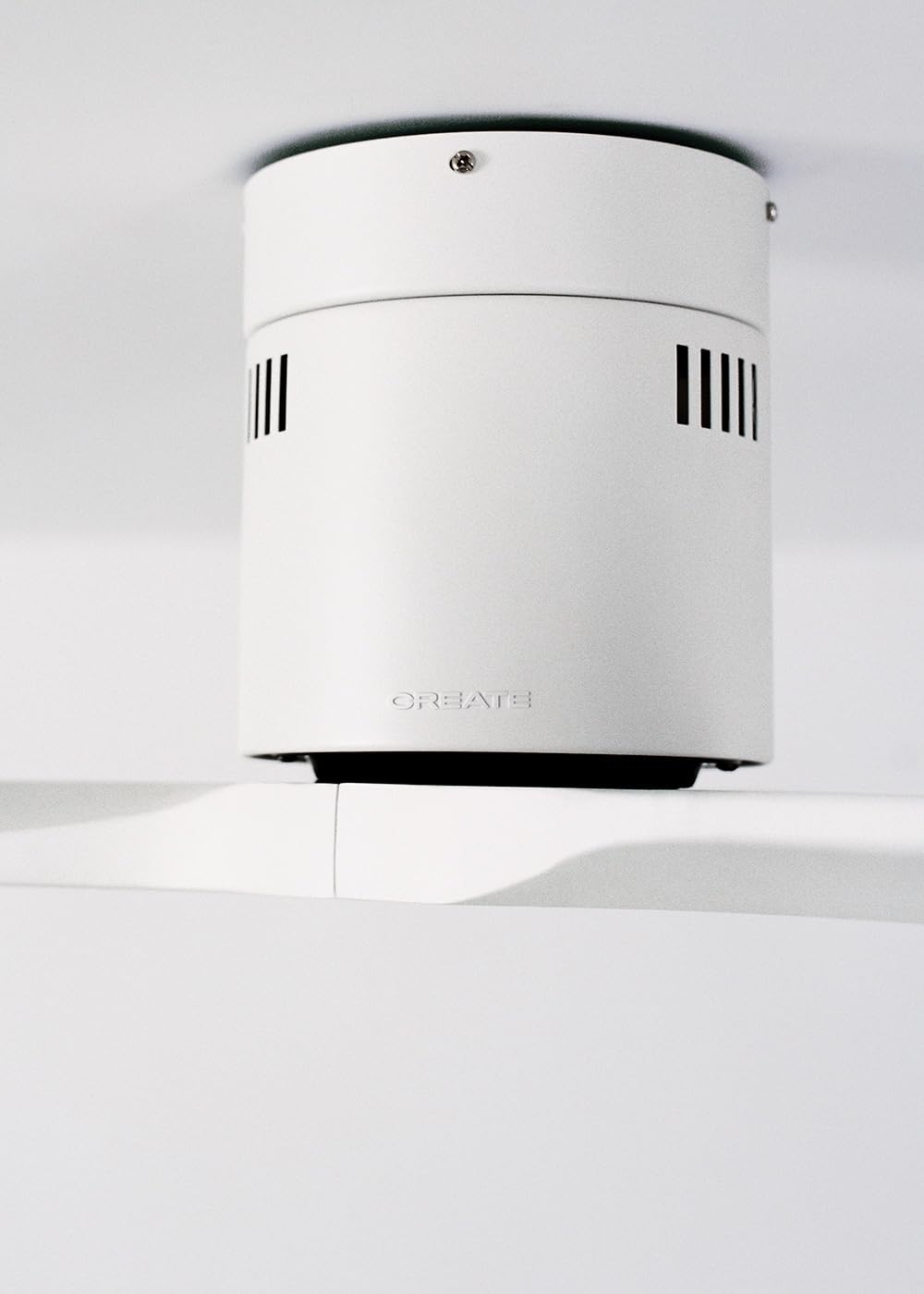
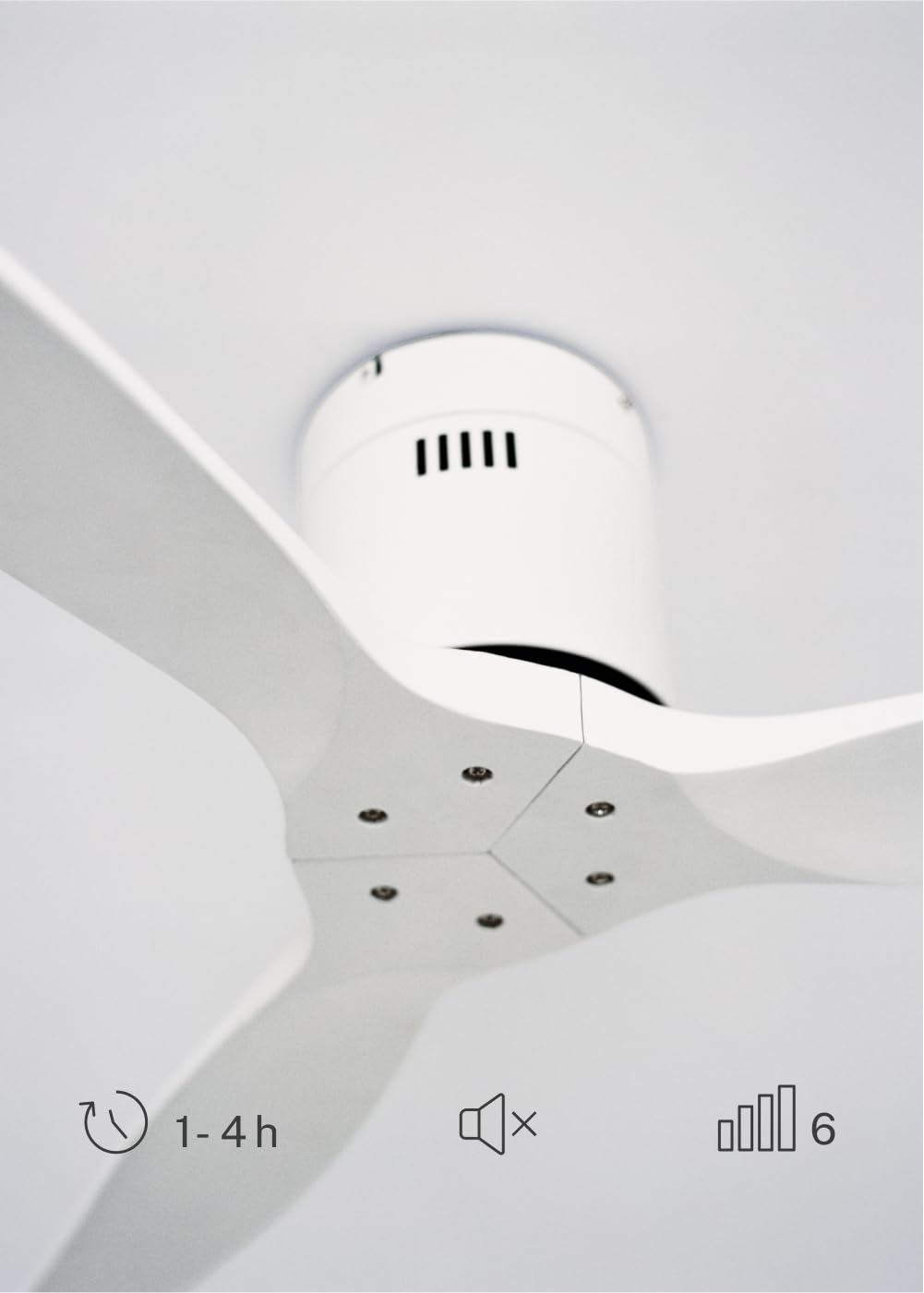
The CREATE WINDCALM DC Ceiling Fan is designed for efficient and quiet air circulation in various indoor spaces. It features a durable aluminum body, a silent DC motor, and three lightweight blades, ensuring minimal noise operation. The fan offers 6 adjustable speeds and a programmable timer for convenience.

3. Especificacions tècniques
| Característica | Especificació |
|---|---|
| Marca | CREAR |
| Número de model | 43479_88375 |
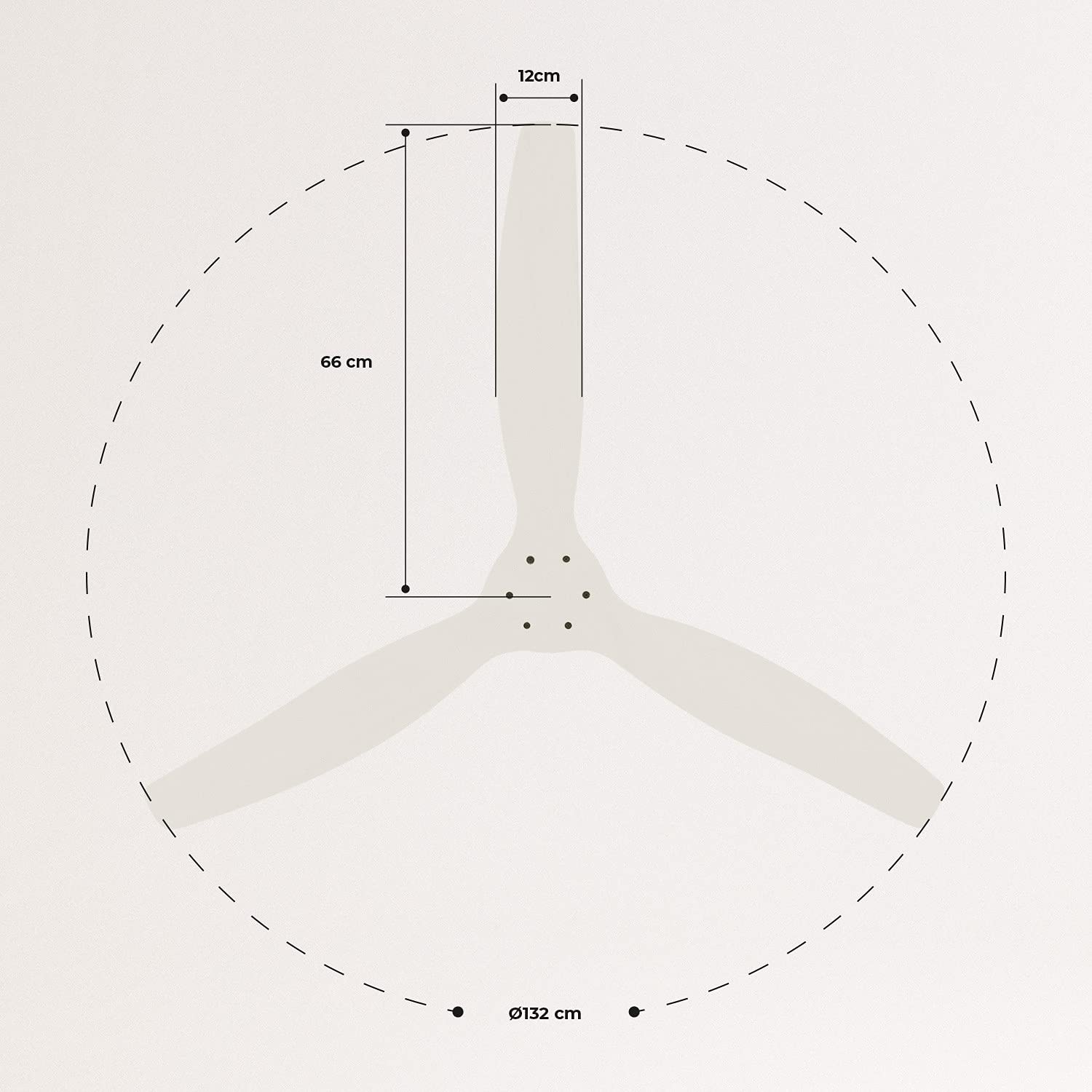
| Dimensions (L x A x A) | 132 x 132 x 29 cm |
| Pes | 6.38 kg |
| Disseny de ventiladors | Ventilador del sostre |
| Font d'alimentació | Cable elèctric |
| Característica especial | High Speed, Silent DC Motor, Timer, Summer/Winter Function |
| Ús recomanat | Ventilació |
| Tipus d'habitació | Living Room (suitable for 13m² to 25m² rooms) |
| Color | White Blades |

4. Guia d'instal·lació
Proper installation is crucial for the safe and efficient operation of your ceiling fan. It is highly recommended that installation be performed by a qualified electrician.
Comprovacions prèvies a la instal·lació
- Desembaleu tots els components i verifiqueu-los amb la llista d'embalatge.
- Ensure the ceiling joist or support structure is strong enough to hold the fan's weight.
- Desconnecteu l'alimentació a l'interruptor principal abans de començar qualsevol treball elèctric.
Muntatge del ventilador
- Secure the mounting bracket to the ceiling outlet box using appropriate screws and washers.
- Carefully lift the fan motor assembly and attach it to the mounting bracket.
Connexions de cablejat
Connect the electrical wires according to the wiring diagram provided in the separate detailed installation manual (not included in this general overview). Ensure all connections are secure and insulated.
Fixació de les fulles
Attach the fan blades to the motor hub using the provided screws. Ensure all screws are tightened securely.

5. Instruccions de funcionament
Your CREATE WINDCALM DC Ceiling Fan comes with a remote control for convenient operation of all its functions.
Funcions de control remot
El comandament a distància us permet:
- Encès/apagat: Enceneu o apagueu el ventilador.
- Ajust de velocitat: Select from 6 different fan speeds to control airflow intensity.
- Configuració del temporitzador: Program the fan to automatically turn off after 1, 2, or 4 hours.
- Mode estiu/hivern: Change the direction of blade rotation to optimize air circulation for different seasons.
Modalitat d'estiu
In summer mode, the fan blades rotate counter-clockwise, pushing air downwards. This creates a cooling breeze effect, helping to dissipate heat and refresh the room.

Mode d'hivern
In winter mode, the fan blades rotate clockwise, drawing air upwards. This helps to circulate warm air that accumulates near the ceiling, distributing it evenly throughout the room and improving heating efficiency.
6. Manteniment i cura
Un manteniment regular garanteix la longevitat i el rendiment òptim del teu ventilador de sostre.
Neteja
- Desconnecteu sempre l'alimentació del ventilador a l'interruptor automàtic abans de netejar-lo.
- Utilitzeu un suau, damp cloth to wipe down the fan blades and motor housing. Do not use abrasive cleaners or solvents, as they may damage the finish.
- Ensure the fan is completely dry before restoring power.
Comprovacions periòdiques
- Periodically check all screws and fasteners on the mounting bracket and blade attachments to ensure they are secure. Tighten if necessary.
- Listen for any unusual noises during operation, which may indicate a loose part or an issue with the motor.
7. Solució De Problemes
If you encounter any issues with your fan, refer to the following common problems and their solutions:
| Problema | Causa possible | Solució |
|---|---|---|
| El ventilador no s'encén | Sense font d'alimentació Connexió de cablejat solta Bateria baixa del comandament a distància | Comproveu l'interruptor de circuit i l'interruptor de paret Verify all wiring connections are secure (consult electrician) Substituïu les piles del comandament a distància |
| El ventilador fa un soroll excessiu | Loose screws on blades or mounting Fulla doblegada Problema motor | Premeu tots els cargols Check blades for damage and replace if necessary Contacta amb l'assistència al client |
| El comandament a distància no funciona | Bateria esgotada Obstrucció entre el comandament i el receptor Remote not paired (if applicable) | Substituïu les piles Assegureu-vos una línia de visió clara Refer to detailed manual for pairing instructions |
| El ventilador trontolla | Suport de muntatge solt Pales desequilibrades | Ensure mounting bracket is securely fastened Check blade balance and use balancing kit if needed |
8. Garantia i Suport
For warranty information, technical support, or replacement parts, please contact CREATE customer service. Keep your purchase receipt as proof of purchase.
You can find more information and contact details on the official CREATE weblloc: www.create-store.com