1. Introducció
The Fitbit Versa 2 is a health and fitness smartwatch designed to help you track your activities, monitor your health, and stay connected. It features a built-in Amazon Alexa, continuous heart rate tracking, sleep monitoring, and the ability to store music. This manual provides essential information for setting up, operating, maintaining, and troubleshooting your device.
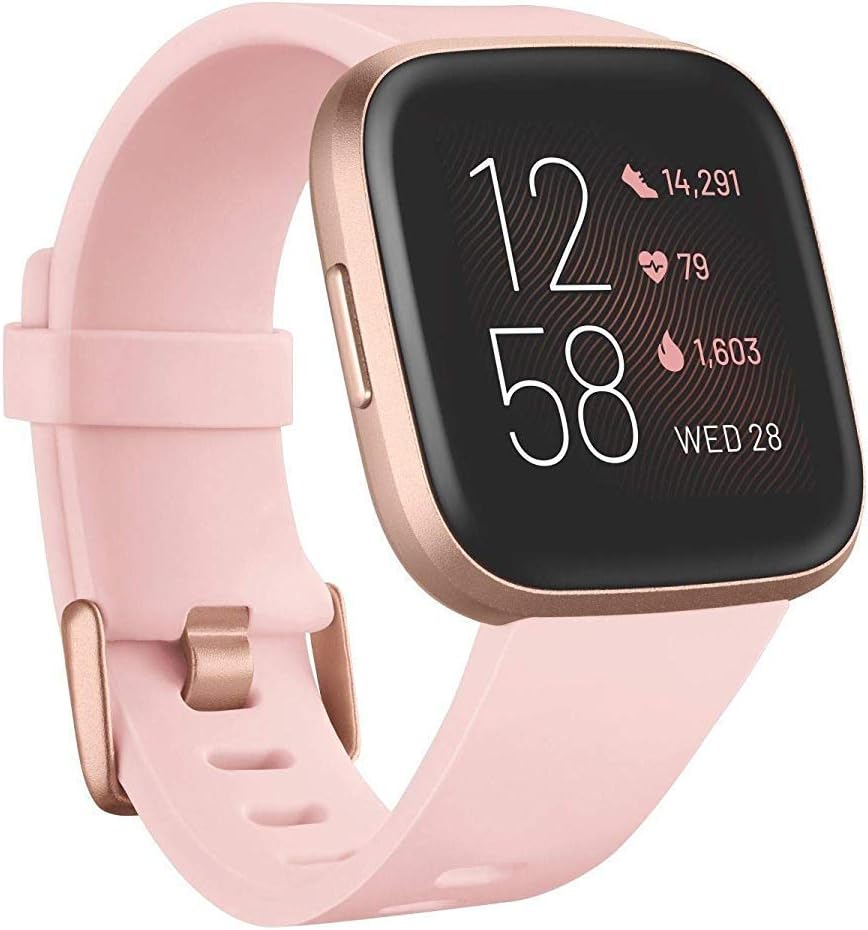
Image 1.1: The Fitbit Versa 2 smartwatch, showcasing its display and petal/copper rose band.
2. Configuració
2.1 Què hi ha a la caixa
Your Fitbit Versa 2 package includes:
- Rellotge intel·ligent Fitbit Versa 2
- Small (S) and Large (L) Bands
- Cable de càrrega
2.2 Càrrega inicial
Before first use, fully charge your Versa 2. Connect the charging cable to a USB port on your computer or a UL-certified USB wall charger. Align the pins on the charging cable with the corresponding ports on the back of your smartwatch. A full charge typically takes 1-2 hours.
2.3 Emparellament amb el dispositiu
- Download the Fitbit app on your smartphone or tablet.
- Open the Fitbit app and log in or create a new account.
- Follow the on-screen instructions to pair your Versa 2 with your device. Ensure Bluetooth is enabled on your smartphone.
- During setup, you will be prompted to connect to Wi-Fi for faster updates and music downloads.
2.4 Fixació de la banda
The Versa 2 comes with both small and large bands. To attach a band, slide the pin into the watch's lug until it clicks into place. Ensure both ends of the band are securely fastened before wearing.
3. Operating Your Fitbit Versa 2
3.1 Navegació bàsica
The Versa 2 features a touchscreen display and one physical button on the left side. Swipe left/right or up/down to navigate through apps and stats. Press the button to return to the clock face or access quick settings.
3.2 Seguiment de la freqüència cardíaca
Your Versa 2 continuously tracks your heart rate 24/7. View your real-time heart rate on the watch face or in the Heart Rate app. Detailed data, including resting heart rate and heart rate zones, is available in the Fitbit app.
3.3 Seguiment del son
Wear your Versa 2 to bed to automatically track your sleep. The device monitors your time asleep, restlessness, and time in light, deep, and REM sleep stages. Your sleep score provides insights into your sleep quality. Access detailed sleep data in the Fitbit app.

Image 3.1: A user viewing their sleep score and detailed sleep stage data on the Fitbit app, with the Versa 2 visible.
3.4 Seguiment d'activitat
The Versa 2 tracks daily steps, distance, calories burned, hourly activity, active minutes, and floors climbed. Set personal goals within the Fitbit app to stay motivated. The watch can automatically recognize and record various exercises.
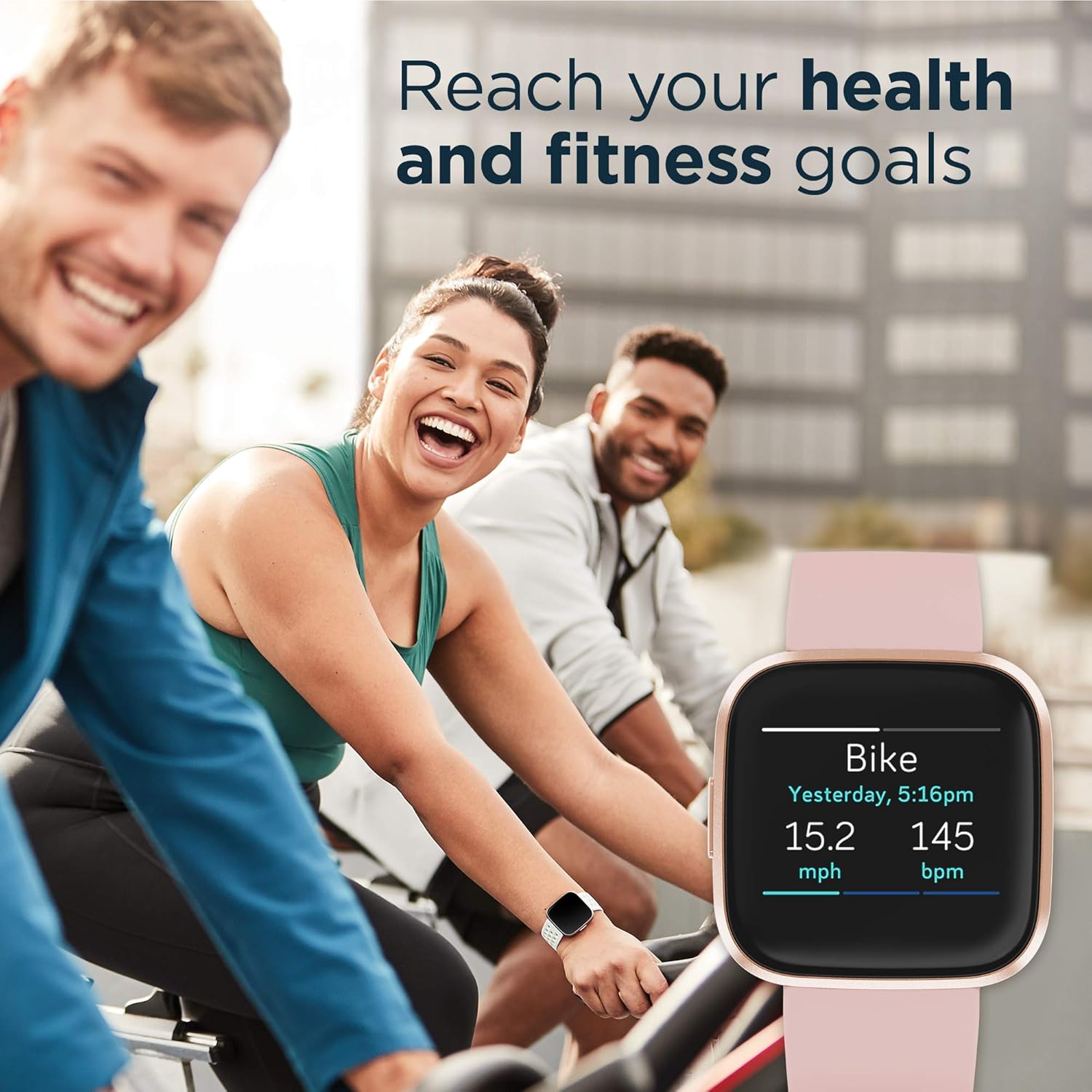
Image 3.2: Individuals engaged in cycling, with a close-up of the Versa 2 display showing bike activity tracking data like speed and heart rate.
3.5 Amazon Alexa Built-in
Use your voice to interact with Amazon Alexa directly from your Versa 2. Hold the button on the left side to activate Alexa. You can ask questions, set alarms, check the weather, control smart home devices, and more. An internet connection via your paired phone is required.
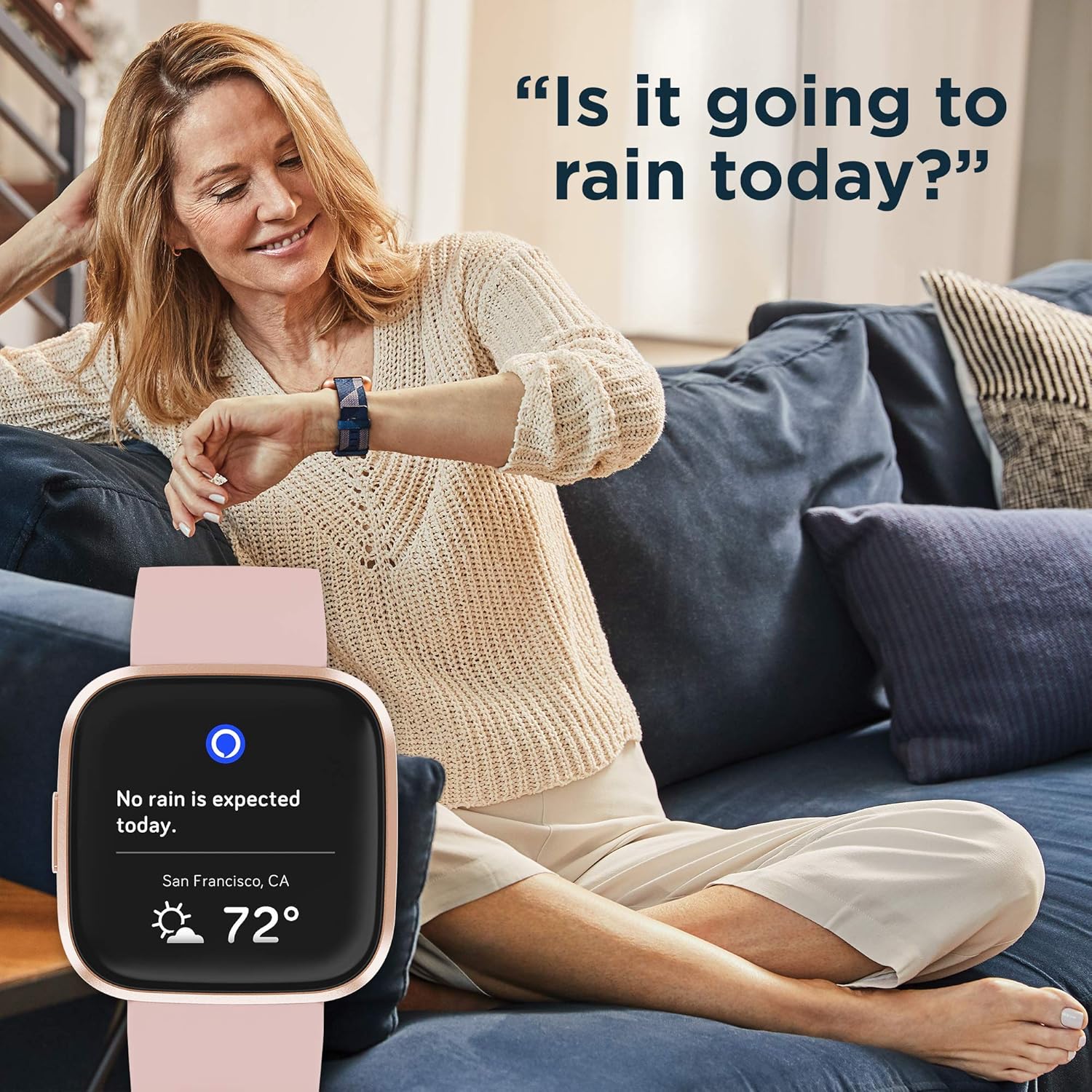
Image 3.3: A woman comfortably seated, interacting with her Fitbit Versa 2 to inquire about the weather using Amazon Alexa.
3.6 Control de música
Control your Spotify app, download Pandora stations (US only), and add Deezer playlists directly from your wrist. The Versa 2 can store over 300 songs. A subscription to these services may be required.

Image 3.4: The Fitbit Versa 2 with text indicating 'Spotify app control' and 'Swimproof & swim tracking' capabilities.
3.7 Notificacions
Receive call, text, calendar, and smartphone app notifications directly on your Versa 2 when your phone is nearby. Android users can send quick replies and voice replies directly from the watch.
3.8 Always-On Display
The Versa 2 offers an always-on display option, allowing you to see your time and stats at a glance without raising your wrist. Note that using the always-on display will require more frequent charging.
3.9 Swim Tracking
The Versa 2 is swimproof, allowing you to track your swimming workouts. It can automatically recognize and record swim sessions. Ensure the water lock feature is enabled before swimming to prevent accidental screen touches.
4. Manteniment
4.1 Neteja del vostre dispositiu
Regularly clean your Versa 2 and its band to prevent skin irritation and maintain device functionality. Use a soft, lint-free cloth. For the band, a mild soap-free cleanser can be used, followed by thorough rinsing and drying. Avoid harsh chemicals or abrasive materials.
4.2 Cura de la bateria
The Versa 2 offers a battery life of 6+ days, which can vary with use and other factors like the always-on display. To maximize battery life, avoid extreme temperatures and charge the device regularly before it fully depletes.
4.3 Resistència a l'aigua
The Fitbit Versa 2 is water-resistant up to 50 meters. It is suitable for swimming and showering. However, it is not recommended for scuba diving or high-speed water sports. After getting the device wet, dry it thoroughly before charging or prolonged use.
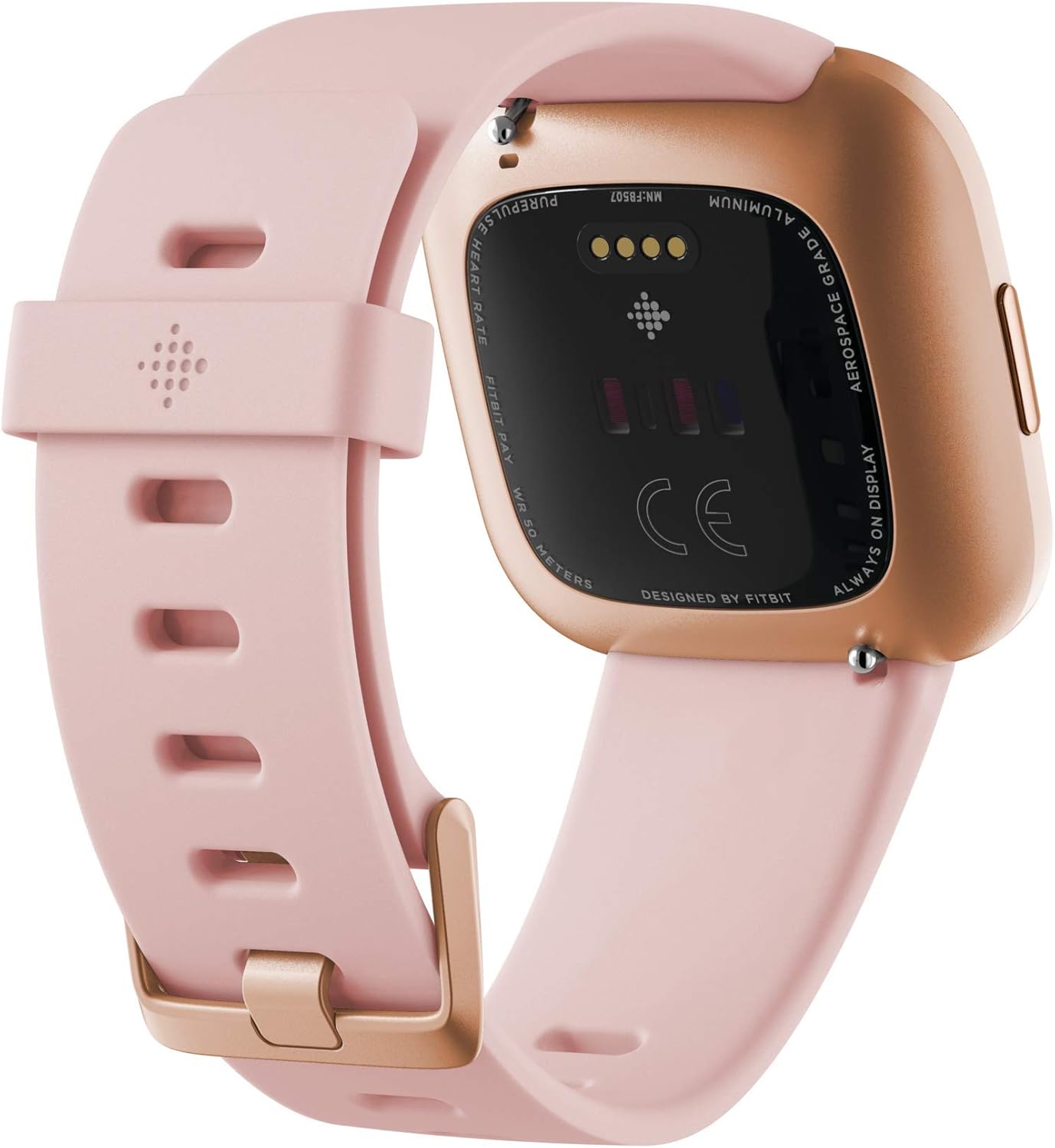
Image 4.1: The underside of the Fitbit Versa 2, displaying the PurePulse heart rate sensors and charging contact points.
5. Solució De Problemes
5.1 El dispositiu no respon
If your Versa 2 is unresponsive, try restarting it. Connect the device to its charging cable, then press and hold the button for about 10 seconds until you see the Fitbit logo on the screen.
5.2 Syncing Issues
If your Versa 2 is not syncing with the Fitbit app:
- Assegureu-vos que el Bluetooth estigui habilitat al vostre telèfon intel·ligent.
- Check that your phone's operating system is up to date.
- Restart your Versa 2 and your smartphone.
- Open the Fitbit app and attempt to sync manually.
5.3 Inaccurate Heart Rate Readings
For accurate heart rate tracking, ensure your Versa 2 is worn snugly but comfortably on your wrist, about a finger's width above your wrist bone. During exercise, you may need to wear it slightly higher and tighter.
5.4 Durada curta de la bateria
If you experience shorter than expected battery life:
- Disable the always-on display feature.
- Reduce the frequency of notifications.
- Limit the use of GPS (if connected via phone) and continuous heart rate monitoring during non-exercise periods.
- Assegureu-vos que el dispositiu estigui completament carregat.
6. Especificacions
| Característica | Detall |
|---|
| Dimensions del producte | 1.56 x 1.59 x 0.47 polzades |
| Pes de l'article | 2.56 unces |
| Número de model de l'article | Versa 2 |
| Bateries | Necessita 1 bateria LR44 |
| Mida de la pantalla de peu | 1 polzades |
| Capacitat d'emmagatzematge de memòria | 4 GB |
| Sistema operatiu | Android (compatible) |
| Característiques especials | Alarm Clock, Calendaring, Calorie Tracker, Heart Rate Monitor, Notifications, Pedometer, Sleep Monitor, Text Messaging, Time Display |
| Capacitat de la bateria | 165 milionsamp Hores |
| Tecnologia de connectivitat | Bluetooth |
| Comunicació sense fils estàndard | Bluetooth |
| Composició de les cèl·lules de la bateria | Polímer de liti |
| GPS | No (Connected GPS via phone) |
| Forma | Rectangular |
| Fabricant | AmazonUs/FITEZ |
| Primera data disponible | 3 de febrer de 2020 |
7. Garantia i Suport
7.1 Informació de la garantia
This product is sold as a renewed item. Warranty terms for renewed products may vary from new products. Please refer to the specific warranty information provided at the time of purchase or contact the seller for details regarding your renewed Fitbit Versa 2.
7.2 Atenció al client
For further assistance, technical support, or to access the full range of Fitbit resources, please visit the official Fitbit support website. You can find FAQs, troubleshooting guides, and contact options there.


