
OCOOPA D602
OCOOPA Small USB Desk Fan Instruction Manual
Model: D602 | Brand: OCOOPA
Introducció
Thank you for choosing the OCOOPA Small USB Desk Fan. This compact and powerful fan is designed to provide strong airflow with quiet operation, making it ideal for home, office, bedroom, or desktop use. This manual provides essential information for the safe and efficient use of your new fan.
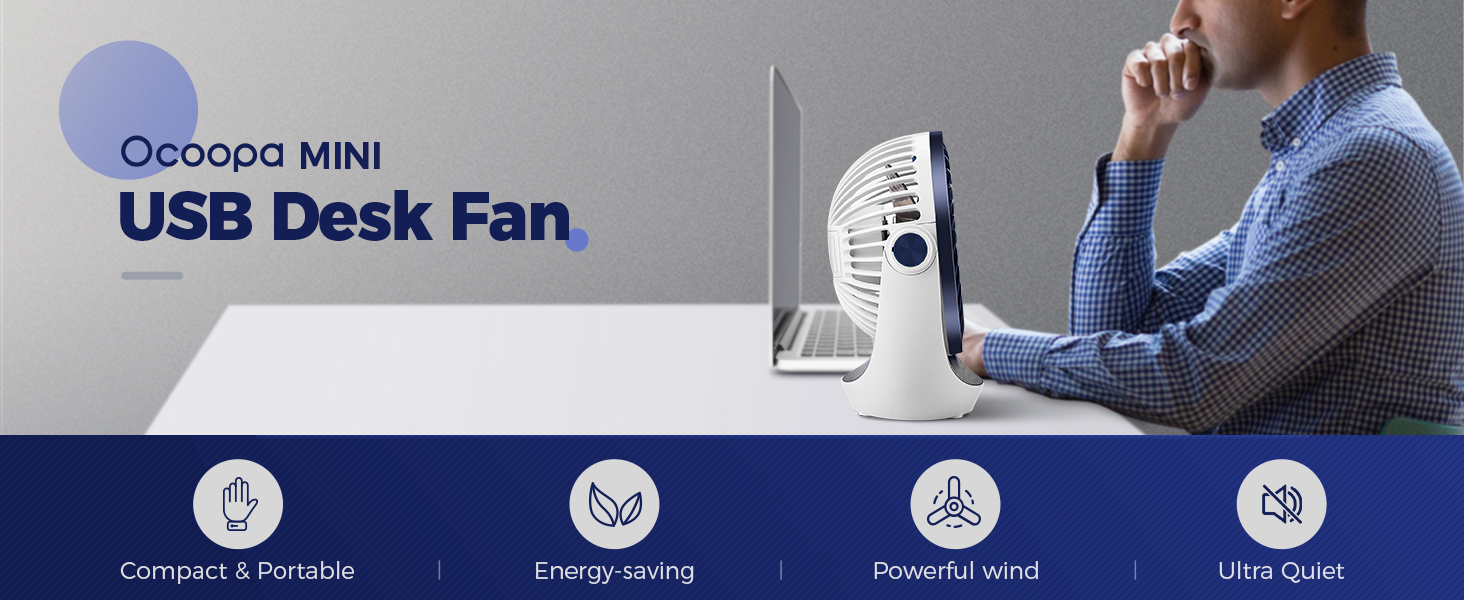
The OCOOPA Mini USB Desk Fan is compact, energy-saving, provides powerful wind, and operates quietly.
Instruccions de seguretat
Please read all safety instructions carefully before using the fan and keep this manual for future reference.
- No introduïu els dits ni cap objecte a la reixeta del ventilador quan estigui en funcionament.
- Mantingueu el ventilador allunyat de l'aigua o altres líquids per evitar descàrregues elèctriques.
- Do not use the fan in excessively humid or dusty environments.
- Assegureu-vos que el cable d'alimentació no estigui danyat ni pinçat.
- Unplug the fan from the USB power source before cleaning or when not in use for extended periods.
- Aquest aparell no està pensat per ser utilitzat per persones (inclosos nens) amb capacitats físiques, sensorials o mentals reduïdes, o amb manca d'experiència i coneixements, tret que hagin rebut la supervisió o instruccions sobre l'ús de l'aparell per una persona responsable de la seva seguretat.
Producte acabatview
Components
- Fan Unit (with integrated motor and blades)
- Protective Grille (front and back)
- Stable Base with Anti-Vibration Rubbers
- USB Power Cable (attached)
- Botó d'engegada / Control de velocitat

The OCOOPA Small USB Desk Fan, featuring its compact design and Diamond Blue color.
Característiques clau
- Vent fort: Inbuilt copper brushless motor for powerful airflow.
- Alimentat per USB: Compatible with various USB power sources.
- 3 Speed Adjustable: Easily switch between low, medium, and high speeds.
- Funcionament silenciós: Low noise level, especially at lower speeds.
- Capçal giratori de 360°: Adjust the fan direction as needed.
- Base robusta: Four rubber pads reduce vibration and increase stability.
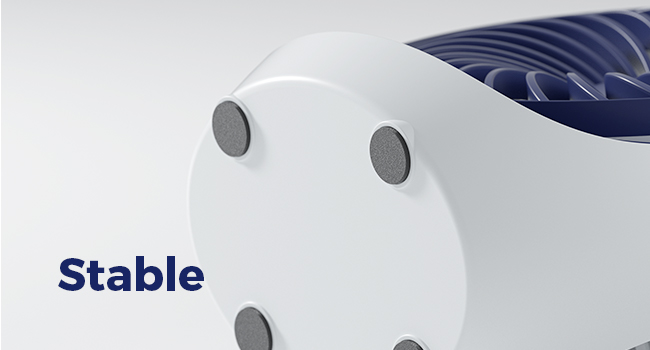
The fan's stable base with anti-slip rubber feet ensures it stays firmly in place.
Configuració
Unboxing
- Traieu amb cura el ventilador del seu embalatge.
- Comproveu si hi ha algun dany visible. Si està malmès, no l'utilitzeu i poseu-vos en contacte amb el servei d'atenció al client.
- Ensure all components listed in the Product Overview estan presents.
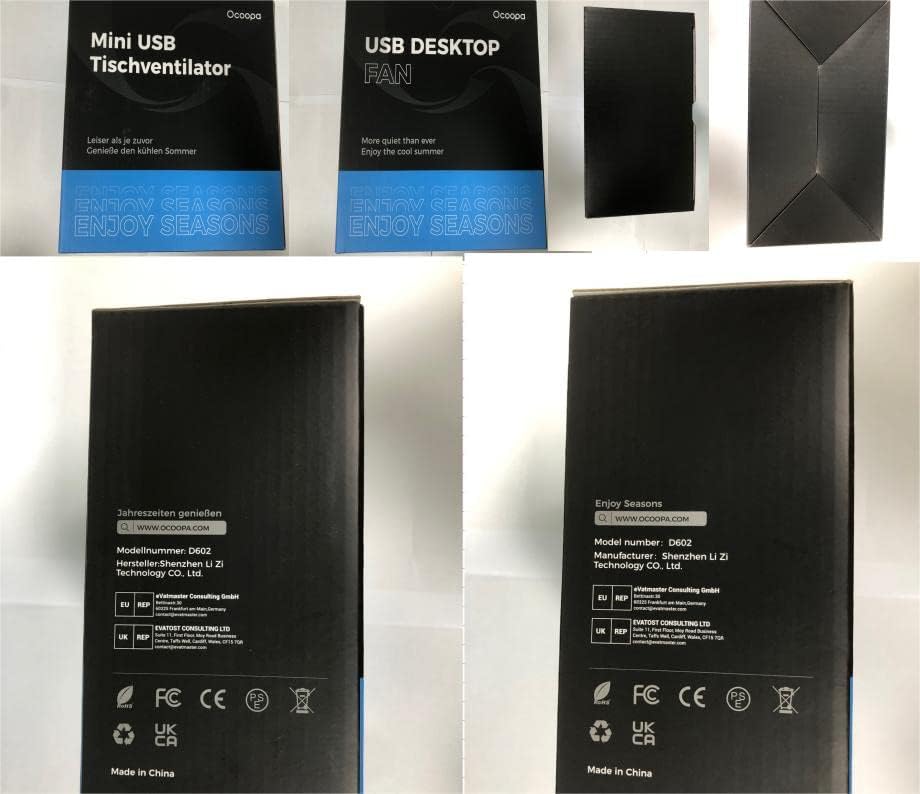
The OCOOPA USB Desktop Fan packaging.
Col·locació
Place the fan on a stable, flat surface. Ensure there is adequate space around the fan for optimal airflow and to prevent obstruction of the grilles.
Connexió d'alimentació
- Locate the integrated USB power cable.
- Plug the USB connector into any compatible USB power source, such as a computer/laptop USB port, power bank, wall charger (USB adapter not included), or car charger.
- The fan is designed for continuous operation when connected to a power source.

The OCOOPA fan can be powered by various USB sources for convenience.
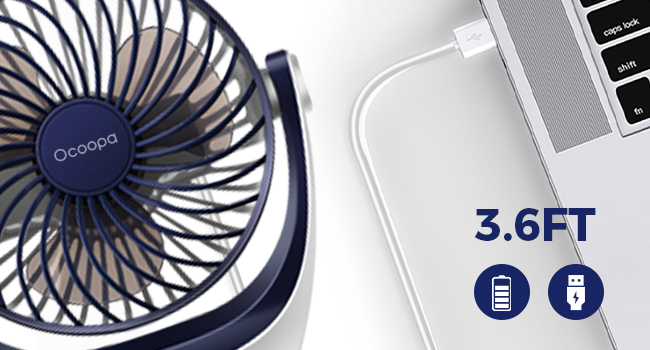
The fan comes with a 3.6ft USB cable for flexible placement.
Instruccions de funcionament
Powering On/Off and Speed Adjustment
The fan features a single power button that also controls the speed settings.
- To Turn On (Speed 1 - Natural Wind): Press the power button once. The fan will start at the lowest speed, providing a gentle breeze (approximately 1200 RPM).
- To Adjust to Speed 2 (Gentle Breeze): Press the power button a second time. The fan speed will increase (approximately 1400 RPM).
- To Adjust to Speed 3 (Strong Winds): Press the power button a third time. The fan will operate at its highest speed, providing powerful airflow (approximately 1600 RPM).
- Apagar: Press the power button a fourth time. The fan will stop operating.

Easily cycle through the three speed settings with a single button.
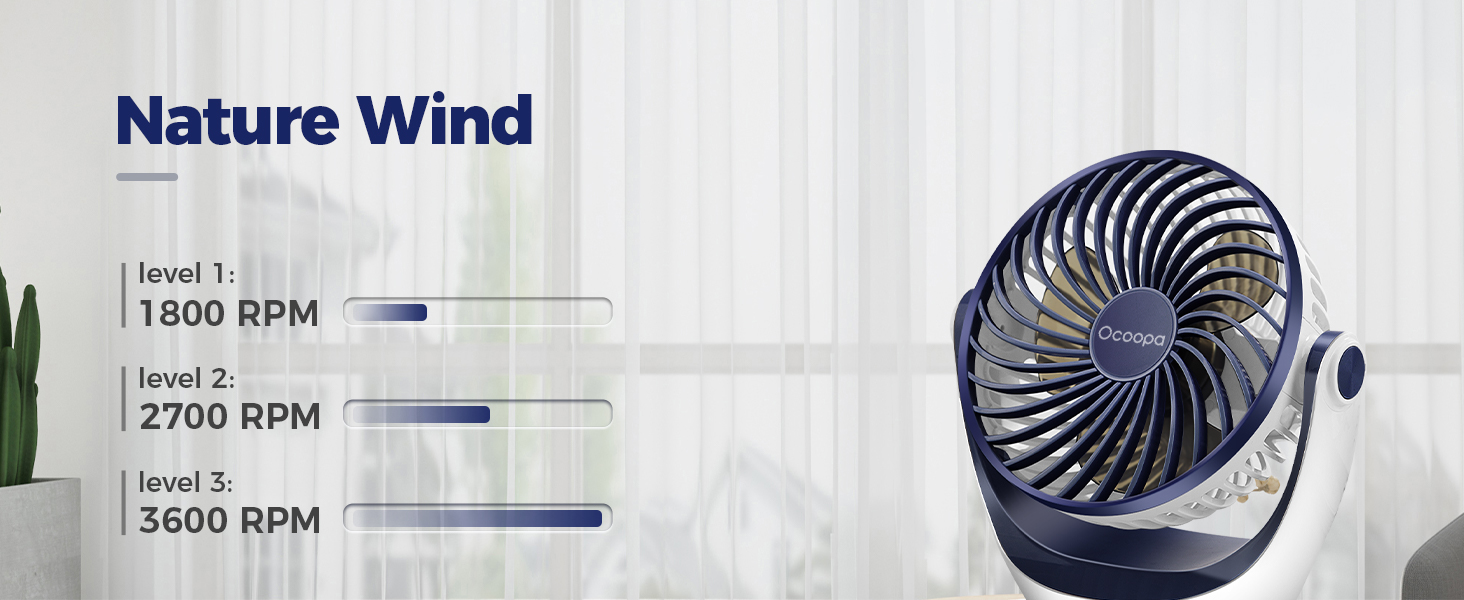
The fan provides varying levels of airflow, from a gentle breeze to strong wind.
Adjusting Fan Direction
The OCOOPA Desk Fan features a 360° rotatable head, allowing you to direct the airflow precisely where you need it.
- Gently hold the fan unit and tilt it up or down, or rotate it left or right, to achieve the desired angle.
- The fan will hold its position once adjusted.

The 360° adjustable head allows you to direct the airflow precisely.
Funcionament silenciós
The fan is designed for quiet operation, with noise levels below 45dB at high speed, making it suitable for various environments including sleeping or studying.
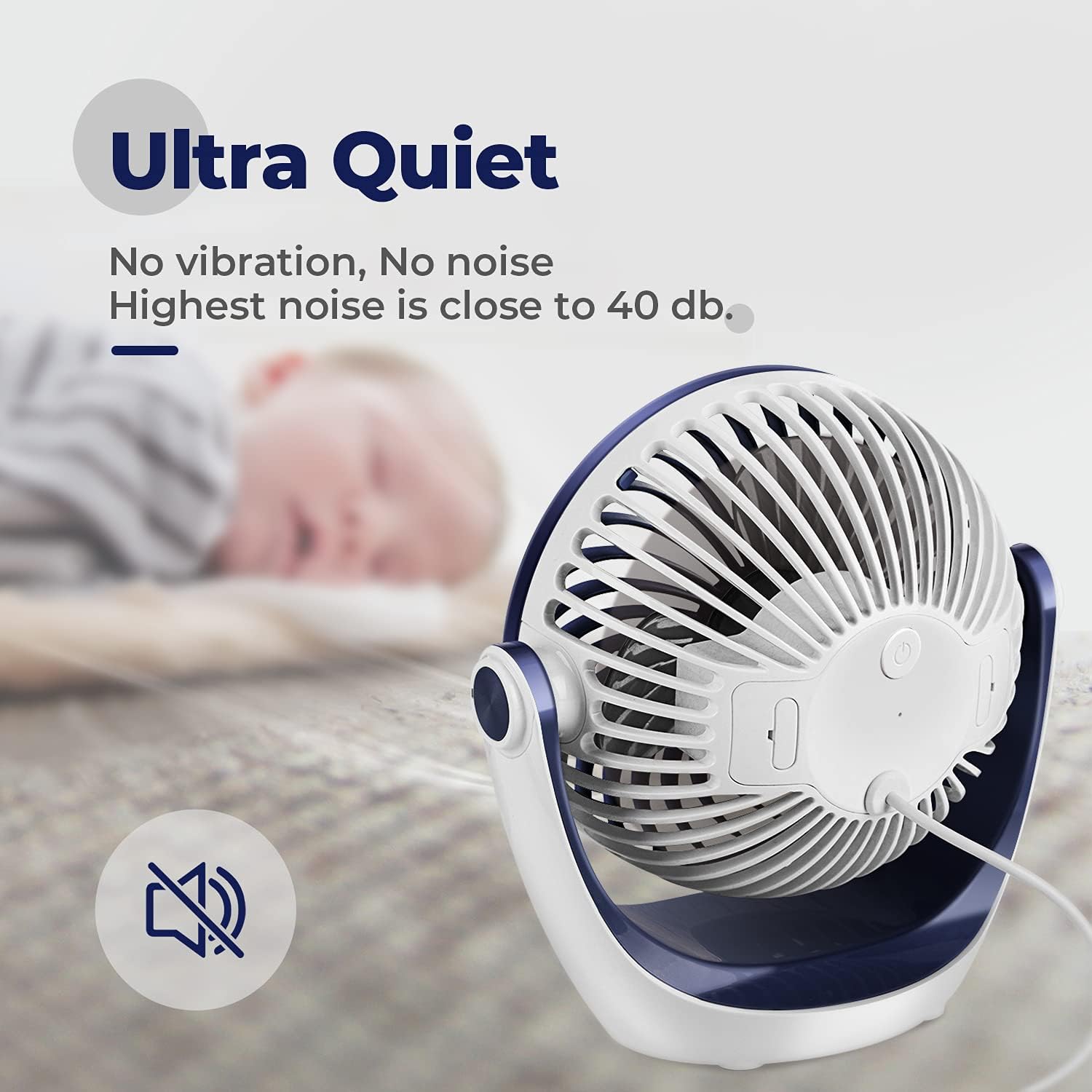
Enjoy a peaceful environment with the fan's ultra-quiet operation.
Manteniment
Neteja
- Desconnecta sempre el ventilador de la font d’energia abans de netejar-la.
- Utilitzeu un drap suau i sec per netejar les superfícies exteriors del ventilador.
- To clean the fan blades, the front grille can be carefully removed. Gently twist or unclip the front grille (refer to product diagrams if available for specific removal instructions).
- Wipe the blades with a dry or slightly damp tela. No utilitzeu netejadors abrasius ni dissolvents.
- Ensure all parts are completely dry before reassembling the grille and plugging the fan back in.
Emmagatzematge
When not in use for extended periods, store the fan in a cool, dry place, away from direct sunlight and excessive dust. It is recommended to store it in its original packaging to protect it from damage.
Resolució de problemes
If you encounter any issues with your OCOOPA Small USB Desk Fan, please refer to the following common problems and solutions:
| Problema | Causa possible | Solució |
|---|---|---|
| El ventilador no s'encén. | No power supply; faulty USB cable/port. | Ensure USB cable is securely plugged into a working USB port. Try a different USB port or power source. |
| Flux d'aire feble. | Fan is on low speed; grilles are obstructed; dust accumulation on blades. | Increase fan speed by pressing the power button. Clear any obstructions from the grilles. Clean the fan blades as per maintenance instructions. |
| El ventilador fa un soroll estrany. | Dust accumulation; fan not on a stable surface; internal issue. | Clean the fan blades. Ensure the fan is on a flat, stable surface. If noise persists, contact customer support. |
| Fan shuts off on highest speed. | Potential overheating protection; insufficient power from USB source. | Ensure the fan is not obstructed and has proper ventilation. Try connecting to a different, more robust USB power source (e.g., a dedicated wall adapter instead of a laptop port). If the issue persists, use lower speed settings or contact customer support. |
Especificacions
| Característica | Detall |
|---|---|
| Marca | OCOOPA |
| Número de model | D602 |
| Color | Blau Diamant |
| Dimensions del producte | 8.99 x 16 x 16.99 cm (3.54 x 6.3 x 6.69 polzades) |
| Pes de l'article | 320 g (0.71 lliures) |
| Potència/Wattage | 3.75 watts |
| Voltage | 2.3E+2 Volts (Note: This seems to be a typo in source data, typically 5V for USB) |
| Material | Copper (for motor) |
| Nombre de velocitats | 3 |
| Nivell de soroll | 45 dB |
| Característiques especials | Portable, 360° Rotatable Head |
| Font d'alimentació | Elèctric amb cable (USB) |

The fan's compact size makes it highly portable.
Garantia i suport
OCOOPA products are manufactured to high-quality standards. For information regarding warranty coverage, please refer to the product packaging or the official OCOOPA website. If you experience any issues or have questions not covered in this manual, please contact OCOOPA customer support through their official channels.
For the most up-to-date support information, please visit the OCOOPA store on Amazon or their official weblloc.
Fabricant: OCOOPA
Lloc de treball: Dongguan Ling Yi Technology Co., Ltd.
Ask a question about this manual
Ask about setup, troubleshooting, compatibility, parts, safety, or missing instructions. Manuals+ will review the question and use this page’s manual context to help answer it.