
Introducció
The Jabra Evolve2 65 is a wireless Bluetooth headset designed for professional use, offering superior audio quality for calls and music. It features advanced passive noise cancellation, long battery life, and compatibility with leading Unified Communications platforms. This manual provides detailed instructions for setting up, operating, maintaining, and troubleshooting your headset.
Què hi ha a la caixa
Verifiqueu que tots els elements siguin presents al vostre paquet:
- Jabra Evolve2 65 Headset (Black, Dual-Ear)
- Jabra Link 380a Bluetooth Adapter (USB-A)
- 1.2m USB-C to USB-A Charging Cable
- Maleta de transport
- Fullets de garantia i seguretat
- Documents d'usuari
- Charging Stand (SKU specific, if included with your model)

Image: The contents of the Jabra Evolve2 65 package, showing the headset, USB-A adapter, USB-C to USB-A charging cable, and a protective carry case.
Configuració
1. Càrrega dels auriculars
Before first use, fully charge your Jabra Evolve2 65 headset. A full charge takes approximately 1.5 hours and provides up to 37 hours of battery life. A 15-minute charge can provide up to 8 hours of use.
- Connect the supplied USB-C to USB-A cable to the charging port on the headset and to a USB power source.
- L'indicador LED dels auriculars mostrarà l'estat de càrrega.
2. Connecting to your Device
The Jabra Evolve2 65 can connect wirelessly via Bluetooth 5.0 using the included Jabra Link 380a USB-A adapter or directly to a Bluetooth-enabled device.
Using the Jabra Link 380a USB-A Adapter:
- Connecteu l'adaptador USB-A Jabra Link 380a a un port USB-A disponible de l'ordinador.
- The headset and adapter are pre-paired and should connect automatically. The LED on the adapter will turn solid blue when connected.
Direct Bluetooth Pairing:
- Enceneu els auriculars.
- Put the headset into pairing mode (refer to the headset's controls for specific instructions, usually by holding a button until the LED flashes blue).
- On your device (smartphone, tablet), go to Bluetooth settings and select the Jabra Evolve2 65 from the list of available devices.
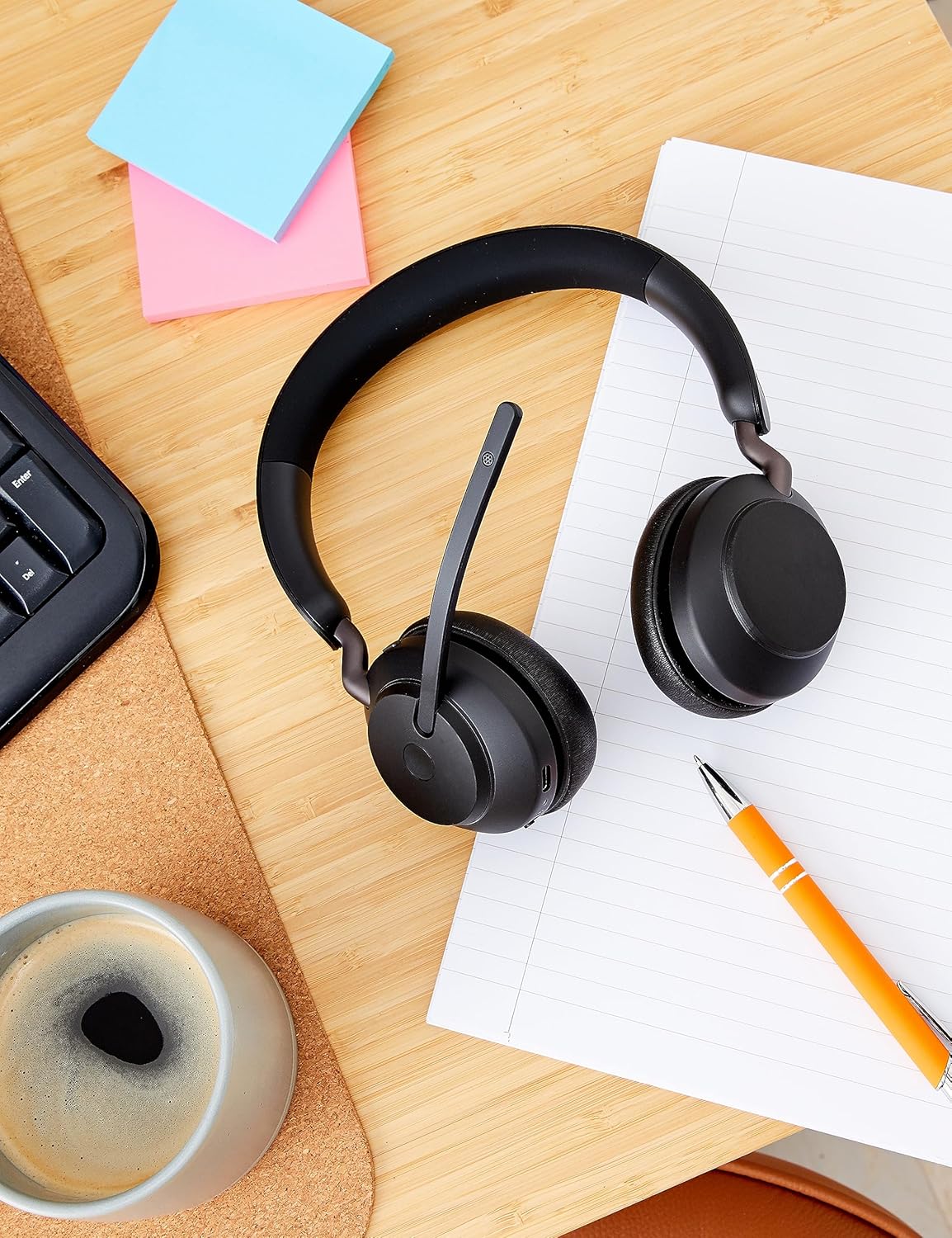
Image: The Jabra Evolve2 65 headset positioned on a wooden desk alongside a USB-A dongle, indicating readiness for connection to a computer or other device.
Instruccions de funcionament
Controls bàsics
The headset features intuitive touch controls for media and call management.
- Control de volum: Use the dedicated buttons on the ear cup to adjust volume up or down.
- Reproduir/pausa: Tap the multi-function button for media playback control.
- Respondre/Finalitzar la trucada: Press the call button to manage phone calls.
- Silenciar el micròfon: Lift the microphone boom arm to mute your microphone during a call. Lower it to unmute.
Cancel·lació passiva de soroll
The Evolve2 65 features enhanced memory foam padding and an angled ear cup design to provide superior passive noise cancellation, reducing ambient noise by up to 48%.

Image: A woman wearing the Jabra Evolve2 65 headset, illustrating the effectiveness of its passive noise cancellation feature in a busy environment.
Tecnologia de micròfons
Equipped with 3-microphone call technology, the headset reduces background conversation noise by 23%, ensuring clear communication during calls.

Image: A man wearing the Jabra Evolve2 65 headset, illustrating the use of its 40mm speakers for rich audio and the 3-microphone call technology for clear communication.
Funció Busylight
The integrated busylight is four times more visible than previous models, indicating your availability to others. It automatically activates during calls or meetings, or can be manually activated with a button press.

Image: A man wearing the Jabra Evolve2 65 headset, demonstrating its compatibility with leading UC platforms and the visibility of its busylight feature.
Manteniment
Per garantir la longevitat i el rendiment òptim dels auriculars Jabra Evolve2 65, seguiu aquestes pautes de manteniment:
- Neteja: Netegeu regularment els coixins de les orelles i la diadema amb un drap suau i sec. Per a una neteja més profunda, utilitzeu un drap lleugerament sec.amp drap amb sabó suau, assegurant-vos que no entri humitat a les obertures de l'altaveu o del micròfon.
- Emmagatzematge: When not in use, store the headset in its provided carry case to protect it from dust, scratches, and impacts. Avoid storing in extreme temperatures.
- Cura del cable: Handle the charging cable gently. Avoid sharp bends or excessive pulling that could damage the cable or connectors.
- Bateria: For optimal battery health, avoid fully discharging the battery frequently. Charge the headset regularly, even if not used daily.

Image: The Jabra Evolve2 65 headset resting on a table, showcasing its soft memory foam cushions designed for all-day comfort and durability.
Resolució de problemes
If you encounter issues with your Jabra Evolve2 65 headset, try the following solutions:
- Sense àudio/Mala qualitat d'àudio:
- Assegureu-vos que els auriculars estiguin carregats i encesos.
- Verify the headset is connected to your device (check Bluetooth connection or USB adapter status).
- Ajusteu el volum tant als auriculars com al dispositiu connectat.
- Si feu servir l'adaptador USB, proveu de connectar-lo a un altre port USB.
- El micròfon no funciona:
- Assegureu-vos que el braç del micròfon estigui abaixat i no silenciat.
- Check microphone settings on your computer or communication software.
- Problemes de connexió:
- Turn the headset off and on again.
- Restart your computer or Bluetooth device.
- If issues persist, try re-pairing the headset with your device or USB adapter.
- Busylight Not Functioning:
- Ensure the headset is connected to a device running a compatible UC platform.
- Check for any software updates for your Jabra headset via the Jabra Direct application.
Especificacions
| Característica | Detall |
|---|---|
| Marca | Jabra |
| Nom del model | Evolució 2 65 |
| Número de model | 26599-989-999 |
| Tecnologia de connectivitat | Bluetooth 5.0, Sense fil |
| Interval Bluetooth | 30 metres |
| Col·locació de l'orella | A l'orella |
| Control de soroll | Cancel·lació passiva de soroll |
| Mida del controlador d'àudio | 40 mil·límetres |
| Durada mitjana de la bateria | 37 hores |
| Temps de càrrega de la bateria | 1.5 hores |
| Tipus de control | Control multimèdia, tàctil |
| Micròfon inclòs | Yes (3-microphone technology) |
| Dispositius compatibles | Universal (UC-Certified for Microsoft Teams, Cisco, Mitel, Avaya & more) |
| Pes de l'article | 1.6 unces |
| Material | Faux Leather, Foam, Metal, Silicone, Memory Foam |
Garantia i suport
The Jabra Evolve2 65 headset comes with a Garantia del fabricant de 2 anys. Aquesta garantia cobreix els defectes de materials i de mà d'obra en ús normal.
For detailed warranty terms, technical support, or to register your product, please visit the official Jabra support weblloc web o poseu-vos en contacte amb el servei d'atenció al client. Conserveu el comprovant de compra per a reclamacions de garantia.
Assistència en línia: www.jabra.com/support