
Introducció
This manual provides detailed instructions for the proper use and maintenance of your Awei A799BL Foldable Gaming Wireless Headphone. Please read this manual thoroughly before using the product to ensure optimal performance and longevity. The Awei A799BL is designed for an immersive audio experience, featuring both wireless Bluetooth and wired connectivity options, a built-in microphone, and noise-cancelling capabilities.
Contingut del paquet
En desempaquetar, comproveu que tots els elements que s'enumeren a continuació hi són presents i en bon estat:
- Awei A799BL Foldable Gaming Wireless Headphone
- Cable de càrrega USB
- Cable d'àudio de 3.5 mm (per a connexió amb cable)
- Manual d'usuari (aquest document)
Producte acabatview
Familiarize yourself with the various components and controls of your Awei A799BL headphones.

Imatge: Frontal view of the Awei A799BL Foldable Gaming Wireless Headphone, showcasing its black and silver design with red geometric patterns on the earcups.
Característiques principals:
- Foldable Design for portability.
- Wireless Bluetooth Connectivity (Bluetooth Version 5.0).
- Wired Connectivity via 3.5mm audio jack.
- Integrated Microphone for communication.
- Active Noise Cancellation (ANC) for an immersive audio experience.
- Over-Ear design for comfort during extended use.
Controls (Typical Layout - Refer to product for exact placement):
- Botó d'encesa: Activat/Desactivat, Reprodueix/Pausa, Respon/Finalitza trucada.
- Botó Pujar volum/Pista següent: Augmenta el volum, passa a la següent pista.
- Botó per baixar el volum/pista anterior: Baixa el volum, torna a la pista anterior.
- Botó ANC: Activate/Deactivate Active Noise Cancellation.
- Port del micròfon: For detachable microphone (if applicable).
- Conector d'àudio de 3.5 mm: Per a connexió amb cable.
- Port de càrrega: Port micro USB per a la càrrega.
- Indicador LED: Mostra l'estat de l'energia, la càrrega i l'emparellament.
Configuració
1. Charging the Headphone
Before initial use, fully charge the headphone. Connect the provided USB charging cable to the headphone's charging port and the other end to a USB power source (e.g., computer USB port, wall adapter). The LED indicator will typically show red during charging and turn off or change color when fully charged. A full charge takes approximately 2 hours.
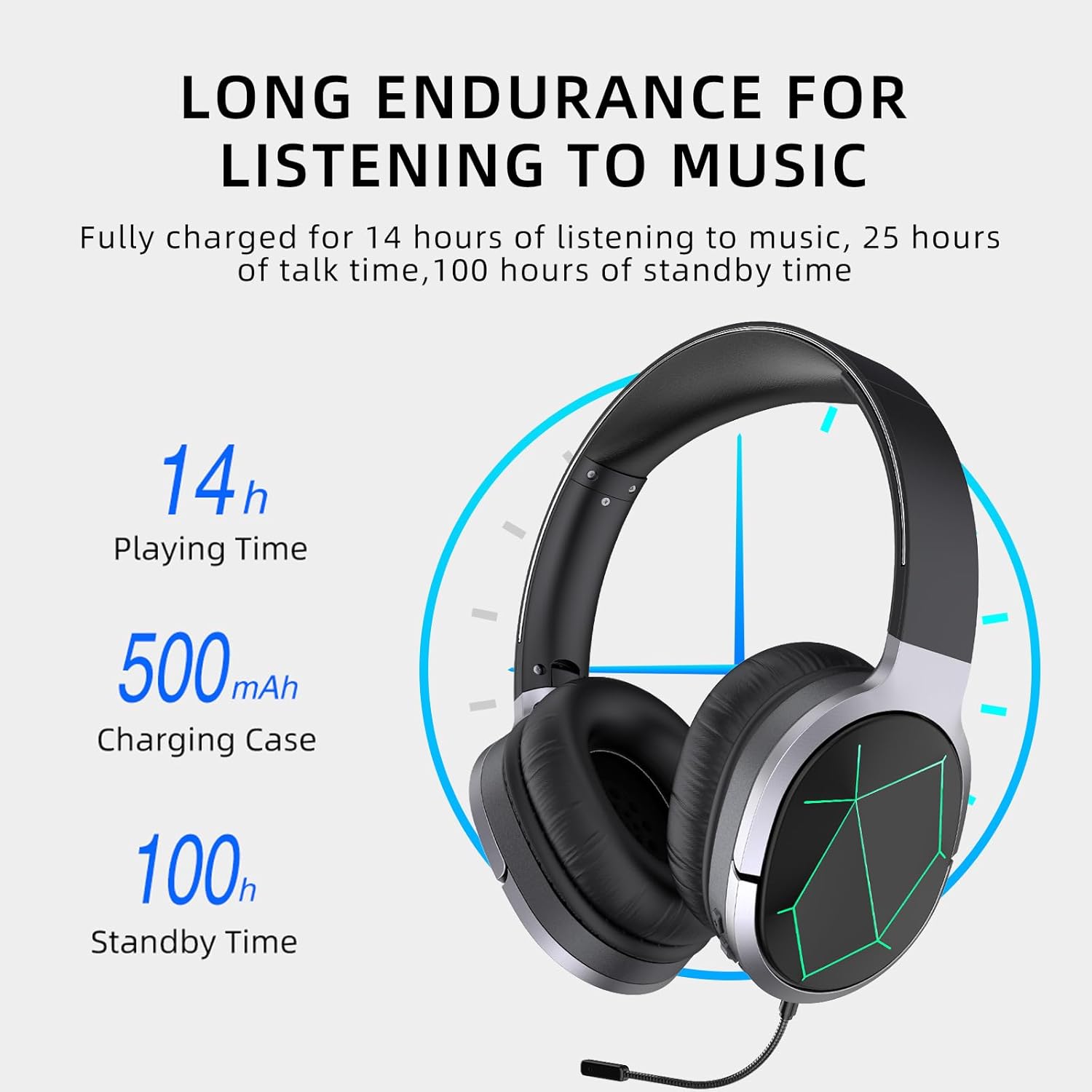
Image: Awei A799BL Headphone illustrating its long endurance with 14 hours play time, 500mAh battery capacity, and 100 hours standby time.
2. Emparellament Bluetooth
- Ensure the headphone is charged and turned off.
- Premeu i manteniu premut el botó d'engegada fins que l'indicador LED parpellegi en blau i vermell alternativament, cosa que indica el mode d'emparellament.
- Al dispositiu (telèfon intel·ligent, tauleta, ordinador), activeu el Bluetooth i cerqueu els dispositius disponibles.
- Seleccioneu "Awei A799BL" de la llista de dispositius trobats.
- Un cop emparellat, l'indicador LED normalment parpellejarà lentament en blau o es tornarà blau fix.
- Si cal una contrasenya, introduïu "0000".

Image: Awei A799BL Headset with "Bluetooth Gaming Headset" text, emphasizing its wireless gaming capability.
3. Connexió amb cable (cable d'àudio de 3.5 mm)
To use the headphone in wired mode, connect one end of the 3.5mm audio cable to the headphone's 3.5mm jack and the other end to your audio source's 3.5mm output. This mode does not require battery power for audio playback, but the microphone and ANC features may require power.

Image: Awei A799BL Headphone connected via a 3.5mm audio cable to various devices, highlighting the alternative wired connection option.
Instruccions de funcionament
Encès/apagat:
- Encès: Premeu i manteniu premut el botó d'engegada durant aproximadament 3 segons fins que l'indicador LED s'encengui.
- Apagar: Premeu i manteniu premut el botó d'engegada durant aproximadament 3-5 segons fins que l'indicador LED s'apagui.
Music Playback (Bluetooth Mode):
- Reproduir/pausa: Premeu breument el botó d'engegada.
- Pista següent: Premeu llargament el botó de pujar el volum.
- Pista anterior: Premeu llargament el botó per baixar el volum.
- Pujar el volum: Premeu breument el botó de pujar el volum.
- Baixar el volum: Premeu breument el botó per baixar el volum.
Call Management (Bluetooth Mode):
- Respondre/Finalitzar la trucada: Premeu breument el botó d'engegada.
- Rebutja la trucada: Premeu llargament el botó d'engegada durant 2 segons.
- Torna a marcar l'últim número: Premeu dues vegades el botó d'engegada.
Cancel·lació activa del soroll (ANC):
Press the ANC button to activate or deactivate the noise cancellation feature. The LED indicator for ANC will light up when active.
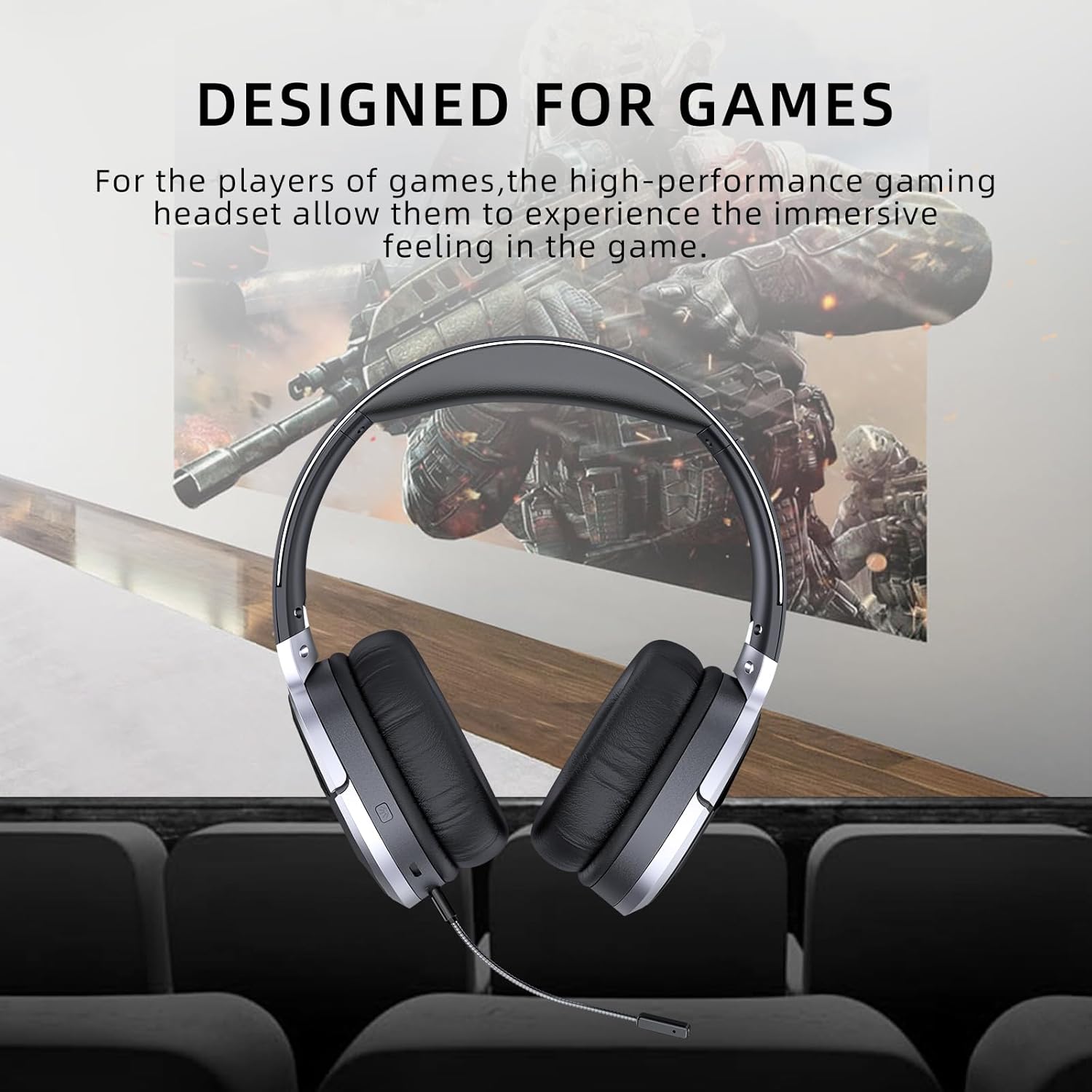
Image: Awei A799BL Headphone with "Designed for Games" text, indicating its suitability for gaming with immersive audio.
Manteniment
- Keep the headphone dry. Avoid exposure to moisture or liquids.
- Clean the headphone with a soft, dry cloth. Do not use abrasive cleaners or solvents.
- Guardeu els auriculars en un lloc fresc i sec, allunyat de la llum solar directa i de temperatures extremes.
- Avoid dropping or subjecting the headphone to strong impacts.
- Do not attempt to disassemble or modify the headphone, as this will void the warranty and may cause damage.
Resolució de problemes
| Problema | Possible solució |
|---|---|
| Headphone does not power on. | Ensure the headphone is fully charged. Connect to a power source and try again. |
| No es pot emparellar per Bluetooth. |
|
| No hi ha so en mode Bluetooth. |
|
| El micròfon no funciona. |
|
| La qualitat del so és deficient o distorsionada. |
|
Especificacions

Image: Awei A799BL Headphone displaying its basic parameters and specifications.
| Paràmetre | Valor |
|---|---|
| Número de model | A799BL |
| Versió Bluetooth | 5.0 |
| Temps d'espera | 100 hores |
| Temps de conversa | 25 hores |
| Hora de jugar | 14 hores |
| Temps de càrrega | 2 hores |
| Resposta de freqüència | 2.402G-2.480G |
| Capacitat de la bateria | 500mAh/3.7V (Lithium Polymer) |
| Distància de transmissió | 10 metres |
| Pro compatiblefiles | HSP / HFP / A2DP / AVRCP |
| Impedància | 32 ohms |
| Control de soroll | Cancel·lació activa de soroll (ANC) |
| Connectivitat | Wireless (Bluetooth) and Wired (3.5mm Jack) |
| Dimensions del producte | 4 x 10 x 16.5 cm |
| Pes del producte | 4.54 g |
Garantia i Suport
For warranty information and customer support, please refer to the warranty card included with your purchase or contact the retailer where the product was acquired. Keep your proof of purchase for warranty claims.
For further assistance, you may visit the official Awei website or contact their customer service department. Contact details are typically available on the product packaging or the brand's official online presence.