
Introducció
Thank you for choosing the INSMY Retro Bluetooth Speaker M10S. This manual provides essential information for setting up, operating, and maintaining your speaker to ensure optimal performance and longevity. Please read these instructions carefully before use.
Què hi ha a la caixa
- INSMY Retro Bluetooth Speaker M10S
- Cable de càrrega USB tipus C
- Cable AUX
- Manual d'usuari
Característiques del producte
The INSMY M10S speaker combines classic aesthetics with modern audio technology, offering a rich sound experience and versatile connectivity.
- Superior Sound with Powerful Bass: 20W output with two drivers and one passive radiator delivers impressive Hi-Fi stereo quality and deep bass.
- Durada de la bateria ampliada: Built-in 4400mAh rechargeable battery provides up to 24 hours of playtime at 50% volume.
- Disseny retro clàssic: Crafted with a bamboo face and Rewind Fabric, suitable for various home environments.
- Emparellament True Wireless Stereo (TWS): Connect two M10S speakers for a combined 40W Hi-Fi surround sound experience.
- Múltiples modes de reproducció: Supports Bluetooth 5.0, TF/SD card, and AUX cable input.
- Bluetooth 5.0 estable: Ensures faster and more stable signal transmission with a connection range of approximately 100ft.
- Micròfon integrat: Permet trucades de mans lliures nítides.
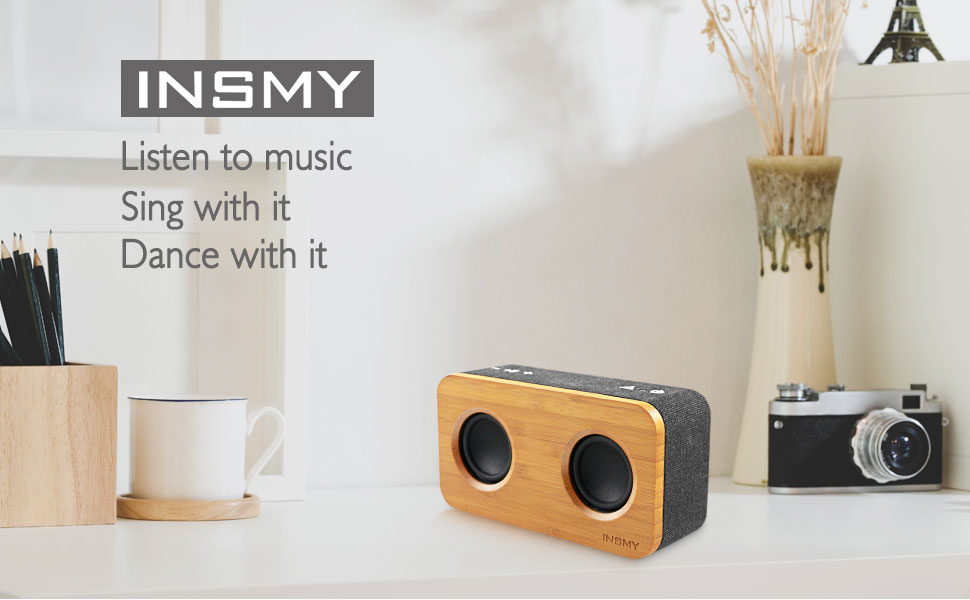
Figure 1: Internal components highlighting 20W stereo bass sound.
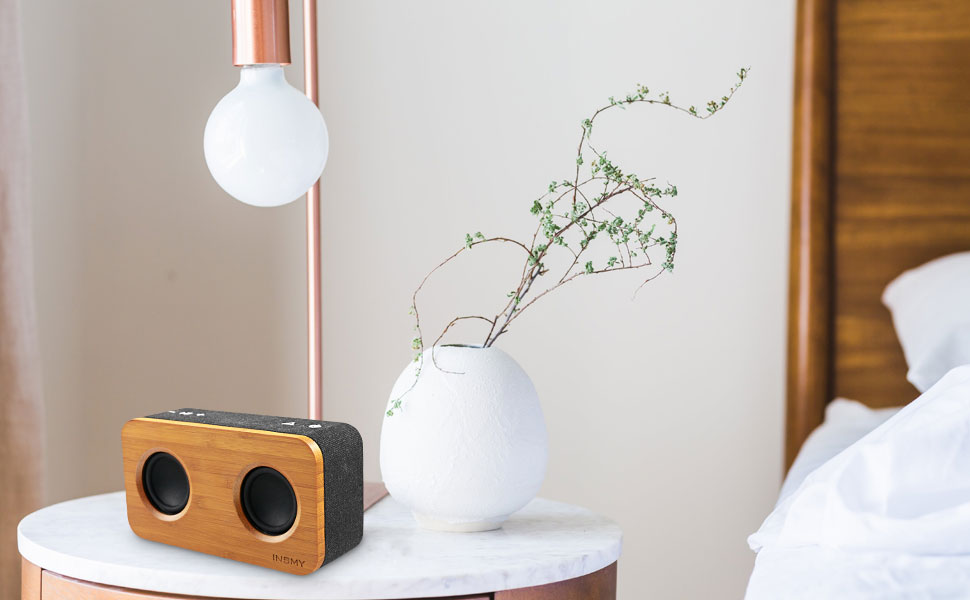
Figure 2: Connectivity options including Bluetooth 5.0, TF Card, and AUX.
Controls i Ports
The speaker features intuitive controls on the top panel and essential ports on the rear for various functionalities.
Controls del tauler superior:
- Botó d'encesa: Manteniu premut per encendre/apagar.
- Botó Reproduir/Pausa: Premeu per reproduir o posar en pausa la música.
- Puja el volum (+): Premeu per augmentar el volum.
- Baixar el volum (-): Premeu per reduir el volum.
- Mode Button (Triangle icon): Premeu per canviar entre els modes Bluetooth, AUX i targeta TF.
Ports del panell posterior:
- Ranura per a targetes TF: Insert a TF/SD card for direct music playback.
- Entrada AUX: Connect external audio devices via the 3.5mm AUX cable.
- Restableix el forat: Use a thin pin to reset the device if necessary.
- Port de càrrega USB tipus C: Connecteu el cable tipus C proporcionat per carregar.

Figura 3: Frontal view of the INSMY M10S speaker.
Configuració
1. Carregant l’altaveu
- Connect the USB Type-C charging cable to the charging port on the rear of the speaker.
- Connecteu l'altre extrem del cable a un adaptador de corrent USB (no inclòs) o al port USB d'un ordinador.
- L'indicador LED mostrarà l'estat de càrrega. Una càrrega completa triga aproximadament 4 hores.

Figure 4: Speaker indicating long battery life after charging.
2. Encendre/apagar
- To power on, press and hold the Power button (⏻) for 2-3 seconds until you hear an audible prompt and the LED indicator lights up.
- To power off, press and hold the Power button (⏻) for 2-3 seconds until the LED indicator turns off.
3. Emparellament Bluetooth
- Ensure the speaker is powered on and in Bluetooth mode (the LED indicator will blink blue). If not, press the Mode button (△) to switch to Bluetooth mode.
- Al dispositiu mòbil, activeu el Bluetooth i cerqueu els dispositius disponibles.
- Select "INSMY M10S" from the list of devices.
- Un cop emparellat, l'indicador LED s'il·luminarà de color blau fix i sentireu un so de confirmació.
4. Entrada AUX
- Connect one end of the 3.5mm AUX cable to the AUX input port on the rear of the speaker.
- Connecteu l'altre extrem a la presa de sortida d'àudio del dispositiu extern.
- The speaker will automatically switch to AUX mode, or you can press the Mode button (△) to select AUX mode.
5. Reproducció de targetes TF
- Insert a TF/SD card (with pre-loaded music) into the TF card slot on the rear of the speaker.
- The speaker will automatically switch to TF Card mode and begin playing music, or you can press the Mode button (△) to select TF Card mode.
Instruccions de funcionament
1. Control de reproducció
- Reproduir/pausa: Press the Play/Pause button (⏸⏸) to toggle between playing and pausing audio.
- Pista següent: Mantingueu premut el botó Pujar volum (+) per saltar a la pista següent.
- Pista anterior: Premeu i manteniu premut el botó per baixar el volum (-) per anar a la pista anterior.
2. Ajust de volum
- Augmenta el volum: Premeu el botó Pujar volum (+).
- Disminueix el volum: Premeu el botó per baixar el volum (-).
3. Trucades mans lliures
- When a call comes in while connected via Bluetooth, press the Play/Pause button (⏸⏸) to answer.
- Press the Play/Pause button (⏸⏸) again to end the call.
- Press and hold the Play/Pause button (⏸⏸) to reject an incoming call.
4. Emparellatge estèreo sense fil veritable (TWS)
To achieve a more immersive stereo sound, you can pair two INSMY M10S speakers together.
- Ensure both M10S speakers are powered on and in Bluetooth pairing mode (LED blinking blue).
- On one of the speakers (this will be your primary speaker), double-press the Mode button (△). The speakers will attempt to connect to each other.
- Once successfully paired, you will hear a confirmation sound, and the LED indicator on the primary speaker will blink blue, while the secondary speaker's LED will turn solid blue.
- Ara, connecteu el dispositiu mòbil a l'altaveu principal mitjançant Bluetooth tal com es descriu a la secció "Emparellament amb Bluetooth".

Figure 5: Two M10S speakers paired for True Wireless Stereo (TWS) sound.
Especificacions
Detailed technical specifications for the INSMY M10S speaker.
| Característica | Especificació |
|---|---|
| Marca | INSMY |
| Número de model | M10S |
| Potència de sortida màxima dels altaveus | 20 watts |
| Tecnologia de connectivitat | Bluetooth 5.0, Auxiliary, TF Card |
| Mode de sortida d'àudio | estèreo |
| Tipus d'altaveu | Subwoofer |
| Característiques addicionals | Built-in Microphone, Stereo Pairing (TWS), Big Bass, Hands-free calling |
| Interval màxim | 100 peus (Bluetooth) |
| Mètode de control | Botó |
| Durada mitjana de la bateria | 24 hores (a un 50% de volum) |
| Temps de càrrega de la bateria | 4 hores |
| Capacitat de la bateria | 4400 milionsamp Hores |
| Dimensions de l'article (D x W x H) | 2.5 "P x 6.7" W x 3.8" H |
| Pes de l'article | 11.2 unces |

Figure 6: Dimensions of the INSMY M10S speaker.
Manteniment
To maintain the performance and appearance of your INSMY M10S speaker, follow these guidelines:
- Neteja: Use a soft, dry cloth to wipe the speaker's surface. Avoid using abrasive cleaners, alcohol, or chemical solvents.
- Emmagatzematge: Guardeu l'altaveu en un lloc fresc i sec, allunyat de la llum solar directa i de temperatures extremes.
- Resistència a l'aigua: The product is water-resistant, but not waterproof. Avoid submerging it in water or exposing it to heavy rain.
- Manipulació: Manipuleu l'altaveu amb cura per evitar danys físics.
Resolució de problemes
Si teniu problemes amb l'altaveu, consulteu els problemes i solucions més comuns següents:
- L'altaveu no s'encén:
Ensure the battery is charged. Connect the speaker to a power source using the USB Type-C cable and try again. - No es pot emparellar per Bluetooth:
Make sure the speaker is in Bluetooth pairing mode (LED blinking blue). Ensure your device's Bluetooth is enabled and within 100ft of the speaker. Try forgetting the device on your phone and re-pairing. - Sense so o volum baix:
Check the volume levels on both the speaker and your connected device. Ensure the correct input mode (Bluetooth, AUX, TF Card) is selected. - Distorsió del so:
Baixeu el volum tant de l'altaveu com del dispositiu. Assegureu-vos que la font d'àudio sigui de bona qualitat. - L'emparellament TWS falla:
Ensure both speakers are M10S models and are not connected to any other Bluetooth devices. Place them close to each other and try the TWS pairing steps again. - Speaker unresponsive:
Use a thin pin to press the Reset pinhole on the rear panel to restart the speaker.
Garantia i Suport
The INSMY M10S speaker comes with a limited warranty. For detailed warranty information, product support, or service inquiries, please refer to the warranty card included in your package or visit the official INSMY weblloc web. Conserveu el rebut de compra com a comprovant de compra.


