
1. Introducció
Gràcies per la compraasing the MEIZE Android 11 Tablet. This manual provides essential information for setting up, operating, and maintaining your device. Please read it carefully to ensure proper use and to maximize your tablet's performance. Keep this manual for future reference.
2. Producte acabatview
The MEIZE Android 11 Tablet is a versatile device designed for various tasks, from entertainment to productivity. It features a vibrant 10.1-inch IPS display, a powerful 8-core processor, and a long-lasting battery.
Característiques clau
- High-Performance 8-Core Processor: Equipped with a 1.6GHz 8-core CPU and a built-in gravity sensor, ensuring stable and fast operation for a smooth user experience.
- Sistema operatiu Android 11: Runs on a stable and enhanced Android 11 system, offering a convenient user interface and excellent app performance.
- Connectivitat Wi-Fi: Supports 2.4GHz Wi-Fi for stable and high-speed wireless communication, enabling efficient power saving for wireless devices. Compatible with popular apps like Facebook, Twitter, YouTube, Line, and Instagram.
- High-Definition IPS Display: Features a vivid 10.1-inch Full HD 1280x800 IPS display, providing clear and bright images with a 178-degree viewing angle. The wear-resistant touch panel enhances usability.
- Càmeres duals: Includes a 13MP rear camera and a 5MP front camera for capturing photos and engaging in video calls.
- Altaveus duals: Delivers immersive audio for an enhanced multimedia experience.
- Gran capacitat d'emmagatzematge: Comes with 32GB of internal storage, expandable up to 128GB via a microSD card (sold separately), allowing ample space for photos, files, e-books, videos, music, and games.
- Bateria de 6000 mAh: A large-capacity battery provides up to 10 hours of continuous use on a single charge, ideal for commuting, travel, and extended entertainment.
- Multifuncional: Integrated GPS allows for offline navigation with downloaded maps. An FM radio function is included for radio enthusiasts. Bluetooth connectivity enables easy pairing with speakers and other compatible devices.

Figura 2.1: Davant i darrere view of the MEIZE Android 11 Tablet.

Figure 2.2: The tablet running Android 10.0 OS, showcasing its interface and app compatibility.
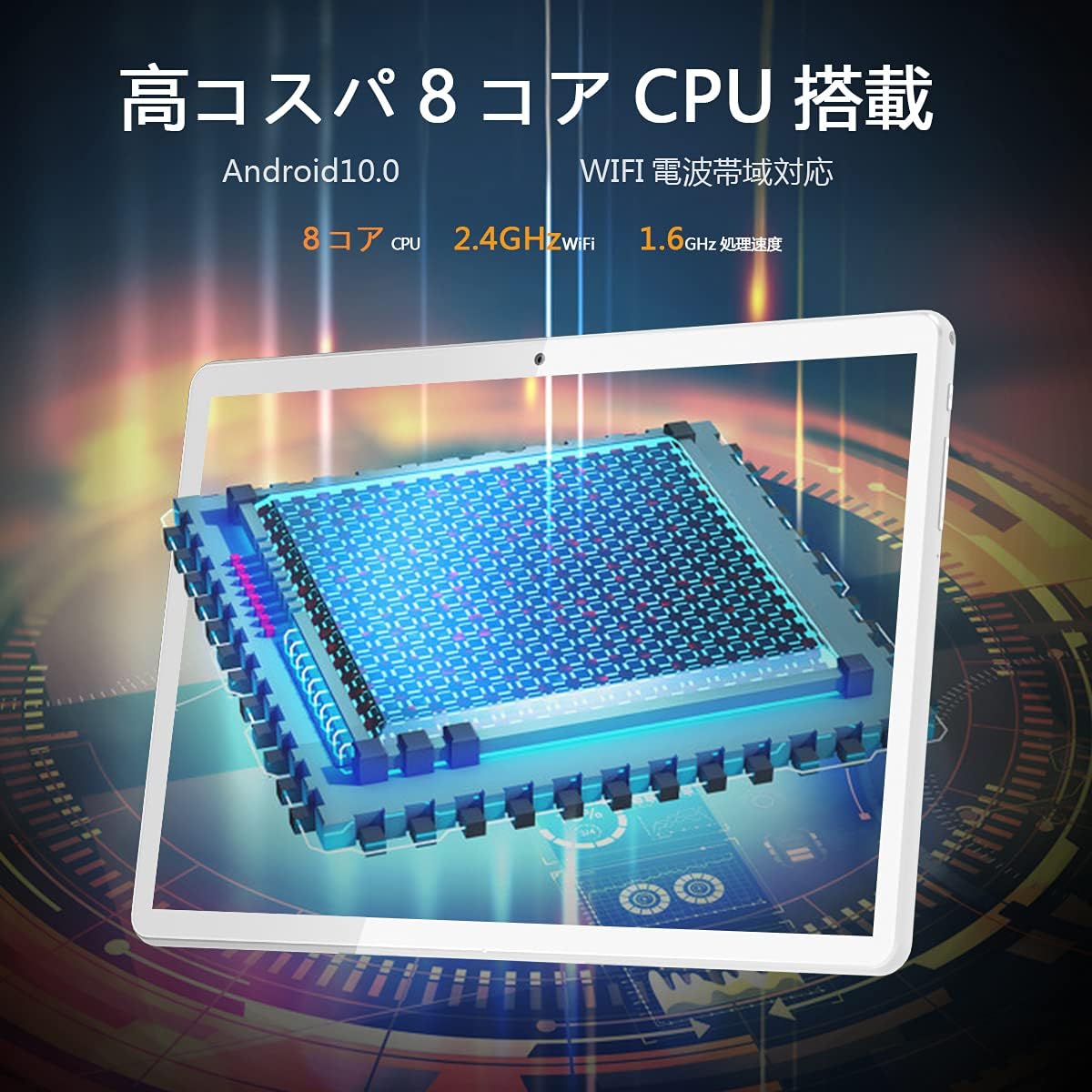
Figure 2.3: Illustration of the tablet's high-performance 8-core CPU.

Figure 2.4: The 10.1-inch Full HD IPS display showcasing vivid colors and wide viewangles d'ajust.

Figure 2.5: The tablet's large storage capacity (32GB ROM, 2GB RAM) and microSD expansion capability.

Figure 2.6: The tablet's dual camera system, featuring a 5MP front camera and a 13MP rear camera.
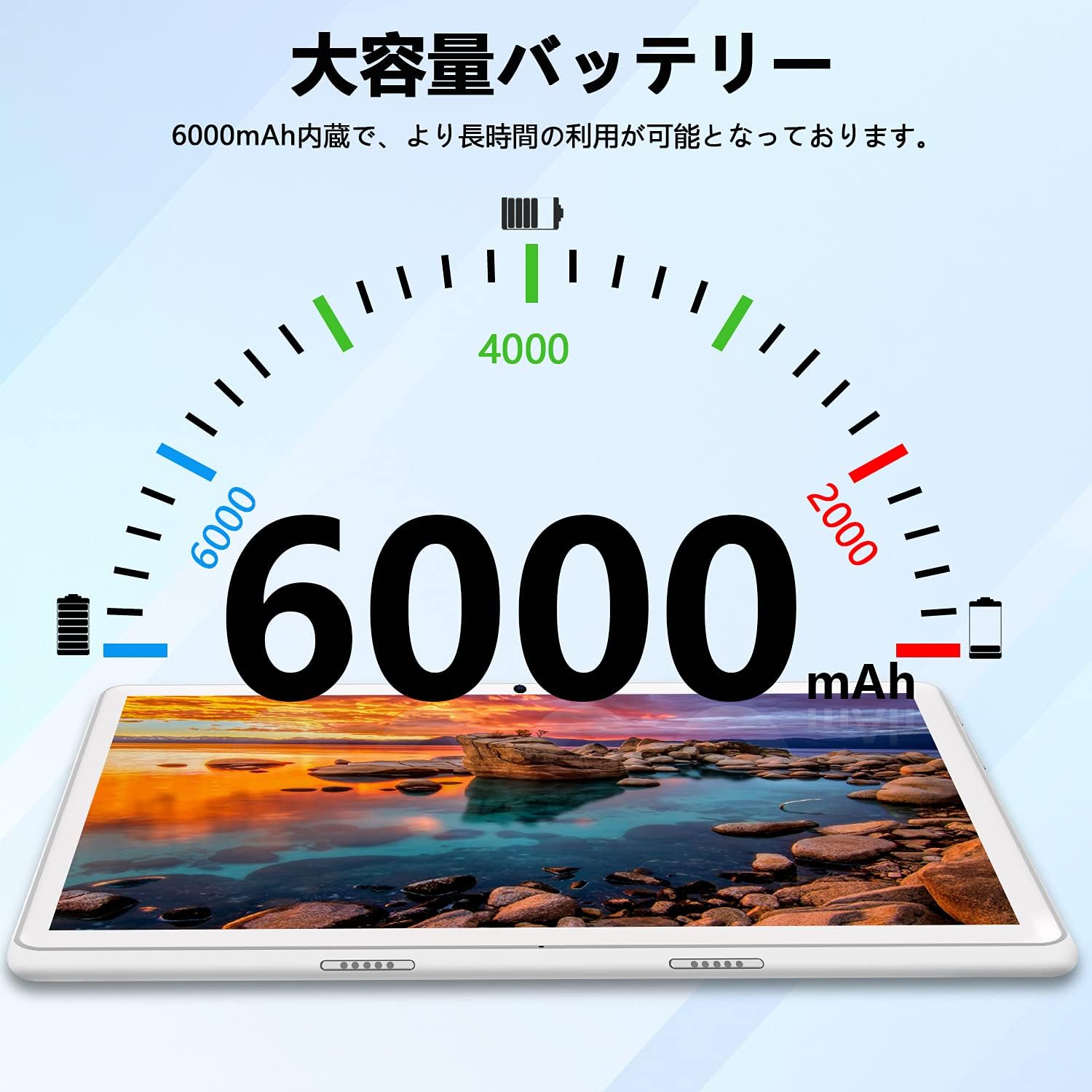
Figure 2.7: The tablet's 6000mAh large-capacity battery, providing extended usage time.
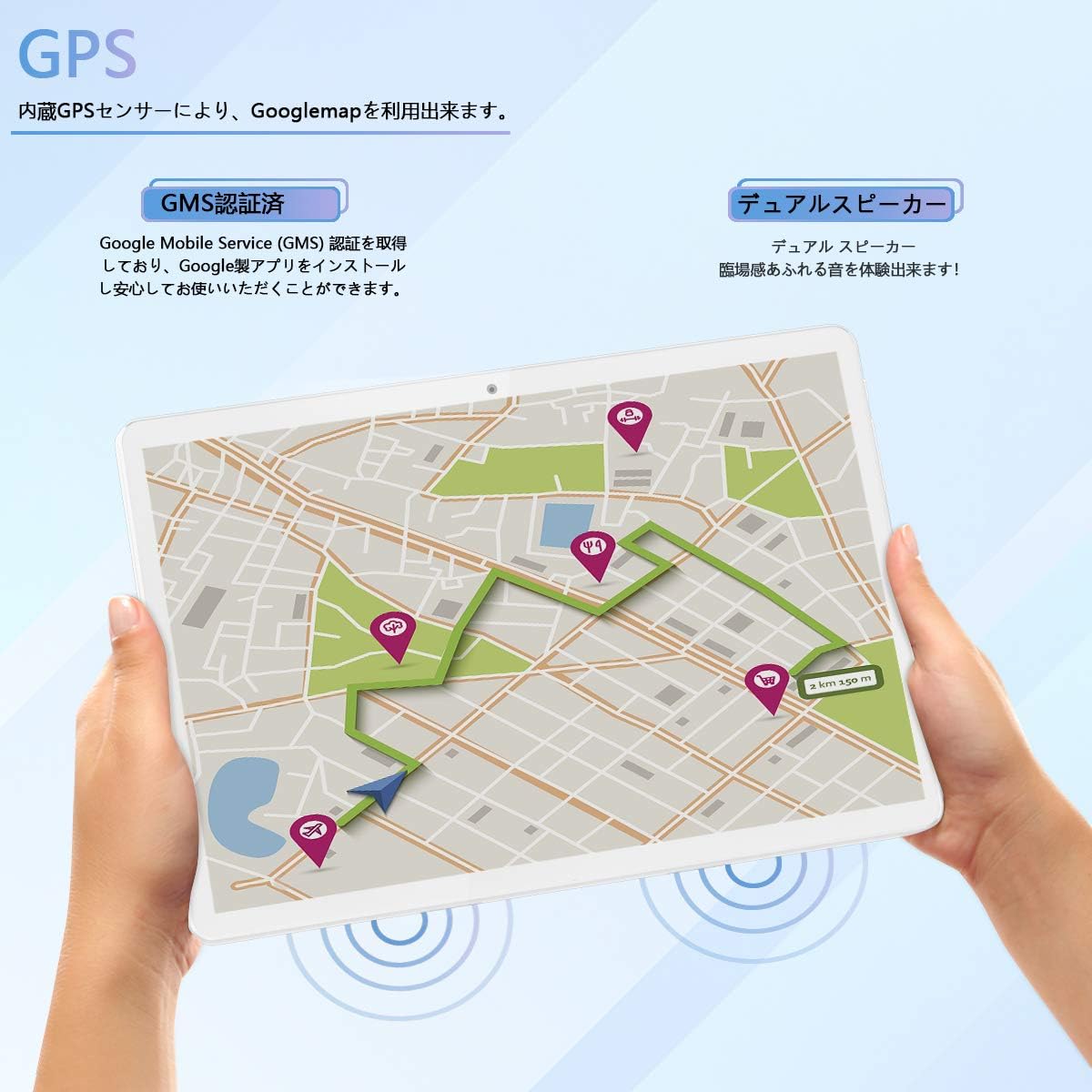
Figure 2.8: The tablet's GPS navigation capabilities and dual speaker system.
3. Configuració
3.1 Càrrega inicial
Before first use, fully charge the tablet using the provided USB cable and power adapter. The battery indicator on the screen will show the charging status. A full charge typically takes several hours.
3.2 Encès/Apagat
- Per encendre: Press and hold the Power button until the MEIZE logo appears on the screen.
- Per apagar: Press and hold the Power button until the power options appear. Select "Power off" and confirm.
- Per reiniciar: Press and hold the Power button until the power options appear. Select "Restart" and confirm.
3.3 Connexió Wi-Fi
- Go to "Settings" > "Network & internet" > "Wi-Fi".
- Toggle the Wi-Fi switch to the "On" position.
- The tablet will scan for available Wi-Fi networks. Select your desired network from the list.
- If prompted, enter the network password and tap "Connect".
- Once connected, the Wi-Fi icon will appear in the status bar.
3.4 Configuració inicial d'Android
Follow the on-screen prompts to complete the initial Android setup, which includes selecting your language, connecting to Wi-Fi, setting up a Google account, and configuring security options.
4. Instruccions de funcionament
4.1 Navegació bàsica
- Toca: Toqueu una icona o opció per seleccionar-la.
- Toca i mantén premut: Mantingueu premut un element per accedir a opcions addicionals o moure'l.
- Llisca: Arrossegueu el dit per la pantalla per desplaçar-vos per les llistes o canviar entre les pantalles d'inici.
- Pessigar: Feu servir dos dits per ampliar o reduir les imatges i web pàgines.
4.2 Installing and Managing Apps
- Obriu l'aplicació Google Play Store.
- Cerca l'aplicació desitjada.
- Tap "Install" to download and install the app.
- To uninstall an app, go to "Settings" > "Apps & notifications", select the app, and tap "Uninstall".
4.3 Ús de la càmera
- Obriu l'aplicació "Càmera".
- Toqueu la icona de la càmera per canviar entre la càmera frontal i la posterior.
- Toqueu el botó de l'obturador per fer una foto o iniciar/aturar la gravació de vídeo.
- Access photos and videos in the "Gallery" app.
4.4 Navegació GPS
The tablet has a built-in GPS sensor. You can use navigation apps like Google Maps. For offline navigation, download maps in advance through the app settings.
4.5 Connectivitat Bluetooth
- Go to "Settings" > "Connected devices" > "Bluetooth".
- Activa el Bluetooth.
- The tablet will scan for nearby Bluetooth devices. Select the device you wish to pair with.
- Seguiu les indicacions de la pantalla per completar el procés de vinculació.
4.6 Ràdio FM
To use the FM radio, connect wired headphones (not included) to the 3.5mm audio jack. The headphones act as an antenna. Open the FM Radio app and scan for available stations.
5. Manteniment
5.1 Neteja de la tauleta
Use a soft, lint-free cloth to clean the screen and body of the tablet. Avoid using harsh chemicals, abrasive cleaners, or aerosol sprays, as these can damage the device.
5.2 Cura de la bateria
- Eviteu exposar la tauleta a temperatures extremes (calor o fred).
- Do not let the battery completely drain frequently. Charge it before it reaches 0%.
- Feu servir només el carregador original o compatible certificat.
5.3 Actualitzacions de programari
Periodically check for system updates to ensure your tablet has the latest features and security patches. Go to "Settings" > "System" > "System update" to check for updates.
5.4 Gestió d'emmagatzematge
Netegeu regularment innecessaris files and apps to maintain optimal performance. You can check storage usage in "Settings" > "Storage". Consider using a microSD card for additional storage.
6. Solució De Problemes
| Problema | Possible solució |
|---|---|
| La tauleta no s'encén. | Ensure the tablet is charged. Connect it to the charger for at least 30 minutes, then try powering it on again. |
| Problemes de connexió Wi-Fi. | Check if Wi-Fi is enabled in settings. Restart your router and the tablet. Ensure you have entered the correct password. |
| Tablet is running slow. | Close unused apps. Clear cache for frequently used apps. Free up storage space. Restart the tablet. |
| Les aplicacions s'estan bloquejant. | Ensure apps are updated to their latest versions. Clear the app's cache and data in "Settings" > "Apps & notifications". Reinstall the app if necessary. |
| La pantalla no respon. | Restart the tablet by holding the power button for about 10-15 seconds until it forces a restart. |
Si trobeu problemes que no figuren aquí o si les solucions suggerides no resolen el problema, poseu-vos en contacte amb l'atenció al client.
7. Especificacions
| Característica | Especificació |
|---|---|
| Marca | MEIZE |
| Número de model | Meize k106 |
| Sistema operatiu | Android 11 |
| CPU | Spreadtrum SC9863A 1.6GHz 8-core |
| Mida de la pantalla | 10.1 polzades |
| Resolució de visualització màxima | 1280x800 pixels (Full HD IPS) |
| RAM | 2 GB |
| Emmagatzematge intern | 32 GB |
| Emmagatzematge ampliable | Fins a 128 GB mitjançant targeta microSD (es ven per separat) |
| Càmera posterior | 13 MP |
| Càmera frontal | 5 MP |
| Capacitat de la bateria | 6000 mAh |
| Tipus sense fil | Wi-Fi (2.4GHz, 802.11bgn) |
| Connectivitat | Bluetooth, GPS, FM Radio, 3.5mm Headphone Jack |
| Color | Blanc |
| Pes de l'article | 835 grams |
| GTIN/UPC | 779139339939 |
8. Garantia i Suport
This product comes with a manufacturer's warranty. Please refer to the warranty card included in the packaging for specific terms and conditions. For any questions or technical assistance, our Japanese support team is available to respond within 24 hours via email. Please contact us through the email address provided in your purchase documentation.