
Introducció
Thank you for choosing the UXD CT887 Bluetooth Sport Earbuds. This manual provides essential information for setting up, operating, and maintaining your earbuds to ensure optimal performance and longevity. Please read this manual thoroughly before use.
Informació de seguretat
- No exposeu els auriculars a temperatures extremes ni a la llum solar directa durant períodes prolongats.
- Avoid dropping or applying excessive force to the earbuds.
- Mantingueu els auriculars fora de l'abast dels nens i les mascotes.
- Do not attempt to disassemble or modify the earbuds. This will void the warranty.
- Feu servir només el cable de càrrega proporcionat o un equivalent certificat.
- L'escolta prolongada a nivells de volum elevats pot causar danys auditius.
Contingut del paquet
Verifiqueu que tots els elements siguin presents al vostre paquet:
- UXD CT887 Bluetooth Sport Earbuds
- Cable de càrrega micro-USB
- S/M Eartips (multiple pairs)
- S/M EarWings (multiple pairs)
- Clip de gestió de cables
- Manual d'usuari

Image: The UXD CT887 Bluetooth Sport Earbuds, micro-USB charging cable, various sizes of eartips and ear wings, and the user manual are displayed.
Producte acabatview
The UXD CT887 earbuds feature an in-ear design with a neckband for secure wear. They include integrated controls and a microphone for hands-free operation.
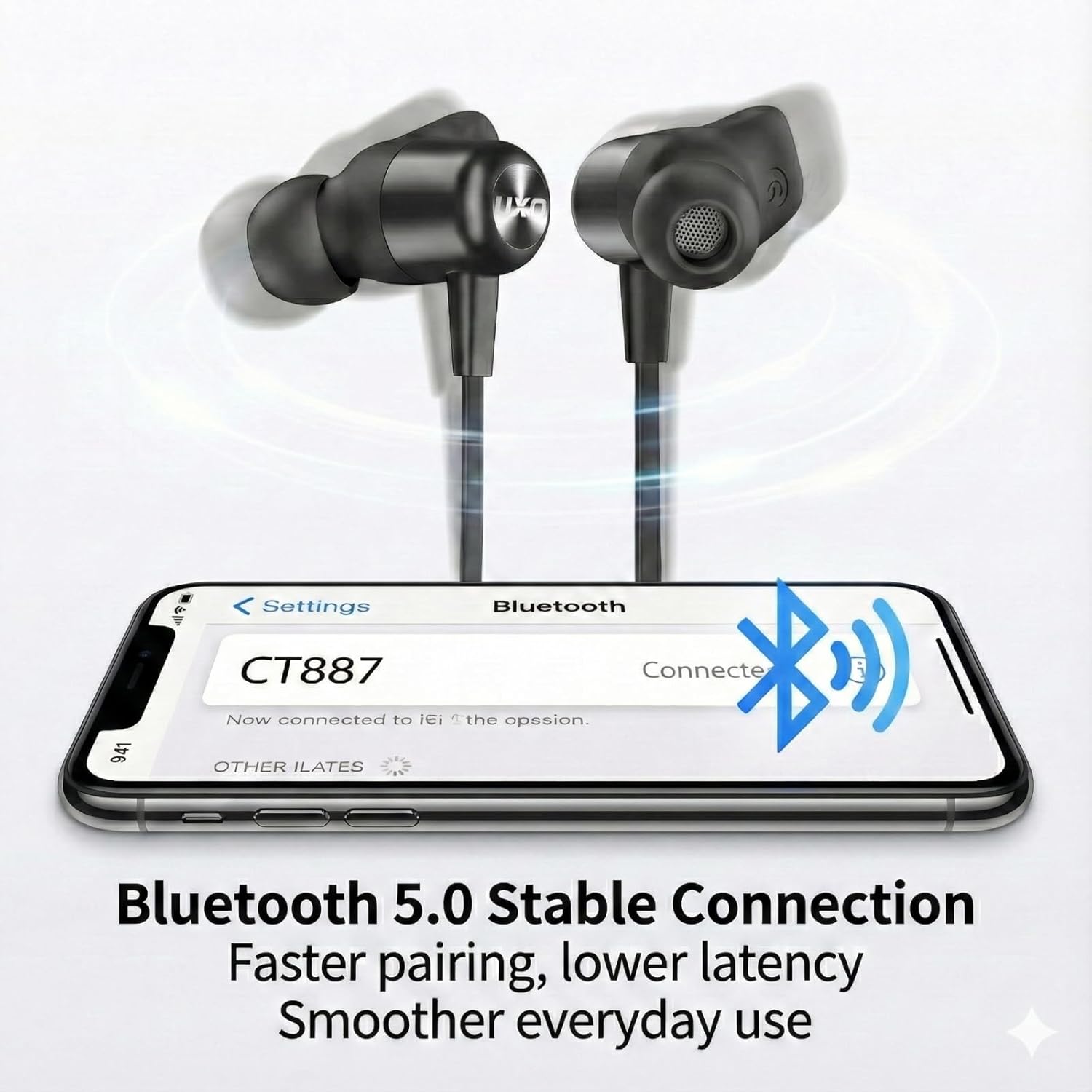
Imatge: Un primer pla view of the UXD CT887 Bluetooth Sport Earbuds, highlighting their in-ear design and the UXD logo.

Image: The UXD CT887 earbuds shown with their magnetic backs, allowing them to clip together for convenient neck storage when not in use.
Carregant els auriculars
Before first use, fully charge your earbuds. A full charge takes approximately 2 hours and provides up to 20 hours of playtime.
- Connect the micro-USB charging cable to the charging port on the earbuds.
- Connecteu l'altre extrem del cable a una font d'alimentació USB (per exemple, un ordinador, un adaptador de paret).
- The LED indicator will show charging status (refer to product for specific light behavior).
- Un cop estigui completament carregat, desconnecteu el cable de càrrega.
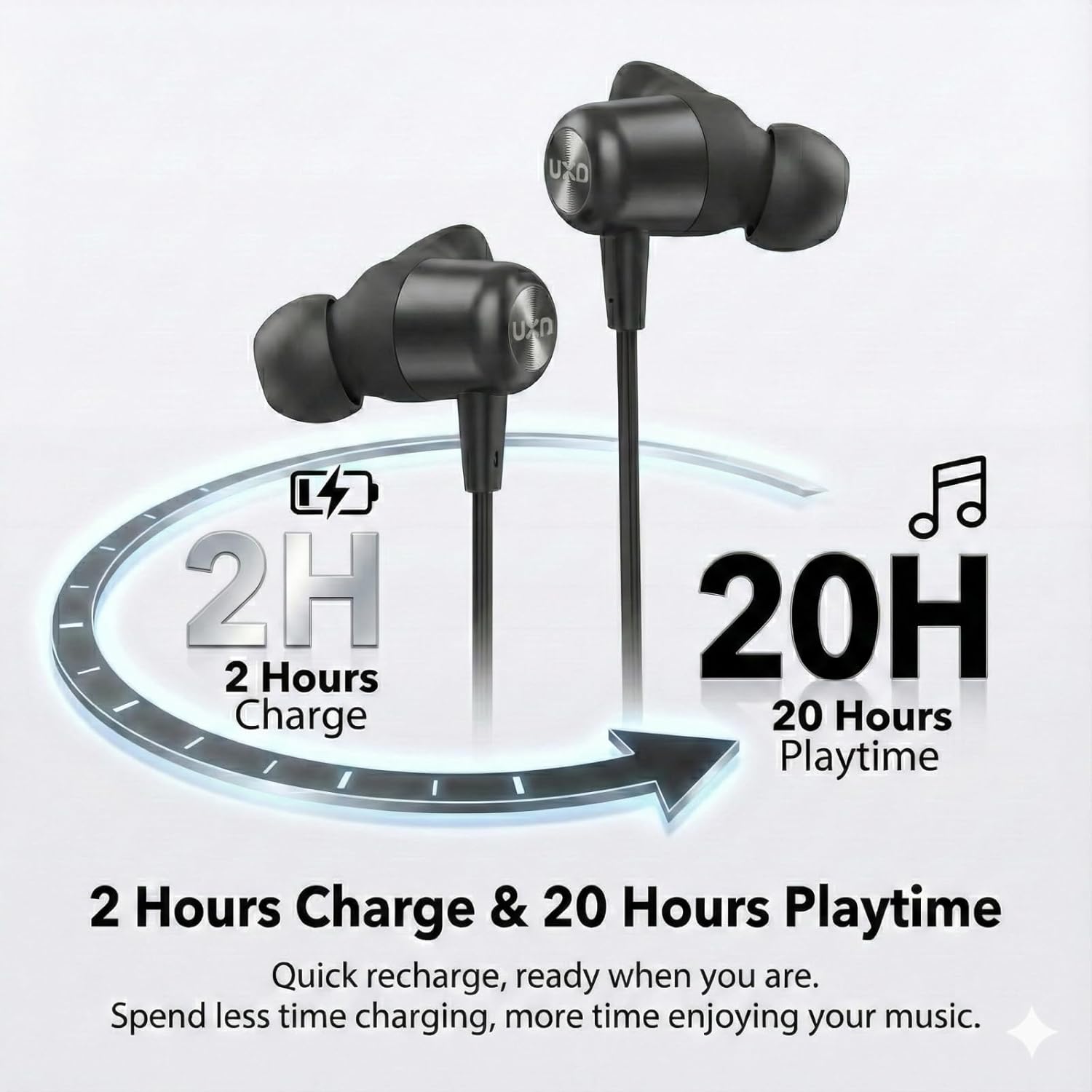
Image: An illustration depicting the charging time of 2 hours leading to 20 hours of playback time for the earbuds.
Vinculació amb un dispositiu
The UXD CT887 earbuds use Bluetooth 5.0 for a stable connection up to 10 meters (30 feet).
- Assegureu-vos que els auriculars estiguin carregats i apagats.
- Press and hold the multi-function button on the earbuds until the LED indicator flashes red and blue, indicating pairing mode.
- Al dispositiu (telèfon intel·ligent, tauleta, etc.), activeu el Bluetooth.
- Cerca available Bluetooth devices and select "CT887" from the list.
- Un cop connectat, l'indicador LED normalment mostrarà una llum blava fixa o parpellejarà lentament.
- The earbuds will automatically reconnect to the last paired device when powered on, if the device's Bluetooth is active and within range.
Image: A smartphone screen displaying a successful Bluetooth connection to 'CT887', illustrating the stable Bluetooth 5.0 connection.
Portant els auriculars
For optimal sound quality and a secure fit, especially during sports, choose the correct size eartips and ear wings.
- Select the eartips and ear wings that provide a comfortable and snug fit in your ears.
- Insert the earbuds into your ear canals and rotate them slightly to ensure the ear wings are securely tucked into your ear's concha.
- The neckband should rest comfortably around your neck.
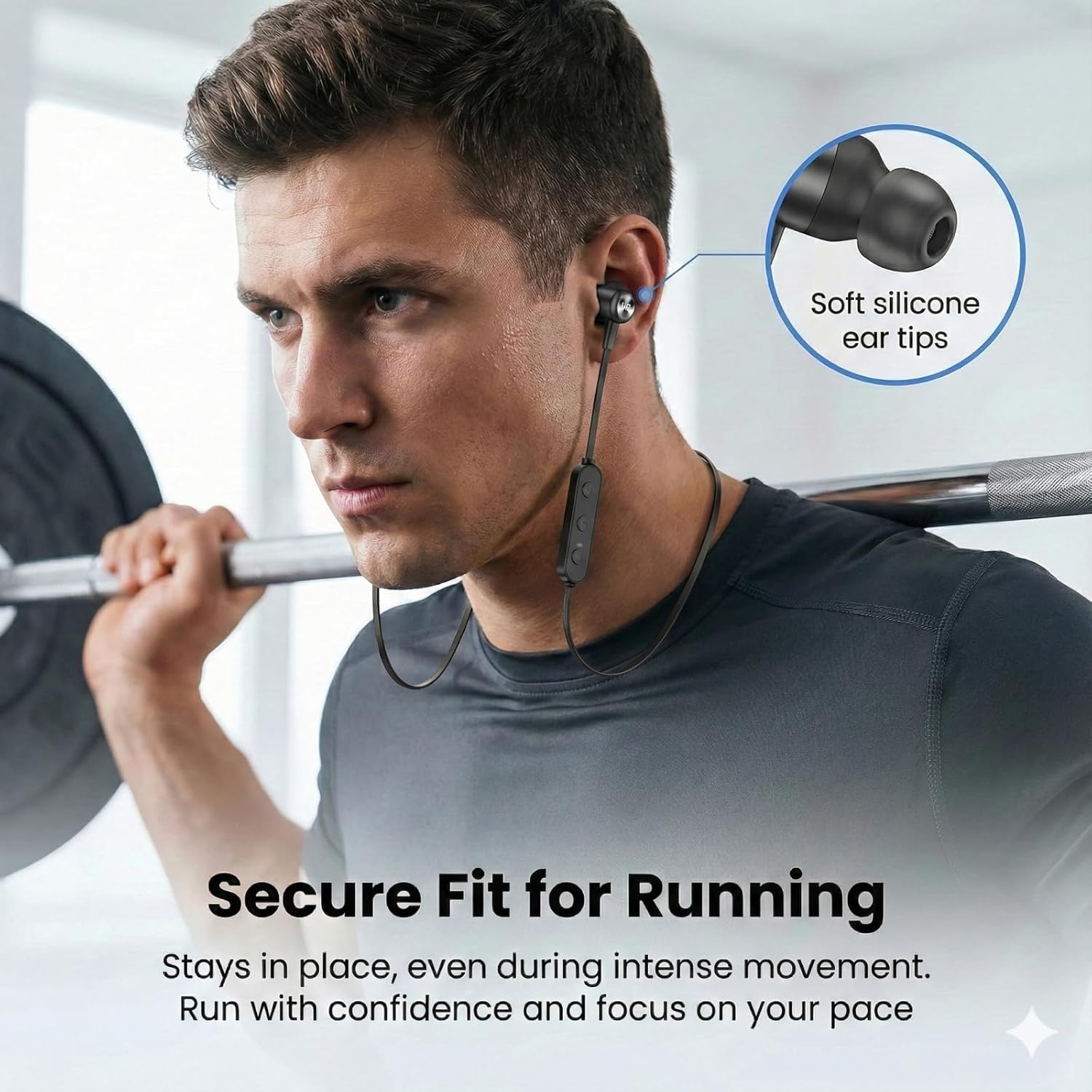
Image: A man wearing the UXD CT887 earbuds while lifting weights, demonstrating their secure fit during intense movement.
Funcionament bàsic
Encès/Apagat
- Encès: Press and hold the multi-function button until the LED indicator flashes blue.
- Apagar: Premeu i manteniu premut el botó multifunció fins que l'indicador LED parpellegi en vermell i després s'apagui.
Reproducció de música
- Reproduir/pausa: Premeu el botó multifunció una vegada.
- Pista següent: Premeu i manteniu premut el botó '+'.
- Pista anterior: Premeu i manteniu premut el botó '-'.
- Pujar el volum: Premeu el botó '+' una vegada.
- Baixar el volum: Premeu el botó '-' una vegada.
Gestió de trucades
The CVC 8.0 noise-cancelling microphone ensures clear phone calls.
- Respondre/Finalitzar la trucada: Premeu el botó multifunció una vegada.
- Rebutja la trucada: Manteniu premut el botó multifunció durant 2 segons.
- Torna a marcar l'últim número: Premeu dues vegades el botó multifunció.
Waterproof Feature (IPX7)
The UXD CT887 earbuds are IPX7 waterproof, protecting them from sweat, rain, and accidental splashes. This makes them suitable for sports and outdoor activities.
- IPX7 rating means the earbuds can be submerged in up to 1 meter of water for 30 minutes.
- No submergiu els auriculars intencionadament durant períodes prolongats ni a profunditats superiors a les especificades.
- Ensure the charging port cover is securely closed before exposure to water.
- After exposure to water, wipe the earbuds dry before charging.
Manteniment
Neteja
- Wipe the earbuds with a soft, dry, lint-free cloth.
- Remove eartips and ear wings for separate cleaning with mild soap and water, then dry thoroughly before reattaching.
- No utilitzeu netejadors abrasius ni dissolvents.
Emmagatzematge
- Store the earbuds in a cool, dry place away from direct sunlight.
- When not in use, the magnetic design allows the earbuds to clip together around your neck for convenient storage and to prevent tangling.
- Avoid storing with sharp objects that could damage the cable or earbuds.
Resolució de problemes
| Problema | Solució |
|---|---|
| Earbuds won't turn on | Assegureu-vos que els auriculars estiguin completament carregats. |
| No es pot emparellar amb el dispositiu | Ensure earbuds are in pairing mode (flashing red/blue). Turn off and on Bluetooth on your device. Move closer to the device. |
| Sense so ni volum baix | Check volume levels on both earbuds and connected device. Ensure earbuds are properly connected. |
| Connexió intermitent | Ensure no obstacles between earbuds and device. Move closer to the device. Avoid strong electromagnetic interference. |
| El micròfon no funciona | Assegureu-vos que els auriculars estiguin connectats correctament i seleccionats com a dispositiu d'entrada d'àudio al telèfon. |
Especificacions
- Model: CT887
- Marca: UXD
- Connectivitat: Bluetooth 5.0 (sense fil)
- Rang Bluetooth: Fins a 10 metres (30 peus)
- Bateria: 150mAh Ió de liti
- Temps de càrrega: Aproximadament 2 hores
- Temps de joc: Fins a 20 hores
- Resistència a l'aigua: IPX7 (impermeable)
- Micròfon: CVC 8.0 Noise-Cancelling
- Interval de freqüència: 20 Hz - 20,000 Hz
- Tipus de controlador d'àudio: Dinàmic
- Col·locació de les orelles: In-orella
- Mètode de control: Tactile (Touch)
- Pes: 15 grams
- Dispositius compatibles: iPhones, Android phones
- Components inclosos: Micro-USB charging cable, in-ear headphones, eartips, ear wings, cord clip
Garantia i Suport
Your UXD CT887 Bluetooth Sport Earbuds come with a 30-day refund policy and a 3-month warranty from the date of purchase. For any product-related inquiries, technical support, or warranty claims, please contact our customer service. We are committed to providing responsive customer service to address your needs.
Si us plau, conserveu el comprovant de compra per motius de garantia.