
Eonon Standard Android 10.0-GA2185US
Eonon GA2185 Android 10.0 Double Din Car Stereo User Manual
Model: Standard Android 10.0-GA2185US
Marca: Eonon
1. Introducció
Thank you for choosing the Eonon GA2185 Android 10.0 Double Din Car Stereo. This advanced car multimedia system features a 10.1-inch IPS display, Octa Core processor, 4GB RAM, and 64GB ROM, providing a powerful and versatile in-car entertainment and navigation experience. This manual provides detailed instructions for installation, operation, and maintenance to ensure optimal performance and user satisfaction.
2. Informació de seguretat
Please read all safety warnings and instructions carefully before installing and operating the device. Failure to follow these instructions may result in injury or damage to the unit or vehicle.
- Instal·lació professional recomanada: A causa de la complexitat dels sistemes d'àudio per a cotxes, es recomana la instal·lació per part d'un professional.
- Font d'alimentació: Assegureu-vos que la unitat estigui connectada a una font d'alimentació de 12 V CC amb connexió a terra negativa.
- Cablejat: Do not modify or cut any wires. Incorrect wiring can cause damage or fire.
- Seguretat de conducció: No feu servir la unitat de manera que us distregui de la conducció. Prioritzeu sempre la seguretat viària.
- Temperatura: Eviteu exposar la unitat a temperatures extremes o a la llum solar directa durant períodes prolongats.
3. Què hi ha a la caixa?
Verifiqueu que tots els components siguin presents en desembalar:

Imatge: Més deview of the Eonon GA2185 package contents, including the main unit, GPS antenna, power cable, audio/AUX harnesses, external microphone, USB adapter cables, Wi-Fi antenna, fuse, disassembly tool, screws, and user manual.
- Eonon GA2185 Head Unit
- Antena GPS
- Cable d'alimentació
- Audio Output Harness
- AUX Input Harness
- Micròfon extern
- USB Adapter Cable (x2)
- Antena Wi-Fi
- Fusible de 15 A
- Eina de desmuntatge
- Cargols (x4)
- Manual d'usuari
Note: Double Din installation kits may need to be purchased separately depending on your vehicle model.
4. Producte acabatview
4.1 Panell frontal i pantalla

Image: The Eonon GA2185 head unit, showcasing its 10.1-inch IPS touchscreen display with a clean Android interface and various application icons.
The GA2185 features a large 10.1-inch IPS touchscreen with a resolution of 1024 x 600 pixels, offering clear visuals and wide viewing angles. The screen is designed for optimal visibility and responsiveness.

Image: Illustration demonstrating the adjustable viewing angles of the Eonon GA2185 display, allowing for tilt adjustments of up to 18 degrees horizontally and 15 degrees vertically for optimal viewing.
4.2 Connexions posteriors

Image: A comprehensive diagram of the rear panel of the Eonon GA2185, detailing all input and output ports with corresponding numbered labels for easy identification during installation.
- Antena Wi-Fi
- Port ISO
- Entrada de càmera posterior
- Il·luminació
- KEY 1 (Steering Wheel Control 1)
- Brake Shift Ctrl
- GND (terra)
- KEY 2 (Steering Wheel Control 2)
- Reverse Ctrl
- AMP Ctrl
- Sortida d'àudio frontal L
- Sortida d'àudio frontal R
- Sortida d'àudio posterior L
- Sortida d'àudio posterior R
- Sortida de subwoofer
- Sortida de vídeo 1
- Sortida de vídeo 2
- USB Input (x2)
- Micròfon extern
- Entrada de vídeo
- N/A
- AUX Audio R Input
- AUX Audio L Input
- Antena GPS
4.3 Components bàsics

Imatge: Una imatge interna view highlighting the key specifications of the Eonon GA2185: Android 10.0 operating system, PX5 Octa-core ARM Cortex-A53 MPcore processor up to 1.3GHz, 4GB RAM, and 64GB ROM.
- Sistema operatiu: Android 10.0
- Processador: PX5 Octa-core ARM Cortex-A53 MPcore processor (up to 1.3GHz)
- Memòria: 4 GB de RAM + 64 GB de ROM
- Visualització: 10.1-inch IPS Touchscreen, 1024 x 600 Resolution, 178° ViewAngles
- Àudio: Built-in DSP (Digital Sound Field Processing) with 16-band graphic equalizer
- Connectivitat: Wi-Fi, Bluetooth, USB, HDMI
5. Guia d'instal·lació
This section provides general guidelines for installing the Eonon GA2185. Specific vehicle models may require additional adapters or modifications. It is recommended to consult a professional installer if you are unsure about any steps.
5.1 Comprovacions prèvies a la instal·lació
- Desconnecteu el terminal negatiu de la bateria del vehicle abans de començar qualsevol treball elèctric.
- Ensure you have the correct double din installation kit for your vehicle.
- Familiarize yourself with your vehicle's existing wiring harness.
5.2 Connexions de cablejat
Refer to the rear connection diagram in Section 4.2 for port identification. Connect the provided power cable, audio harnesses, and other accessories according to the diagram and your vehicle's wiring.
- Potència: Connect the main power harness to your vehicle's power supply (constant 12V, accessory 12V, and ground).
- Ponents: Connect the speaker wires from the ISO port to your vehicle's speaker wiring.
- Antena GPS: Munteu l'antena GPS en un lloc amb llum clara view del cel (per exemple, el quadre de comandament, sota el parabrisa).
- Antena Wi-Fi: Connect the Wi-Fi antenna to the designated port.
- Micròfon extern: Connecteu el micròfon extern per millorar la qualitat de la trucada.
- Càmera posterior: If installing a rear camera, connect its video output to the "Rear Camera Input" and its power to the reverse light circuit.
- Control del volant: Connect KEY1 and KEY2 wires to your vehicle's steering wheel control wires, if applicable.
5.3 Screen Disassembly Steps (if needed)
The screen can be detached from the main unit for easier installation or maintenance. Follow these steps:

Image: A visual guide detailing the five steps to safely disassemble the screen from the Eonon GA2185 head unit, involving pulling clips, removing screws, and unplugging cables.
- Pull the two clips (A&B) on the back of the screen to both sides.
- Remove the screen from the main unit.
- Remove the cable fixing clip after removing the screws that fix it.
- Premeu els clips cap al centre i desconnecteu el cable.
- S'ha acabat el desmuntatge.
6. Configuració inicial
After successful installation, reconnect the vehicle's negative battery terminal and power on the unit.
6.1 First Boot and Language Selection
Upon first boot, the system may guide you through initial setup steps, including language selection. Follow the on-screen prompts.
6.2 Configuració de xarxa (Wi-Fi)
To access online features, connect the unit to a Wi-Fi network:
- Vés a Configuració > Xarxa i Internet > Wi-Fi.
- Activeu el Wi-Fi i seleccioneu la xarxa desitjada de la llista.
- Introduïu la contrasenya si se us demana i connecteu-vos.
6.3 Vinculació Bluetooth
Pair your mobile device for hands-free calling and audio streaming:
- Vés a Configuració > Dispositius connectats > Bluetooth.
- Ensure Bluetooth is enabled on both the head unit and your mobile device.
- Cerca available devices on your mobile phone and select "Eonon GA2185" (or similar name).
- Confirma el codi d'emparellament en tots dos dispositius.
6.4 Connexió d'accessoris opcionals

Image: A visual guide demonstrating the connection of an A0585 USB dongle to the Eonon GA2185 for enabling Android Auto functionality, with a smartphone connected to the dongle.
The GA2185 supports various optional accessories to enhance its functionality:
- Android Auto: To use Android Auto, you may need to purchase the Eonon A0585 USB dongle separately (ASIN: B08ZSKQBSH). Connect your Android phone to the dongle via USB.
- Càmera de seguretat: Ensure the backup camera is properly wired and configured in the system settings for automatic display when reversing.
- OBD2 Dongle: Connect an OBD2 Bluetooth dongle (e.g., V0056) to your vehicle's OBD port and pair it via Bluetooth to access vehicle diagnostics.
7. Instruccions de funcionament
7.1 Navegació per la interfície d'usuari
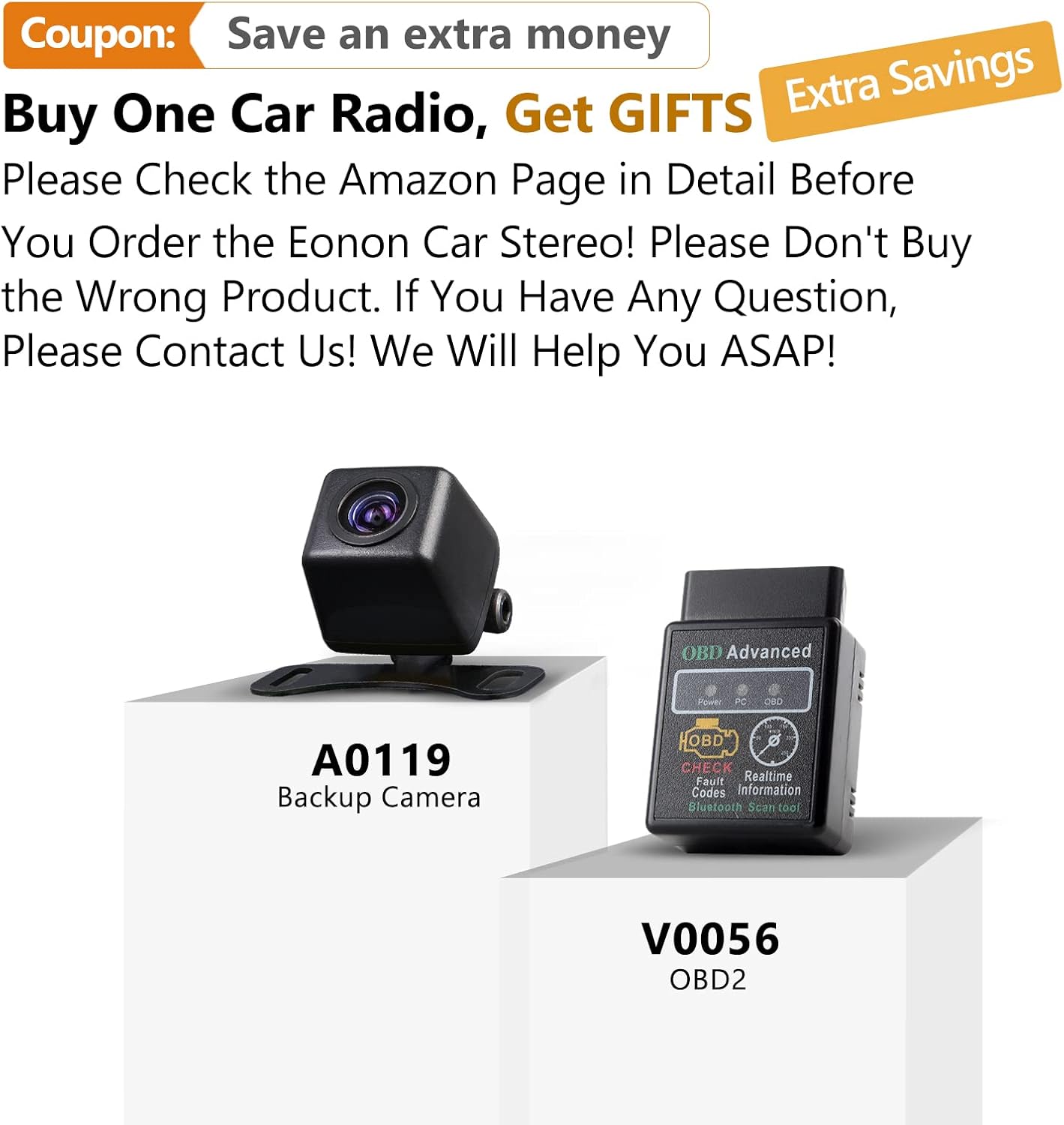
Image: The main user interface of the Eonon GA2185, displaying a grid of application icons for easy access to functions such as clock, file manager, email, Spotify, Google Play Store, Google Maps, and Netflix.
The unit operates on an Android platform, providing a familiar and intuitive interface. Swipe left/right to navigate between home screens, tap icons to open applications, and use the navigation bar at the bottom for quick access to home, back, and recent apps.
7.2 Audio Settings and DSP

Image: The audio settings interface of the Eonon GA2185, featuring a 16-band graphic equalizer for precise sound tuning and options to choose the optimal sound field, including driver, co-driver, rear, and center positions.
The built-in DSP (Digital Sound Field Processing) allows for extensive audio customization:
- Equalitzador: Access the 16-band graphic equalizer to adjust frequency levels for different music genres or personal preference.
- Camp de so: Optimitzar el sotage by selecting driver, co-driver, rear, or center positions to focus the audio.
- Bass Boost/Filter: Adjust bass levels and apply filters for enhanced low-frequency response.
7.3 Navegació GPS
The unit comes with pre-installed GPS navigation capabilities for North America. Ensure the GPS antenna is properly connected and positioned.
- Obriu el Mapes application (e.g., Google Maps).
- Introduïu la vostra destinació i seguiu les indicacions de veu.
- The system supports offline maps if downloaded previously.
7.4 Apple CarPlay i Android Auto
The unit supports both Apple CarPlay (built-in) and Android Auto (requires A0585 dongle).
- Apple CarPlay: Connect your iPhone via USB to activate CarPlay.
- Android Auto: Connect your Android phone to the A0585 dongle (if purchased) via USB to activate Android Auto.
- These features allow seamless integration of your smartphone's apps, navigation, and communication features onto the car stereo display.
7.5 Reproducció multimèdia
Reprodueix àudio i vídeo files from various sources:
- USB: Connect USB drives to the USB input ports.
- Àudio Bluetooth: Stream music from your paired mobile device.
- Ràdio: Access FM/AM radio with RDS support and save predefined stations.
- Transmissió en línia: Use Wi-Fi to access streaming apps like Spotify, YouTube, Netflix, etc.
7.6 Control del volant
If properly wired, you can configure the unit to respond to your vehicle's steering wheel controls for functions like volume, track change, and mode selection. Refer to the system settings for mapping these controls.
8. Manteniment
Proper maintenance ensures the longevity and performance of your Eonon GA2185.
- Neteja de pantalla: Use a soft, lint-free cloth to gently wipe the touchscreen. For stubborn smudges, dampen the cloth slightly with water or a screen-safe cleaner. Avoid harsh chemicals or abrasive materials.
- Actualitzacions de programari: Periodically check for system software updates via Wi-Fi in the settings menu to ensure optimal performance and access to new features.
- Ventilació: Assegureu-vos que les obertures de ventilació de la unitat no estiguin bloquejades per evitar el sobreescalfament.
9. Solució De Problemes
Aquesta secció tracta problemes comuns que podeu trobar. Si el problema persisteix, poseu-vos en contacte amb l'atenció al client.
| Problema | Causa possible | Solució |
|---|---|---|
| La unitat no s'encén. | Cablejat incorrecte; Fusible fundit; Connexió d'alimentació fluixa. | Check all power connections; Inspect and replace fuse if necessary; Ensure proper grounding. |
| Sense so. | Volum massa baix; Silenciament activat; Cablejat incorrecte de l'altaveu; Ampqüestió de lifier. | Increase volume; Check mute setting; Verify speaker connections; Check external amplificador si s'utilitza. |
| Senyal GPS perdut o inexacte. | Antena GPS mal col·locada o desconnectada; Obstrucció. | Assegureu-vos que l'antena GPS tingui un cel clar view; Check antenna connection. |
| Connexió Bluetooth inestable. | Interference; Device out of range; Software glitch. | Move device closer; Restart both devices; Re-pair the device. |
| La pantalla tàctil no respon. | Bloqueig del sistema; Brutícia a la pantalla. | Restart the unit (press reset button if available); Clean the screen. |
| Apple CarPlay/Android Auto not working. | Incorrect USB cable; Phone not compatible; Dongle issue (for Android Auto). | Use original or certified USB cable; Check phone compatibility; Ensure Android Auto dongle is correctly connected and functioning. |
10. Especificacions
| Característica | Especificació |
|---|---|
| Número de model | Standard Android 10.0-GA2185US |
| Sistema operatiu | Android 10.0 |
| Processador | Octa Core (PX5 ARM Cortex-A53, up to 1.3GHz) |
| RAM | 4 GB |
| ROM | 64 GB |
| Mida de la pantalla | 10.1 polzades |
| Resolució | 1024 x 600 |
| Tipus de visualització | Pantalla tàctil IPS |
| Mode de sortida d'àudio | Stereo, Built-in DSP |
| Connectivitat | Bluetooth, Wi-Fi, USB, HDMI |
| GPS Map Type | Amèrica del Nord |
| Característiques especials | Apple CarPlay integration, DSP audio processing, Customizable display, Radio with RDS, Predefined stations |
| Font d'alimentació | 12 V CC (massa negativa) |
| Dimensions (Paquet) | 34.29 x 29.21 x 19.51 cm |
| Pes (paquet) | 3.01 kg |
11. Garantia i Suport
Eonon is committed to providing high-quality products and customer satisfaction.
11.1 Informació de la garantia
Please refer to your purchase documentation or the Eonon official website for specific warranty terms and conditions. Typically, products come with a limited warranty covering manufacturing defects.
11.2 Atenció al client

Image: Visual representation of Eonon's commitment to professional after-sales support, featuring icons for service, customer support, and email contact.
For technical assistance, troubleshooting, or warranty claims, please contact Eonon customer support through the following channels:
- Eonon Official Weblloc: Visit the support section for FAQs, drivers, and contact forms.
- Suport al venedor d'Amazon: If purchased through Amazon, you can contact the seller directly via your order history for assistance.
- Suport per correu electrònic: Refer to the Eonon website for the official support email address.
When contacting support, please have your product model number (GA2185) and purchase details readily available.
Ask a question about this manual
Ask about setup, troubleshooting, compatibility, parts, safety, or missing instructions. Manuals+ will review the question and use this page’s manual context to help answer it.