
Introducció
Thank you for choosing the havit MS72 Wired USB Gaming Mouse. This manual provides essential information for the proper installation, operation, and maintenance of your new gaming mouse. Please read this manual thoroughly before using the product to ensure optimal performance and longevity.
The havit MS72 features an ergonomic design, an anti-slipping surface, and adjustable DPI settings (800-1200 DPI) for precise control. It also includes RGB lighting for an enhanced aesthetic experience.
Contingut del paquet
- havit MS72 Wired USB Gaming Mouse
- Manual d'usuari
Configuració
Follow these steps to set up your havit MS72 Gaming Mouse:
- Connecteu el cable USB: Locate an available USB port on your computer (desktop or laptop). Insert the USB connector of the havit MS72 mouse into the USB port.
- Instal·lació automàtica del controlador: Your operating system (Windows, macOS, Linux) should automatically detect the mouse and install the necessary drivers. This process may take a few moments.
- Verificació de la funcionalitat: Once the drivers are installed, the mouse's RGB lighting should illuminate, and the cursor should respond to movement. Test the left, right, and scroll wheel functions.
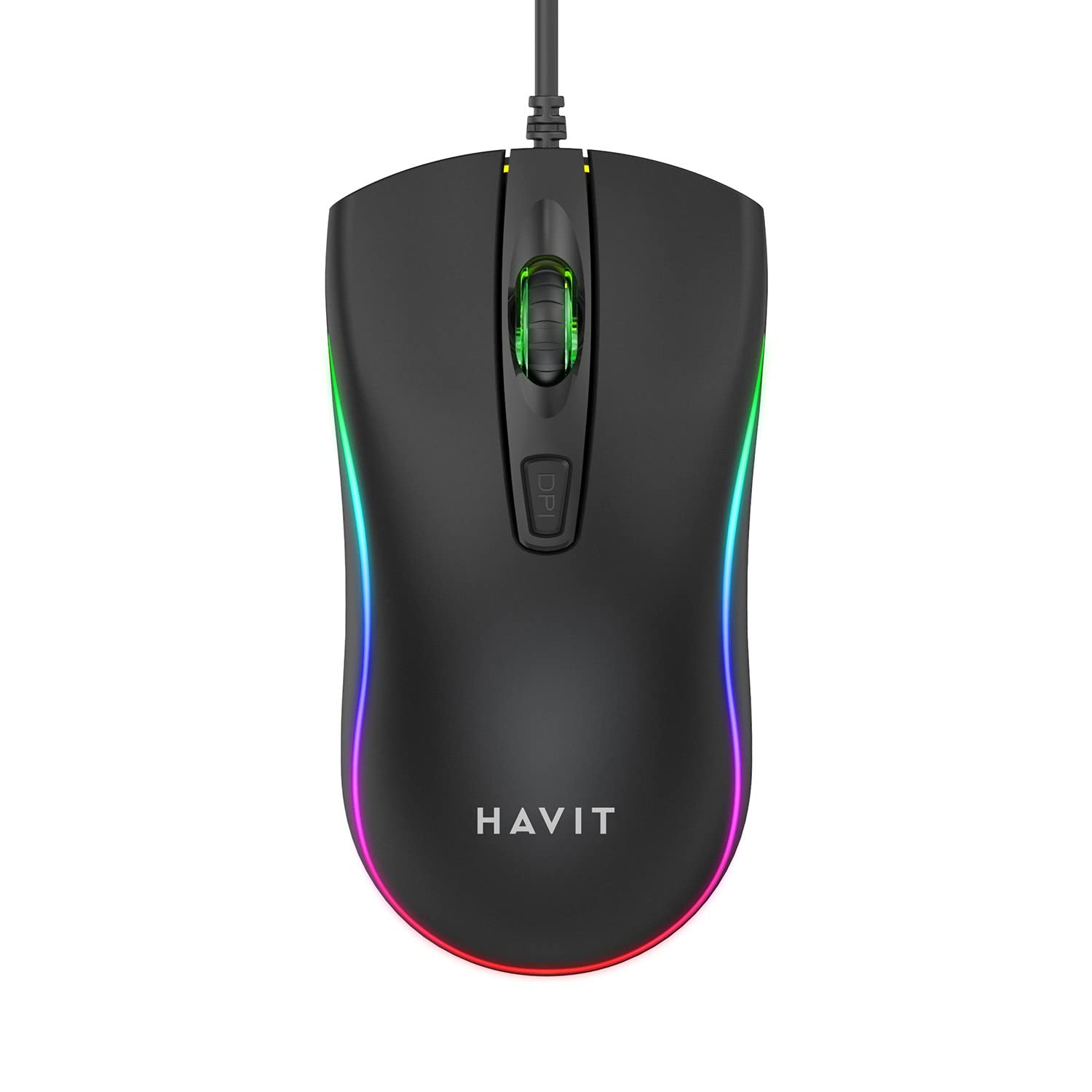
Image: The havit MS72 Gaming Mouse with its USB cable connected, showcasinel seu disseny ergonòmic i la il·luminació RGB.
Instruccions de funcionament
The havit MS72 Gaming Mouse is designed for intuitive use. Here are its primary functions:
- Botó esquerre de clic: Funció de clic principal estàndard.
- Botó dret: Standard secondary click function, typically for context menus.
- Roda de desplaçament: S'utilitza per desplaçar-se pels documents i web pàgines. També pot funcionar com a botó del botó central.
- Botó d'ajust de DPI: Located behind the scroll wheel. Press this button to cycle through the available DPI settings (800 DPI and 1200 DPI). The mouse's sensitivity will change with each press.
- Botons laterals (endavant/enrere): Typically located on the left side of the mouse. These buttons are commonly used for navigation (e.g., forward/backward in web browsers) or can be programmed for specific in-game actions.
- Il·luminació RGB: The mouse features integrated RGB lighting that cycles automatically. There are no user-adjustable controls for the lighting patterns or colors.
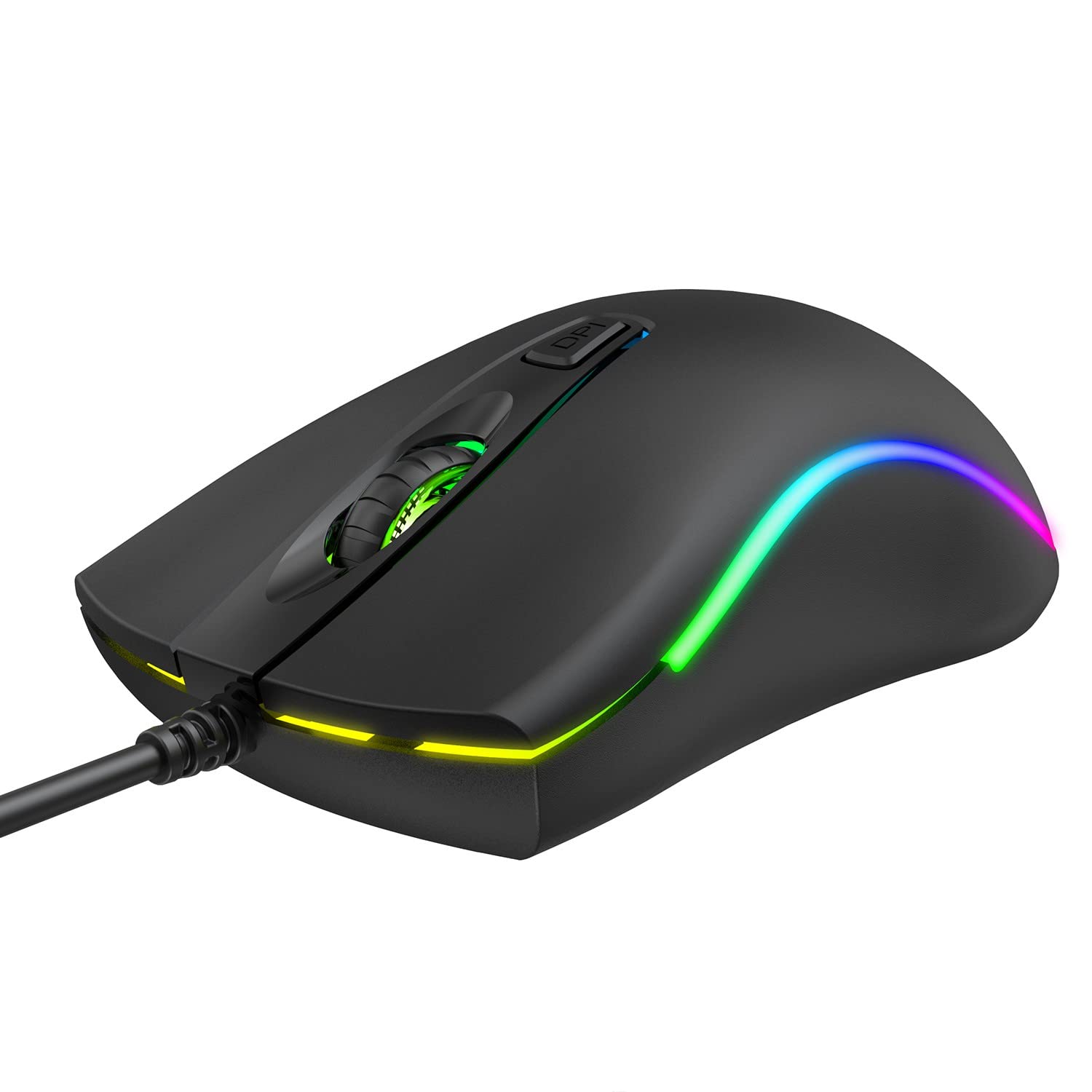
Imatge: Superior view of the havit MS72 Gaming Mouse, highlighting the scroll wheel and the DPI adjustment button.

Imatge: Lateral view of the havit MS72 Gaming Mouse, illustrating the placement of the forward and backward side buttons.
Manteniment
Proper maintenance ensures the longevity and optimal performance of your gaming mouse:
- Neteja: Feu servir un drap suau i sec per netejar la superfície del ratolí. Per a la brutícia persistent, netegeu lleugerament.ampNetegeu el drap amb aigua o una solució de neteja suau. Eviteu productes químics agressius o materials abrasius.
- Sensor òptic: Netegeu periòdicament el sensor òptic de la part inferior del ratolí amb un bastonet de cotó per evitar problemes de seguiment.
- Cura del cable: Avoid sharply bending or twisting the USB cable. Store the mouse in a way that prevents stress on the cable connection.
- Emmagatzematge: Quan no l'utilitzeu durant períodes prolongats, guardeu el ratolí en un entorn net i sec, allunyat de la llum solar directa i de temperatures extremes.
Resolució de problemes
If you encounter issues with your havit MS72 Gaming Mouse, refer to the following common solutions:
| Problema | Causa possible | Solució |
|---|---|---|
| El ratolí no respon | Connexió USB fluixa, port USB defectuós, problema amb el controlador. |
|
| El moviment del cursor és erràtic o brusc | Sensor òptic brut, superfície inadequada del coixinet del ratolí. |
|
| El botó DPI no canvia la sensibilitat | Conflicte de programari, mal funcionament del botó. |
|
| La il·luminació RGB no funciona | Problema d'alimentació, fallada interna. |
|
Especificacions
| Marca | haver |
| Model | MS72 |
| Tecnologia de connectivitat | USB (per cable) |
| Tecnologia de detecció de moviment | Òptic |
| Configuració de DPI | 800-1200 DPI (Two gears) |
| Orientació de la mà | Ambidextre |
| Característiques especials | Ergonomic Design, Anti-Slipping Surface, RGB Light |
| Sistemes operatius compatibles | Linux, Windows 7, Windows XP, macOS |
| Plataforma de maquinari | Ordinador portàtil, ordinador personal |
| Dimensions del producte (LxWxH) | 11.4 x 6 x 3.8 cm |
| Pes de l'article | 150 g |
Garantia i Suport
The havit MS72 Wired USB Gaming Mouse comes with a standard manufacturer's warranty. Please refer to the warranty card included with your product for specific terms and conditions.
For technical support, warranty claims, or any product-related inquiries, please contact the importer/manufacturer directly:
- Importador: Origin Marketing Private Limited
- Adreça: 121 Raj Ratna Industrial Estate, Liberty Garden, Malad West, Mumbai 400064
- Telèfon: 022 40224087
- Correu electrònic: service@originmarketing.in
When contacting support, please have your product model (MS72) and purchase details readily available.