
Introducció
This manual provides essential information for setting up, operating, maintaining, and troubleshooting your Google Pixel 4a with 5G smartphone. Please read this guide thoroughly to ensure optimal use of your device.

Image: Google Pixel 4a with 5G in Just Black, showcasing el seu disseny elegant.
Configuració
1. Desembalatge i càrrega inicial
Upon unboxing your Pixel 4a with 5G, ensure all components are present:
- Google Pixel 4a with 5G device
- 18W power adapter (Tetra)
- 1M USB-C to USB-C Cable (USB2.0)
- USB-C to USB-A Quick Switch Adapter (USB2.0)
- Google Pixel USB-C™ earbuds (in limited geographies)
Connect the USB-C cable to the phone and the power adapter, then plug it into a wall outlet to begin charging. The phone may have a partial charge, but a full charge is recommended before first use.
2. Instal·lació de la targeta SIM
The Pixel 4a with 5G supports a single Nano SIM card. Locate the SIM tray on the side of the device. Use the SIM ejector tool (not always included, a paperclip can be used) to open the tray. Place your Nano SIM card into the tray with the gold contacts facing down, then reinsert the tray into the phone.
3. Engegada i configuració inicial
Press and hold the power button on the side of the phone until the Google logo appears. Follow the on-screen prompts to select your language, connect to a Wi-Fi network, and sign in with your Google Account. You will also be guided through setting up security features like fingerprint recognition.
4. Data Transfer with Quick Switch Adapter
To transfer data from your old phone, use the included USB-C to USB-A Quick Switch Adapter. Connect your old phone to the Pixel 4a with 5G using your old phone's USB cable and the adapter. Follow the on-screen instructions to transfer contacts, photos, apps, and other data.

Image: A user easily transferring data to their new Pixel 4a with 5G using the Quick Switch Adapter.
Video: An unboxing and initial thoughts video for the Google Pixel 4a 5G, demonstrating the contents and first impressions of the device.
Funcionament del vostre dispositiu
1. Navegació bàsica
Your Pixel 4a with 5G runs on Android 11.0. Navigate using gestures or the traditional three-button navigation bar. Swipe up from the bottom to go home, swipe up and hold for recent apps, and swipe from the left or right edge to go back.
2. Connectivitat 5G
Experience enhanced speeds with 5G connectivity for faster downloads, smoother streaming, and improved gaming. Note that 5G service is carrier-dependent and requires a compatible data plan.

Image: The Pixel 4a with 5G screen showing a video, highlighting its 5G streaming capabilities.
Video: A demonstration of eSIM functionality on the Pixel 4a 5G, explaining how to set up and manage digital SIM cards.
3. Característiques de la càmera
The Pixel 4a with 5G features a powerful camera system:
- Visió nocturna: Capture vibrant photos even in low-light conditions.
- Portrait Light: Add studio-quality lighting to portraits.
- Ultrawide Lens: Get more scenery and people into your shots with the rear-facing ultrawide lens.
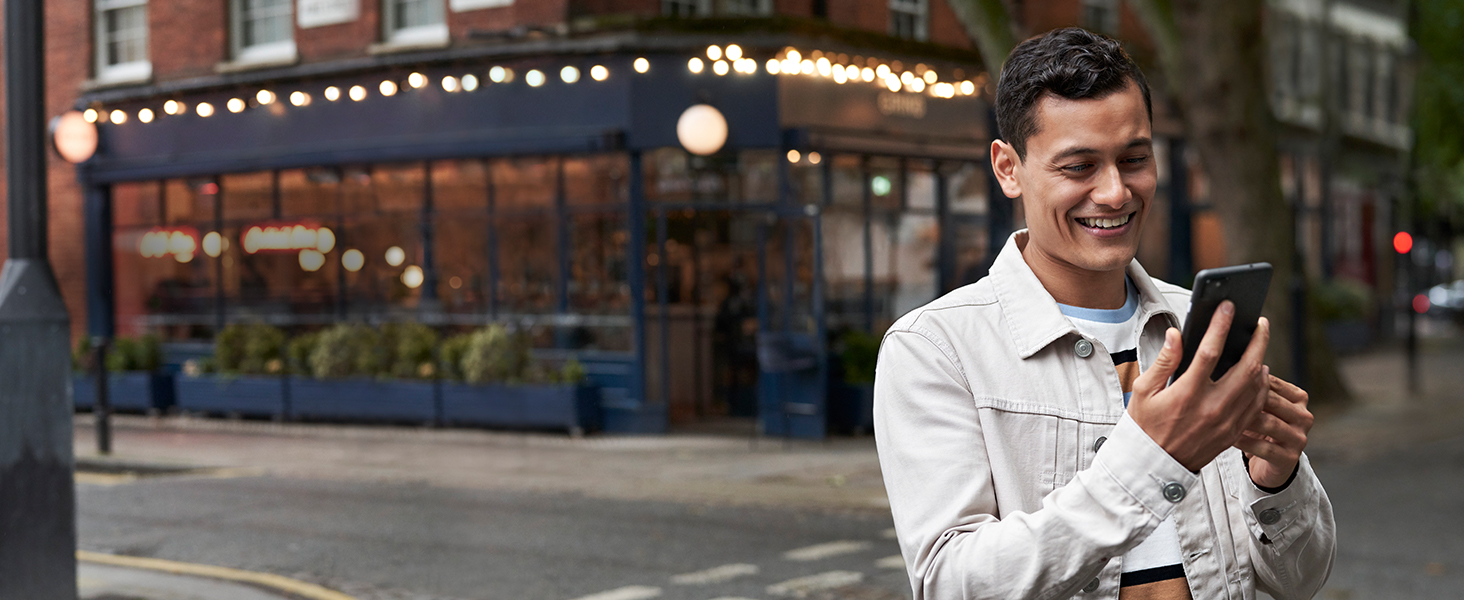
Image: A portrait shot demonstrating the camera's ability to capture quality images in various lighting conditions.

Image: A wide-angle landscape photo, showcasing the ultrawide lens capability.
Vídeo: Un review comparing the Google Pixel 4a 5G and Pixel 5 5G, highlighting their features and performance.
Video: A real-world test of the Google Pixel 4a 5G, demonstrating its performance and features in everyday use.
4. Gestió de la bateria
The all-day battery can last up to 48 hours with Extreme Battery Saver enabled. To optimize battery life, manage app usage, reduce screen brightness, and utilize the Extreme Battery Saver mode when needed.
5. Call Screen and Communication
Utilize Call Screen to filter out detected spam calls without interruption. Google Assistant provides helpful information about unrecognized callers before you answer. For video calls, use HD Google Duo screen sharing to share content with friends and family.
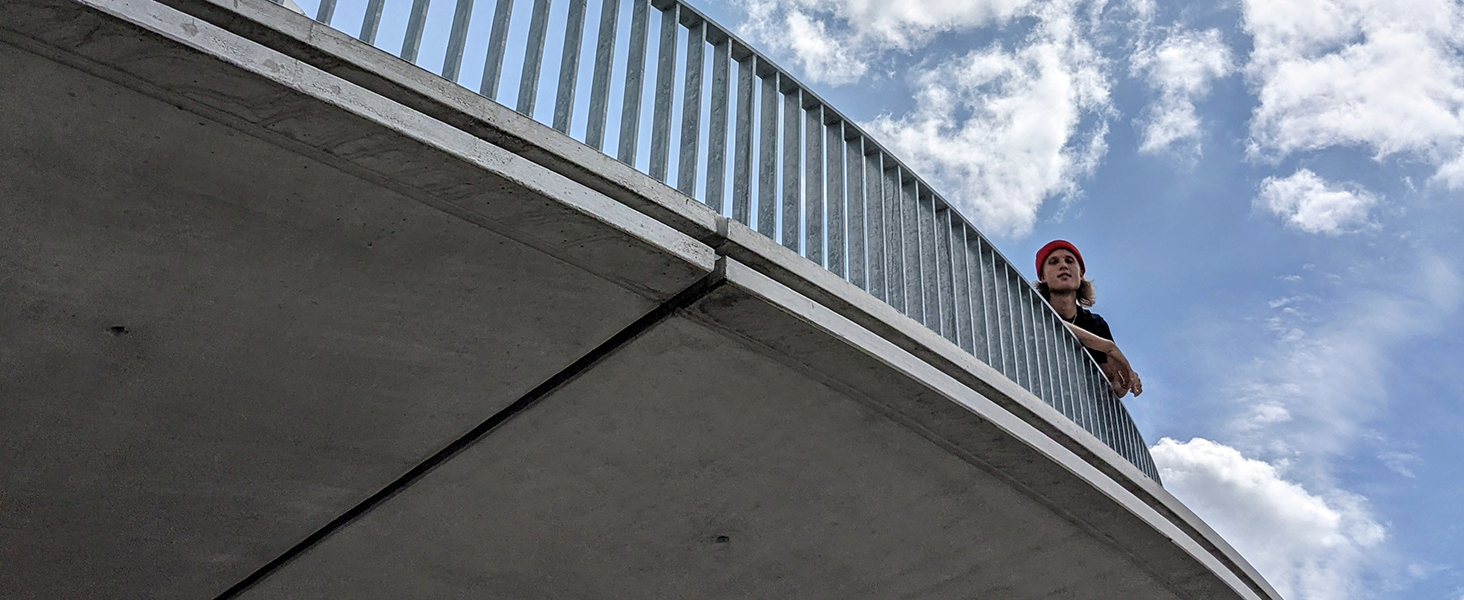
Image: The Call Screen feature in action, showing how it screens calls and provides a transcript.
6. Jack d’àudio
The phone includes a 3.5mm audio jack, offering flexibility to use wired or Bluetooth headphones.
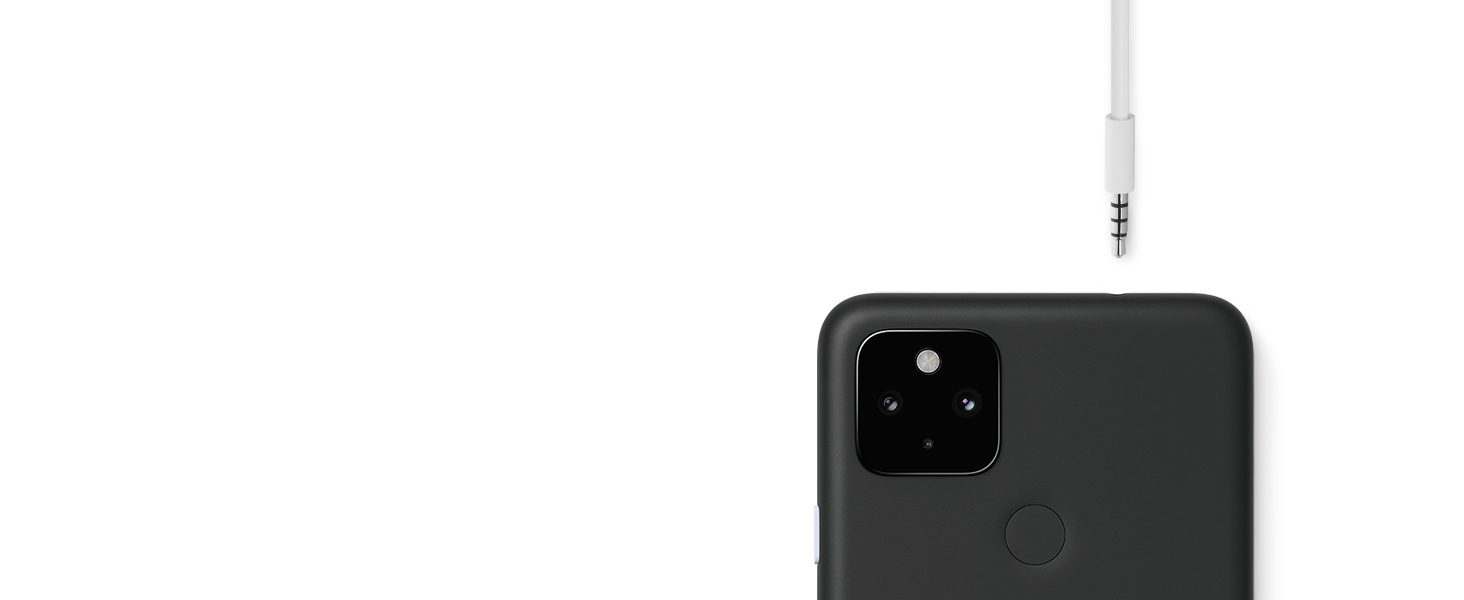
Imatge: Un primer pla view of the 3.5mm audio jack on the Pixel 4a with 5G.
Vídeo: 360 graus view of the Pixel 4a with 5G, showcasinel seu disseny des de tots els angles.
Manteniment
1. Actualitzacions de programari
Your Pixel 4a with 5G will automatically receive the latest OS and security updates for at least 3 years from its initial release. Ensure your device is connected to Wi-Fi and has sufficient battery life before installing updates.
2. Seguretat
The custom-made Titan M chip helps secure the operating system and sensitive data, such as passwords. Regular software updates further enhance device security.

Image: A father and son taking a selfie, representing the phone's built-in security features.
3. Neteja del dispositiu
To clean your phone, power it off and wipe it gently with a soft, lint-free cloth. Avoid using abrasive materials or harsh chemicals.
Resolució de problemes
If you encounter issues with your Pixel 4a with 5G, try the following basic troubleshooting steps:
- Reinicieu el dispositiu: Un simple reinici pot resoldre molts errors menors de programari.
- Comproveu si hi ha actualitzacions de programari: Ensure your phone is running the latest software version.
- Esborra la memòria cau de l'aplicació: If an app is misbehaving, try clearing its cache in Settings > Apps > [App Name] > Storage & cache.
- Check network connection: For connectivity issues, ensure your Wi-Fi or cellular data is active and signal strength is adequate.
- Restabliment de fàbrica: As a last resort, a factory reset can resolve persistent software problems, but remember to back up your data first.
Especificacions
| Marca | |
| Nom del model | Pixel 4a 5G |
| Sistema operatiu | Android 11.0 |
| Capacitat d'emmagatzematge de memòria | 128 GB |
| Mida de la pantalla | 6.2 polzades |
| Tipus de visualització | AMOLED |
| Resolució de pantalla màxima | 1920 x 1080 |
| Tecnologia cel·lular | 5G |
| Operador sense fil | Desbloquejat |
| Rear Facing Camera Photo Sensor Resolution | 12 MP |
| Front Photo Sensor Resolution | 8 MP |
| Potència de la bateria | 3600 mAh |
| Temps de conversa telefònica | 48 hores |
| Funció de seguretat biomètrica | Reconeixement d'empremtes digitals |
| Tipus de connector | 3.5mm Jack, USB-C |
| Color | Just Black |
| Pes de l'article | 5.67 g |
| Dimensions de l'article | 6.1 x 2.9 x 0.3 polzades |
Garantia
The Google Pixel 4a with 5G comes with a 1 anys de garantia del fabricant. Please retain your proof of purchase for warranty claims. For detailed terms and conditions, refer to the official Google warranty documentation included with your device or visit the Google support weblloc.
Suport
For further assistance, technical support, or to find additional resources, please visit the official Google Pixel Support weblloc:
You can also access help directly from your device by navigating to Settings > Tips & support.