
ROCCAT ROC-11-750
Manual d'usuari del ratolí per a jocs ROCCAT Burst Core
Model: ROC-11-750
Introducció
This manual provides comprehensive instructions for the setup, operation, and maintenance of your ROCCAT Burst Core Gaming Mouse. Designed for performance and precision, the Burst Core features an extreme lightweight design, an 8,500 DPI optical sensor, and durable construction. Please read this manual thoroughly to ensure optimal use and longevity of your device.
Producte acabatview
The ROCCAT Burst Core is an extreme lightweight optical gaming mouse engineered for core performance. It features a symmetrical ergonomic shape, a solid honeycomb shell, and ROCCAT's Titan Switch Optical technology.
- Symmetrical Ergonomic Shape: Crafted for comfort and performance.
- Disseny lleuger: Weighs only 68g due to its solid honeycomb shell.
- Titan Switch Optical: Provides a mechanical feel with optical speed for rapid, precise clicks.
- Peus de ratolí de PTFE: Ensures exceptional glide across various surfaces.
- Sensor òptic de 8,500 DPI: Based on the PixArt PMW3330 sensor for high precision tracking.

Imatge 1: Davant dret view of the ROCCAT Burst Core Gaming Mouse, showcasinel seu disseny ergonòmic i la roda de desplaçament.
Configuració
1. Connectar el ratolí
- Localitzeu un port USB disponible al vostre ordinador.
- Plug the USB connector of the ROCCAT Burst Core mouse into the USB port.
- Your operating system (Windows 7, Windows XP, Linux, or newer versions) should automatically detect and install the necessary drivers.
2. Software Installation (ROCCAT Swarm)
For advanced customization options, including DPI control, button assignments, scroll speed, click speed, and RGB lighting effects, it is recommended to install the ROCCAT Swarm software.
- Visit the official ROCCAT weblloc (www.roccat.com/pages/swarm) to download the latest version of ROCCAT Swarm.
- Seguiu les instruccions a la pantalla per completar la instal·lació.
- Once installed, launch ROCCAT Swarm to configure your mouse settings.

Imatge 2: Part superior view of the ROCCAT Burst Core, highlighting the main buttons, scroll wheel, and DPI button.
Instruccions de funcionament
Funcions bàsiques
- Clic esquerre: Acció primària, selecció.
- Clic dret: Secondary action, context menu.
- Roda de desplaçament: Scroll up/down, middle click for universal scrolling or assigned function.
- Botó DPI: Cycles through preset DPI (Dots Per Inch) sensitivity levels. Default settings can be customized via ROCCAT Swarm.
- Botons laterals: Typically assigned as 'Forward' and 'Back' in web navegadors i file explorers. Customizable via ROCCAT Swarm.
Advanced Customization with ROCCAT Swarm
The ROCCAT Swarm software allows you to personalize your mouse experience.
- Configuració de DPI: Adjust DPI steps and values to match your preference.
- Assignació de botons: Reassign functions to any of the mouse buttons, including macros.
- Taxa de votació: Configure the mouse's reporting rate to the computer.
- Il·luminació RGB: Customize the illumination effects and colors of the scroll wheel.
- Profiles: Crea i desa diversos professionalsfiles per a diferents jocs o aplicacions.
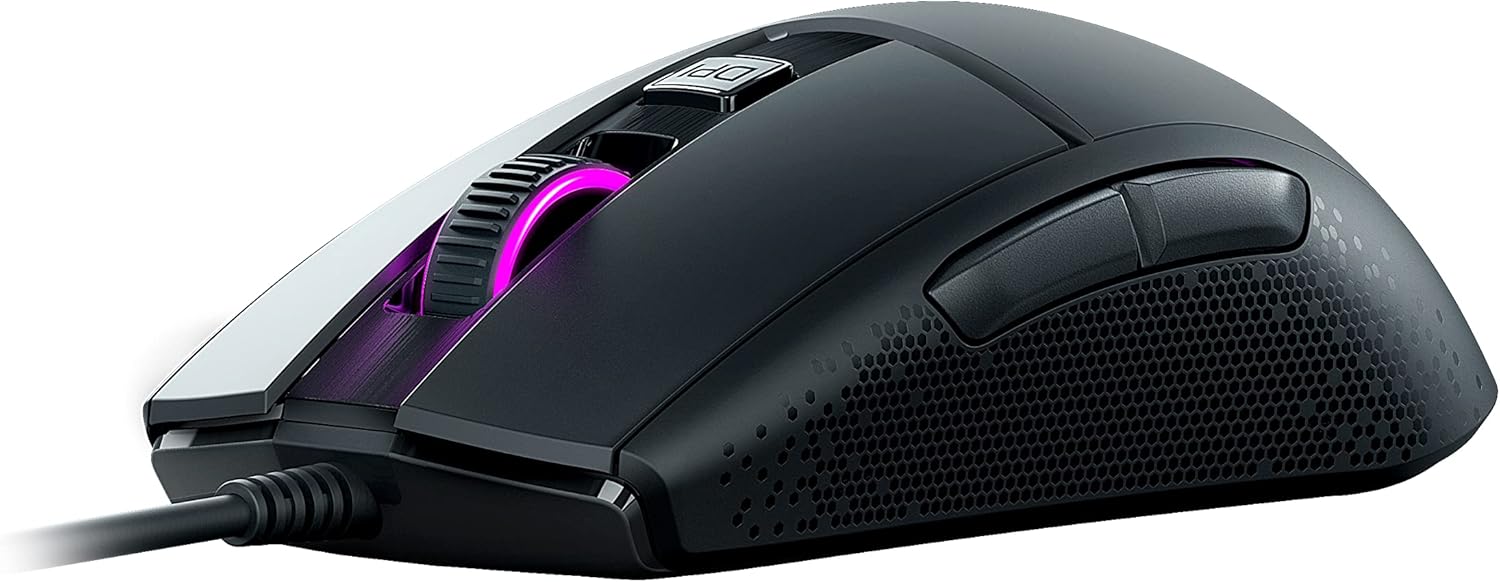
Imatge 3: Lateral view of the ROCCAT Burst Core, illustrating the textured hexagonal pattern for enhanced grip.
Manteniment
Neteja del ratolí
- Desconnecteu el ratolí de l'ordinador abans de netejar-lo.
- Utilitzeu un drap suau i sense pelusa lleugerament dampamb aigua o una solució de neteja suau.
- Eviteu utilitzar productes químics agressius, netejadors abrasius o dissolvents.
- Gently wipe the surface of the mouse. For the optical sensor, use a cotton swab to carefully remove any dust or debris.
- Assegureu-vos que el ratolí estigui completament sec abans de tornar-lo a connectar a l'ordinador.
Emmagatzematge
Guardeu el ratolí en un lloc fresc i sec, allunyat de la llum solar directa i de temperatures extremes. Eviteu col·locar objectes pesats sobre el ratolí o el cable.
Resolució de problemes
| Problema | Causa possible | Solució |
|---|---|---|
| El ratolí no respon |
|
|
| Seguiment inexacte o retard del cursor |
|
|
| Els botons no funcionen |
|
|

Imatge 4: Detallada view of the ROCCAT Titan Switch Optical mechanism, illustrating its internal components.
Especificacions
| Marca | ROCCAT |
| Número de model | ROC-11-750 |
| Tecnologia de connectivitat | USB |
| Tecnologia de detecció de moviment | Optical (PixArt PMW3330 based) |
| DPI màxim | 8,500 DPI |
| Pes de l'article | 68 g (2.4 unces) |
| Dimensions del producte (LxWxH) | 0.63 x 6.69 x 5.28 polzades |
| Color | Negre |
| Plataforma de maquinari | PC |
| Compatibilitat de sistemes operatius | Windows 7, Windows XP, Linux (and newer versions) |
| Característiques especials | Ergonomic Design, Lightweight, Titan Switch Optical, PTFE Mouse Feet |
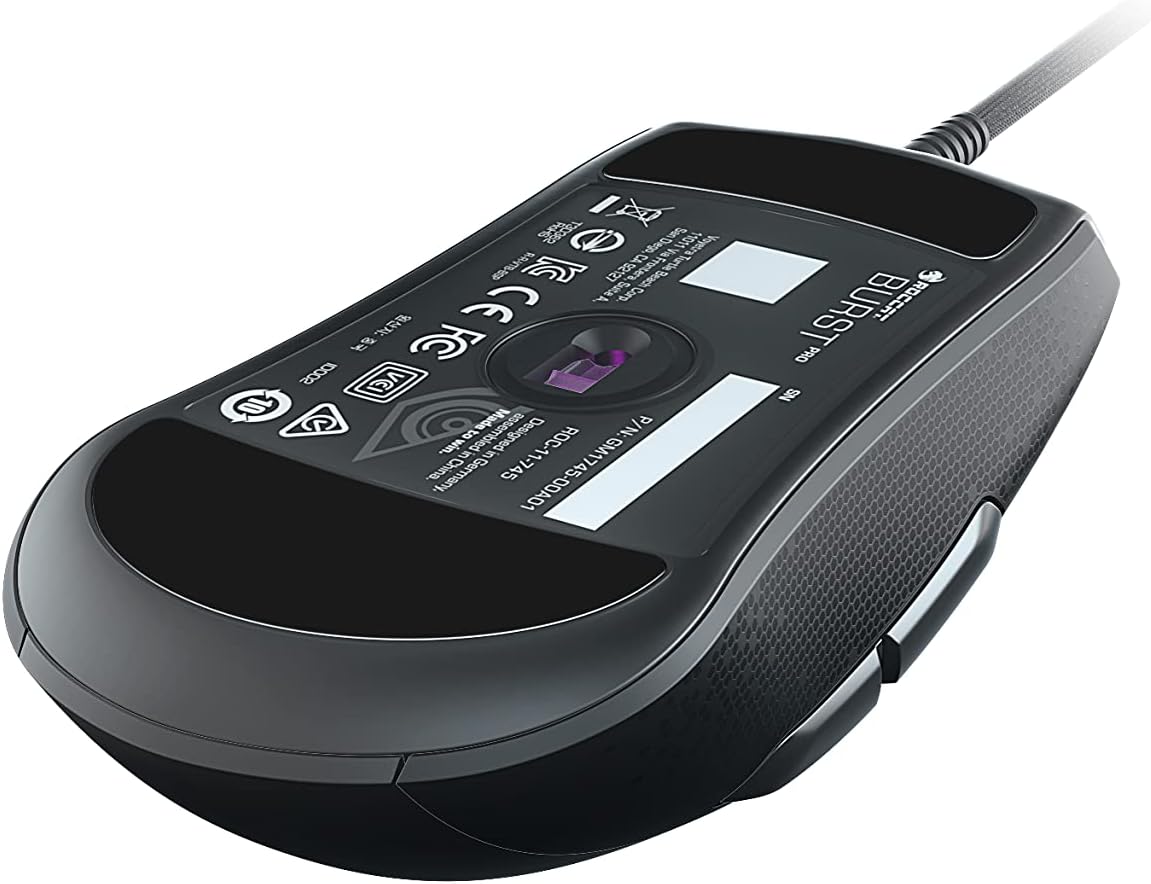
Imatge 5: Part inferior view of the ROCCAT Burst Core Gaming Mouse, displaying the model number and regulatory certifications.
Garantia i Suport
Informació de la garantia
ROCCAT products typically come with a manufacturer's warranty. Please refer to the warranty card included with your product or visit the official ROCCAT weblloc web per obtenir informació detallada sobre els termes i condicions de la garantia específics de la vostra regió. Conserveu el comprovant de compra per a reclamacions de garantia.
Atenció al client
For technical assistance, troubleshooting, or product inquiries, please contact ROCCAT customer support.
- Weblloc: Visit the official ROCCAT support page at support.roccat.com for FAQs, drivers, and contact options.
- Recursos en línia: Check for updated drivers and firmware on the ROCCAT weblloc per garantir un rendiment òptim.
Informació de seguretat
- No exposeu el dispositiu a temperatures extremes, humitat ni líquids.
- No intenteu desmuntar ni modificar el dispositiu. Això anul·larà la garantia.
- Mantingueu el dispositiu allunyat dels nens i de les mascotes.
- Dispose of the device according to local environmental regulations.
Ask a question about this manual
Ask about setup, troubleshooting, compatibility, parts, safety, or missing instructions. Manuals+ will review the question and use this page’s manual context to help answer it.