
Introducció
This manual provides comprehensive instructions for the OLCLSS Elite Wireless Pro Controller. Designed for an enhanced gaming experience, this controller is compatible with Nintendo Switch, Switch Lite, and Switch OLED consoles. It integrates advanced features such as a 6-axis gyro sensor, customizable turbo functions, NFC Amiibo support, and dual vibration motors to provide precise control and immersive feedback.

Image: The OLCLSS Elite Wireless Pro Controller, featuring a white body with mint green and light blue accents on the joysticks, D-pad, action buttons, and grips.
Característiques clau
- Àmplia compatibilitat: Works seamlessly with Nintendo Switch, Switch Lite, and Switch OLED models.
- Customizable Turbo Function: Offers three adjustable turbo speeds (high, normal, slow) for rapid input.
- Immersive Dual Vibration: Equipped with dual motors providing four levels of vibration intensity (0%, 30%, 70%, 100%) for realistic feedback.
- Precise 6-Axis Gyro Sensor: Enhances control and accuracy in games requiring motion sensing.
- NFC Amiibo Support: Allows for scanning Amiibo figures to unlock in-game content.
- Durada de la bateria ampliada: Features a built-in 620mAh lithium battery, providing 10-12 hours of playtime on a 2-3 hour charge.
- Wide Connectivity Range: Maintains a stable wireless connection up to 10 meters (32.8 feet).
Instruccions de configuració
1. Initial Pairing with Nintendo Switch
- Assegura't que la consola Nintendo Switch estigui engegada i actualitzada amb el programari del sistema més recent.
- Al menú INICI, seleccioneu "Controlants" > "Canvia l'empunyadura/l'ordre".
- On the OLCLSS Pro Controller, press and hold the small "Sync" button located on the top edge between the shoulder buttons for approximately 3-5 seconds. The indicator lights on the bottom of the controller will begin to flash.
- Once the controller is detected by the Switch, the player indicator light(s) on the controller will illuminate steadily, indicating a successful connection.
- Press the "A" button on the controller to confirm.

Image: The OLCLSS Pro Controller shown alongside Nintendo Switch, Switch Lite, and Switch OLED consoles, illustrating its broad compatibility.
2. Reconnecting the Controller
After initial pairing, you can quickly reconnect the controller:
- To wake up the console and controller, simply press the "HOME" button on the controller. The controller will automatically attempt to reconnect to the last paired Switch console.
Instruccions de funcionament
1. Funció Turbo
The Turbo function allows for rapid, repeated presses of a button with a single hold. This controller supports three turbo speeds.
- Activació de Turbo: Hold down the "T" (Turbo) button, then press any of the A/B/X/Y buttons to activate turbo mode for that specific button.
- Ajust de la velocitat del turbo: While holding the "T" button, move the Right 3D joystick up or down to cycle through the three turbo speeds: high, normal, and low.
- Desactivació de Turbo: Hold down the "T" button, then press the A/B/X/Y button again to deactivate turbo mode for that button.

Image: An illustration demonstrating the Turbo function, showing the 'T' button combined with action buttons to enable rapid fire, and joystick movement to adjust speed.
2. Dual Vibration Adjustment
The controller features dual motors with adjustable vibration intensity.
- To adjust vibration intensity, press and hold the "Vibration" button (often represented by a small motor icon) and use the D-pad up/down to cycle through 0%, 30%, 70%, and 100% intensity levels.

Image: The controller highlighting its dual vibration motors and NFC function, with Amiibo figures shown nearby.
3. Sensor giroscòpic de 6 eixos
The built-in 6-axis gyro sensor provides precise motion control for compatible games.
- This feature is automatically active in games that support motion controls, allowing for intuitive aiming, steering, and movement based on the controller's orientation.

Image: The controller illustrating its 6-axis somatosensor, showing how it translates physical movements into in-game actions like sensing direction, speed, and motion.
4. NFC Function (Amiibo Support)
The controller includes an NFC reader for Amiibo figures.
- To use an Amiibo, place the Amiibo figure on the NFC touchpoint of the controller (usually near the center logo) when prompted by a compatible game.
Battery Information and Charging
The controller is equipped with a 620mAh lithium battery.
- Temps de càrrega: Normalment, una càrrega completa triga entre 2 i 3 hores.
- Temps de joc: Provides approximately 10-12 hours of continuous gameplay on a full charge.
- Volum baixtage Advertència: The controller features a low voltage warning function to alert you when the battery is running low.
- Càrrega: Connect the controller to a USB-C power source using the provided cable. The indicator lights will show charging status.
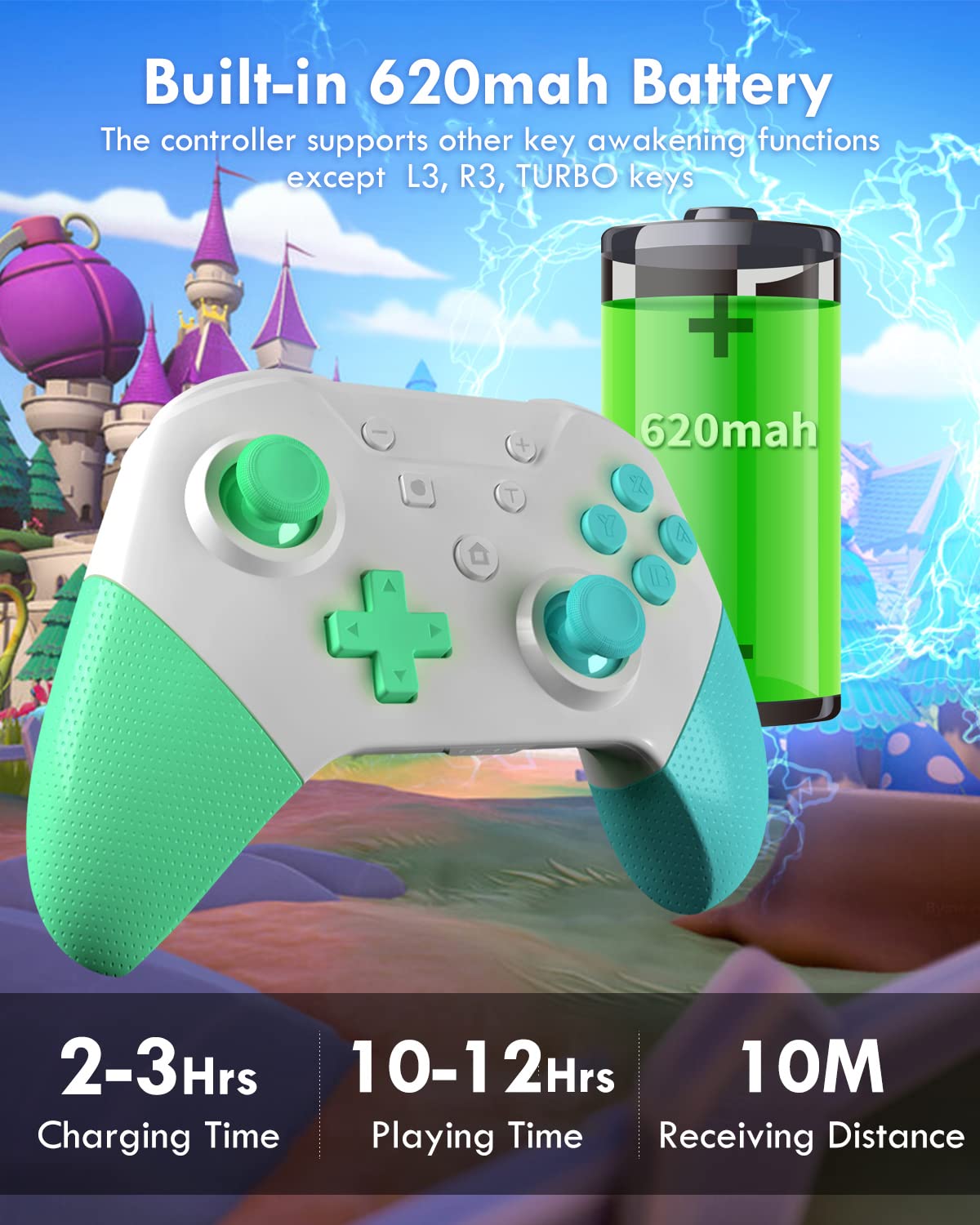
Image: The controller with an overlay showing its 620mAh battery, 2-3 hours charging time, 10-12 hours playing time, and 10m receiving distance.
Manteniment
- Mantingueu el controlador net netejant-lo amb un drap suau i sec. Eviteu utilitzar productes químics agressius o materials abrasius.
- Guardeu el controlador en un lloc fresc i sec, allunyat de la llum solar directa i de temperatures extremes.
- Eviteu deixar caure el controlador ni sotmetre'l a impactes forts, ja que això pot danyar els components interns.
- No intenteu desmuntar ni reparar el controlador vosaltres mateixos, ja que això podria anul·lar la garantia.
Resolució de problemes
- Controller Not Pairing:
- Ensure the Switch console is updated and in "Change Grip/Order" mode.
- Verify the controller is charged.
- Try restarting both the Switch and the controller.
- If issues persist, try deleting the controller from the Switch's "Controller Settings" and re-pairing.
- Retard d'entrada o desconnexions:
- Ensure you are within the 10-meter (32.8 feet) operating range.
- Minimitzar les interferències d'altres dispositius sense fil.
- Assegureu-vos que el controlador estigui completament carregat.
- Els botons o les palanques de control no responen:
- Check for physical obstructions or debris around the buttons/joysticks.
- Ensure the controller is properly paired and charged.
- If a specific button or joystick is consistently unresponsive, contact customer support.
- Problemes de vibració:
- Check the vibration intensity settings as described in the "Dual Vibration Adjustment" section.
- Assegura't que el joc al qual estàs jugant admeti la resposta per vibració.
Especificacions
| Característica | Detall |
|---|---|
| Número de model | Elit |
| Marca | OLCLSS |
| Compatibilitat | Nintendo Switch, Switch Lite, Switch OLED |
| Capacitat de la bateria | 620mAh Lithium Metal |
| Temps de càrrega | 2-3 hores |
| Hora de joc | 10-12 hores |
| Interval de connectivitat | Fins a 10 metres (32.8 peus) |
| Característiques especials | 6-Axis Gyro Sensor, Turbo Function, Dual Vibration, NFC Amiibo Support |
| Pes de l'article | 11.3 unces |
| Dimensions del paquet | 6.26 x 5.67 x 2.72 polzades |
Garantia i Suport
OLCLSS offers a lifetime warranty for this product. For any issues, repairs, or replacements, please contact OLCLSS customer service. They are committed to providing support and ensuring customer satisfaction.
Per obtenir més ajuda, visiteu el OLCLSS Store on Amazon.