
1. Introducció
Thank you for choosing the Yimaut IR Remote Control. This remote is designed to provide seamless control for your Roku Built-in TV. It operates using infrared (IR) technology and does not require pairing or complex setup for basic Roku TV functions. This package includes two remote controls, one black silicone cover, and one pink glow-in-the-dark silicone cover, along with wrist straps.
Contingut del paquet
- 2 x Yimaut IR Remote Controls
- 1 x Black Silicone Remote Cover
- 1 x Pink Glow-in-the-Dark Silicone Remote Cover
- 2 x corretges de canell
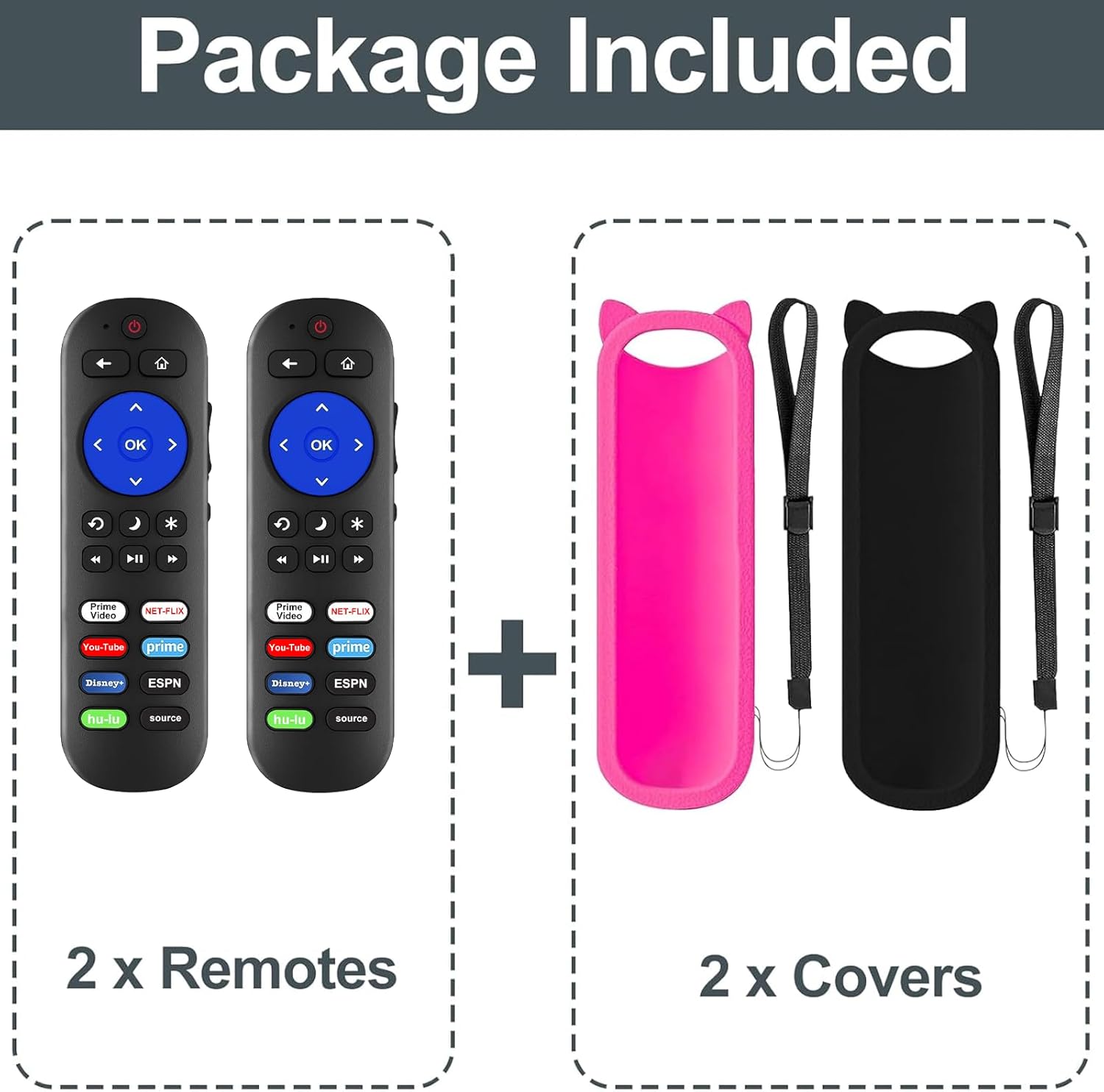
Figura 1: Contingut del paquet
Compatibilitat
This remote control is compatible with all Roku Built-in TVs. It is not compatible with Roku Stick or Roku Streaming Stick devices. It does not support RF, Wi-Fi, Bluetooth, voice control, or headphone jack functions.
Supported TV brands include:
- TCL Roku TV
- Hisense Roku TV
- A Roku TV
- Sharp Roku TV
- Haier Roku TV
- Insígnia Roku TV
- Sanyo Roku TV
- Hitachi Roku TV
- RCA Roku TV
- Televisor Philips Roku
- Element Roku TV
- LG Roku TV
- JVC Roku TV
- Magnavox Roku TV
- Westinghouse Roku TV

Figure 2: Compatibility Overview
2. Configuració
Instal·lació de la bateria
The remote control requires two (2) AAA batteries (not included) for operation.
- Obriu la tapa del compartiment de la bateria a la part posterior del comandament a distància.
- Introduïu dues piles AAA, assegurant-vos que els terminals positiu (+) i negatiu (-) s'alineïn correctament amb les marques de l'interior del compartiment.
- Tanqueu bé la tapa del compartiment de la bateria.

Figure 3: Remote Control (Batteries not shown installed)
Ús inicial
For Roku Built-in TVs, no pairing or programming is required. Once batteries are installed, the remote is ready for immediate use. Simply point the remote directly at your Roku TV.
3. Instruccions de funcionament
Funcions bàsiques
- Botó d'encesa: Encén o apaga el televisor.
- Pujar/baixar el volum: Ajusta el volum del televisor.
- Botó de silenci: Silencia o activa l'àudio del televisor.
- Teclat direccional (amunt, avall, esquerra, dreta) i botó OK: Navega pels menús i selecciona opcions.
- Botó d'inici: Torna a la pantalla d'inici de Roku.
- Botó enrere: Torna a la pantalla o al menú anterior.
- Controls de reproducció (rebobinar, reproduir/pausar, avançar ràpidament): Controla la reproducció de suports.
Tecles de drecera
The remote features dedicated shortcut buttons for quick access to popular streaming services:
- Netflix
- Hulu
- Disney+
- Amazon Prime Video
- YouTube
- ESPN+
- Source Button (to change input source)
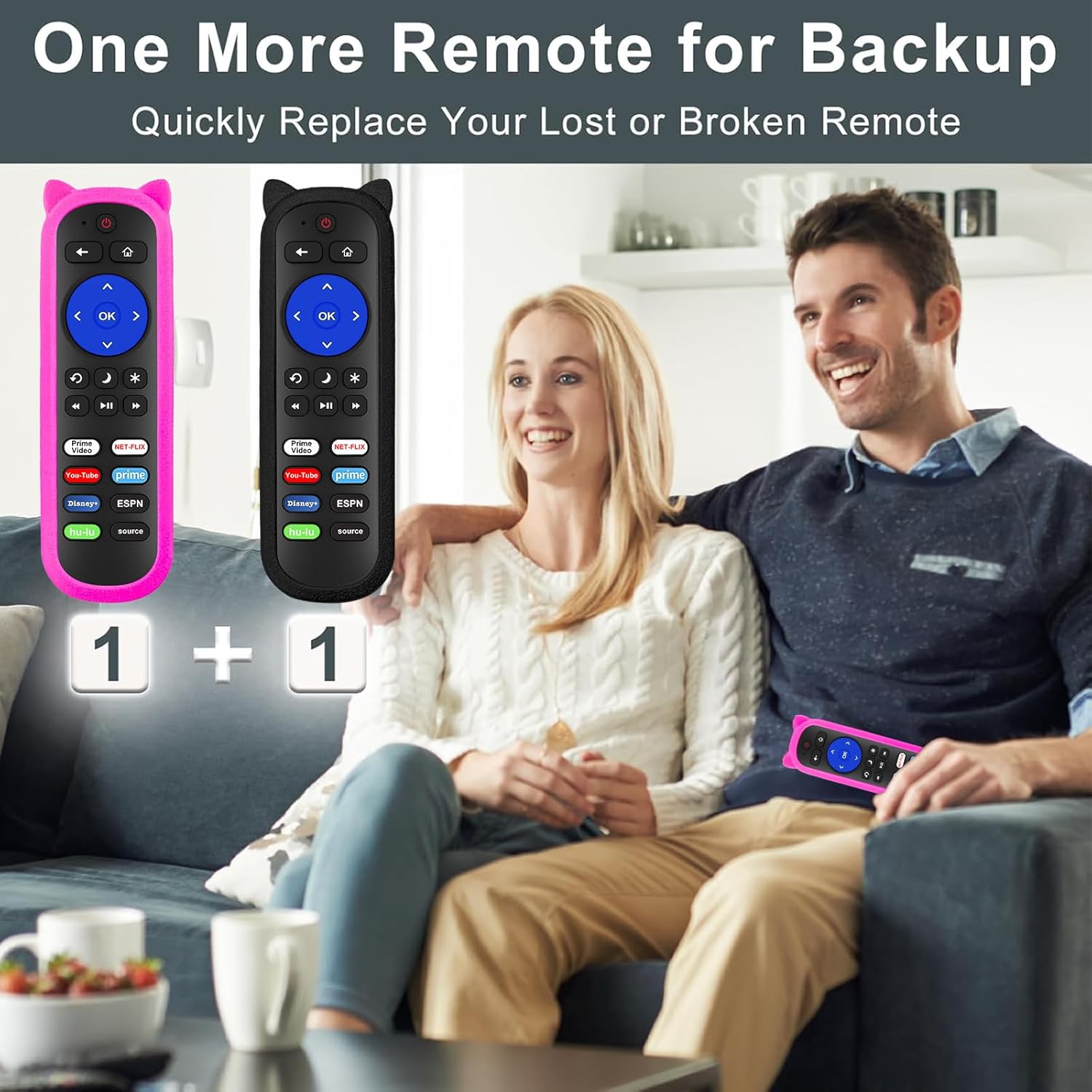
Figure 4: Remote Control Layout with Shortcut Buttons

Figure 5: 8 Channel Shortcut Keys Design
Infrared (IR) Operation
This remote operates via infrared signal. Ensure a clear line of sight between the remote control and your TV's IR receiver. Obstructions can interfere with the signal. The remote has a transmitting distance of up to 12 meters (40 feet).

Figure 6: Farther Transmitting Distance
4. Manteniment
Silicone Remote Covers
The included silicone covers protect your remote from drops and scratches. The pink cover features a glow-in-the-dark material, making it easier to locate in low-light conditions.
- Neteja: The silicone covers are washable. Remove the remote from the cover, wash the cover with mild soap and water, rinse thoroughly, and allow it to air dry completely before reinserting the remote.
- Anti-Lost Feature: Use the included wrist strap with the silicone cover to prevent accidental drops or misplacement.
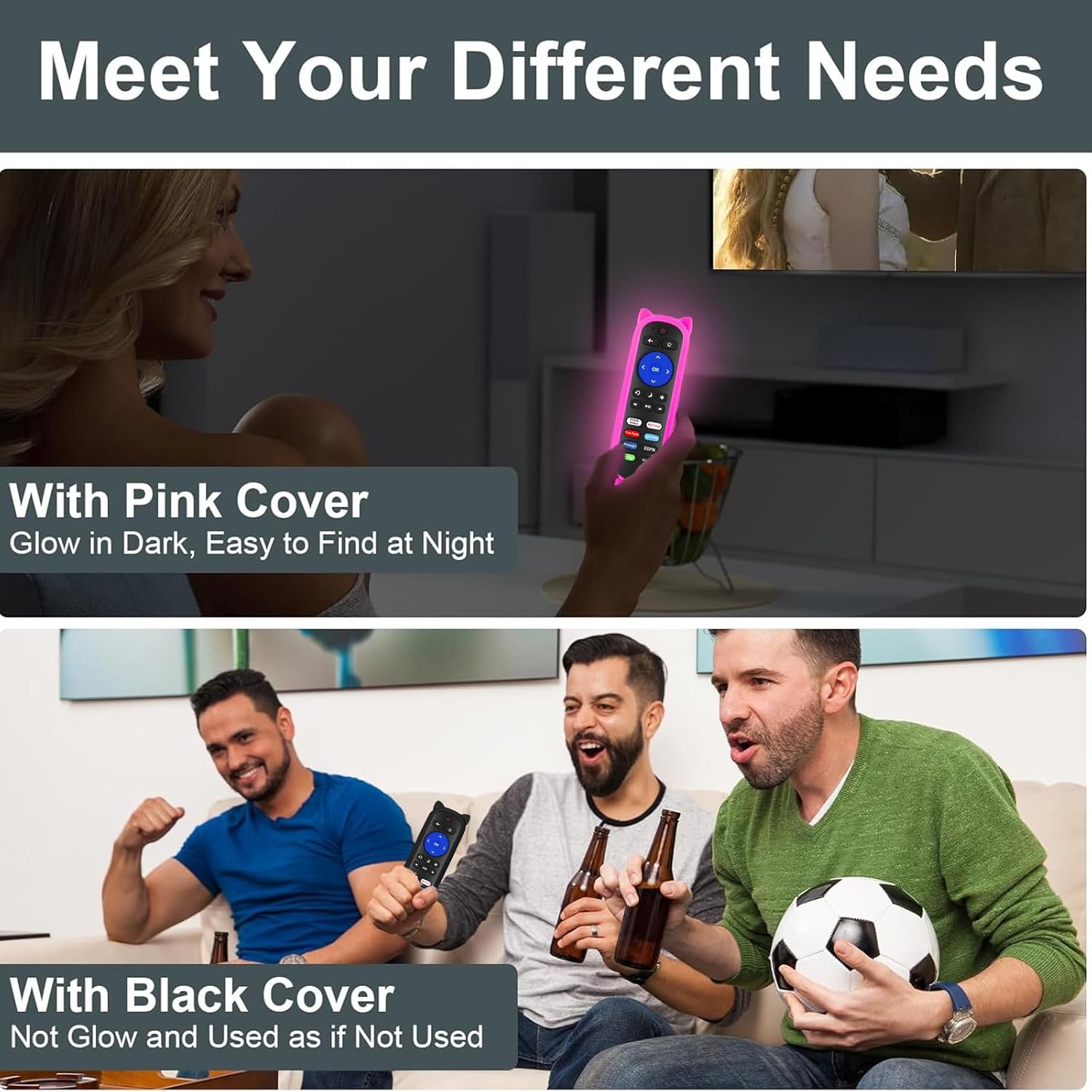
Figure 7: Remote with Pink Glow-in-the-Dark Cover

Figure 8: Detail of Silicone Remote Cover
Canvi de bateria
Replace batteries when the remote's response becomes sluggish or stops working. Always use fresh AAA batteries and dispose of old batteries responsibly.
5. Solució De Problemes
El comandament a distància no respon
- Comproveu les bateries: Ensure batteries are inserted correctly with the correct polarity and are not depleted. Replace if necessary.
- Línia de visió: Verify there are no obstructions between the remote and your TV's IR receiver. Aim the remote directly at the TV.
- Interferència: Avoid pointing the remote at glossy surfaces, as this can cause signal reflection issues. Keep the remote's path clear of bright LED light sources, which can interfere with the IR signal.
- Distància: Ensure you are within the effective operating range (up to 12 meters / 40 feet).

Figure 9: Troubleshooting for Connection Failure
Programming TV Power/Volume (for Roku Express/Soundbar setups)
While this remote is primarily for Roku Built-in TVs, some users with Roku Express or soundbar setups may need to program the TV power and volume buttons. If the power and volume buttons do not control your TV directly, you may need to use a universal remote code for your TV brand. Refer to your TV's manual for compatible universal remote codes or contact Yimaut customer service for assistance.
Note: Some users have reported success using Sony TV codes for Sceptre TVs.
6. Especificacions
| Característica | Especificació |
|---|---|
| Marca | Yimaut |
| Tecnologia de connectivitat | Infrarojos (IR) |
| Compatibilitat | All Roku Built-in TVs (TCL, Hisense, Onn, Sharp, etc.) |
| Font d'alimentació | 2 piles AAA (no incloses) |
| Característiques especials | Ergonomic design, No programming required for Roku Built-in TV, Shortcut keys, Anti-lost silicone covers (one glow-in-the-dark) |
| Nombre màxim de dispositius compatibles | 3 (Roku TV, plus TV power/volume if programmed) |
| Pes de l'article | 5.6 ounces (approx. for the pack) |
| Dimensions del paquet | 6.5 x 4.29 x 1.46 polzades |
7. Garantia i Suport
For any questions, concerns, or technical support regarding your Yimaut IR Remote Control, please contact Yimaut customer service. While specific warranty details are not provided in this manual, Yimaut is committed to providing quality products and support.
You can often find support information or contact details through the retailer where you purchased the product or by visiting the official Yimaut brand store online.
Yimaut Brand Store: Visit the Yimaut Store