
Introducció
This manual provides essential information for the safe and efficient operation of your iFFALCON 55K2A 55-inch 4K Ultra HD Smart Android LED TV. Please read this manual thoroughly before using the television and retain it for future reference.
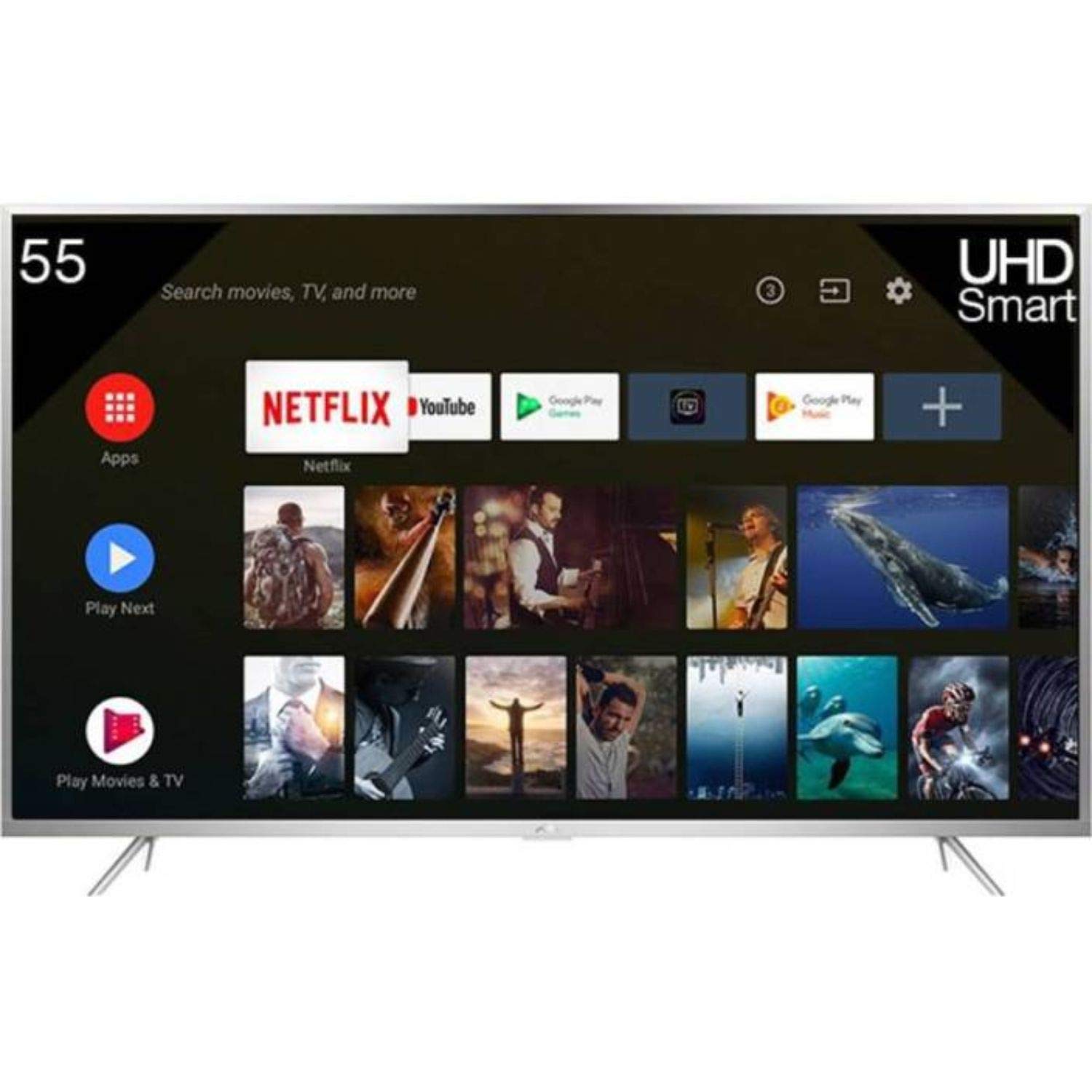
Figura 1: Frontal view of the iFFALCON 55K2A 55-inch 4K Ultra HD Smart Android LED TV.
Informació de seguretat
Observeu les següents precaucions de seguretat per evitar incendis, descàrregues elèctriques o lesions:
- Font d'alimentació: Connecteu el televisor només a una font d'alimentació de CA de 100-240 V, 50/60 Hz.
- Ventilació: Ensure adequate ventilation. Do not block ventilation openings. Maintain a minimum distance from walls and other objects.
- Col·locació: Place the TV on a stable, level surface. Avoid placing it in direct sunlight, near heat sources, or in areas with high humidity or dust.
- Líquid i humitat: No exposeu el televisor a la pluja ni a la humitat. No col·loqueu objectes plens de líquids, com ara gerros, a sobre del televisor.
- Neteja: Desendolleu el televisor abans de netejar-lo. Feu servir un drap suau i sec. No utilitzeu netejadors líquids ni aerosols.
- Manteniment: No intenteu atendre aquest producte vosaltres mateixos. Consulteu tots els serveis a personal de servei qualificat.
Què hi ha a la caixa
Desembaleu la caixa amb cura i assegureu-vos que hi hagi tots els elements:
- 1 x iFFALCON 55K2A TV Unit
- 1 x Standard Remote Controller
- 1 x Smart Remote
- 1 x Manual d'usuari (aquest document)
- 1 x Kit de muntatge a la paret
- 1 x Targeta de garantia
- 2 x bases de suport
Configuració
1. Instal·lació del suport (opcional)
If you are not wall-mounting the TV, attach the base stands:
- Col·loqueu el televisor cara avall sobre una superfície suau i plana per evitar que la pantalla es faci malbé.
- Align each base stand with the corresponding slots on the bottom of the TV.
- Fixeu els suports amb els cargols proporcionats.
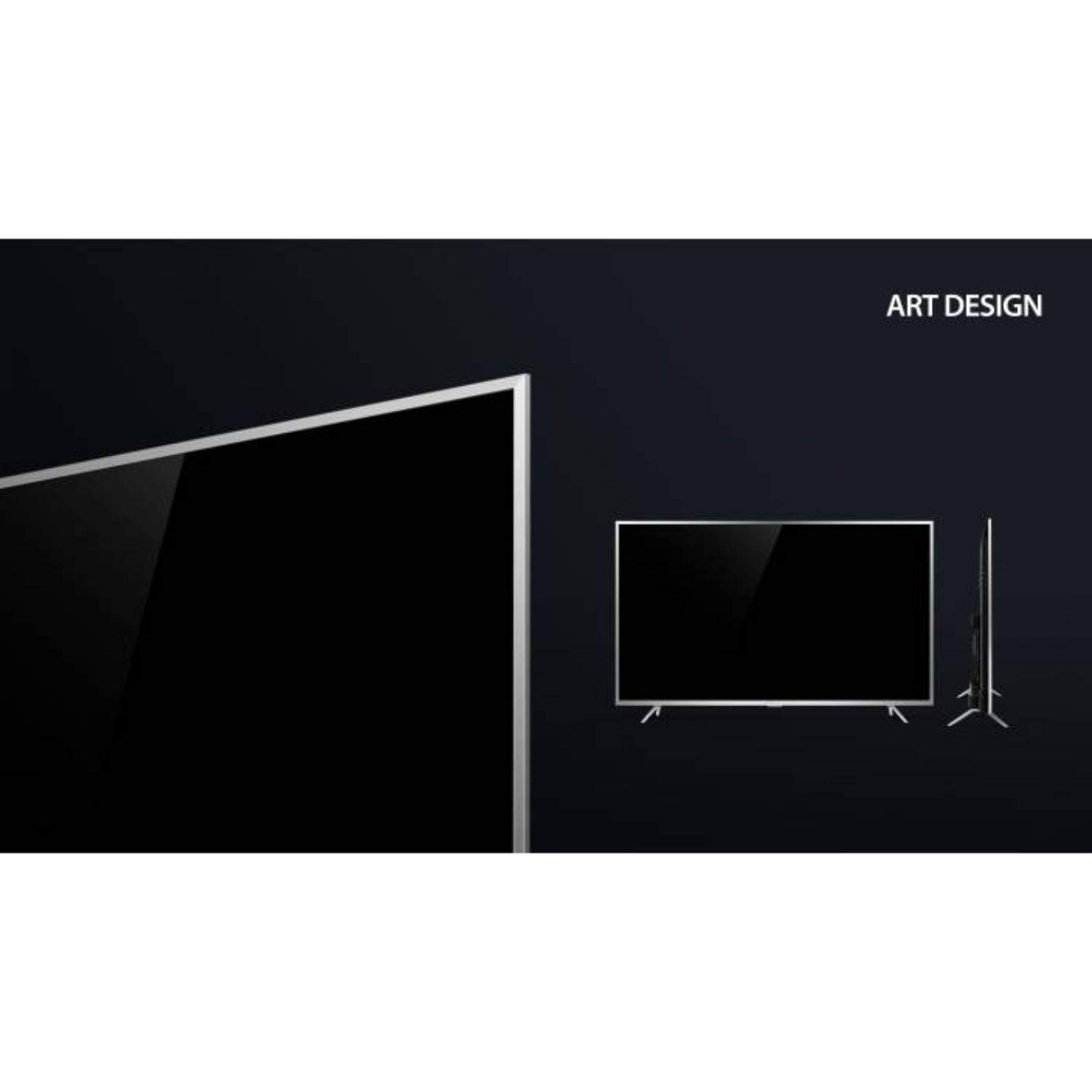
Figure 2: Detail of the TV's lower bezel, where the base stands attach.
2. Muntatge a la paret (opcional)
If wall-mounting, use the included wall mount kit. The TV supports VESA 200 x 200 mm mounting standard. Follow the instructions provided with the wall mount kit for safe installation.
3. Dispositius de connexió
Connecteu els dispositius externs als ports del televisor:
- HDMI: Connect Blu-ray players, game consoles, or set-top boxes to the HDMI ports. This TV has 2 HDMI ports.
- USB: Connect USB storage devices for media playback to the 2 USB ports.
- VGA: Connecteu un ordinador a través del port VGA.
- Auriculars: Connecteu els auriculars per a una escolta privada.
- Wi-Fi: Connect to your home network wirelessly for internet services.
4. Engegada i configuració inicial
- Connecteu el cable d'alimentació al televisor i després a una presa de corrent.
- Premeu el botó d'engegada del televisor o del comandament a distància per engegar-lo.
- Seguiu les instruccions que apareixen a la pantalla per completar la configuració inicial, inclosa la selecció d'idioma, la connexió de xarxa i l'escaneig de canals.
Funcionament del televisor
Comandaments a distància
Your iFFALCON 55K2A TV comes with two remote controls: a standard remote and a smart remote. The smart remote offers enhanced features like voice control.

Figure 3: Standard and Smart Remote Controls for the iFFALCON 55K2A TV.
- Botó d'encesa: Encén o apaga el televisor.
- Botons de volum: Ajusteu el nivell de so.
- Botons de canal: Canviar els canals de televisió.
- Botons de navegació: Navegueu pels menús i opcions.
- Google Assistant (Smart Remote): Press the dedicated button to activate voice control for searching content, controlling smart home devices, and more.
Smart TV Features (Android OS)
The iFFALCON 55K2A runs on Android OS, providing access to a wide range of applications and services.

Figure 4: The TV displaying the Netflix application interface.
- Serveis suportats: Access popular streaming platforms like Amazon Video, Hotstar, Netflix, and YouTube directly from your TV.
- Google Play Store: Baixeu aplicacions i jocs addicionals.
- Control de veu: Use the Google Assistant via the smart remote to search for content, get information, and control your TV hands-free.
Configuració d'imatge i so
Access the TV's settings menu to customize picture and sound preferences. This TV features 4K resolution, HDR, True Color, Micro Dimming, and Dolby Audio for an enhanced viewexperiència.
Manteniment
Neteja del televisor
- Desendolleu sempre el televisor de la presa de corrent abans de netejar-lo.
- Feu servir un drap suau, sec i sense borrissol per netejar la pantalla i la carcassa.
- Per a marques difícils, esbandiu lleugeramentampNetegeu el drap amb aigua o un netejador de pantalles suau i no abrasiu. No ruixeu el netejador directament sobre la pantalla.
- Avoid using alcohol, benzene, thinners, or other volatile substances, as they may damage the TV's surface.
Resolució de problemes
Si teniu problemes amb el televisor, consulteu les solucions habituals següents:
- Sense energia: Ensure the power cord is securely plugged into both the TV and the wall outlet. Check if the power outlet is functioning.
- Sense imatge/so: Verifiqueu que s'ha seleccionat la font d'entrada correcta. Comproveu totes les connexions de cable (HDMI, AV).
- El control remot no funciona: Comproveu les piles del comandament a distància. Assegureu-vos que no hi hagi cap obstrucció entre el comandament a distància i el sensor d'infrarojos del televisor.
- Mala qualitat d'imatge: Ajusteu la configuració de la imatge (brillantor, contrast, nitidesa). Assegureu-vos que la font d'entrada proporciona un senyal d'alta qualitat.
- Sense connexió a Internet: Check your Wi-Fi router and network settings. Reconnect the TV to the Wi-Fi network.
For persistent issues, consult the full troubleshooting guide available on the iFFALCON support weblloc o contacteu amb el servei d'atenció al client.
Especificacions
| Nom del model | iFFALCON 55K2A |
| Mida de la pantalla | 55 polzades (138.71 cm) |
| Tecnologia de visualització | LED |
| Resolució | 4K Ultra HD (3840 x 2160) |
| Freqüència d'actualització | 60 Hz |
| Sistema operatiu | Android |
| Connectivitat | Wi-Fi, 2 x HDMI, 2 x USB, VGA, Headphone |
| Sortida d'àudio | Stereo speakers with Dolby Audio |
| Tipus de muntatge | Wall Mount (VESA 200 x 200 mm) |
| Consum d'energia | 130 watts |
| Pes de l'article | 13.8 quilos |
| Any model | 2018 |
Garantia i Suport
Informació de la garantia
Your iFFALCON 55K2A TV comes with a 1 anys de garantia estàndard proporcionat pel fabricant des de la data de compra. Si us plau, conserveu el rebut de compra per a reclamacions de garantia.
Atenció al client
For technical assistance, warranty service, or further inquiries, please contact iFFALCON customer support. Refer to the warranty card or the official iFFALCON weblloc per obtenir dades de contacte.