
Introducció
This manual provides detailed instructions for the setup, operation, and maintenance of your FANGOR 15.6" Portable Monitor, model DH112222. Please read this manual thoroughly before using the product to ensure proper functionality and to prevent damage.
The FANGOR DH112222 is a versatile 15.6-inch Full HD 1080P IPS display designed for various applications, including extending laptop screens, gaming, and multimedia consumption. It features USB Type-C and HDMI connectivity, built-in speakers, and a smart cover for portability and protection.
Contingut del paquet
Si us plau, comproveu el contingut del paquet en desembalar-lo. Si falta algun article o hi ha algun malmès, poseu-vos en contacte amb el servei d'atenció al client.
- FANGOR 15.6" Portable Monitor (DH112222)
- Smart Cover / Stand
- USB-C to USB-C Cable (for power and video/data)
- HDMI to Mini HDMI Cable (for video)
- Cable USB-A a USB-C (per a l'alimentació)
- Adaptador d'alimentació (si inclòs)
- Manual d'usuari (aquest document)
Producte acabatview
Familiarize yourself with the monitor's components and ports.
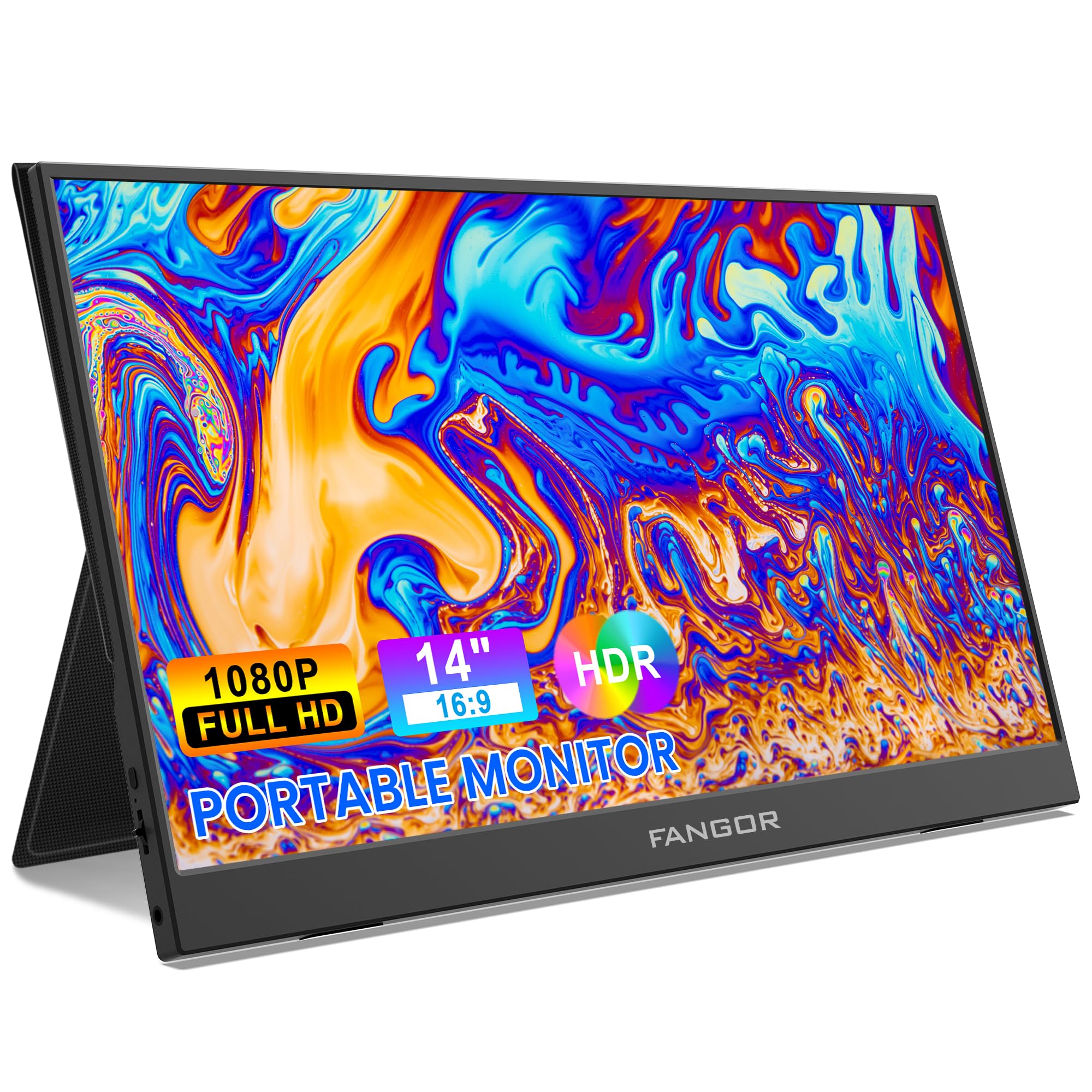
Image: FANGOR 15.6" Portable Monitor DH112222. This image displays the monitor with its smart cover, showcasing és Slim Profile i pantalla.
Ports i botons:
- USB-C Port (Full-featured): For power, video, and data transmission from compatible devices.
- Port mini HDMI: For video input from devices using an HDMI cable.
- Conector d'àudio de 3.5 mm: Per connectar auriculars o altaveus externs.
- Power Button / OSD Menu Button: Press and hold to power on/off. Press to access the On-Screen Display (OSD) menu.
- Volume / Navigation Buttons: Used to adjust volume or navigate through the OSD menu.
- Altaveus integrats: Located on the sides or rear of the monitor.
Note: A visual diagram showing the exact location of each port and button would typically be included here.
Instruccions de configuració
1. Setting up the Smart Cover:
- Unfold the smart cover to form a triangular stand.
- Place the monitor into the grooves of the stand to achieve the desired viewangle de ing.
Note: An illustration demonstrating how to fold the smart cover into a stand would be beneficial here.
2. Connecting to a Power Source:
The monitor requires power to operate. It can be powered via USB-C.
- Connect one end of the USB-C to USB-C cable to the monitor's full-featured USB-C port.
- Connect the other end to a power adapter (5V/3A or higher recommended) or a compatible device's USB-C port that supports power delivery.
- Alternatively, use the USB-A to USB-C cable with a power adapter.
Note: A diagram showing power connection options would be helpful.
Instruccions de funcionament
Connexió als dispositius:
The FANGOR DH112222 supports various devices via USB-C and HDMI.
1. Connecting to a Laptop/PC (USB-C):
For laptops/PCs with a full-featured USB-C port (supporting DisplayPort Alternate Mode and Power Delivery):
- Connect one end of the USB-C to USB-C cable to the monitor's full-featured USB-C port.
- Connect the other end to the laptop's full-featured USB-C port.
- The monitor should automatically detect the signal and display the screen. If not, ensure the laptop's display settings are configured for an external monitor (e.g., Extend, Duplicate).
Note: Some laptops may require an external power source for the monitor if their USB-C port does not provide sufficient power.
2. Connecting to a Laptop/PC (HDMI):
For laptops/PCs with an HDMI port:
- Connect one end of the HDMI to Mini HDMI cable to the monitor's Mini HDMI port.
- Connect the other end (HDMI) to the laptop's HDMI port.
- Ensure the monitor is powered via its USB-C port (using a USB-A to USB-C cable connected to a power adapter or a USB-C to USB-C cable connected to a power source).
- The monitor should automatically detect the signal. Adjust display settings on your PC if necessary.
3. Connecting to Gaming Consoles (PS4, Xbox, Switch):
Use the HDMI to Mini HDMI cable for video and a USB-C cable for power.
- Connect the monitor to a power source via USB-C.
- Connect the HDMI to Mini HDMI cable from the console's HDMI output to the monitor's Mini HDMI input.
- Power on the console and the monitor.
4. Connecting to Smartphones (USB-C):
For smartphones with a full-featured USB-C port (supporting DisplayPort Alternate Mode and Power Delivery):
- Connect one end of the USB-C to USB-C cable to the monitor's full-featured USB-C port.
- Connect the other end to the smartphone's USB-C port.
- The monitor will display the phone's screen. Some phones may offer a desktop mode.
Note: Not all smartphones support video output via USB-C. Check your phone's specifications.
Menú de visualització en pantalla (OSD):
El menú OSD permet ajustar diversos paràmetres de la pantalla.
- Press the Power/OSD button to open the OSD menu.
- Use the Volume/Navigation buttons to move up/down or left/right through the menu options.
- Press the Power/OSD button again to select an option or confirm a setting.
- To exit the OSD menu, navigate to the 'Exit' option or wait for the menu to time out.
Common OSD Menu Options: Brightness, Contrast, Color Temperature, Aspect Ratio, Input Source, Volume.
Manteniment
- Neteja de la pantalla: Utilitzeu un drap suau i sense pelusa lleugerament dampNetegeu amb aigua o un netejador de pantalles no abrasiu. No ruixeu líquid directament sobre la pantalla.
- Neteja de la Casing: Use a soft, dry cloth. Avoid harsh chemicals or abrasive materials.
- Emmagatzematge: When not in use, store the monitor in its smart cover to protect the screen from scratches and dust. Avoid extreme temperatures and humidity.
- Manipulació: Always handle the monitor by its edges. Avoid applying pressure to the screen.
Resolució de problemes
| Problema | Possible solució |
|---|---|
| Sense senyal / Pantalla negra |
|
| No hi ha so dels altaveus |
|
| Pantalla parpellejant o imatge inestable |
|
| El monitor no s'encén |
|
Especificacions
| Característica | Detall |
|---|---|
| Número de model | DH112222 |
| Mida de la pantalla | 15.6 polzades |
| Resolució | Full HD 1080p (1920 x 1080) |
| Tipus de visualització | LCD, IPS |
| Relació d'aspecte | 16:9 |
| Freqüència d'actualització | 60 Hz |
| Relació de contrast | 1000:1 |
| Viewangle ing | 160 graus |
| Screen Finish | brillant |
| Connectivitat | HDMI, USB-C (full-featured), Mini HDMI |
| Àudio | Built-In Speakers, 3.5mm Audio Jack |
| Dimensions del producte | 38 x 28.5 x 45 cm |
| Pes de l'article | 612.35 g (1.35 lliures) |
| Dispositius compatibles | Laptop, PC, Smartphone, XBOX, Switch, PS4 |
Informació de seguretat
- No exposeu el monitor a la pluja ni a la humitat per evitar riscos d'incendi o descàrrega elèctrica.
- No obriu el monitor casing. Demaneu totes les tasques de manteniment a personal de servei qualificat.
- Eviteu col·locar el monitor a prop de fonts de calor o sota la llum solar directa.
- Use only the power adapter and cables provided or recommended by the manufacturer.
- Mantingueu el monitor allunyat de camps magnètics forts.
Garantia i Suport
For warranty information and technical support, please refer to the warranty card included with your product or visit the official FANGOR weblloc web. Conserveu el rebut de compra com a comprovant de compra per a reclamacions de garantia.
For further assistance, contact FANGOR customer support through their official channels.