
Introducció
This manual provides comprehensive instructions for the Apple iPad Air 4th Generation (2020). It covers the fundamental aspects of the iPad and its iOS operating system, detailing how various functions operate. This guide will walk you through step-by-step procedures for performing activities on your iPad Air, utilizing its embedded features, and optimizing its use. The manual includes descriptive text to clarify each step and function.
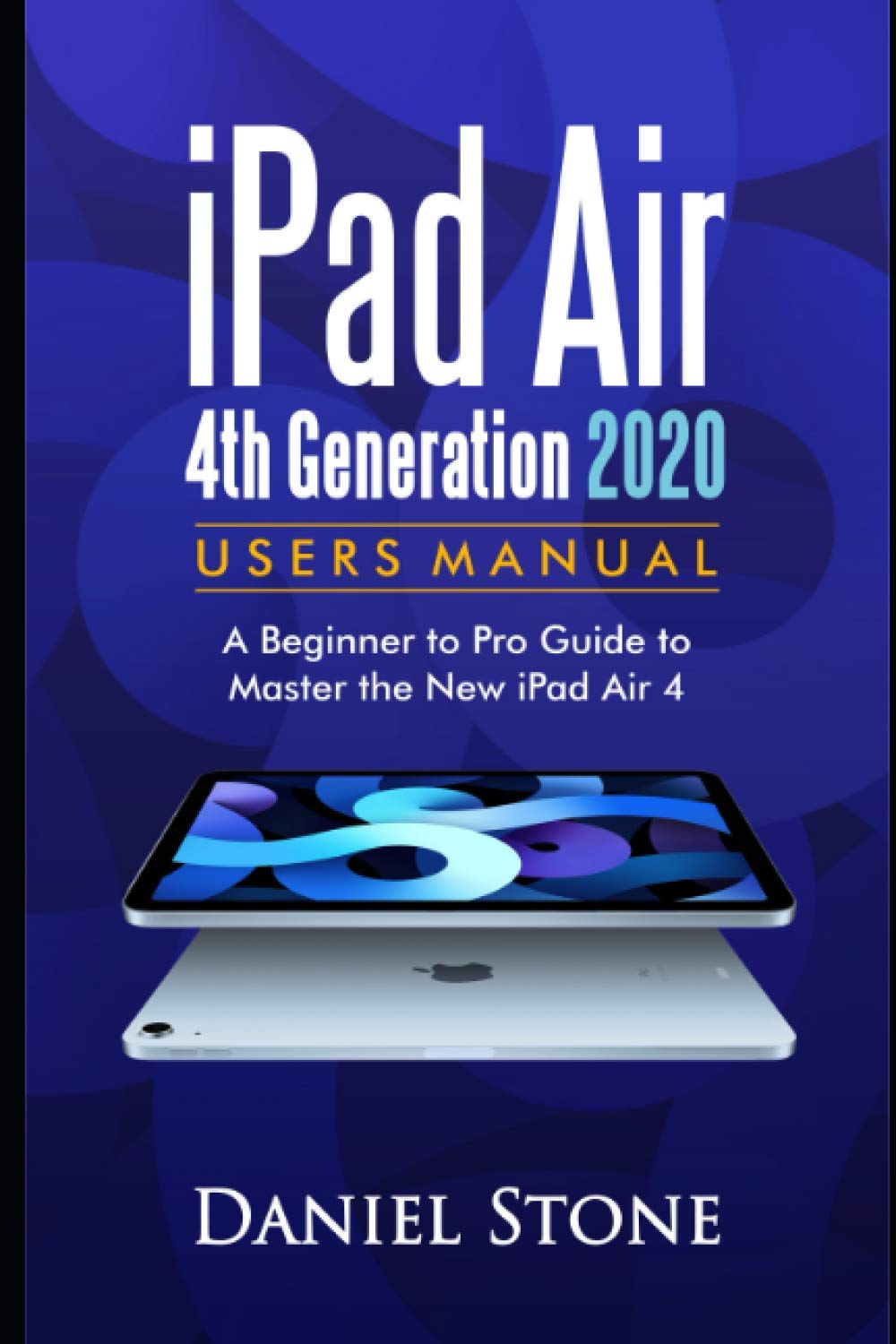
Image: Front cover of the iPad Air 4th Generation User Manual. This image displays the title and a brief description of the manual's content.
Configuració
1. Desembalatge i càrrega inicial
Upon unboxing your iPad Air, ensure all components are present: iPad Air device, USB-C Charge Cable, and 20W USB-C Power Adapter. Connect the USB-C cable to the iPad and the power adapter, then plug it into a power outlet to fully charge the device before first use.
2. Encès / apagat
- Per encendre: Premeu i manteniu premut el botó superior fins que aparegui el logotip d'Apple.
- Per apagar: Press and hold the Top button and either volume button simultaneously until the power off slider appears. Drag the slider to shut down the device. Alternatively, go to Settings > General > Shut Down.
3. Configuració inicial del dispositiu
Follow the on-screen instructions to set up your iPad Air. This includes selecting your language and region, connecting to a Wi-Fi network, and setting up Face ID or Touch ID. You will also be prompted to sign in with your Apple ID or create a new one. If you have a previous device, you can transfer data during this process.
4. Touch ID Configuration
During initial setup, you will be guided to set up Touch ID. Place your finger on the Top button repeatedly, lifting and repositioning it as instructed, to register your fingerprint for unlocking the device and authorizing purchases.
En funcionament
1. Basic Navigation and Gestures
- Pantalla d'inici: Llisca cap amunt des de la vora inferior de la pantalla per tornar a la pantalla d'inici.
- Commutador d'aplicacions: Llisca cap amunt des de la vora inferior i pausa al mig de la pantalla per view obrir aplicacions.
- Centre de control: Llisca cap avall des de la cantonada superior dreta de la pantalla.
- Centre de notificacions: Llisca cap avall des de la cantonada superior esquerra de la pantalla.
2. Gestió d'aplicacions
Download applications from the App Store. To organize apps, touch and hold an app icon until it jiggles, then drag it to a new location or into a folder. To delete an app, touch and hold it, then tap 'Remove App'.
3. Funcions de la càmera
Open the Camera app to take photos and videos. Swipe left or right to switch between modes like Photo, Video, Pano, and Time-lapse. Tap the shutter button to capture. Use pinch gestures to zoom in or out.
4. Funcions multitasca
- Dividir View: Drag an app from the Dock to the right or left side of the screen to open two apps side-by-side.
- Llisca per sobre: Drag an app from the Dock to the center of the screen to open it as a floating window.
5. Apple Pencil (2a generació)
The iPad Air 4th Generation supports the Apple Pencil (2nd Generation). To pair, attach the Apple Pencil to the magnetic connector on the side of your iPad. It will automatically pair and charge. Use it for drawing, writing, and navigating.
Manteniment
1. Pautes de neteja
To clean your iPad Air, use a soft, lint-free cloth. Avoid abrasive materials, aerosols, solvents, or ammonia-based cleaners. For stubborn marks, slightly dampen the cloth with water. Do not submerge the device in any cleaning agents.
2. Optimització de la bateria
To maximize battery life, keep your software updated, avoid extreme ambient temperatures, and enable Auto-Brightness. You can monitor battery usage in Configuració > Bateria.
3. Actualitzacions de programari
Regularly update your iPadOS to ensure optimal performance and security. Go to Configuració > General > Actualització de programari per comprovar i instal·lar les actualitzacions disponibles.
4. Còpia de seguretat de dades
Regularly back up your iPad data to iCloud or your computer using Finder (macOS Catalina or later) or iTunes (Windows or older macOS). This protects your information in case of device loss or damage.
Resolució de problemes
1. El dispositiu no respon
If your iPad Air becomes unresponsive, try a force restart:
- Premeu i deixeu anar ràpidament el botó de pujar el volum.
- Premeu i deixeu anar ràpidament el botó per baixar el volum.
- Premeu i manteniu premut el botó superior fins que aparegui el logotip d'Apple.
2. Wi-Fi or Connectivity Issues
If you experience Wi-Fi or Bluetooth issues, try turning Wi-Fi/Bluetooth off and on again in Control Center or Settings. If the problem persists, restart your iPad and your router. You can also reset network settings via Configuració > General > Transferir o restablir iPad > Restablir > Restablir configuració de xarxa.
3. App Crashes or Freezes
If an app crashes or freezes, force quit the app by swiping up from the bottom of the screen to open the App Switcher, then swipe the problematic app's card upwards to close it. Reopen the app. If the issue continues, try deleting and reinstalling the app.
4. Restabliment de fàbrica
As a last resort for persistent software issues, you can erase all content and settings. Go to Configuració > General > Transferir o restablir l'iPad > Esborrar tot el contingut i la configuracióAssegureu-vos de tenir una còpia de seguretat abans de continuar.
Especificacions
| Característica | Detall |
|---|---|
| Mostra | 10.9-inch Liquid Retina IPS LCD, 2360 x 1640 pixels |
| Processador | Xip Apple A14 Bionic |
| Opcions d'emmagatzematge | 64 GB, 256 GB |
| Càmera posterior | 12 MP, f/1.8, (gran angular), PDAF |
| Càmera frontal | 7 MP, f/2.2, (standard) |
| Durada de la bateria | Fins a 10 hores de navegació web amb Wi-Fi o mirant vídeos |
| Connectivitat | Wi-Fi 6 (802.11ax), Bluetooth 5.0, Optional LTE |
| Ports | USB-C |
| Seguretat biomètrica | Touch ID (integrated into Top button) |
| Dimensions | 247.6 x 178.5 x 6.1 mm (9.75 x 7.03 x 0.24 polzades) |
| Pes | Wi-Fi models: 458 g (1.01 lb); Wi-Fi + Cellular models: 460 g (1.01 lb) |
Garantia i Suport
1. Informació de la garantia
Your Apple iPad Air 4th Generation comes with a one-year limited warranty from Apple, covering manufacturing defects. This warranty is in addition to rights provided by consumer law. For full details, refer to the warranty information included with your device or visit Apple's official weblloc.
2. Contacting Apple Support
For technical assistance, service, or support, you can visit the official Apple Support website, use the Apple Support app, or contact Apple directly via phone. Ensure you have your device's serial number ready when seeking support.