
IOWODO R3pro
IOWODO R3 Pro Smart Watch User Manual
Model: R3 Pro
Marca: IOWODO
1. Introducció
This manual provides essential instructions for setting up, operating, and maintaining your IOWODO R3 Pro Smart Watch. Please read it carefully to ensure proper usage and to fully utilize all features of your device.

Image: The IOWODO R3 Pro Smart Watch, featuring a 1.55-inch HD touch screen, shown with a green silicone band and an additional black fabric band.
2. Què hi ha a la caixa
- Rellotge intel·ligent
- Watch Band (pre-installed)
- Cable de càrrega magnètica
- Corretja de rellotge addicional
3. Guia de configuració
3.1 Descàrrega de l'aplicació
To begin, download the 'GloryFit' application on your smartphone. You can do this by scanning the QR code displayed on your smartwatch screen or in the manual, or by visiting your phone's app store.
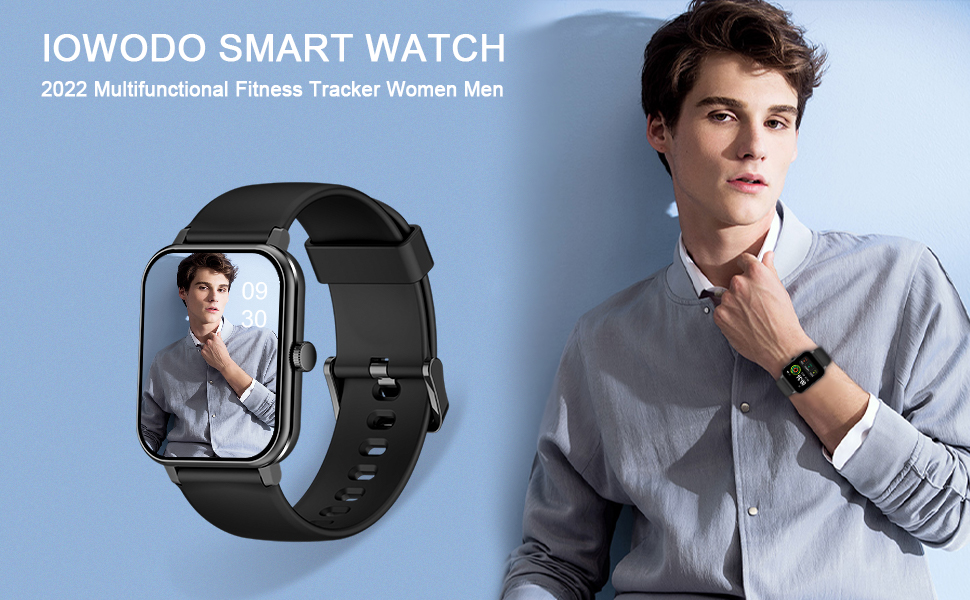
Image: Visual guide demonstrating how to scan the QR code on the smartwatch to download the GloryFit app for both iOS and Android devices.
Alternatively, download the GloryFit app directly from the official download page: GloryFit Download
3.2 Emparellament de dispositius
Follow these steps to pair your IOWODO R3 Pro Smart Watch with your smartphone:
- Enceneu el vostre rellotge intel·ligent.
- Activa el Bluetooth al teu telèfon intel·ligent.
- Open the GloryFit app, register, and log in.
- In the app, navigate to the 'Device' section and select 'Add new device' or 'Select device'.
- The app will search for nearby devices. Select 'R3 Pro' from the list.
- Confirma la sol·licitud d'emparellament tant al telèfon com al rellotge intel·ligent.
- Allow all necessary permissions for the app to function correctly.
Video: Quick Start Guide for IOWODO R3 Pro Smart Watch, demonstrating basic setup and pairing.
Video: Connection guide specifically for iOS devices, detailing the pairing process with an iPhone.
Video: Connection guide specifically for Android devices, detailing the pairing process with an Android phone.
3.3 Initial Setup in App
After successful pairing, the GloryFit app will prompt you to enter personal data such as gender, height, weight, age, and your daily step goal. This information helps the watch accurately track your fitness and health metrics.
4. Com utilitzar el rellotge intel·ligent
4.1 Navegació bàsica
The IOWODO R3 Pro features a 1.55-inch HD touch screen for intuitive navigation. Swipe across the screen to access different interfaces and functions.
4.2 Esferes de rellotge
Customize your smartwatch's appearance by changing watch faces. The GloryFit app offers a wide selection of online dials, and you can also personalize your watch face using your own photos.
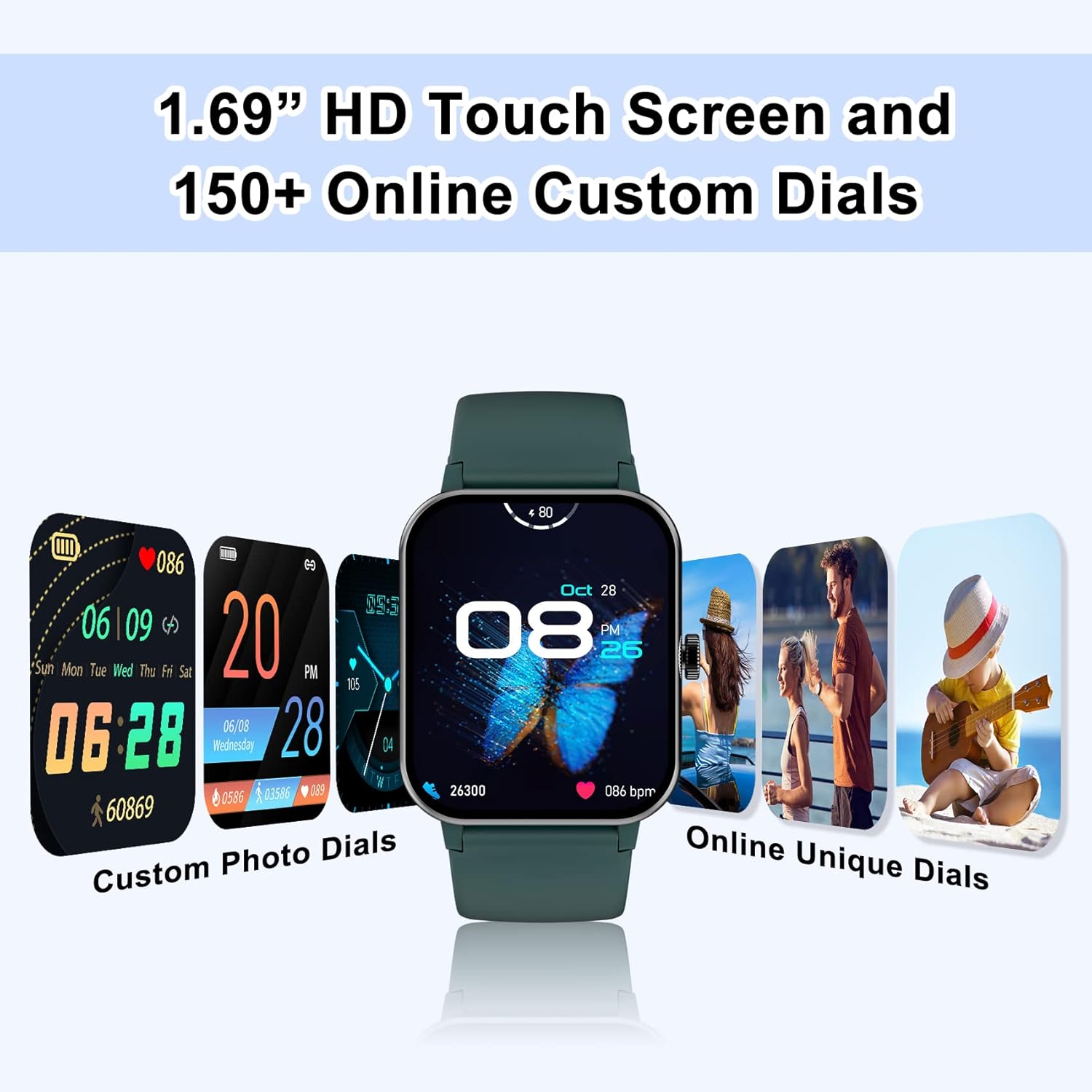
Imatge: La presentació dels rellotges intel·ligentsasing a variety of custom and online watch faces available through the GloryFit app.
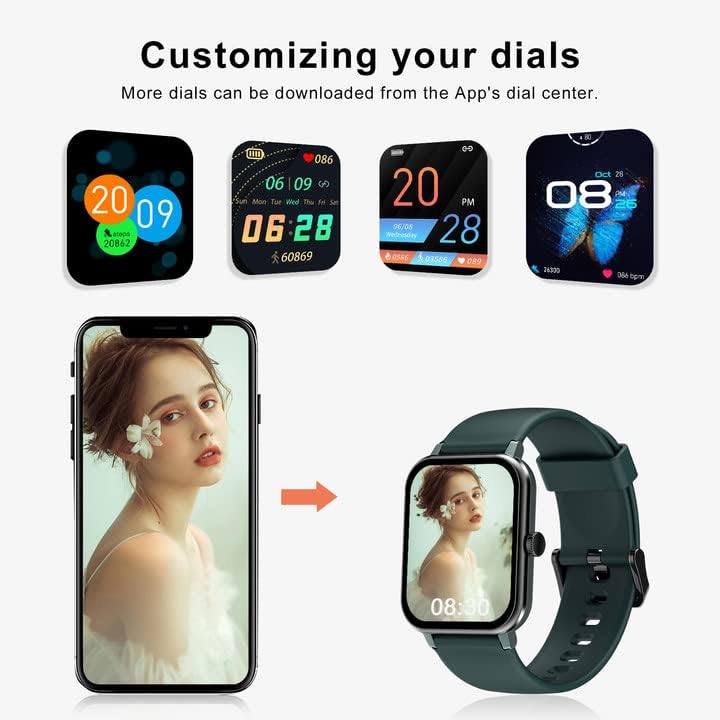
Image: A smartphone displaying the GloryFit app interface for customizing watch faces, including the option to upload personal photos.
4.3 Notificacions
Receive call, SMS, and social media notifications directly on your smartwatch. Enable notification alerts within the GloryFit app for platforms like Facebook, WhatsApp, Instagram i Twitter.
4.4 Vigilància de la salut
The IOWODO R3 Pro provides comprehensive health tracking features:
- Monitor de freqüència cardíaca: Automatically monitors your real-time heart rate 24/7.
- Seguiment del son: Monitors your sleep status (deep sleep, light sleep, awake sleep) to provide insights into your sleep quality.
- Blood Oxygen Level: Mesura la saturació d'oxigen a la sang.
- Temperatura corporal: Tracks your body temperature.
4.5 Sports Activity Tracking
Track your daily activities and workouts with 25 built-in sports modes. The watch accurately records steps, distance, calories burned, and active minutes. It also features a separate timer and stopwatch.

Image: The smartwatch interface showing various sport modes, highlighting GPS connectivity and IP68 waterproof rating.
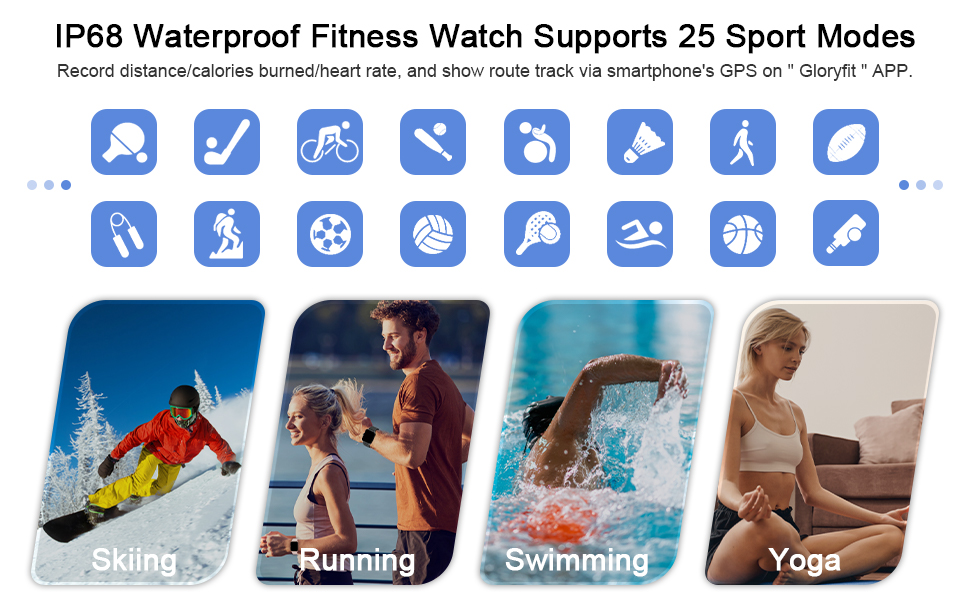
Imatge: Examples of activities such as skiing, running, swimming, and yoga, illustrating the watch's capability to track 25 different sports modes with IP68 waterproofing.
4.6 Altres funcions
The IOWODO R3 Pro includes several other useful functions:
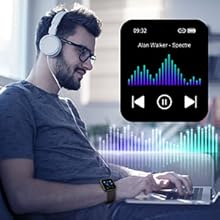
- Control de música: Control music playback on your phone directly from your watch.
- Visualització del temps: Rep actualitzacions meteorològiques en temps real.
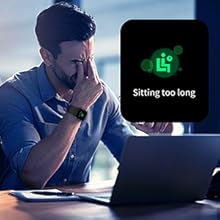
- Recordatori sedentari: T'avisa que et pots moure després de períodes d'inactivitat.
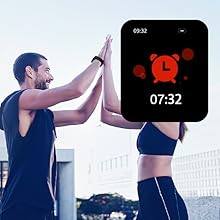
- Despertador: Set alarms for daily reminders.
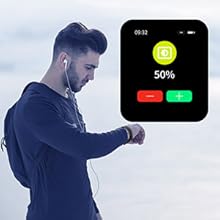
- Troba el meu telèfon: Locate your misplaced phone by triggering an alert from your watch.
- Llanterna: Use the screen as a temporary light source.
5. Manteniment
5.1 Càrrega
The smartwatch is equipped with a magnetic charging cable. A full charge takes approximately 2.5 hours and provides up to 10 days of normal use or 30 days of standby time.

Image: A visual representation of the IOWODO R3 Pro Smart Watch's charging time, typical use duration, and standby time.
5.2 Resistència a l'aigua
The IOWODO R3 Pro Smart Watch has a 5ATM waterproof rating, meaning it can withstand pressures equivalent to a depth of 50 meters. This makes it suitable for swimming and use in the rain, but it is not recommended for diving or high-pressure water activities.
5.3 Neteja i cura
Regularly clean your smartwatch and band with a soft, dry cloth. Avoid using harsh chemicals or abrasive materials. Ensure the charging contacts are clean and dry before charging.
5.4 Substitució de la banda
The smartwatch comes with interchangeable bands. To replace a band, locate the quick-release pins on the underside of the watch where the band connects. Slide the pin to detach the current band and attach the new one by aligning the pins and sliding them into place until they click securely.

Image: The smartwatch shown with both silicone and soft Velcro straps, emphasizing its versatility and compatibility with Android 4.4+ and iOS 9.0+.
6. Solució De Problemes
- Problemes d'aparellament: Ensure Bluetooth is enabled on your phone and the watch is sufficiently charged. Restart both devices and try pairing again. Check that the GloryFit app has all necessary permissions.
- Notificacions no rebudes: Verify that app notifications are enabled in your phone's settings and within the GloryFit app for each specific application. Ensure the watch is connected via Bluetooth.
- Dades inexactes: Confirm that your personal data (height, weight, age) is correctly entered in the GloryFit app. Ensure the watch is worn snugly on your wrist for accurate sensor readings.
7. Especificacions
| Característica | Especificació |
|---|---|
| Nom del model | R3pro |
| Marca | IOWODO |
| Mida de la pantalla | 1.54 polzades |
| Forma | Plaçada |
| Composició de les cèl·lules de la bateria | Ió de liti |
| Comunicació sense fils estàndard | Bluetooth |
| Tecnologia de connectivitat | Bluetooth |
| Característica especial | Fitness Tracker, Sleep Monitor, Find My Phone, Messages, Alarm, Pedometer, Heart Rate Monitor |
| Sistema operatiu | iOS 9.0 o superior, Android 6.0 o superior |
| Data de primera disponibilitat | 2 de desembre de 2020 |
| Fabricant | IOWODO |
| Potència nominal de la bateria | 230 milionsamp Hores |
| Color | Marrs green |
| Resolució de l'escàner | 240 x 240 |
| Entrada de la interfície humana | Pantalla tàctil |
| GPS | És cert |
| Pes de l'article | 4.9 unces |
| Dimensions del producte | 3.74 x 3.74 x 2.56 polzades |
8. Garantia i Suport
For product support, please refer to the contact information provided with your purchase or visit the official IOWODO website. The manufacturer is committed to customer satisfaction and will assist with any product-related inquiries.
Ask a question about this manual
Ask about setup, troubleshooting, compatibility, parts, safety, or missing instructions. Manuals+ will review the question and use this page’s manual context to help answer it.