
Introducció
This manual provides essential information for the proper use and care of your Philips USB-C Wired Earbuds, Model TAE5008/38. Please read these instructions carefully before using the product to ensure optimal performance and longevity. This document covers setup, operating instructions, maintenance, troubleshooting, and product specifications.
Contingut del paquet
Verifiqueu que tots els elements que s'enumeren a continuació s'inclouen al paquet del producte:
- Philips USB-C Wired Earbuds (Model TAE5008/38)
- Interchangeable Rubber Ear Tips (3 sizes: Small, Medium, Large)
- Manual d'instruccions (aquest document)
Producte acabatview
The Philips USB-C Wired Earbuds are designed for clear audio and convenient communication. They feature a USB-C connector for direct compatibility with modern devices, an in-line remote for control, and a built-in microphone.

Figura 1: Philips USB-C Wired Earbuds, displaying the earbuds, in-line remote, USB-C connector, and product packaging.
Components
- Auriculars: In-ear design with 10mm drivers for audio output.
- Comandament a distància en línia: Integrated control unit on the cable for media and call management.
- Micròfon: Built into the in-line remote for hands-free calls.
- Connector USB-C: For connecting to compatible devices.
- Cable: 1.2 meters in length, connecting the earbuds to the USB-C connector.

Figura 2: Primer pla view of the in-line remote control, indicating the '+' button for volume up, the '-' button for volume down, and the central button for track control and call handling.
Configuració
Connexió dels auriculars
Follow these steps to connect your earbuds to a compatible device:
- Identify the USB-C port on your device (smartphone, tablet, laptop, etc.).
- Insert the USB-C connector of the earbuds firmly into the device's USB-C port.
- Ensure the connection is secure. Your device should automatically recognize the earbuds.

Figura 3: The USB-C connector provides universal compatibility with a range of devices including smartphones, laptops, and tablets.
Selecció de puntes per a les orelles
For optimal sound quality, noise isolation, and comfort, choose the ear tip size that best fits your ears. Three sizes (Small, Medium, Large) are provided to ensure a secure and comfortable seal.
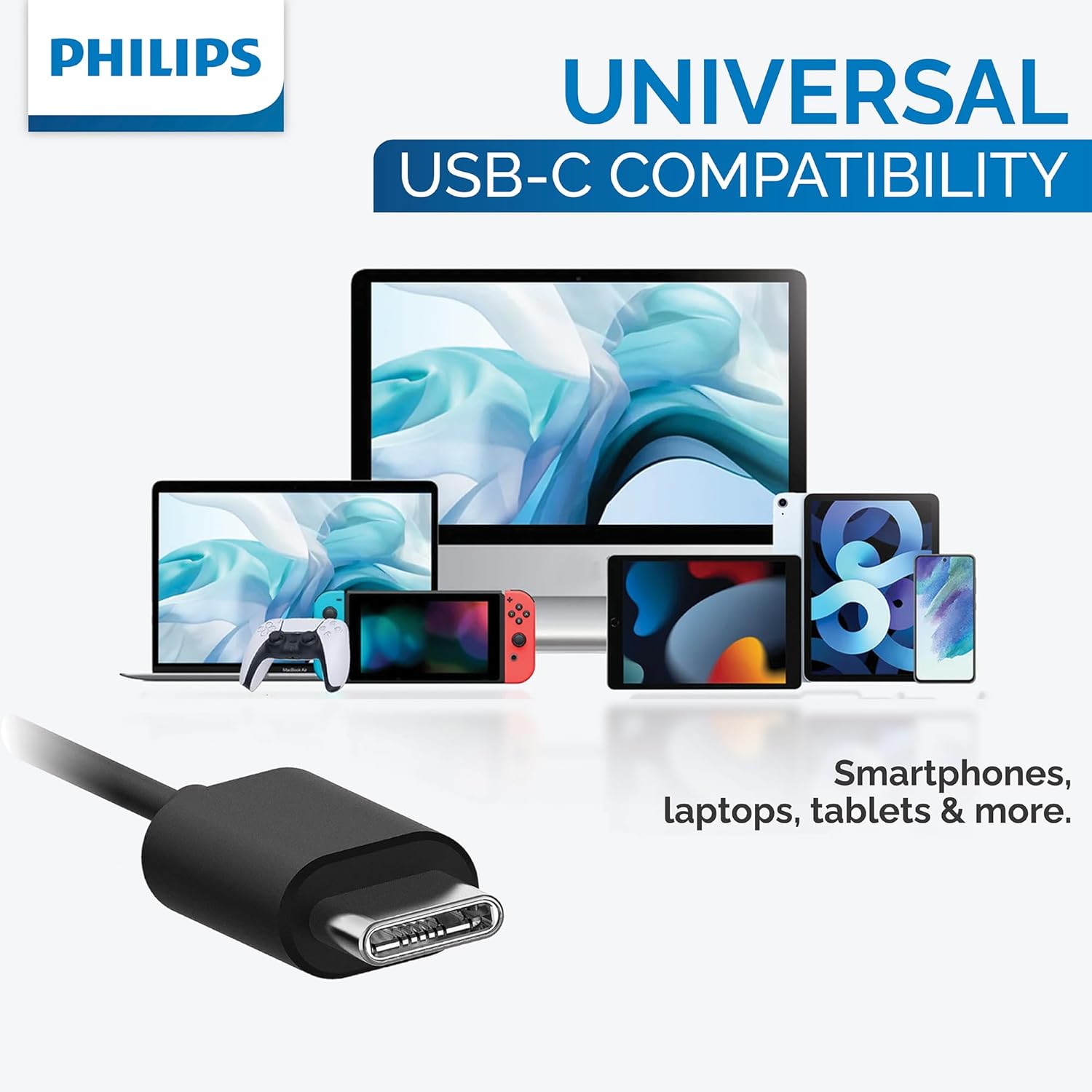
Figura 4: This image illustrates the three different sizes of interchangeable rubber ear tips provided with the earbuds, designed to ensure a comfortable and secure fit for various ear canal sizes.
Instruccions de funcionament
Reproducció d'àudio
Use the in-line remote to control your music:
- Reproduir/pausa: Premeu el botó central una vegada.
- Pista següent: Premeu el botó central dues vegades ràpidament.
- Pista anterior: Premeu el botó central tres vegades ràpidament.
- Pujar el volum: Premeu el botó '+'.
- Baixar el volum: Premeu el botó '-'.
Gestió de trucades
Use the in-line remote to manage phone calls:
- Respondre/Finalitzar la trucada: Premeu el botó central una vegada durant una trucada entrant o una trucada activa.
- Rebutja la trucada: Press and hold the center button for approximately 2 seconds during an incoming call.
Assistent de veu
To activate your device's voice assistant (e.g., Google Assistant, Siri), press and hold the center button for approximately 2 seconds when not on a call.
Manteniment
Proper maintenance ensures the longevity and performance of your earbuds:
- Neteja: Gently wipe the earbuds and cable with a soft, dry cloth. Do not use abrasive cleaners or immerse the earbuds in water.
- Emmagatzematge: Store the earbuds in a clean, dry place when not in use to prevent tangling and damage. Avoid extreme temperatures.
- Consells per a les orelles: Remove and clean ear tips periodically with mild soap and water. Rinse thoroughly and ensure they are completely dry before reattaching them to the earbuds.
Resolució de problemes
If you encounter issues with your earbuds, refer to the following table for common problems and solutions:
| Problema | Causa possible | Solució |
|---|---|---|
| No se sent cap so dels auriculars. | Earbuds not properly connected. | Assegureu-vos que el connector USB-C estigui completament inserit al port del dispositiu. |
| No se sent cap so dels auriculars. | El volum del dispositiu és massa baix o silenciat. | Increase the volume on your device or using the in-line remote. |
| El micròfon no funciona. | Earbuds not selected as input device. | Check your device's audio settings to ensure the earbuds are selected for microphone input. |
| La qualitat del so és deficient. | Ear tips are not providing a good seal. | Try different sizes of ear tips to find the best fit for your ears. |
Especificacions
Detailed technical specifications for the Philips USB-C Wired Earbuds (Model TAE5008/38):
| Característica | Valor |
|---|---|
| Nom del model | TAE5008/38 |
| Tecnologia de connectivitat | Cablejat (USB-C) |
| Mida del controlador d'àudio | 10 mm |
| Impedància | 16 ohms |
| Sensibilitat | 101 dB |
| Longitud del cable | 1.2 metres |
| Micròfon | Integrat |
| Tipus de control | 3-button in-line remote (Media Control) |
| Dispositius compatibles | Laptops, Tablets, Smartphones with USB-C port |
| Pes de l'article | 0.517 unces (aproximadament 14.66 grams) |
| Color | Negre |
| Nivell de resistència a l'aigua | No resistent a l'aigua |
Garantia i Suport
For detailed warranty information and customer support, please refer to the documentation included with your original purchase. You may also visit the official Philips website for further assistance and product registration. Please retain your proof of purchase for any warranty claims.