
1. Introducció
Thank you for choosing the Philips CoreLine Panel RC133V G4 LED36S/840 Recessed Luminaire. This manual provides essential information for the safe and correct installation, operation, and maintenance of your new lighting product. Please read this manual thoroughly before installation and retain it for future reference.
2. Informació important de seguretat
Observeu sempre les següents precaucions de seguretat per evitar lesions o danys al producte.
- Seguretat elèctrica: Installation must be performed by a qualified electrician in accordance with all local and national electrical codes. Ensure the main power supply is switched off before commencing any installation, maintenance, or repair work.
- Integritat del producte: Do not modify or alter the luminaire in any way. Use only genuine Philips replacement parts if necessary.
- Manipulació: Handle the luminaire with care to avoid damage to the LED components or housing.
- Medi ambient: This luminaire is designed for indoor use in dry locations. Do not expose to moisture or extreme temperatures unless specified otherwise.
- Eliminació: Dispose of the product and its components responsibly, following local regulations for electronic waste.
3. Contingut del paquet
Verify that all components are present and undamaged upon opening the package. If any items are missing or damaged, contact your supplier immediately.
- 1 x Philips CoreLine Panel RC133V G4 LED36S/840 Recessed Luminaire
- 1 x Unitat d'alimentació (PSU)
- Manual d'instruccions (aquest document)
4. Configuració i instal·lació
4.1 Abans de començar
- Ensure the power supply to the installation area is switched off at the circuit breaker.
- Gather necessary tools: screwdriver, wire strippers, measuring tape, safety gloves, safety glasses.
- Confirm the ceiling opening dimensions are suitable for the W62L62 (62x62 cm) panel.
4.2 Passos d'instal·lació
The luminaire requires assembly and professional installation.
- Prepareu l'obertura del sostre: Ensure the recessed ceiling opening is clean and correctly sized for the luminaire.
- Connect the PSU: Connect the mains power supply cable (L, N, E) to the Power Supply Unit (PSU) terminals. Ensure correct polarity and secure connections.
- Connect Luminaire to PSU: Connect the output cable from the PSU to the input connector on the luminaire. Ensure a firm and secure connection.
- Position the Luminaire: Carefully insert the luminaire into the prepared ceiling opening. Ensure it sits flush and is securely held by the ceiling grid or mounting clips (if applicable, not included).
- Comprovació final: Double-check all electrical connections and ensure the luminaire is properly seated.
- Restaura l'alimentació: Un cop finalitzada i verificada la instal·lació, restableu l'alimentació a l'interruptor.
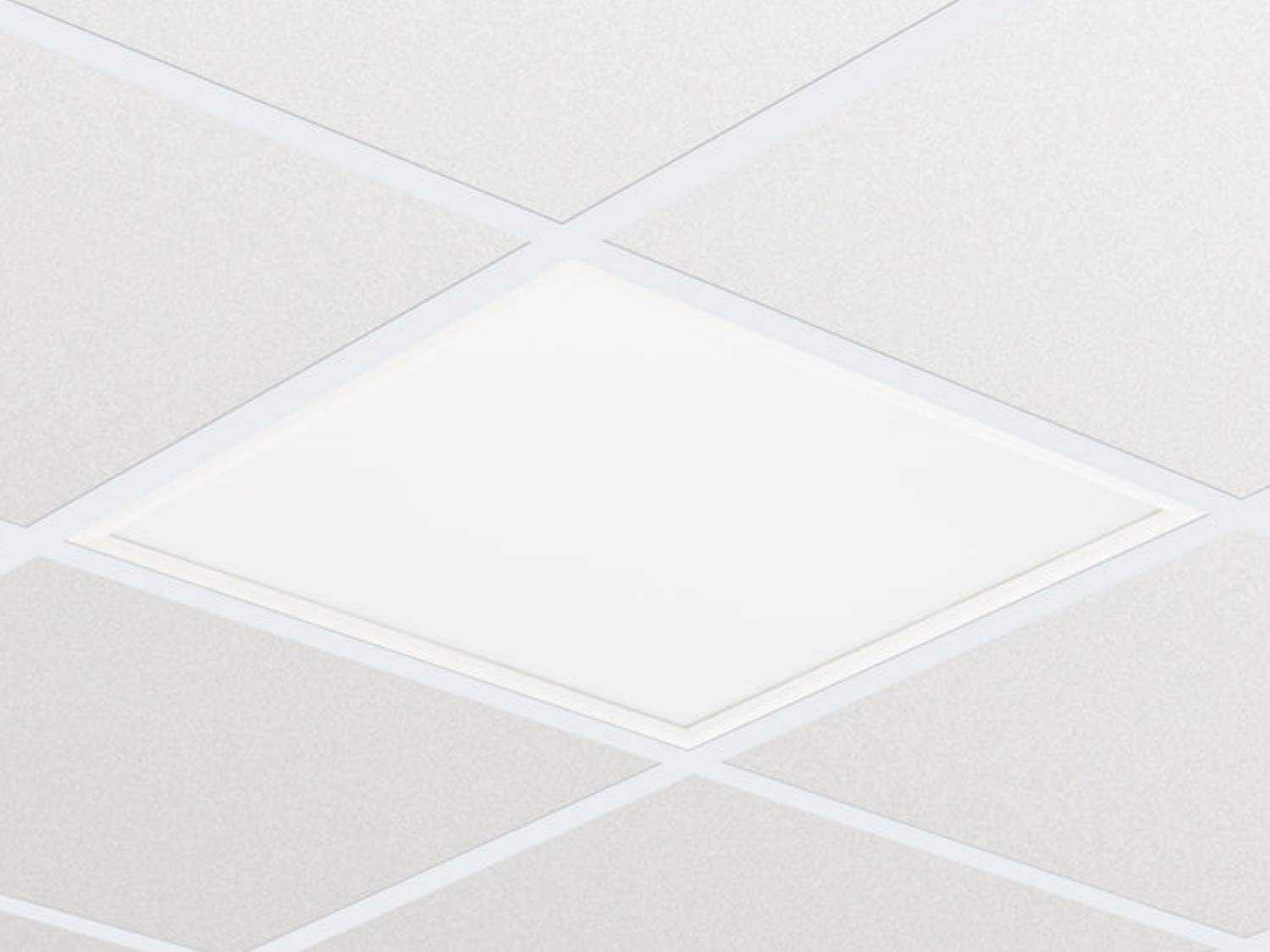
Imatge 1: Ex.ample of the Philips CoreLine Panel RC133V G4 LED36S/840 Recessed Luminaire. This image illustrates the general appearance of the panel, which is designed for seamless integration into a suspended ceiling grid.
5. Instruccions de funcionament
The Philips CoreLine Panel RC133V G4 LED36S/840 is designed for straightforward operation.
- Encès/apagat: Once installed and connected to the mains power supply, the luminaire will operate via the standard wall switch or building lighting control system it is wired to.
- No User Controls: This luminaire does not feature integrated user controls (e.g., dimmers, color temperature adjustments) on the unit itself. Operation is external.
6. Manteniment
Regular maintenance helps ensure optimal performance and longevity of your luminaire.
- Neteja: Desconnecteu l'alimentació abans de netejar. Feu servir un drap suau, sec o lleugerament sec.amp cloth to wipe the surface of the luminaire. Do not use abrasive cleaners, solvents, or harsh chemicals, as these can damage the finish or optical components.
- Inspecció: Periodically inspect the luminaire for any signs of damage, loose connections, or unusual operation. If any issues are detected, disconnect power and consult a qualified electrician.
- Sense peces reparables per l'usuari: The LED light source and driver are integrated and not user-replaceable. Do not attempt to open or repair the unit.
7. Solució De Problemes
If you encounter issues with your luminaire, refer to the table below for common problems and solutions.
| Problema | Causa possible | Solució |
|---|---|---|
| La lluminària no s'encén. | Sense font d'alimentació. Connexió elèctrica solta. Interruptor defectuós. | Comproveu l'interruptor de circuit i l'interruptor de paret. Ensure all connections are secure (power off first!). Test the switch or consult an electrician. |
| La llum parpelleja o és tènue. | Font d'alimentació inestable. Cablejat incorrecte. Product fault. | Verificar que el subministrament d'energia sigui estable. Consulteu un electricista qualificat per comprovar el cablejat. If problem persists, contact Philips support. |
| Unusual noise from luminaire. | Components solts. Problema elèctric. | Disconnect power and inspect for loose parts (if safe to do so). Consulteu immediatament un electricista qualificat. |
8. Especificacions tècniques
Key technical details for the Philips CoreLine Panel RC133V G4 LED36S/840.
| Especificació | Detall |
|---|---|
| Marca | Philips |
| Model | RC133V G4 LED36S/840 PSU W62L62 OC |
| ASIN | B08PYWRP3N |
| Consum d'energia | 29 watts |
| Voltage | 133 Volts |
| Flux lluminós | 3600 lúmens |
| Temperatura de color | 4000K (blanc fred) |
| Tipus de font de llum | LED |
| Material | Metal (Housing), Aluminum (Shade) |
| Estil | Modern |
| Tipus d'habitació | Living Room (as per general classification, suitable for office) |
| Font d'alimentació | Elèctric amb cable |
| Tipus de base | G4 (refers to internal component, not external base) |
| Muntatge obligatori | Sí |
9. Garantia i Suport
Warranty information for the Philips CoreLine Panel RC133V G4 LED36S/840 is typically provided with your purchase documentation or can be found on the official Philips website. For technical support, service, or warranty claims, please contact your retailer or visit the Philips lighting support portal.