
1. Introducció
This manual provides essential instructions for the safe and effective use of your Imoo Watch Phone Z6. The Imoo Watch Phone Z6 is a children's GPS 4G smartwatch designed for communication, safety, and fun. It features dual cameras, video call capabilities, real-time location tracking, and IPX8 swimming waterproof rating.
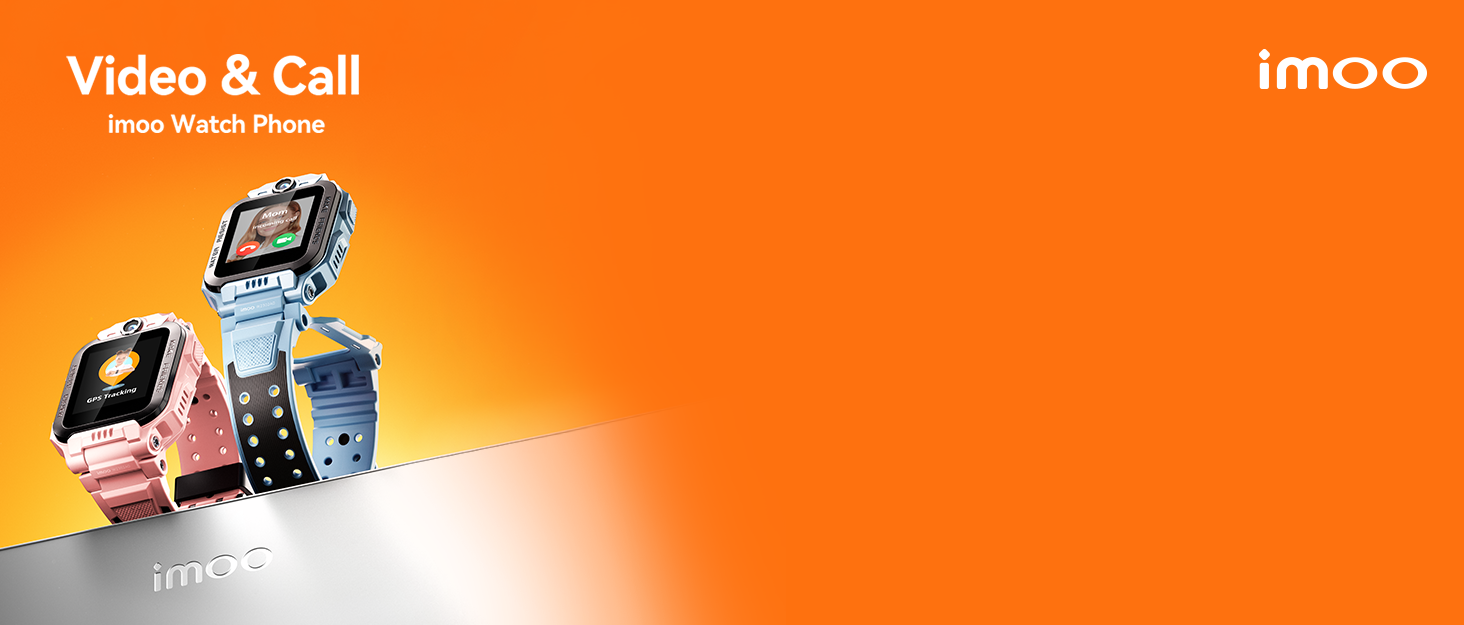
Image: The Imoo Watch Phone Z6, a smartwatch designed for children, shown in a playful context.
2. Producte acabatview
The Imoo Watch Phone Z6 combines the functionality of a phone, GPS tracker, and camera in a durable, child-friendly smartwatch. Key features include:
- Càmeres duals: Equipped with 8MP and 5MP cameras for photos and video calls.
- Connectivitat 4G: Enables clear two-way calls and video calls.
- Seguiment GPS en temps real: Provides accurate location information for enhanced safety.
- IPX8 Swimming Waterproof: Designed to withstand submersion, allowing use during swimming.
- Class Mode: Minimizes distractions during school hours.
- Stranger Rejection: Blocks calls from unknown numbers.
- Seguiment de l'activitat: Includes a step counter and other interactive functions.

Imatge: Un cop mésview of the Imoo Watch Phone Z6, showcasinel seu disseny i les seves funcionalitats principals.
3. Guia de configuració
3.1. Instal·lació de la targeta SIM
The Imoo Watch Phone Z6 requires a standard Nano-SIM card for 4G connectivity. Ensure the SIM card's PIN is disabled before insertion. This can typically be done by inserting the SIM card into a smartphone and disabling the PIN through the phone's settings.
- Power off the watch completely.
- Localitza la ranura de la targeta SIM al lateral del rellotge.
- Carefully insert the Nano-SIM card into the slot, ensuring correct orientation.
- Close the SIM card tray securely to maintain water resistance.
- Enceneu el rellotge.
Nota: Compatible operators include EE, O2, Vodafone, and Three. Check with your provider for 4G compatibility.

Image: A close-up of the Imoo Watch Phone Z6 showing the SIM card slot and a Nano-SIM card.
3.2. Càrrega inicial
Before first use, fully charge the watch. Use the provided charging cable and connect it to a compatible USB power adapter.
- Connecteu el cable de càrrega magnètic als contactes de càrrega de la part posterior del rellotge.
- Connecteu l'extrem USB del cable a una font d'alimentació.
- La pantalla del rellotge indicarà l'estat de càrrega.
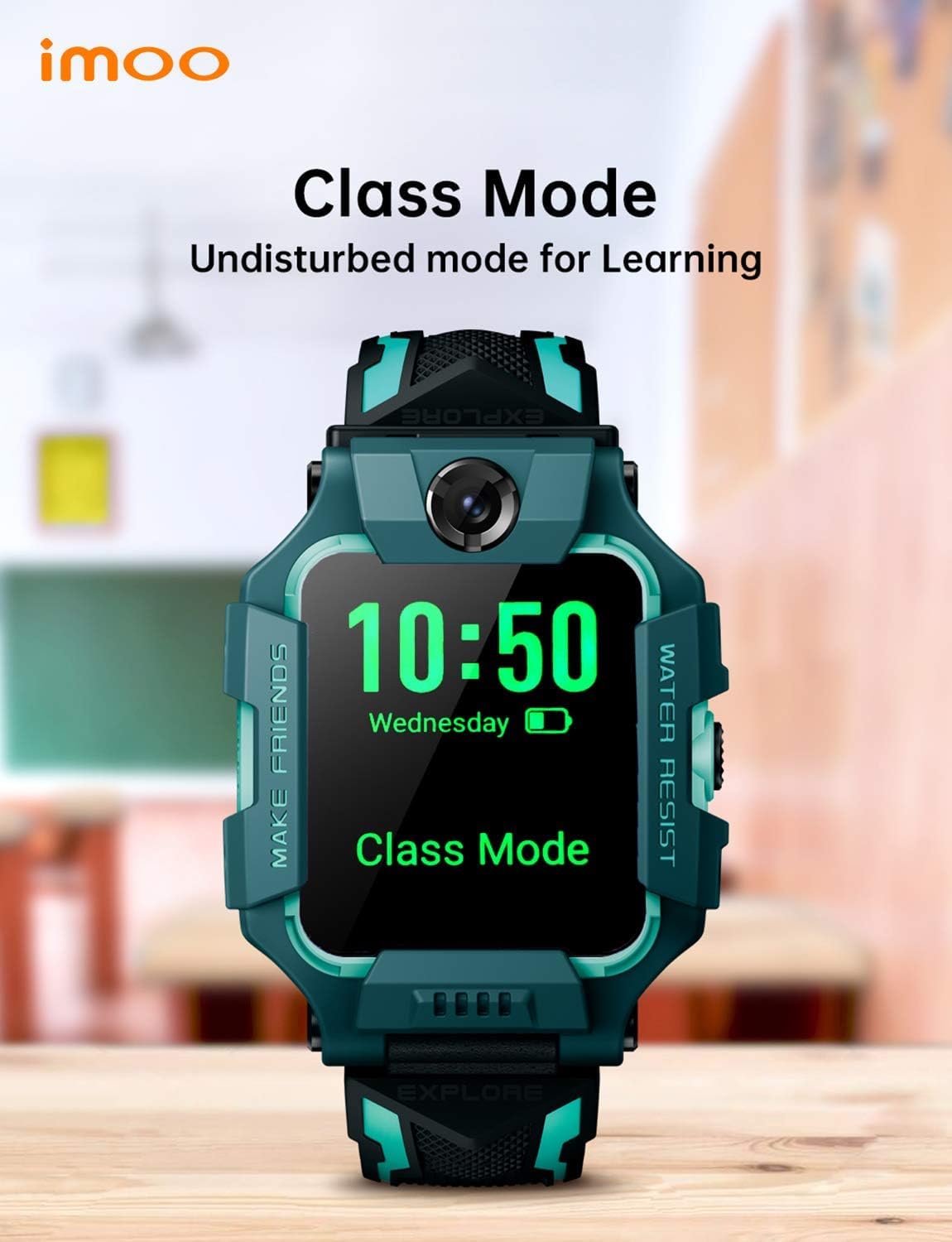
Image: The Imoo Watch Phone Z6 connected to its magnetic charging cable.
3.3. Emparellament d'aplicacions
To manage the watch's features and settings, download the official Imoo app on your smartphone. Follow the in-app instructions to pair your smartphone with the watch.
- Download the "imoo Watch Phone" app from your smartphone's app store.
- Create an account and follow the prompts to add your child's watch.
- Scan the QR code displayed on the watch screen using the app to complete pairing.
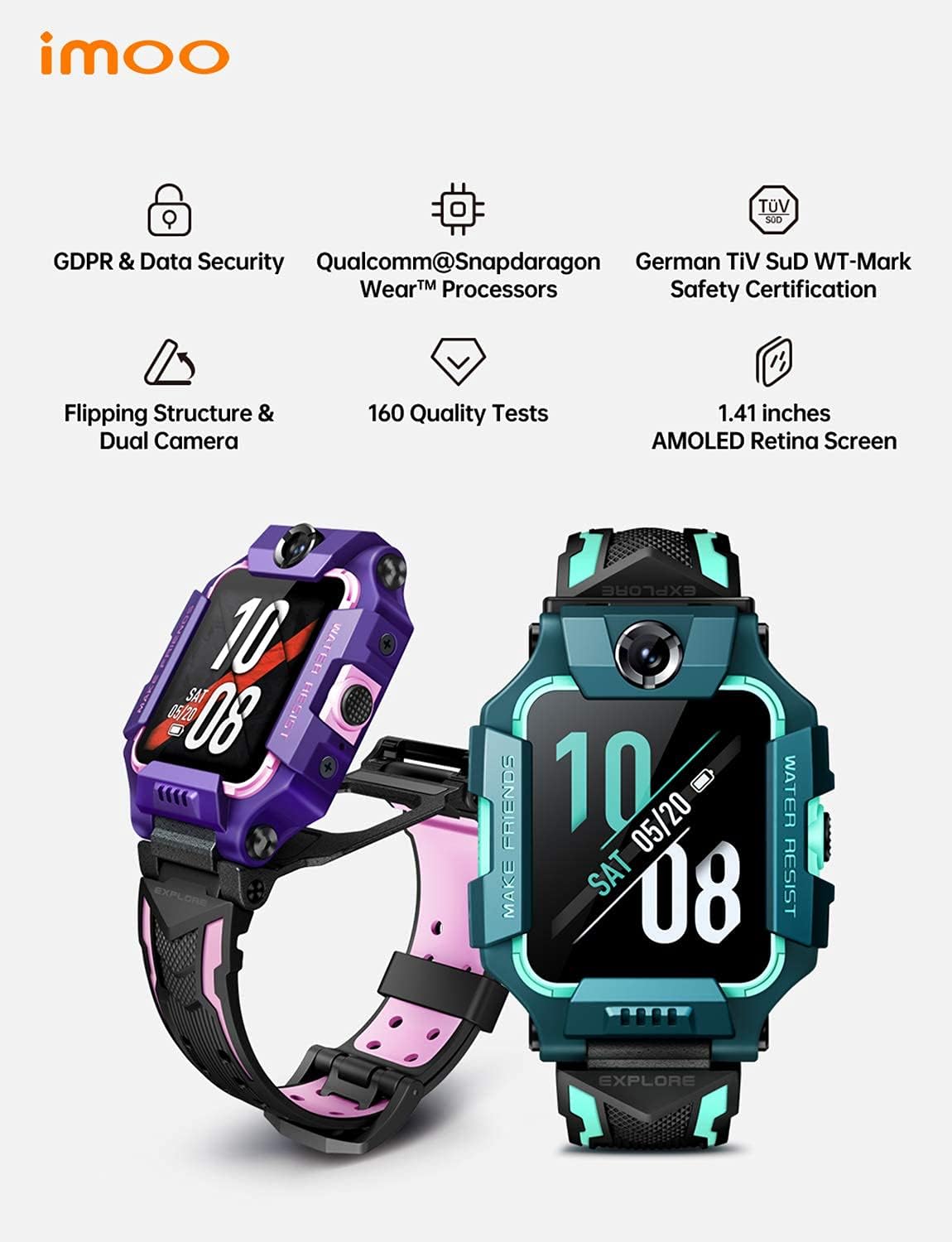
Image: The Imoo Watch Phone Z6 screen showing an interface, likely for app pairing or settings.
4. Instruccions de funcionament
4.1. Fer i rebre trucades
The watch supports two-way phone calls and video calls with approved contacts.
- Trucades telefòniques: Navigate to the contacts list on the watch and select a contact to call.
- Videotrucades: Use the video call function to initiate a video conversation with approved contacts. The dual cameras allow for viewing both the child and their surroundings.
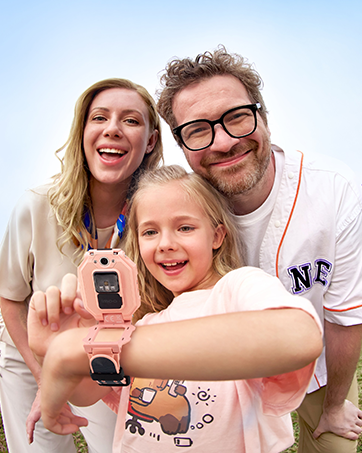
Image: The Imoo Watch Phone Z6 displaying a video call, with a child on the watch screen and an adult on a smartphone screen.
4.2. Seguiment de la ubicació
The watch provides real-time location tracking, accessible through the Imoo app on the parent's smartphone.
- Real-time Locating: View the child's current location with accuracy within 10 meters.
- Funció d'emergència: In an emergency, writing the letter "C" on the HD screen can activate a help function.

Image: The Imoo Watch Phone Z6 and a smartphone displaying a map with real-time location tracking.
4.3. Class Mode and Stranger Rejection
These features help manage the watch's functionality to ensure focus during school and safety from unknown contacts.
- Class Mode: Parents can set specific times via the app during which the watch will limit functions to minimize distractions.
- Stranger Rejection: This setting, configured in the app, prevents the watch from receiving calls from numbers not saved in the approved contacts list.
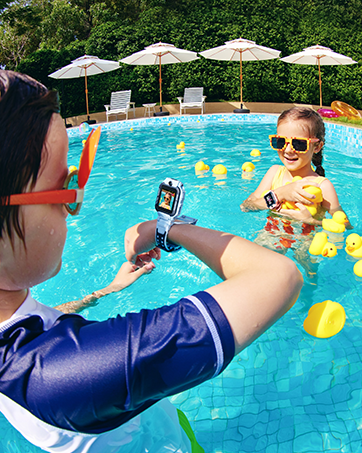
Image: The Imoo Watch Phone Z6 screen showing "Class Mode" activated, indicating limited functionality.
4.4. Ús impermeable
The Imoo Watch Phone Z6 is IPX8 swimming waterproof. To ensure optimal performance and protect the device during water activities:
- Always ensure the SIM card tray is securely closed before exposing the watch to water.
- It is recommended to activate the "video" function before entering water to capture clear underwater footage, as mentioned in product features.
- Eviteu exposar el rellotge a aigua calenta, vapor o dolls d'aigua a alta pressió.
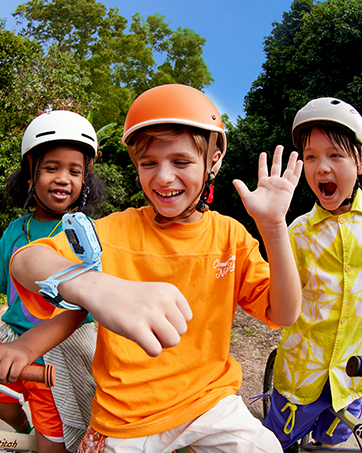
Image: A child wearing the Imoo Watch Phone Z6 while swimming, demonstrating its water-resistant capability.
5. Manteniment
Proper maintenance ensures the longevity and optimal performance of your Imoo Watch Phone Z6.
- Neteja: Netegeu el rellotge regularment amb un drap suau i sec. Per a la brutícia resistent, netegeu-lo lleugerament.amp es pot utilitzar un drap, assegurant-se que no entri humitat a les obertures.
- Resistència a l'aigua: Periodically check the integrity of the SIM card tray seal. If the seal appears damaged, avoid water exposure and contact customer support.
- Cura de la bateria: Avoid extreme temperatures. Do not allow the battery to fully discharge frequently. Charge the watch using only the provided cable.
- Emmagatzematge: Quan no l'utilitzeu durant períodes prolongats, guardeu el rellotge en un lloc fresc i sec.
6. Solució De Problemes
If you encounter issues with your Imoo Watch Phone Z6, refer to the following common problems and solutions:
| Problema | Possible causa/solució |
|---|---|
| Watch not connecting to network (4G) |
|
| Localització GPS inexacta |
|
| No puc fer/rebre trucades |
|
| Durada de la bateria curta |
|
| El rellotge no s'encén |
|
If the problem persists, please contact Imoo customer support for further assistance.
7. Especificacions
| Característica | Detall |
|---|---|
| Marca | imoo |
| Número de model | Z6 |
| Color | Verd |
| Sistema operatiu | Android Wear 1.1 |
| Mida de la pantalla | 1.41 polzades |
| Connectivitat | GPS Cellular, Bluetooth |
| Característiques especials | Phone call, Video call, Camera, GPS |
| Dispositius compatibles | Smartphone |
| Tipus de bateria | Polímer de liti (recarregable) |
| Capacitat d'emmagatzematge | 8 GB |
| Resistència a l'aigua | IPX8 Swimming Waterproof |
8. Garantia i Suport
For warranty information, please refer to the documentation included with your purchase or visit the official imoo website. For technical support, troubleshooting assistance beyond this manual, or inquiries about replacement parts, please contact imoo customer service.
Customer service is generally responsive and helpful, as noted by user feedback.
Informació de contacte: Please refer to the imoo official website or your product packaging for the most up-to-date contact details.