
1. Introducció
Thank you for choosing the ErGear PC Monitor Arm. This manual provides essential information for the safe and efficient installation, operation, and maintenance of your monitor arm. Please read these instructions carefully before use and retain them for future reference.
2. Informació de seguretat
- Assegureu-vos que tots els components siguin presents i no estiguin danyats abans del muntatge. No utilitzeu el producte si hi falta alguna peça o si és defectuosa.
- This monitor arm is designed for monitors between 13 and 32 inches, with a weight capacity of 2-10kg. Do not exceed these limits.
- Always adjust the gas spring pressure only when the arm is in a horizontal position. Failure to do so may prevent proper adjustment.
- Ensure the mounting surface (desk) is stable and strong enough to support the combined weight of the monitor arm and your monitor.
- Mantingueu els nens i les mascotes allunyats durant la instal·lació.
- Tighten all screws firmly, but do not overtighten to avoid stripping threads or damaging components.
3. Contingut del paquet
Verifiqueu que totes les peces estiguin incloses al paquet:
- Conjunt del braç del monitor
- C-Clamp Maquinari de muntatge
- Maquinari de muntatge de grommet
- Placa VESA
- Clips de gestió de cables
- Hex Keys / Wrenches
- Manual d'instruccions
4. Especificacions
| Marca | ErGear |
| Número de model | EGSSK4W |
| Material | Acer d'aliatge |
| Color | Blanc |
| Tipus de muntatge | Suport d'escriptori (C-Cl)amp o Ullera) |
| Tipus de moviment | Tiltable, Swivel, Rotate |
| Mida de monitor compatible | 13-32 polzades |
| Capacitat de càrrega | 2-10 kg |
| Compatibilitat VESA | 75x75mm, 100x100mm |
| Angle d'inclinació màxim | 90° amunt, 40° avall |
| Angle de gir | ±90° |
| Rotació | 360° |
| Garantia | Garantia del fabricant de 5 anys |
5. Configuració i instal·lació
The ErGear monitor arm offers two installation methods: C-clamp and grommet. Choose the method best suited for your desk.
5.1 Pre-Purchase Checklist
Before installation, ensure your setup meets the following requirements:
- Mida del monitor: 13-32 polzades
- Pes del monitor: 2-10 kg
- Estàndard VESA: 75x75mm o 100x100mm
- Gruix de l'escriptori:
- C-Clamp: 10-82 mm
- Grommet: 10-86mm

5.2 Mètodes de muntatge

5.3 Passos d'instal·lació
Follow these general steps for installation. Refer to the included detailed manual for specific diagrams and screw types.
- Enganxeu la base: Fixeu la base de muntatge escollida (C-clamp or grommet) to your desk. Ensure it is tightly fastened.
- Connect the Arm: Slide the monitor arm onto the base post.
- Col·loqueu la placa VESA al monitor: Secure the VESA plate to the back of your monitor using the provided screws.
- Muntar el monitor al braç: Slide the VESA plate with the monitor onto the arm's VESA head. Tighten the securing screw.

6. Funcionament i ajustos
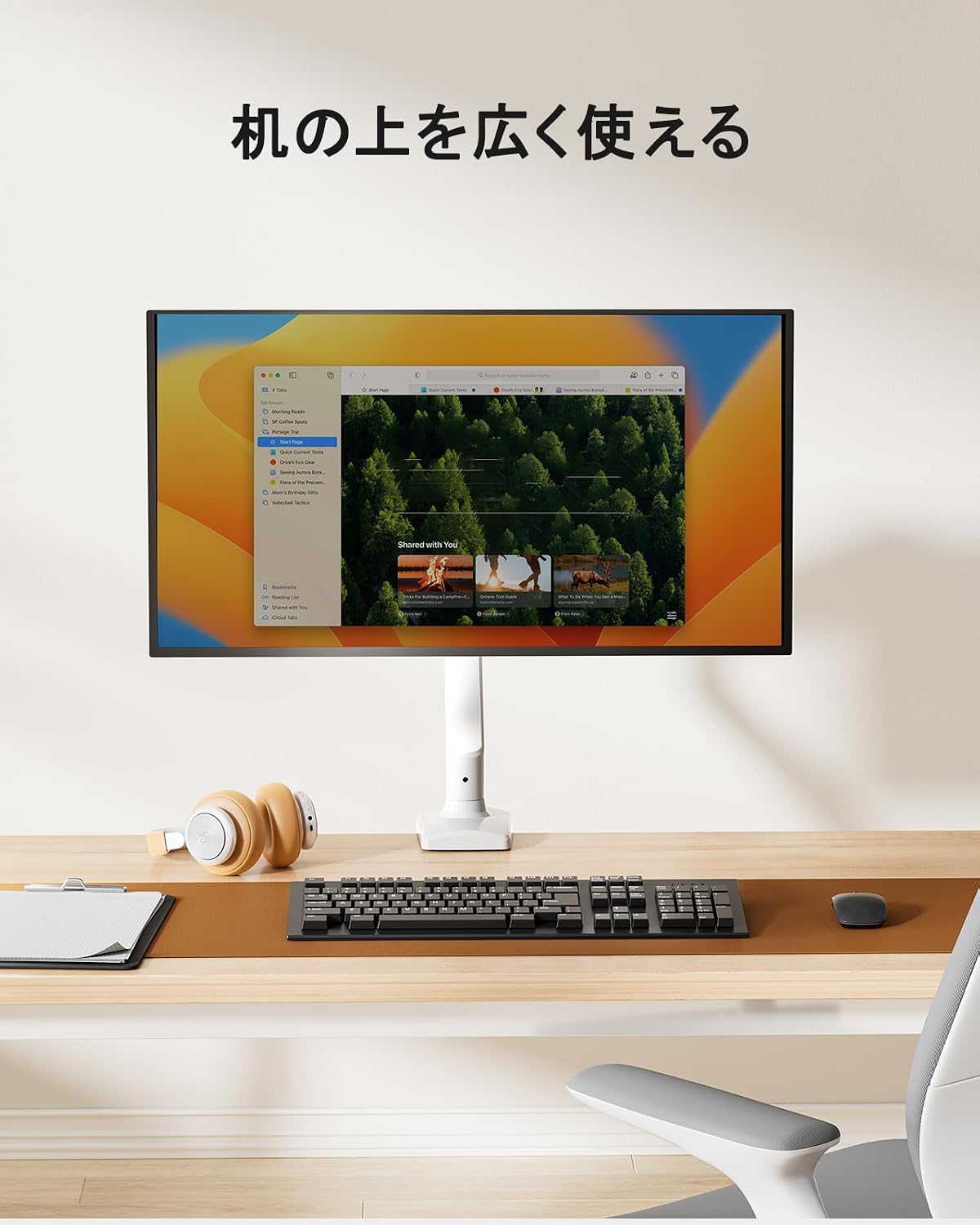
The ErGear monitor arm features a gas spring system for smooth and effortless adjustments, allowing you to optimize your viewing experience and desk space.
6.1 Ajust de la posició del monitor
Once installed, you can adjust your monitor to various positions:
- Ajust d'alçada: Easily move the monitor up or down to achieve ergonomic eye-level viewing.
- Inclinació: Adjust the screen angle up to 90° upwards and 40° downwards to reduce glare and improve viewcomoditat.
- Girar: Rotate the monitor left or right by 90° at the arm joints.
- Rotació: Gireu el monitor 360° de l'orientació horitzontal a vertical.


6.2 Ajust de la tensió de la molla de gas
The gas spring tension needs to be adjusted to match your monitor's weight for optimal movement and stability.
- Ensure the monitor arm is in a horizontal position.
- Locate the gas spring adjustment screw on the arm.
- Use the provided hex key to turn the screw:
- Turn towards '+' for heavier monitors (increase tension).
- Turn towards '-' for lighter monitors (decrease tension).
- Test the arm's movement. Adjust until the monitor stays in place when released and moves smoothly with minimal effort.
Important: Adjust the gas spring pressure only when the arm is horizontal. Gas pressure cannot be adjusted if the arm is not horizontal.

6.3 Gestió de cables
Utilize the integrated cable management clips to route and organize your monitor cables, maintaining a tidy and efficient workspace.


7. Manteniment
Regular maintenance ensures the longevity and optimal performance of your ErGear monitor arm.
- Neteja: Netegeu el braç amb un drap suauamp drap. Eviteu productes de neteja abrasius o dissolvents que puguin danyar l'acabat.
- Comproveu les connexions: Reviseu periòdicament tots els cargols i perns per assegurar-vos que romanen ajustats. Torneu a apretar-los si cal.
- Molla de gas: If the arm's movement becomes stiff or loose, re-adjust the gas spring tension as described in Section 6.2.

8. Solució De Problemes
Si teniu problemes amb el braç del monitor, consulteu els següents problemes i solucions habituals:
| Problema | Causa possible | Solució |
|---|---|---|
| Vigileu si el braç s'enfonsa o no es manté en la posició. | La tensió de la molla de gas és massa baixa per al pes del monitor. | Increase gas spring tension (turn '+' on adjustment screw). Ensure arm is horizontal during adjustment. |
| El braç del monitor és massa rígid per moure's. | La tensió de la molla de gas és massa alta per al pes del monitor. | Decrease gas spring tension (turn '-' on adjustment screw). Ensure arm is horizontal during adjustment. |
| El monitor trontolla o es nota inestable. | Mounting screws are loose; monitor is too heavy. | Check and tighten all mounting screws. Verify monitor weight is within the 2-10kg range. |
| Cannot adjust gas spring. | Arm is not horizontal during adjustment. | Position the arm horizontally before attempting to adjust the gas spring tension. |
9. Garantia i Suport
The ErGear PC Monitor Arm (Model EGSSK4W) comes with a Garantia del fabricant de 5 anys des de la data de compra. Aquesta garantia cobreix els defectes de materials i de mà d'obra en ús normal.
For warranty claims, technical support, or any questions regarding your product, please contact ErGear customer service through the retailer where you purchased the product or visit the official ErGear weblloc per obtenir informació de contacte.
Please have your purchase receipt and product model number (EGSSK4W) available when contacting support.