
1. Introducció
The Neato D10 Intelligent Robot Vacuum Cleaner is designed for efficient and thorough cleaning of various floor types in large homes. Its D-shape design, LaserSmart navigation, and powerful suction ensure comprehensive coverage, including corners and edges. The D10 features multiple cleaning modes, smart mapping capabilities, and an advanced HEPA filter for allergen capture.

Figure 1: Neato D10 Robot Vacuum Cleaner with MyNeato App.
Característiques principals:
- Temps d'execució estès: Up to 300 minutes, covering up to 2,700 sq.ft. on a single charge.
- D-Shape Design: Reaches dirt in corners and along walls more effectively than round robots.
- LaserSmart Navigation: Uses LIDAR technology for precise mapping and navigation, even in low light.
- Neteja personalitzable: Create Zones for frequent cleaning and No-Go Zones to avoid specific areas via the MyNeato app.
- Helix Multi-Surface Brush: 70% wider than brushes on round robots, 50% quieter on hard surfaces, effective on hardwood, carpet, and tile.
- Mode màxim: Provides an even deeper clean with maximum pickup, offering 60% greater dirt pickup than D3 & D5 models.
- Filtre HEPA veritable: Captures up to 99.97% of allergens and fine dust particles as small as 0.3 microns.
- Auto-Charge and Resume: Robot returns to its charging base and resumes cleaning from where it left off.
- Control intel·ligent: Integra't amb Amazon Alexa o Google Assistant per a un control amb mans lliures.
2. Configuració inicial
Follow these steps to set up your Neato D10 robot vacuum for the first time:
- Desempaquetar el robot: Remove the Neato D10 and its accessories from the packaging.
- Place the Charge Base: Position the Slimline Charge Base against a wall in an open area, ensuring there are no obstacles within 3 feet (1 meter) on either side and 6 feet (2 meters) in front. Plug the charge base into a power outlet.
- Carrega el robot: Place the Neato D10 onto the charge base. Ensure the charging contacts on the robot align with those on the base. The battery indicator lights will illuminate. Allow the robot to fully charge before its first cleaning cycle (approximately 3-4 hours).
- Download the MyNeato App: Cerca "MyNeato" in your smartphone's app store (iOS or Android) and download the application.
- Connecta't a Wi-Fi: Open the MyNeato app and follow the on-screen instructions to connect your Neato D10 to your home Wi-Fi network. The app will guide you through the pairing process using built-in Bluetooth for seamless setup.
- Initial Map Creation: Once connected, initiate a full cleaning run from the app. The robot will use its LaserSmart LIDAR technology to map your home's layout. This map will be saved in the app for future customization.
Vídeo 1: Acabatview of Neato D10 features and seamless setup process via the MyNeato app.
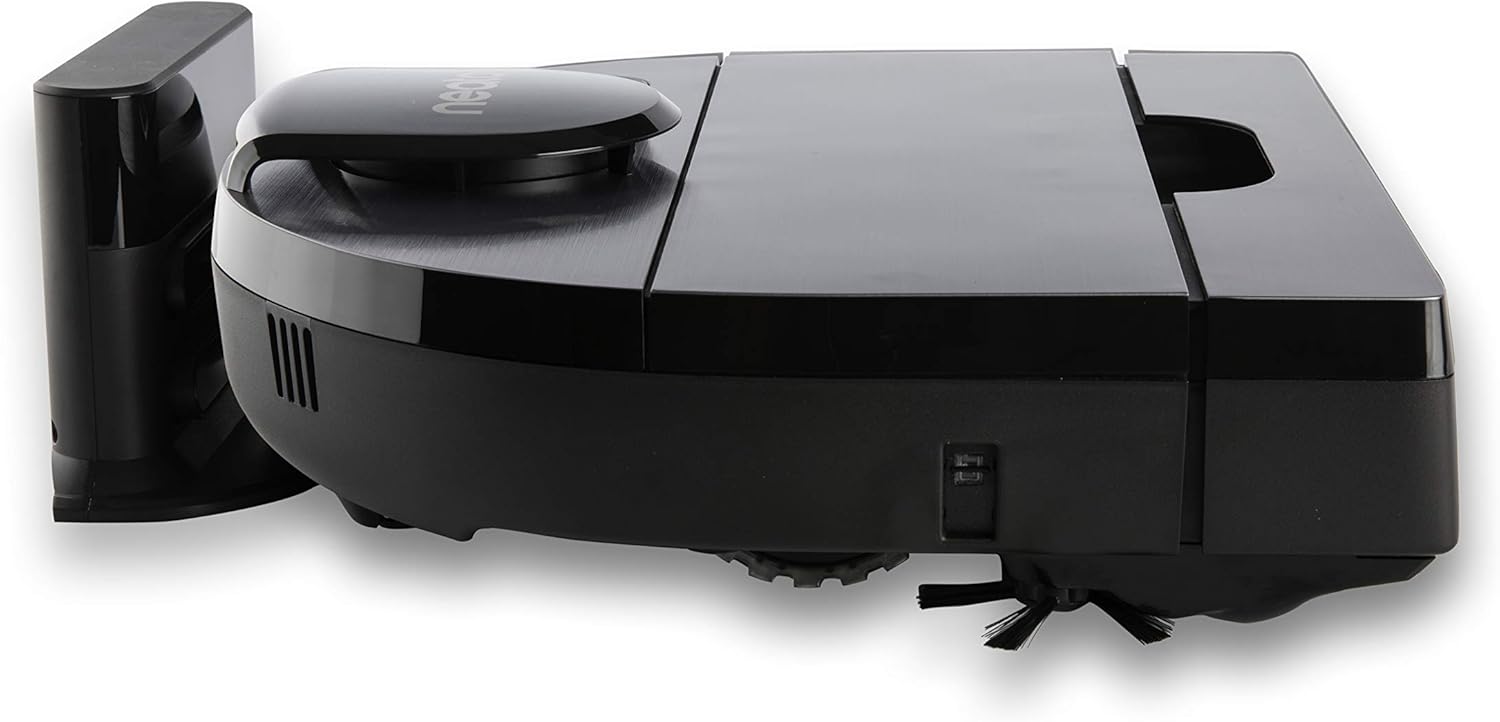
Figure 2: Neato D10 and Slimline Charge Base.
3. Operating Your Neato D10
The Neato D10 offers various cleaning options and smart features to optimize your cleaning experience.
Modes de neteja:
- Mode Eco: Energy-saving mode for general vacuuming and quieter operation.
- Mode turbo: High-performance mode for areas requiring more powerful cleaning.
- Mode màxim: Exclusive mode for the deepest clean with maximum dirt pickup.
You can select these modes through the MyNeato app before starting a cleaning cycle.
Mapes i navegació intel·ligents:
The D10 uses LaserSmart LIDAR technology to create and store detailed maps of your home. This allows for precise navigation and efficient cleaning paths, ensuring no area is missed and carpets receive satisfying straight vacuum lines.

Figure 3: LaserSmart technology maps spaces quickly.
Customizing Your Clean with MyNeato App:
- Àrees: Create up to 16 custom cleaning zones on your floor plan to target specific areas for more frequent cleaning or different modes.
- Zones prohibides: Define virtual boundaries to prevent the robot from entering certain areas, such as pet food bowls or child play areas.
- Rutines: Schedule cleaning sessions in advance for the entire house or specific zones.
- Control de veu: Integra't amb Amazon Alexa o Google Assistant per a un control amb mans lliures.
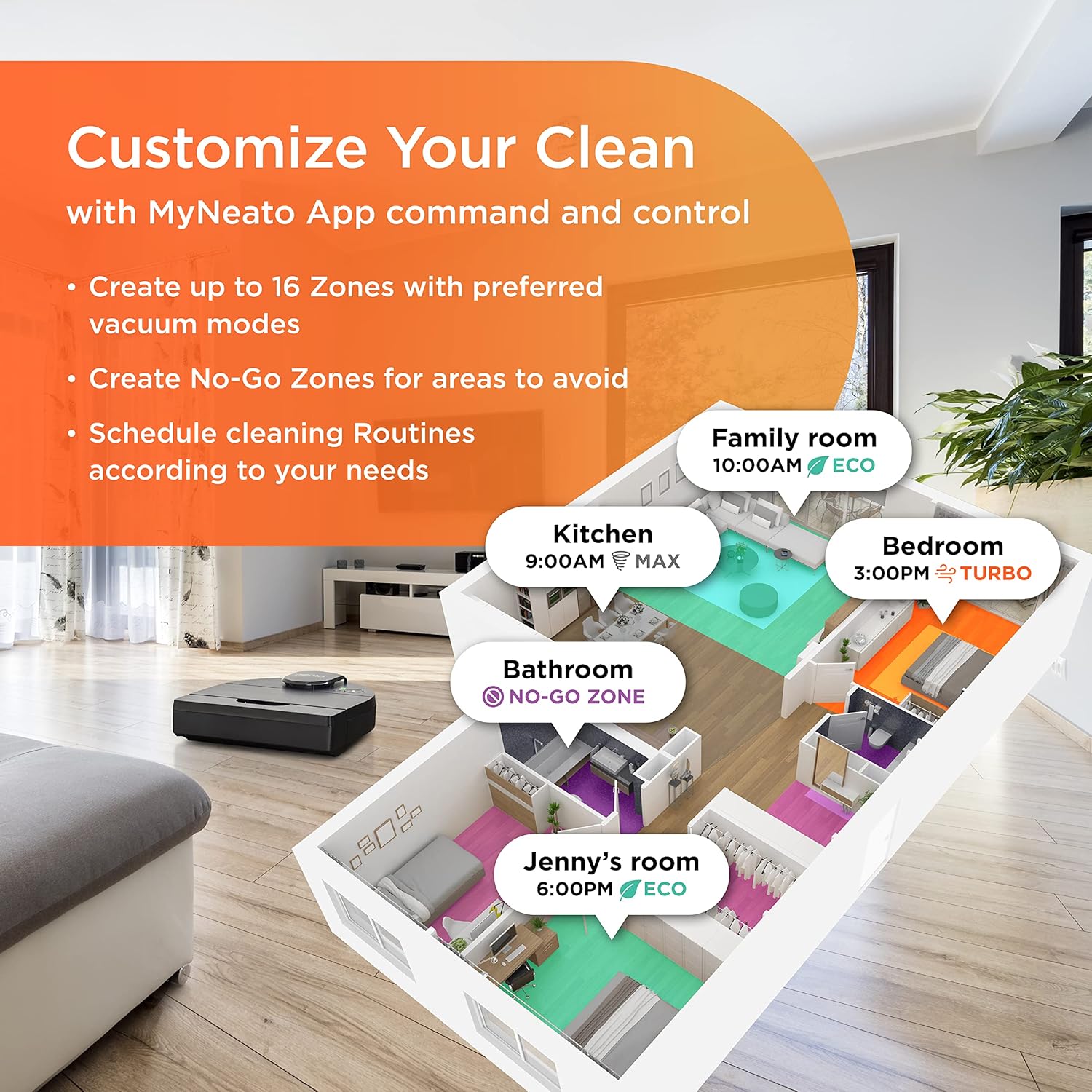
Figure 4: Customize your clean with MyNeato App.
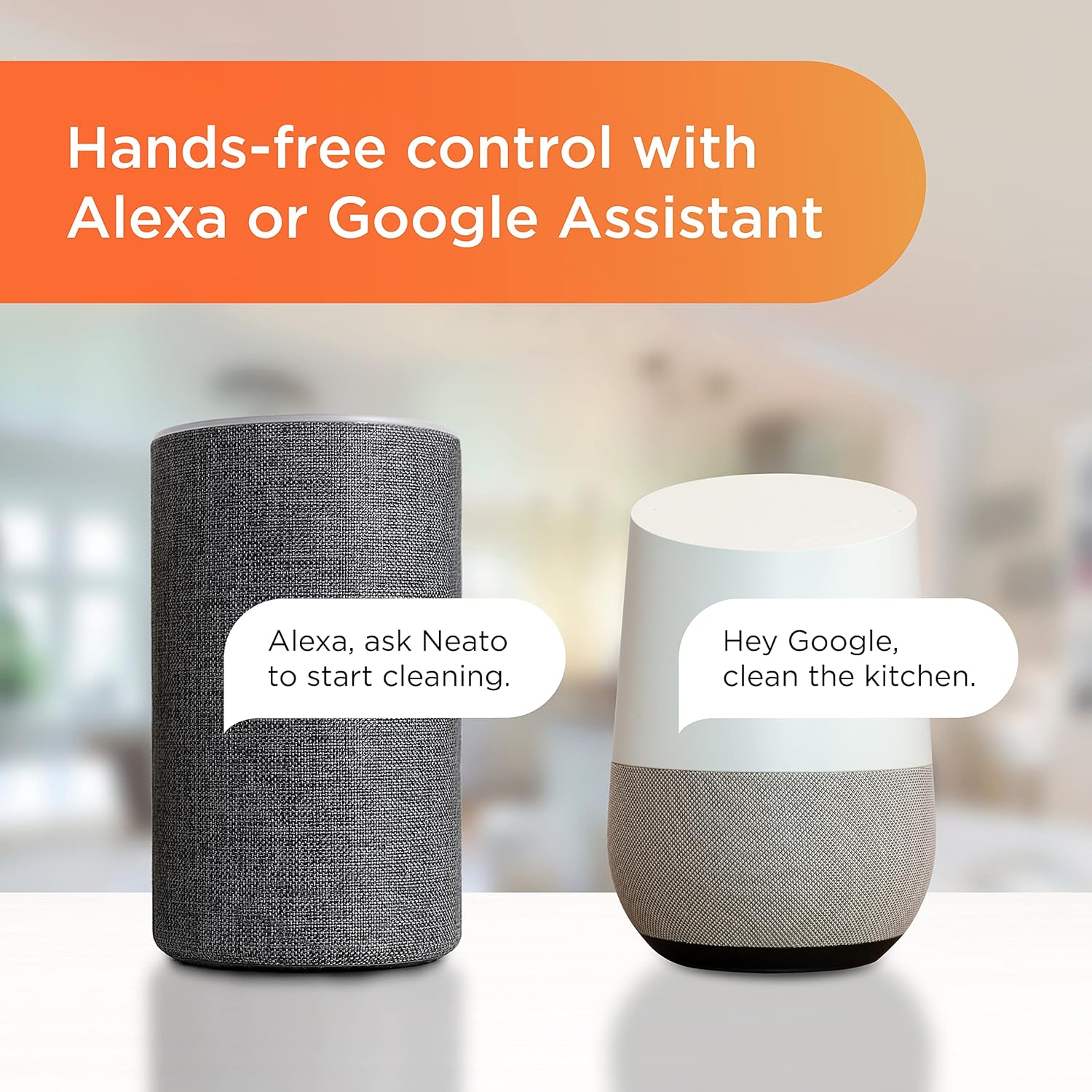
Figure 5: Hands-free control with Alexa or Google Assistant.
Quick Boost:
For longer cleaning runs, the D10 features Quick Boost. If the battery runs low during a cleaning cycle, the robot will return to its base, recharge just enough to complete the remaining area, and then resume cleaning from where it left off.
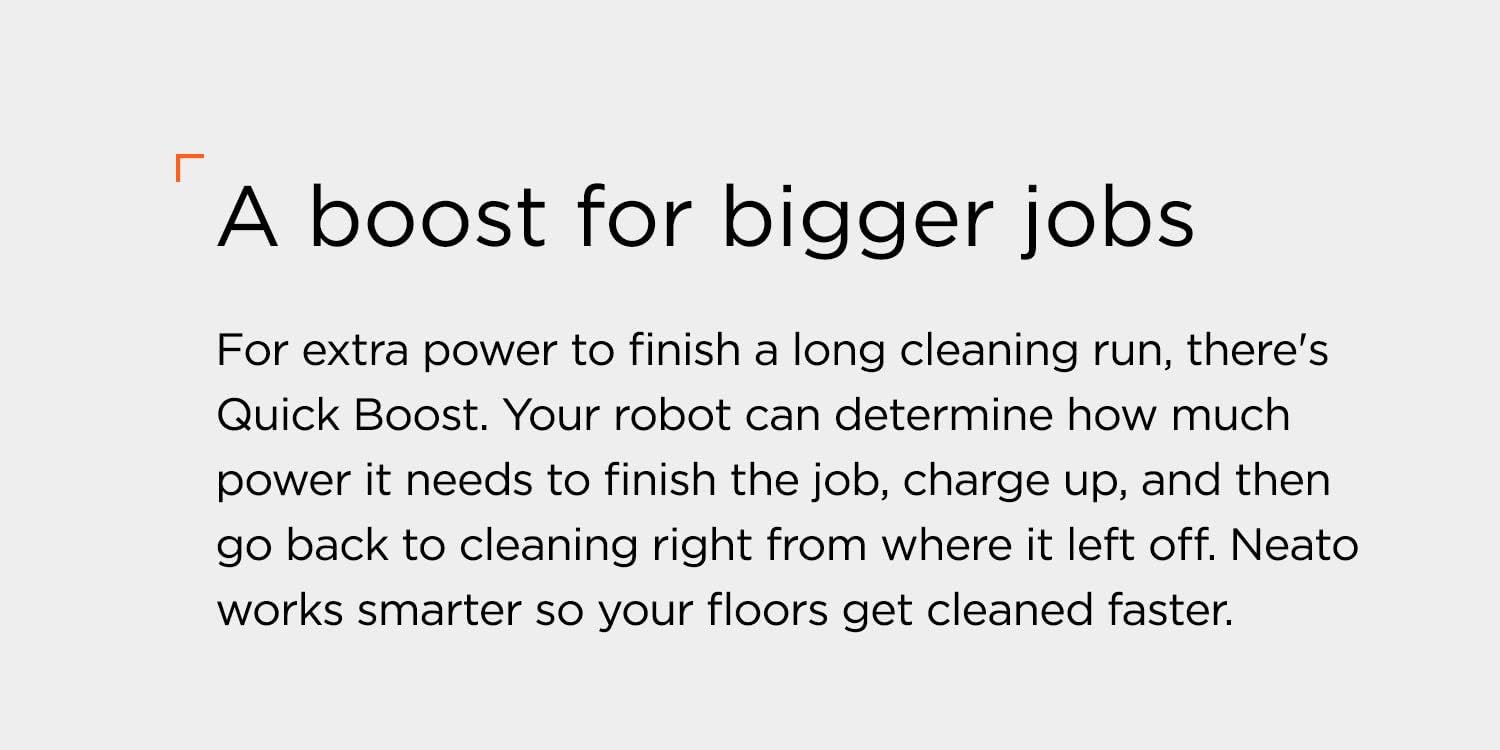
Figure 6: Quick Boost feature for extended cleaning.
4. Manteniment
Regular maintenance ensures optimal performance and longevity of your Neato D10. Always power off the robot before performing any maintenance.
Buidar el contenidor de brutícia:
The D10 features an industry-leading 0.7-liter dirt bin, reducing the frequency of emptying. To empty:
- Locate the dirt bin release button on the top of the robot.
- Press the button and lift the dirt bin out.
- Open the dirt bin and empty its contents into a trash receptacle.
- Close the dirt bin and reinsert it into the robot until it clicks into place.
Cleaning the True HEPA Filter:
The True HEPA filter captures fine dust and allergens. Clean it regularly to maintain suction power.
- Traieu el contenidor de brutícia tal com s'ha descrit anteriorment.
- Locate the filter within the dirt bin.
- Remove the filter and gently tap it against a trash can to dislodge debris. Do not wash the filter with water.
- Reinsert the clean filter into the dirt bin and place the bin back into the robot. Replace the filter every 1-2 months, or as needed.

Figure 7: True HEPA filter for allergen capture.
Neteja dels pinzells:
Periodically check and clean the Helix Multi-Surface Brush and side brush for tangled hair or debris.
- Gireu el robot cap per avall.
- Locate the main brush compartment and open the latch to remove the brush.
- Use the included cleaning tool to cut and remove any hair or debris wrapped around the brush.
- Clean the side brush by gently pulling it off its post and removing any tangled material. Reattach securely.
- Reinsert the main brush and close the latch.
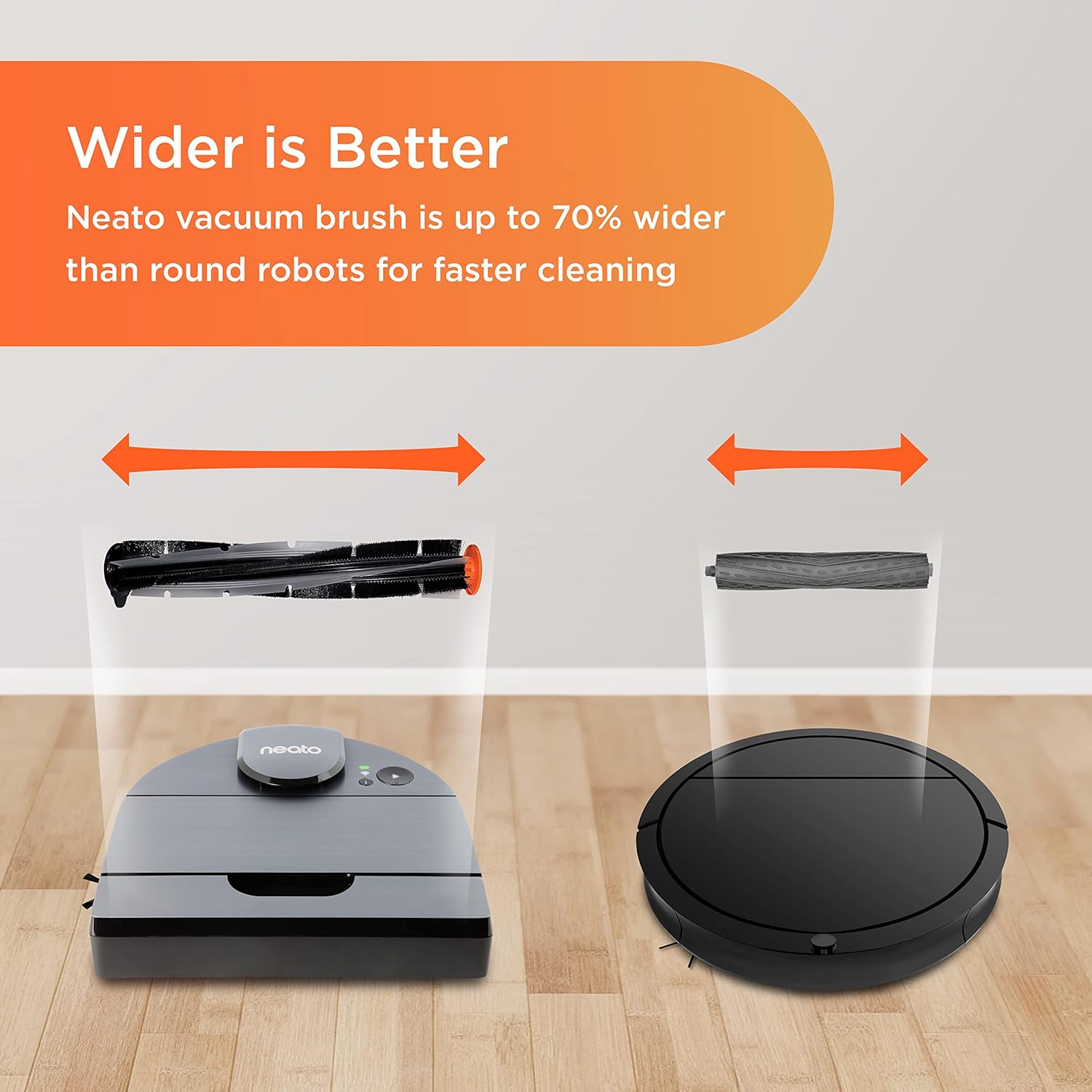
Figure 8: Neato D10's wider Helix Multi-Surface Brush.
5. Solució De Problemes
If your Neato D10 encounters an issue, consult the following common troubleshooting steps:
| Problema | Causa possible | Solució |
|---|---|---|
| Robot not starting or responding. | Low battery, power button not pressed, navigation sensor issue. | Ensure the robot is fully charged. Press the start button. If a navigation sensor error is indicated (e.g., by specific light patterns), try restarting the robot by holding the start button for 10 seconds. |
| El robot es queda encallat sovint. | Obstacles (cables, small items), uneven surfaces, No-Go Zones not set. | Clear the cleaning area of loose cables, small toys, or clothing. Use the MyNeato app to define No-Go Zones around problematic areas. Ensure the robot's wheels and brushes are free of debris. |
| Mal rendiment de neteja. | Full dirt bin, clogged filter, tangled brushes. | Empty the dirt bin. Clean or replace the HEPA filter. Clean the main brush and side brush. Ensure the correct cleaning mode (e.g., Turbo or Max Mode) is selected for the surface. |
| Robot not connecting to Wi-Fi or app. | Incorrect Wi-Fi password, router issues, app glitch. | Verify your Wi-Fi password. Restart your router and the robot. Reinstall the MyNeato app and attempt the connection process again. Ensure your phone is close to the robot during setup. |
| Robot not returning to charge base. | Charge base obstructed, robot too far from base, base unplugged. | Ensure the charge base is plugged in and has clear space around it. Manually place the robot on the base to confirm charging. If the issue persists, check for debris on the charging contacts. |
For further assistance, refer to the official Neato Robotics support weblloc o contacteu amb el servei d'atenció al client.
6. Especificacions
| Característica | Detall |
|---|---|
| Marca | Neato Robotics |
| Nom del model | Neato D10 Intelligent Robot Vacuum |
| Número de model | 945-0446 |
| Recomanació de superfície | Carpet, Hardwood, Tile |
| Característiques especials | Auto-Recharge and Resume, D-Shape Design, Helix Multi-Surface Brush, LaserSmart Mapping and Navigation, Max Mode, Turbo Mode, Eco Mode, MyNeato App and Alexa & Google management, scheduling and routines, No-Go Zone, True HEPA Filter, Up to 300 minutes/2,700 sq.ft. on single charge, XXL Dustbin |
| Color | Plata raspallat |
| Tipus de controlador | Amazon Alexa, Android, Hand Control, Voice Control |
| Tipus de filtre | HEPA |
| Durada de la bateria | 300 minuts |
| Tipus de bateria | Ió de liti |
| Capacity (Dirt Bin) | 0.7 litres |
| Font d'alimentació | Funciona amb bateria |
| Piles incloses | Sí |
| Mètode de control | Aplicació, Tàctil, Veu |
| Dispositius compatibles | Telèfons intel·ligents |
| Factor de forma | Robòtica |
| Dimensions de l'article L x W x H | 13.22 cm de llargada x 12.71 cm d'amplada x 3.99 cm d'alçada |
| Pes de l'article | 3.7 lliures |
| Components inclosos | Cleaning tool, Filter, Helix Multi-Surface Brush, Slimline Charge Base |
| UPC | 810841014162 |
7. Garantia i Suport
Garantia del fabricant:
The Neato D10 Intelligent Robot Vacuum Cleaner comes with a Garantia limitada del fabricant d'1 anySi us plau, conserveu el comprovant de compra per a reclamacions de garantia.
Atenció al client:
For technical assistance, warranty inquiries, or replacement parts, please visit the official Neato Robotics website or contact their customer support. Regular software updates are delivered automatically to your robot and app to ensure you have the latest features and improvements.
Recursos en línia:
- Official Neato Robotics Weblloc: www.neatorobotics.com
- MyNeato App Support: Available through your device's app store.