
Introducció
Thank you for choosing the Hoco ES46 Stereo Wireless Bluetooth Earphones. This manual provides detailed instructions on how to set up, operate, and maintain your earphones to ensure optimal performance and longevity. Please read this manual carefully before use.
Contingut del paquet
The Hoco ES46 package includes the following items:
- Hoco ES46 Wireless Earbuds (Left and Right)
- Estoig de càrrega
- Cable de càrrega
- Manual d'usuari

Image: Hoco ES46 Earphones, charging case, charging cable, and user manual.
Producte acabatview
The Hoco ES46 consists of two wireless earbuds and a portable charging case. The earbuds are designed for in-ear comfort and feature touch controls.
Auriculars
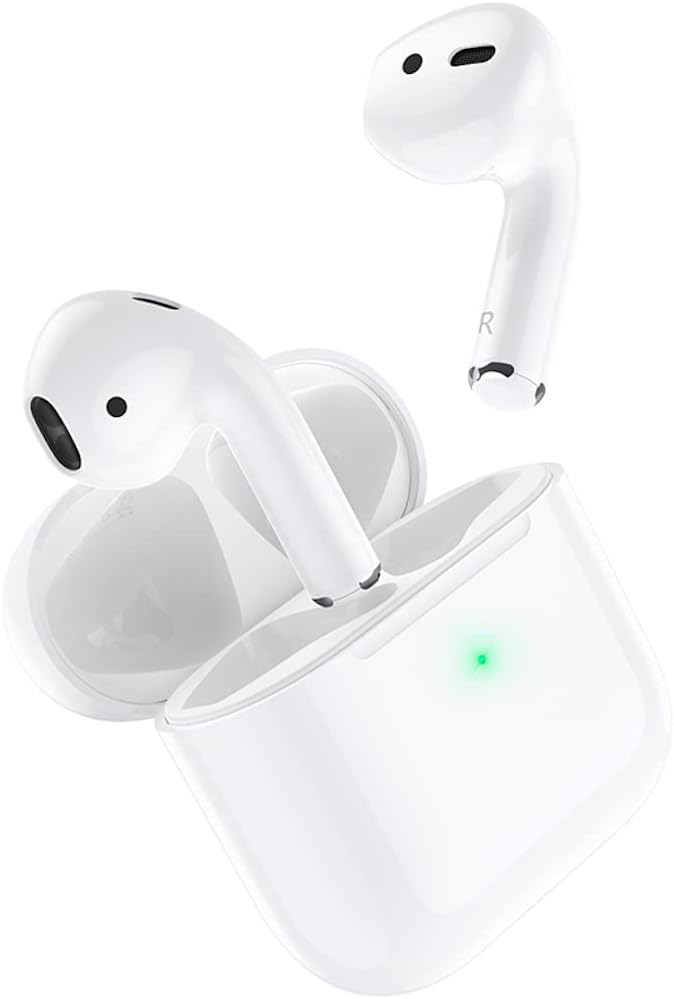
Image: The left and right Hoco ES46 earbuds, showing their ergonomic design.
Estoig de càrrega
The charging case not only protects your earbuds but also charges them on the go. It features an LED indicator for charging status and a charging port.
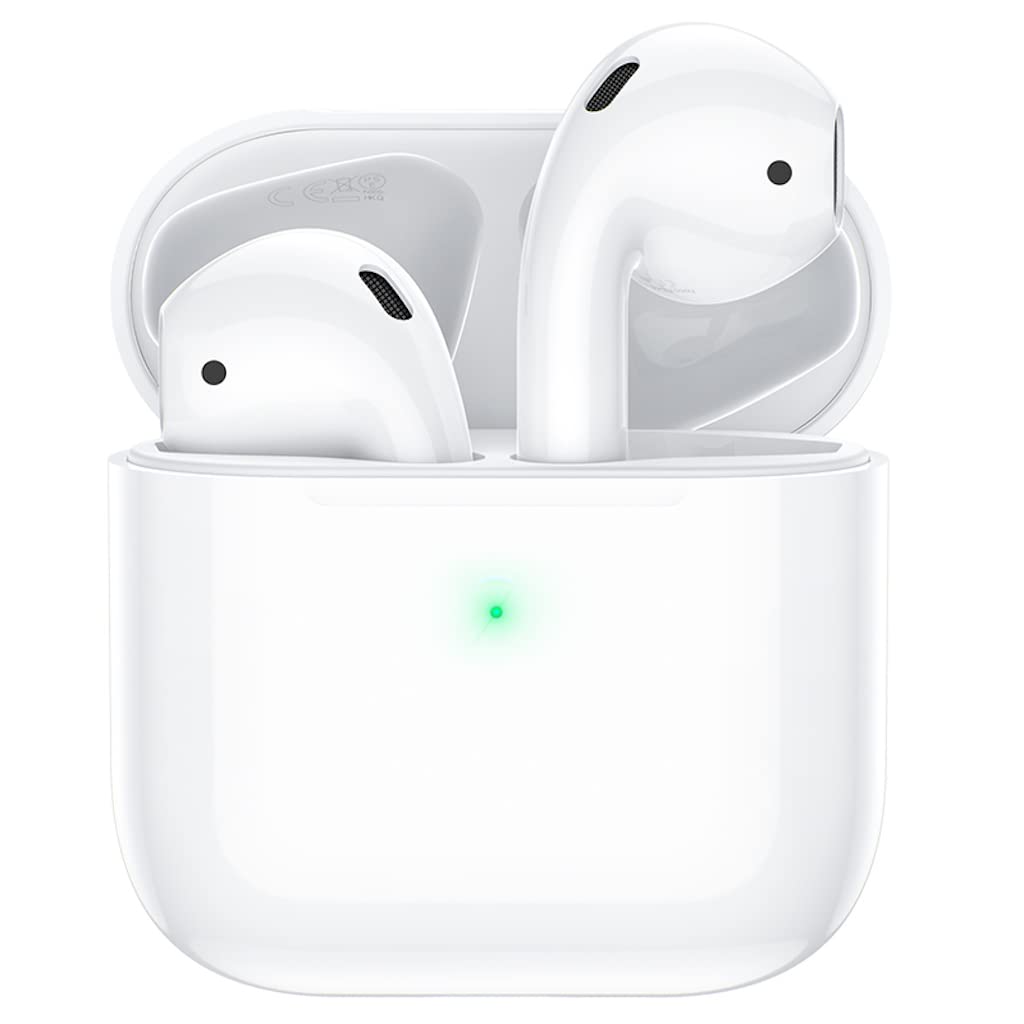
Image: Hoco ES46 earbuds placed inside their charging case, with a green LED indicating charging status.

Image: The Hoco ES46 charging case opened, revealing the compartments for the left and right earbuds.
Configuració
Càrrega dels auriculars i la funda
Before first use, fully charge the earbuds and the charging case. Place the earbuds into the charging case. Connect the charging cable to the case and a power source. The LED indicator on the case will show charging status.
- Caixa de càrrega Capacitat de la bateria: 320 mAh
- Earbud Battery Capacity: 30 mAh (each)
Emparellament Bluetooth
The Hoco ES46 uses Bluetooth 5.0 for a stable connection.
- Assegureu-vos que els auriculars estiguin carregats.
- Obre l'estoig de càrrega. Els auriculars entraran automàticament en mode d'emparellament.
- On your mobile device (e.g., iPhone, Samsung, Xiaomi, Huawei, Oppo), go to Bluetooth settings and enable Bluetooth.
- Select "Hoco ES46" from the list of available devices to connect.
- For Apple mobile phones, a pop-up window may appear upon opening the charging case, allowing for quick connection and displaying real-time battery levels for both earbuds and the case.

Image: An iPhone screen showing the Hoco ES46 pairing pop-up, prompting the user to connect.

Image: An iPhone screen displaying the Hoco ES46 as connected, along with individual battery levels for the left earbud, right earbud, and charging case.
Funcionament dels auriculars
Controls tàctils
The Hoco ES46 earbuds feature intuitive touch controls for various functions. Specific touch gestures (e.g., single tap, double tap, long press) will control playback, calls, and voice assistant activation.
Music Playback and Calls
Once paired, you can enjoy music and manage calls wirelessly.
- Talk/Music Time: Approximately 3 hours on a full charge.
- Standby Time: Up to 200 hours.
Image: Hoco ES46 earbuds positioned next to a smartphone displaying a music playback interface, illustrating their use for audio.
Activació de l'Assistent de veu
The earbuds support voice assistant activation, including "Hey Siri" for compatible Apple devices. Refer to your device's settings for specific voice assistant configurations.
Manteniment
Proper maintenance ensures the longevity and performance of your Hoco ES46 earphones.
- Neteja: Netegeu regularment els auriculars i l'estoig de càrrega amb un drap suau, sec i sense borrissol. Eviteu utilitzar productes químics agressius o materials abrasius.
- Emmagatzematge: Quan no els utilitzeu, guardeu els auriculars a la funda de càrrega per protegir-los de la pols i els danys. Guardeu-los en un lloc fresc i sec, allunyat de temperatures extremes.
- Càrrega: Use only the provided charging cable or a certified equivalent. Avoid overcharging or completely draining the battery frequently.
Resolució de problemes
If you encounter issues with your Hoco ES46 earphones, try the following solutions:
- Sense so/No es pot emparellar: Ensure both earbuds are charged. Turn off and on your device's Bluetooth. Try forgetting "Hoco ES46" in your device's Bluetooth settings and re-pairing.
- Un auricular no funciona: Place both earbuds back into the charging case, close the lid, wait a few seconds, then open and try again. Ensure both earbuds are charged.
- Problemes de càrrega: Revisa el cable de càrrega i l'adaptador de corrent. Assegura't que els contactes de càrrega dels auriculars i de l'interior de la funda estiguin nets i lliures de residus.
- Controls tàctils que no responen: Assegura't que els dits estiguin nets i secs. Prova de reiniciar els auriculars posant-los a l'estoig i traient-los.
Especificacions
| Nom del model | ES46 |
| Versió Bluetooth | 5.0 |
| Xip Bluetooth | JL AC6936D |
| Caixa de càrrega Capacitat de la bateria | 320 mAh |
| Capacitat de la bateria dels auriculars | 30 mAh (cada un) |
| Temps de conversa/música | Aproximadament 3 hores |
| Temps d'espera | Aproximadament 200 hores |
| Dimensions | 44.3 × 44.3 × 21.5 mm |
| Pes total | 36 grams |
| Mètode de control | Toca |
| Factor de forma dels auriculars | In-orella |
| Tecnologia de connectivitat | Sense fil (Bluetooth) |
| Dispositius compatibles | Desktop Computers, Tablet Computers, Laptops, Mobile Phones, Game Controllers |
Informació de seguretat
Si us plau, observeu les següents pautes de seguretat:
- No desmunteu ni modifiqueu el producte.
- Mantenir allunyat de l'aigua i de la humitat elevada.
- Eviteu l'exposició a temperatures extremes.
- Do not use while driving or in situations where inability to hear ambient sounds could be dangerous.
- Eliminar el producte de manera responsable segons la normativa local.
Garantia i Suport
For warranty information and customer support, please refer to the product packaging or contact Hoco customer service directly. Specific warranty terms may vary by region.

