
1. Introducció
The Ruko 1088 Programmable Robot is an interactive and educational toy designed for children aged 4-9 years. This robot offers multiple control methods including remote control, voice commands, and a dedicated app. It features programmable actions, various expressions, music, stories, and a touch sensor, providing a comprehensive STEM learning and entertainment experience.
2. Contingut del paquet
- Robot intel·ligent
- Control remot
- Cable de càrrega
- Manual d'usuari
3. Configuració
3.1. Càrrega del robot
Before first use, ensure the robot is fully charged. The Ruko robot charges in approximately 150 minutes and provides up to 100 minutes of play. A red light indicates it's charging and turns off when charging is complete. Use only the original charging cable included in the package. USB-C to USB-C cables are not supported.

3.2. Encès / apagat
To turn on the robot, press and hold the power button located on its chest. To turn off, press and hold the same button. If the robot does not turn on, ensure it has been charged for at least 30 minutes.

3.3. Emparellament del control remot
The remote control should automatically pair with the robot upon powering on both devices. If pairing fails, ensure both the robot and remote control have sufficient power and are within range. Turn both devices off and then on again to re-attempt pairing.
4. Instruccions de funcionament
4.1. Operació de control remot
Use the remote control to guide the robot's movements and trigger various actions. The remote features directional buttons for moving forward, backward, turning left, and turning right. Additional buttons activate pre-programmed dances, music, and other functions.

4.2. Control per veu
The robot responds to specific voice commands. Speak clearly and directly to the robot to activate its voice-controlled functions. Refer to the included user manual for a complete list of voice commands.

4.3. Control d'aplicacions
Download the Ruko app to unlock advanced control features. The app allows for custom programming, gravity sensing control, and access to an expanded library of music and stories.

4.4. Programming Actions
The Ruko 1088 robot supports programming custom moves. Children aged 6-7 can use real programming logic through the remote or app to mix music, motion, and expressions, fostering hands-on learning.
4.5. Funció d'enregistrament
The robot can record 15-second unique sounds. To activate the recording function, press the small button located on the robot's body.

4.6. Touch Sensor Interaction
The robot features a touch sensor on its head, allowing for interactive responses when touched.

4.7. Reproducció per Bluetooth
Connect the 1088 robot to a smartphone via Bluetooth to stream an unlimited selection of stories and music, enhancing the interactive play experience.
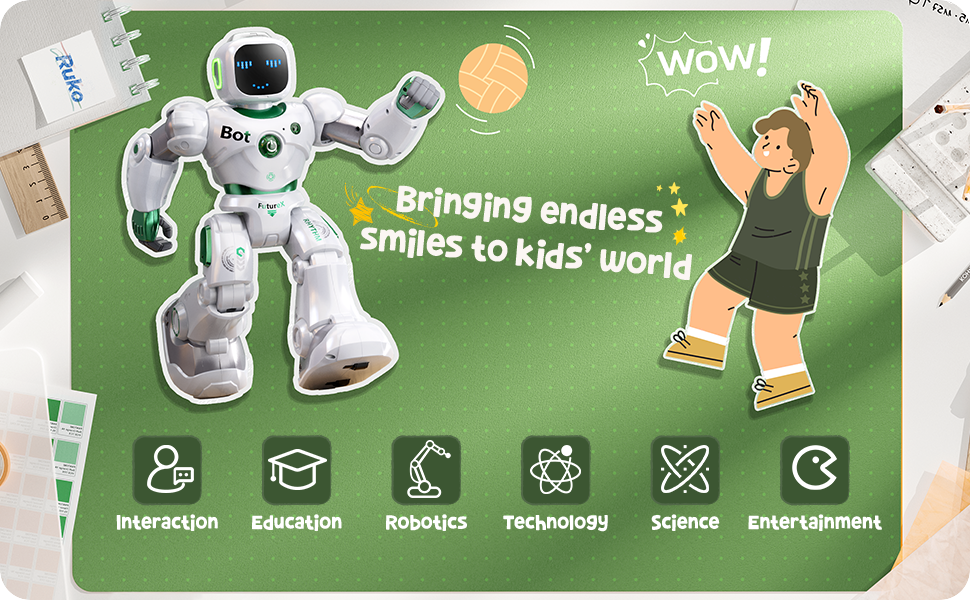
5. Característiques
- 9 Joints with 9 Motors: Allows for a wide range of motion and expressive movements.
- 200 Times of Actions Programming: Enables extensive customization of robot actions.
- Up to 10 Expressions: The robot can display various facial expressions on its LED screen.
- 8 Dances, 10 Songs, and 4 Stories: Pre-programmed entertainment options for engaging play.
- Múltiples mètodes de control: Remote control, voice control, and app control for versatile interaction.
- Disseny apte per a nens: Crafted from skin-safe ABS with smooth, burr-free edges. FCC and CPC certified for safety.
6. Manteniment
To ensure the longevity and optimal performance of your Ruko 1088 Robot, follow these maintenance guidelines:
- Neteja: Wipe the robot with a soft, dry cloth. Avoid using harsh chemicals or abrasive materials.
- Emmagatzematge: Guardeu el robot en un lloc fresc i sec, allunyat de la llum solar directa i de temperatures extremes.
- Cura de la bateria: Fully charge the robot before long periods of storage. Do not overcharge or leave completely discharged for extended times.
7. Solució De Problemes
If you encounter issues with your Ruko 1088 Robot, please refer to the following common solutions:
- Robot Not Turning On: Ensure the robot is fully charged. Charge for at least 30 minutes using the original charging cable before attempting to power on.
- El control remot no respon: Check if the remote control has fresh batteries (2 AA, not included). Ensure the robot and remote are paired correctly.
- Comandes de veu no reconegudes: Speak clearly and at a moderate volume. Ensure there is no excessive background noise.
- Problemes de connectivitat de l'aplicació: Ensure Bluetooth is enabled on your smartphone and the robot is within range. Restart both the app and the robot if necessary.
8. Especificacions
| Característica | Detall |
|---|---|
| Dimensions del producte | 11 x 4.7 x 15.8 polzades |
| Pes de l'article | 4.29 lliures |
| Número de model de l'article | 1088 |
| Edat recomanada pel fabricant | 4 - 9 anys |
| Bateries | Necessita 1 bateria de ions de liti (inclosa) |
| Fabricant | Ruko |
9. Garantia i Suport
Ruko offers a 30-day return or exchange policy and a 90-day free warranty for the 1088 Programmable Robot. Our dedicated support team is available to assist with any questions or concerns you may have.
Informació de contacte:
- Telèfon: +1 (888) 892-0155
- Correu electrònic: service@rukoytoy.com
- Horari de funcionament: Mon-Fri: 8 AM to 2 AM (next day) PST, Sat-Sun: 8 AM to 5 PM (PST)
