
Introducció
Thank you for choosing the VOYEE Wireless Controller for PlayStation 4. This manual provides detailed instructions on how to set up, operate, maintain, and troubleshoot your new controller. Please read this manual thoroughly before use to ensure optimal performance and longevity of your device.
Producte acabatview
Característiques clau
- Connectivitat sense fils: Seamless connection to your PlayStation 4 console.
- Retroalimentació de doble vibració: Enhanced haptic feedback for immersive gaming.
- 6-Axis Motion Sensor: Integrated gyroscope and accelerometer for precise motion control.
- Multi-touch Touchpad: Interactive input for various game functions.
- Altaveu integrat: Delivers additional sound effects directly from the controller.
- Presa d'auriculars de 3.5 mm: Connect your headset for private audio and chat.
- Disseny ergonòmic: Comfortable grip for extended gaming sessions.
- Fast Charging Port: Efficient charging for minimal downtime.
Components del controlador
Familiarize yourself with the various buttons and features of your VOYEE Wireless Controller:
- Botons d'acció: Triangle, Circle, Cross, Square.
- Coixinet direccional (D-Pad): Up, Down, Left, Right.
- Manets analògics: Left and Right analog sticks for movement and camera control.
- Botons L1/R1 i disparadors L2/R2: Shoulder buttons and triggers.
- Botó PS: Powers on the controller, accesses the PS Home screen.
- Botó COMPARTIR: Shares gameplay content.
- Botó OPCIONS: Accesses in-game menus and options.
- Touchpad: Interactive surface for gestures and clicks.
- Barra de llum: Indicates player number, health, and other game information.
- Port micro-USB: Per a càrrega i connexió per cable.
- EXT Port: For connecting accessories.
- Ponent: Built-in mono speaker.
- Conector d'auriculars: 3.5mm port for headsets.

Figura 1: Frontal view of the VOYEE Wireless Controller, highlighting its ergonomic design and button layout.

Figura 2: Detallada view of the SHARE, OPTIONS, and VOYEE buttons, along with the D-pad and R1 trigger.
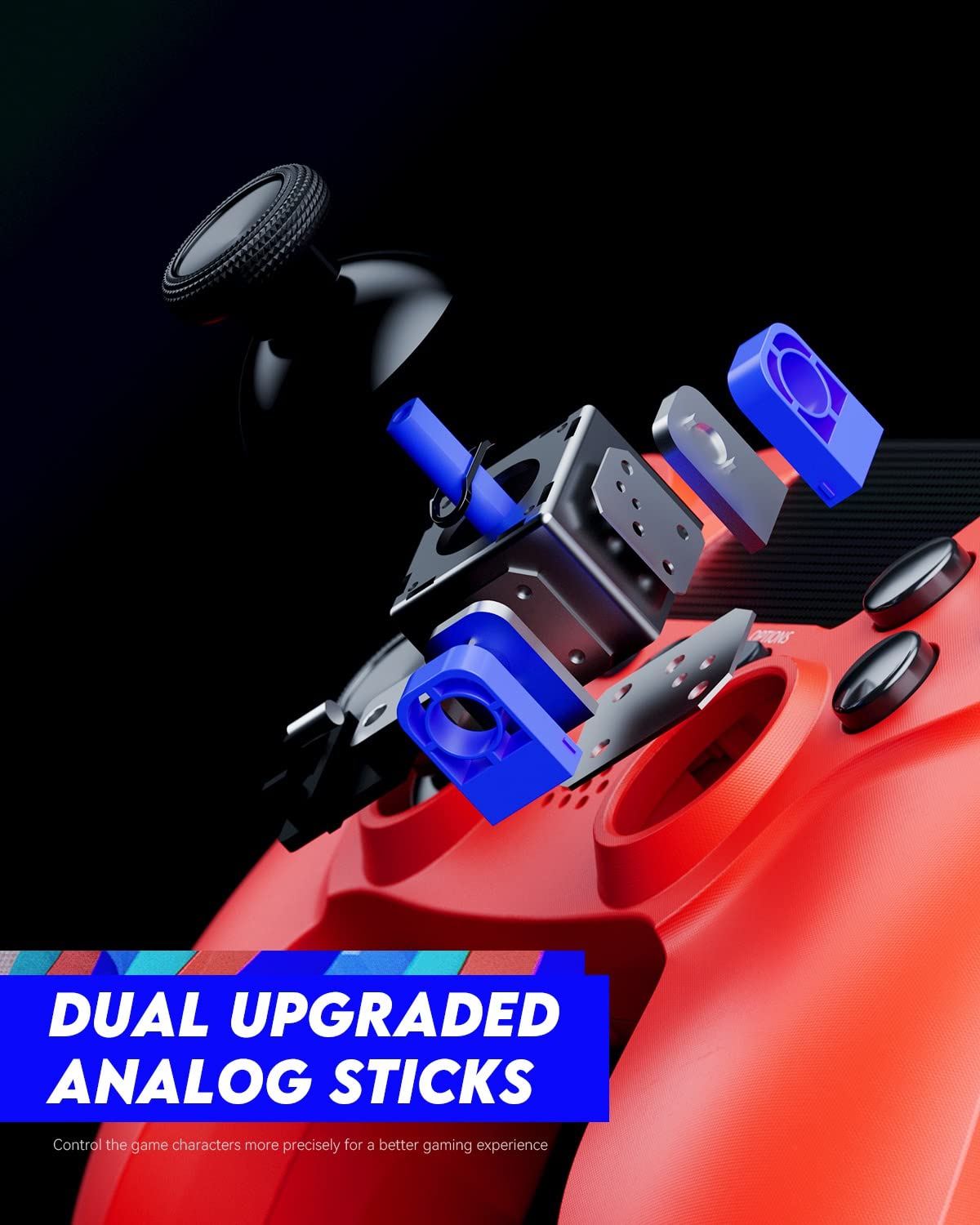
Figure 3: An exploded diagram illustrating the internal components of the dual analog sticks, emphasizing precision control.
Configuració
Carregant el controlador
Before first use, fully charge the controller. The controller features an 800mAh battery for extended playtime.
- Connect the supplied USB cable to the Micro-USB port on the controller.
- Connect the other end of the USB cable to a USB port on your PlayStation 4 console (console must be powered on or in rest mode) or a compatible USB wall charger.
- The light bar on the controller will slowly blink orange while charging and turn off when fully charged.

Figure 4: The controller's light bar illuminates, indicating power or charging status.
Vinculació amb PlayStation 4
To use the controller wirelessly, it must be paired with your PlayStation 4 console.
- Assegura't que la teva consola PlayStation 4 estigui engegada.
- Connect the controller to the PS4 console using the USB cable.
- Premeu el botó Botó PS on the controller. The controller will power on and automatically pair with the console.
- Once paired, you can disconnect the USB cable and use the controller wirelessly.
- To pair additional controllers, repeat these steps for each controller. The light bar will indicate the player number (Player 1: Blue, Player 2: Red, Player 3: Green, Player 4: Pink).
Instruccions de funcionament
Controls bàsics
The VOYEE Wireless Controller functions similarly to the original PlayStation 4 controller. Refer to your game's instructions for specific button mappings.
- Manets analògics: Use for character movement, camera control, and menu navigation.
- D-Pad: Per a una entrada direccional precisa, sovint utilitzada en menús o jocs de lluita.
- Botons d'acció (Triangle, Cercle, Creu, Quadrat): Perform in-game actions such as jumping, attacking, or confirming selections.
- Botons L1/R1: Sovint s'utilitza per a accions ràpides o per canviar d'arma.
- Disparadors L2/R2: Typically used for aiming, shooting, or acceleration/braking in driving games.
- Botó PS: Press once to return to the PS Home screen. Press and hold to access the Quick Menu.
- Botó COMPARTIR: Press to open the Share menu, allowing you to take screenshots or record video clips.
- Botó OPCIONS: Press to pause games or access in-game options/menus.
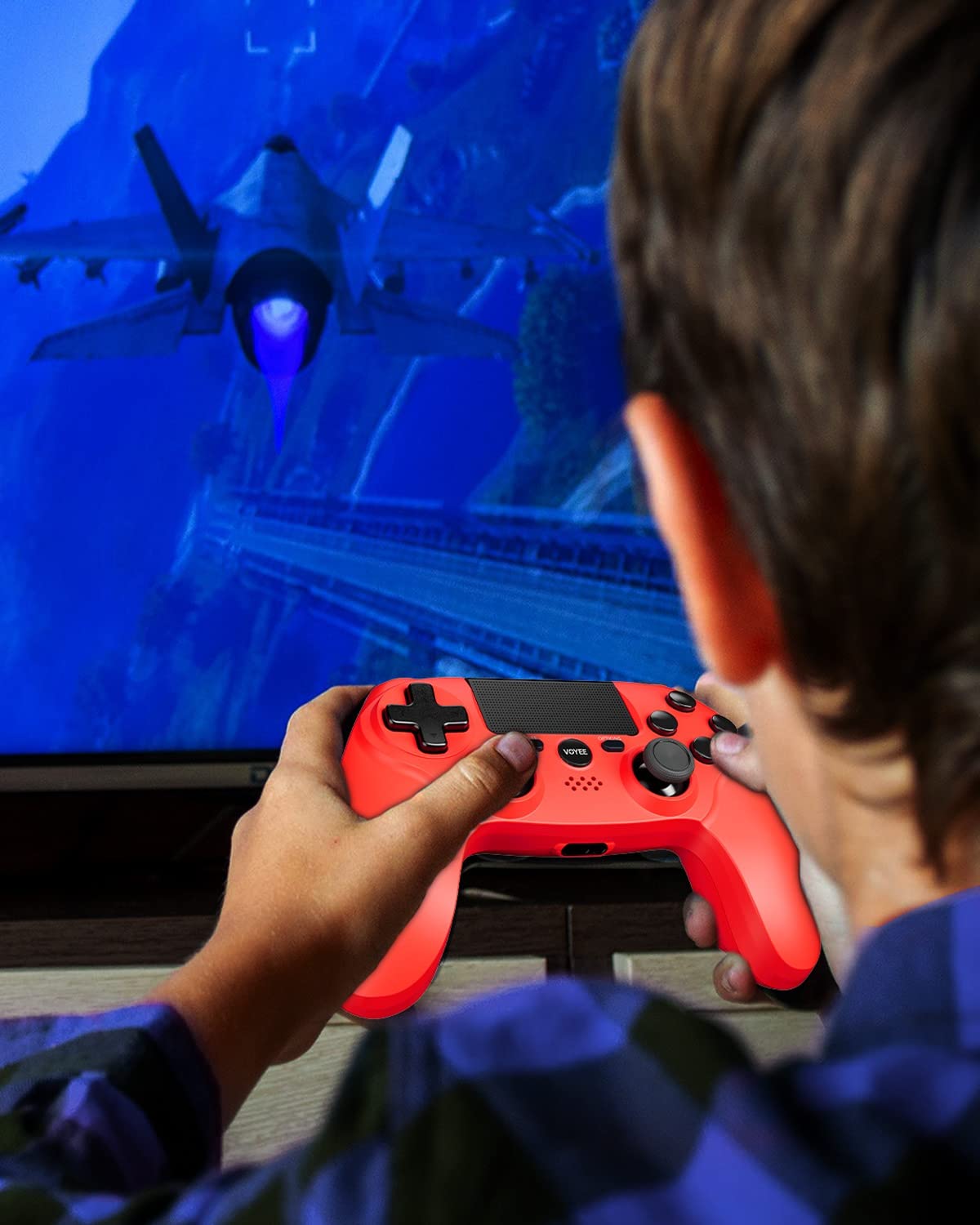
Figure 5: A user actively engaged in gameplay using the VOYEE Wireless Controller.
Ús de funcions especials
- Touchpad: Swipe, tap, or click the touchpad for various in-game interactions, depending on the game's design.
- Sensor de moviment: Tilt and move the controller to control certain game elements, such as steering in racing games or aiming in shooters.
- Feedback de vibració: The controller will vibrate to provide tactile feedback during gameplay, such as impacts, explosions, or specific in-game events.
- Auriculars Jack: Plug any standard 3.5mm headset into the jack for game audio and voice chat. Adjust audio settings via the PS4 Quick Menu.

Figure 6: Two players using VOYEE Wireless Controllers for a shared gaming experience.
Manteniment
Neteja
To keep your controller in optimal condition:
- Wipe the controller regularly with a soft, dry cloth.
- Per a la brutícia persistent, lleugerament dampNetegeu el drap amb aigua o una solució de neteja suau. Eviteu productes químics agressius.
- No permeteu que entrin líquids a les obertures del controlador.
Emmagatzematge
Quan no l'utilitzeu, guardeu el controlador en un lloc fresc i sec, allunyat de la llum solar directa i de temperatures extremes.
Cura de la bateria
The controller contains a rechargeable lithium-ion battery. To maximize battery life:
- Eviteu descarregar completament la bateria amb freqüència.
- Charge the controller regularly, even if not in constant use.
- Do not expose the controller to temperatures above 60°C (140°F).
Resolució de problemes
Problemes de connexió
- El controlador no es connecta: Ensure the controller is charged. Connect it to the PS4 with a USB cable and press the PS button to re-pair.
- Desconnexions freqüents: Ensure there are no obstructions between the controller and the PS4. Move closer to the console. Other wireless devices might cause interference.
Problemes de càrrega
- El comandament no es carrega: Try a different USB cable or a different USB port on the PS4 or wall charger. Ensure the PS4 is powered on or in rest mode.
- Càrrega lenta: Use the original USB cable or a high-quality replacement. Ensure the power source provides sufficient current.
Button/Stick Unresponsiveness
- Buttons or analog sticks not responding: Reset the controller by inserting a small, pointed object (like a straightened paperclip) into the small hole on the back of the controller near the L2 button. Hold for 5 seconds. Then, re-pair the controller with the PS4.
- Drift in analog sticks: Perform a controller reset. If the issue persists, contact customer support.
Especificacions
| Marca | VOYEE |
| Dispositius compatibles | PlayStation 4 |
| Tipus de controlador | Gamepad |
| Connectivitat | Sense fil |
| Característiques especials | Ergonomic, Headphone Jack, Rumble, Touchpad, 6-Axis Motion Sensor |
| Nombre de botons | 16 |
| Capacitat de la bateria | 800mAh (Internal) |
| Dimensions de l'article (L x A x A) | 6.61 x 4.53 x 2.95 polzades |
Informació de seguretat
Si us plau, observeu les precaucions de seguretat següents:
- Do not expose the controller to extreme temperatures, direct sunlight, or high humidity.
- Eviteu deixar caure el controlador ni sotmetre'l a impactes forts.
- Mantingueu el controlador allunyat de l'aigua i altres líquids.
- Do not attempt to disassemble or modify the controller. This may void your warranty and cause damage.
- Mantenir fora de l'abast dels nens petits.
Garantia i Suport
For warranty information or technical support, please refer to the documentation included with your purchase or contact VOYEE customer service through the retailer where the product was purchased. Please have your product model and purchase date available when contacting support.