
Braun BC09G
Braun BC09G Digital Alarm Clock - User Manual
Model: BC09G
Introducció
Thank you for choosing the Braun BC09G Digital Alarm Clock. This manual provides detailed instructions for setting up, operating, and maintaining your new alarm clock. Please read this manual thoroughly before use to ensure proper functionality and to maximize your product experience.
The Braun BC09G features a negative LCD display, a crescendo alarm, and a convenient snooze/backlight function, all in a compact design.
Informació important de seguretat
- Mantingueu el dispositiu allunyat de l'aigua i la humitat elevada.
- No exposeu a la llum solar directa ni a temperatures extremes.
- Use only the specified battery type (1 x AA battery).
- No barregeu piles velles i noves, o diferents tipus de piles.
- Eliminar les bateries segons la normativa local.
- No intenteu desmuntar ni reparar el dispositiu vosaltres mateixos. Poseu-vos en contacte amb personal de servei qualificat.
Contingut del paquet
- Braun BC09G Digital Alarm Clock
- Manual d'usuari (aquest document)
Nota: Es requereix 1 pila AA per al funcionament i no està inclosa en el paquet.
Producte acabatview
Familiarize yourself with the main components of your Braun BC09G alarm clock.

Imatge: posterior view of the Braun BC09G Digital Alarm Clock, showing battery compartment and setting buttons.

Imatge: Davant view of the Braun BC09G Digital Alarm Clock displaying time 12:15 and alarm 7:00 AM.

Imatge: lateral view of the Braun BC09G Digital Alarm Clock, showing its compact profile.
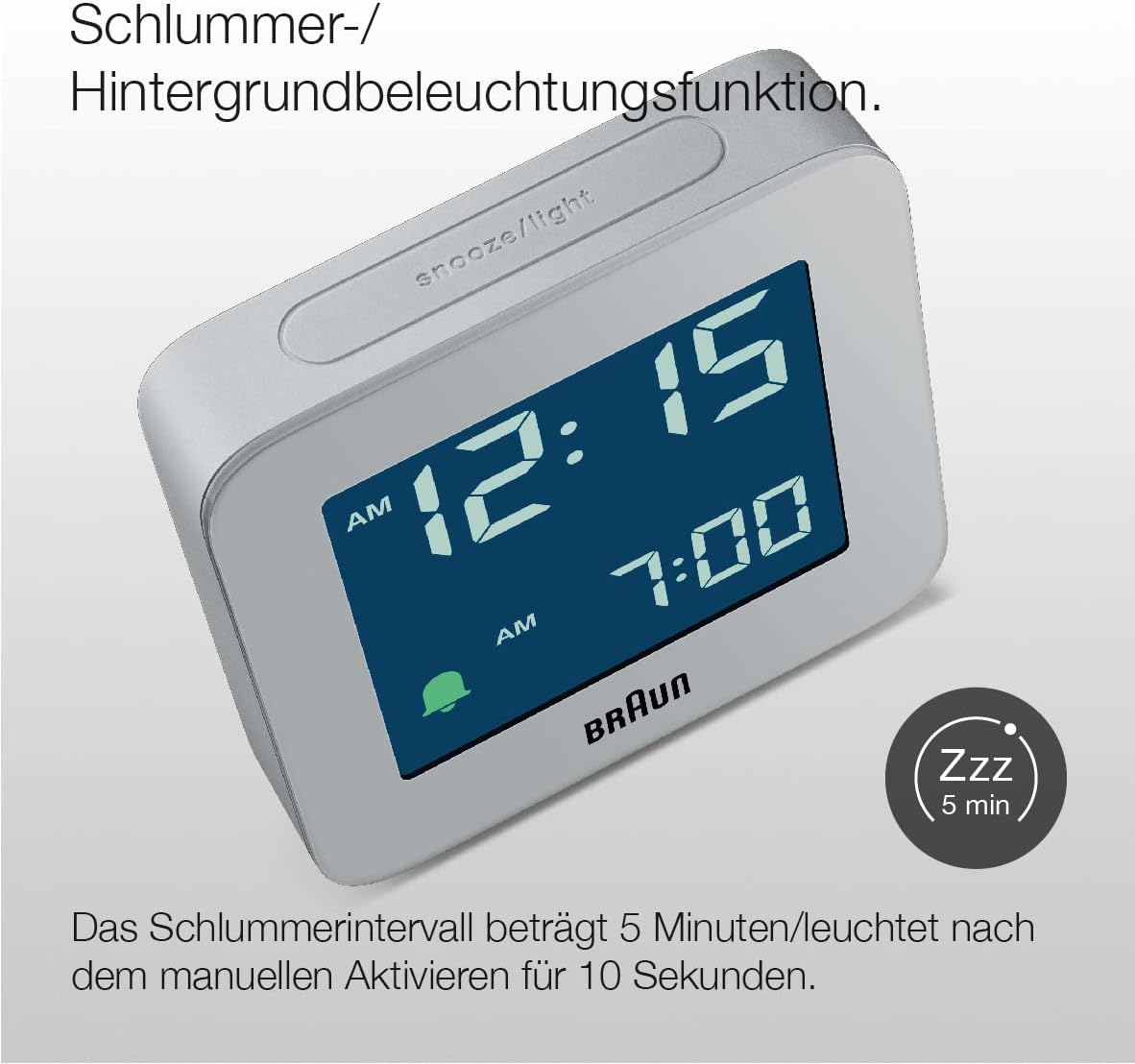
Imatge: A dalt view of the Braun BC09G Digital Alarm Clock, highlighting the large snooze/light button.

Imatge: En angle view of the Braun BC09G Digital Alarm Clock, showcasing the negative LCD display.
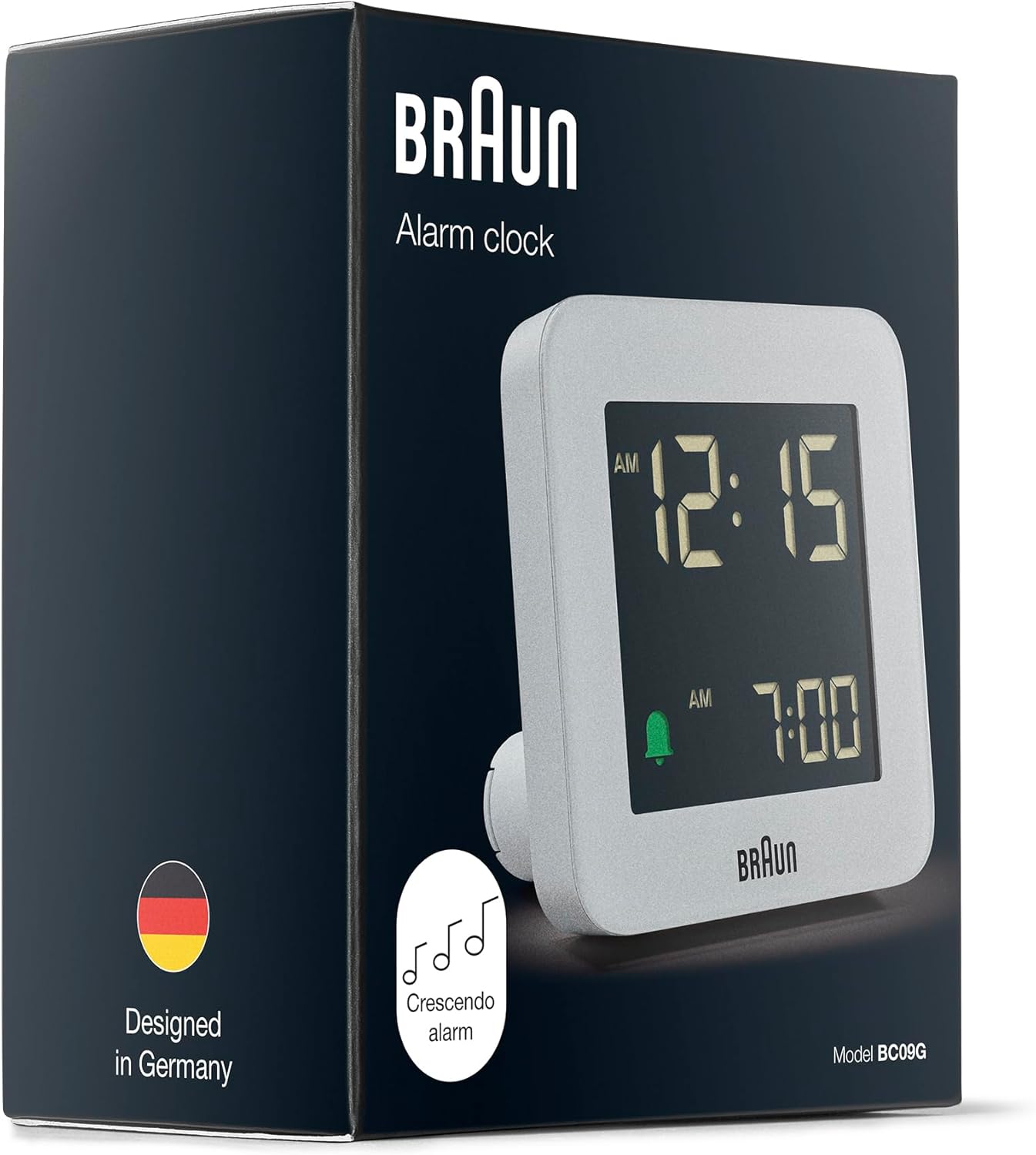
Imatge: Packaging of the Braun BC09G Digital Alarm Clock, showing the product inside its box.
Configuració
1. Instal·lació de la bateria
- Open the battery compartment cover located on the back of the alarm clock.
- Inseriu una (1) pila AA, assegurant-vos que la polaritat (+/-) coincideixi amb el diagrama de l'interior del compartiment.
- Tanqueu bé la tapa del compartiment de la bateria.
Note: The clock requires 1 x AA battery, which is not supplied.
2. Configuració inicial de l'hora
Upon battery installation, the display will activate. Refer to the operating instructions to set the current time.
Instruccions de funcionament
Establiment de l'hora
- Locate the "TIME SET" button on the back of the clock.
- Press and hold the "TIME SET" button until the hour digits begin to flash.
- Use the "+" or "-" buttons (usually located near the "TIME SET" button) to adjust the hour.
- Press "TIME SET" again to move to the minute digits, then use "+" or "-" to adjust the minutes.
- Press "TIME SET" one more time to confirm and exit time setting mode.
Configuració de l'Alarma
- Locate the "ALARM SET" button on the back of the clock.
- Press and hold the "ALARM SET" button until the alarm hour digits begin to flash.
- Use the "+" or "-" buttons to adjust the alarm hour.
- Press "ALARM SET" again to move to the alarm minute digits, then use "+" or "-" to adjust the minutes.
- Press "ALARM SET" one more time to confirm and exit alarm setting mode.
Activació/desactivació de l'alarma
- To activate the alarm, slide the "ALARM ON/OFF" switch (or press the dedicated alarm button) to the "ON" position. An alarm icon (e.g., a bell) will appear on the display.
- To deactivate the alarm, slide the "ALARM ON/OFF" switch to the "OFF" position. The alarm icon will disappear.
Funció de repetició i retroil·luminació

Imatge: Close-up of the Braun BC09G showing the snooze/light button and a 'Zzz' icon indicating snooze function.
- When the alarm sounds, press the large "SNOOZE/LIGHT" button on top of the clock to activate the snooze function. The alarm will pause for approximately 5 minutes before sounding again.
- Pressing the "SNOOZE/LIGHT" button at any time will illuminate the display for approximately 10 seconds, allowing you to view the time in low light conditions.
Crescendo Alarm

Imatge: Illustration of the crescendo alarm feature, showing musical notes increasing in frequency.
The Braun BC09G features a crescendo alarm. When the alarm activates, the sound will start softly and gradually increase in frequency and volume to gently wake you up. If not turned off, the alarm will continue to increase in intensity.
12/24 Hour Display Option

Imatge: Close-up of the negative LCD display, showing time in a dark background with light digits.
To switch between 12-hour (with AM/PM indicator) and 24-hour display formats, locate the "12/24 HR" button (or a similar switch) on the back of the clock and press it. The display will change accordingly.
Note: The contrast of the negative digital display may vary depending on the ambient room lighting conditions.
Manteniment
- Neteja: Wipe the clock with a soft, dry cloth. Do not use abrasive cleaners or chemical solvents.
- Substitució de la bateria: When the display dims or the alarm weakens, it's time to replace the AA battery. Follow the battery installation steps in the "Setup" section.
- Emmagatzematge: Si guardeu el rellotge durant un període prolongat, traieu la pila per evitar fuites.
Resolució de problemes
| Problema | Causa possible | Solució |
|---|---|---|
| La pantalla del rellotge està en blanc o fosca. | La bateria està morta o mal instal·lada. | Replace the AA battery, ensuring correct polarity. |
| L'alarma no sona. | L'alarma no està activada o està configurada incorrectament. | Ensure the "ALARM ON/OFF" switch is in the "ON" position and the alarm time is set correctly. Check battery. |
| Snooze/backlight not working. | La bateria està baixa o morta. | Substituïu la bateria AA. |
| Display contrast is poor. | Ambient room lighting conditions. | Adjust the clock's position relative to light sources. This is a characteristic of negative LCD displays. |
Especificacions
| Marca | Braun |
| Número de model | BC09G |
| Color | Gris |
| Tipus de visualització | Digital (Negative LCD) |
| Característiques especials | Alarm, Snooze, Backlight, Crescendo Alarm |
| Dimensions del producte (W x H x D) | 7.5 cm x 7.5 cm x 4.5 cm |
| Pes de l'article | 87 grams |
| Font d'alimentació | Alimentat per piles (1 pila AA, no inclosa) |
| Tipus de moviment | Quars |
| Material | Plàstic |

Imatge: Diagram showing the dimensions of the Braun BC09G Digital Alarm Clock (7.5 cm x 7.5 cm x 4.5 cm).
Garantia i Suport
This Braun BC09G Digital Alarm Clock comes with a limited warranty. For specific warranty terms and conditions, please refer to the documentation provided with your purchase or contact Braun customer support.
For technical support, troubleshooting assistance, or to inquire about replacement parts, please visit the official Braun website or contact their customer service department. Contact information can typically be found on the product packaging or the Braun official weblloc.
Ask a question about this manual
Ask about setup, troubleshooting, compatibility, parts, safety, or missing instructions. Manuals+ will review the question and use this page’s manual context to help answer it.