
AULA S2018
AULA S2018 RGB Mechanical Gaming Keyboard User Manual
Model: S2018
1. Introducció
This manual provides instructions for the AULA S2018 RGB Mechanical Gaming Keyboard. It covers setup, operation, maintenance, and troubleshooting to ensure optimal performance and longevity of your device. The AULA S2018 features blue mechanical switches, 104 anti-ghosting keys, customizable RGB backlighting, and a removable wrist rest.
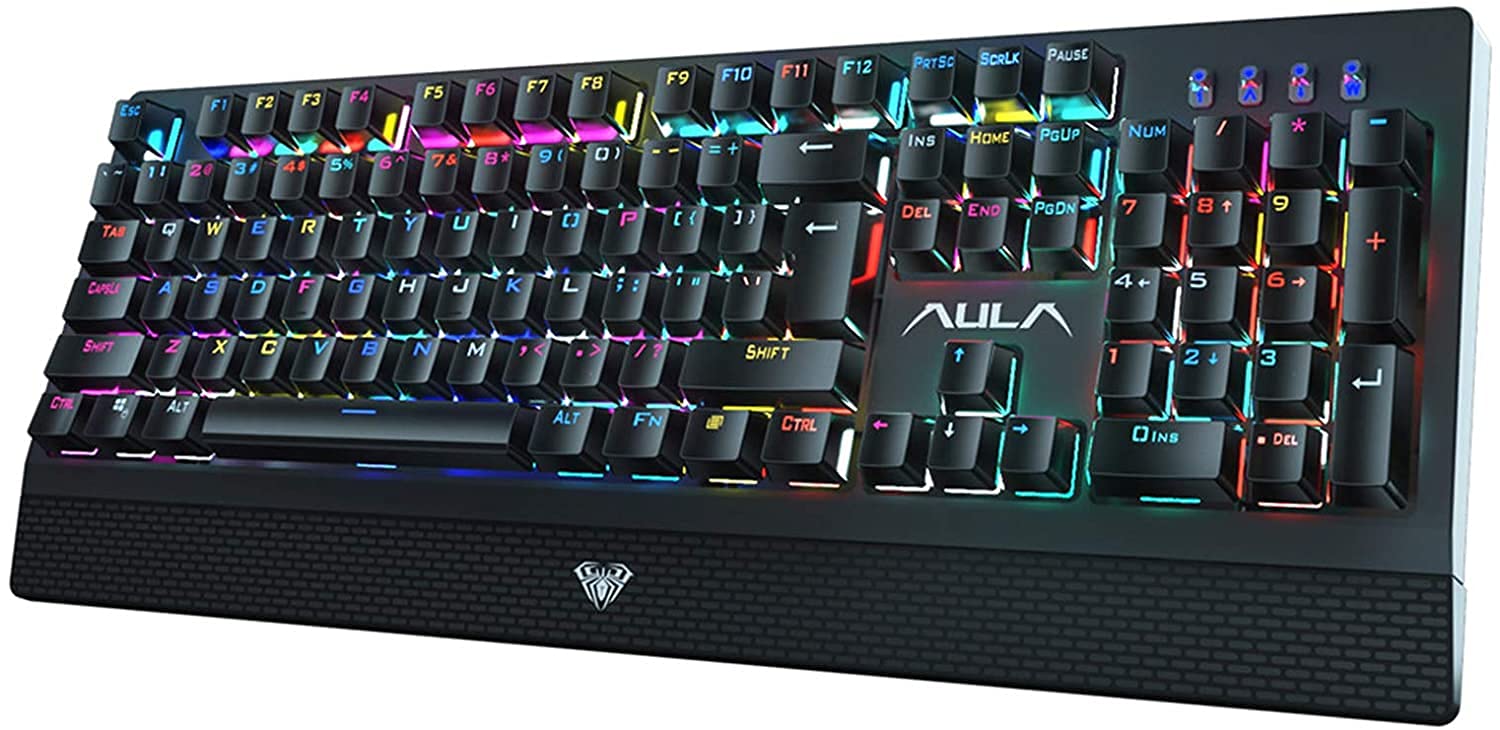
Image 1: AULA S2018 RGB Mechanical Gaming Keyboard.
2. Contingut del paquet
Verifiqueu que tots els elements siguin presents al paquet:
- AULA S2018 RGB Mechanical Gaming Keyboard
- Removable Wrist Rest
- Cable USB (integrat)
- Manual d'usuari (aquest document)
3. Instruccions de configuració
- Connecteu el teclat: Plug the USB cable from the keyboard into an available USB port on your computer (PC, Laptop, Desktop) or gaming console (PS4). The keyboard is plug-and-play and does not require additional drivers for basic functionality.
- Fixeu el reposacanell: Align the removable wrist rest with the bottom edge of the keyboard. Gently push to secure it in place.
- Compatibilitat: The keyboard is compatible with Windows 2000, XP, Vista, 7, 8, and 10 operating systems.

Image 2: Keyboard with the removable wrist rest attached.
4. Instruccions de funcionament
4.1. RGB Backlight Customization
The AULA S2018 keyboard features customizable RGB backlighting with multiple effects and color options.
- Modes d'il·luminació: The keyboard offers up to 30 different lighting modes. Use the Fn tecla en combinació amb tecles de funció específiques (per exemple, Fn + F9, Fn + F10, etc.) to cycle through these modes. Refer to the keyboard's keycap legends for specific combinations.
- Ajust de brillantor: Adjust the backlight brightness using Fn + Fletxa amunt (augment) i Fn + Fletxa avall (disminució).
- Ajust de velocitat: Adjust the speed of dynamic lighting effects using Fn + Fletxa esquerra (decrease speed) and Fn + Fletxa dreta (increase speed).
- Personalització del color: The keyboard supports 16 million RGB colors. Advanced customization, including per-key color settings and macro programming, can be performed using the AULA Synapse software. Please visit the official AULA weblloc web per descarregar programari i instruccions detallades.

Imatge 3: Ex.amples of RGB lighting effects and colors.
4.2. Blue Mechanical Switches
The AULA S2018 utilizes blue mechanical switches, known for their tactile feedback and audible "click" sound. These switches provide a distinct response, which can be beneficial for both typing and gaming, offering a clear indication of key actuation. The switches are designed for a lifespan of approximately 60 million keystrokes.

Imatge 4: View of the durable mechanical switches.
4.3. Anti-Ghosting and N-Key Rollover
The keyboard features 100% anti-ghosting with full N-key rollover. This ensures that every key press is registered accurately, even when multiple keys are pressed simultaneously. This functionality is crucial for fast-paced gaming and rapid typing, preventing missed inputs or incorrect commands.
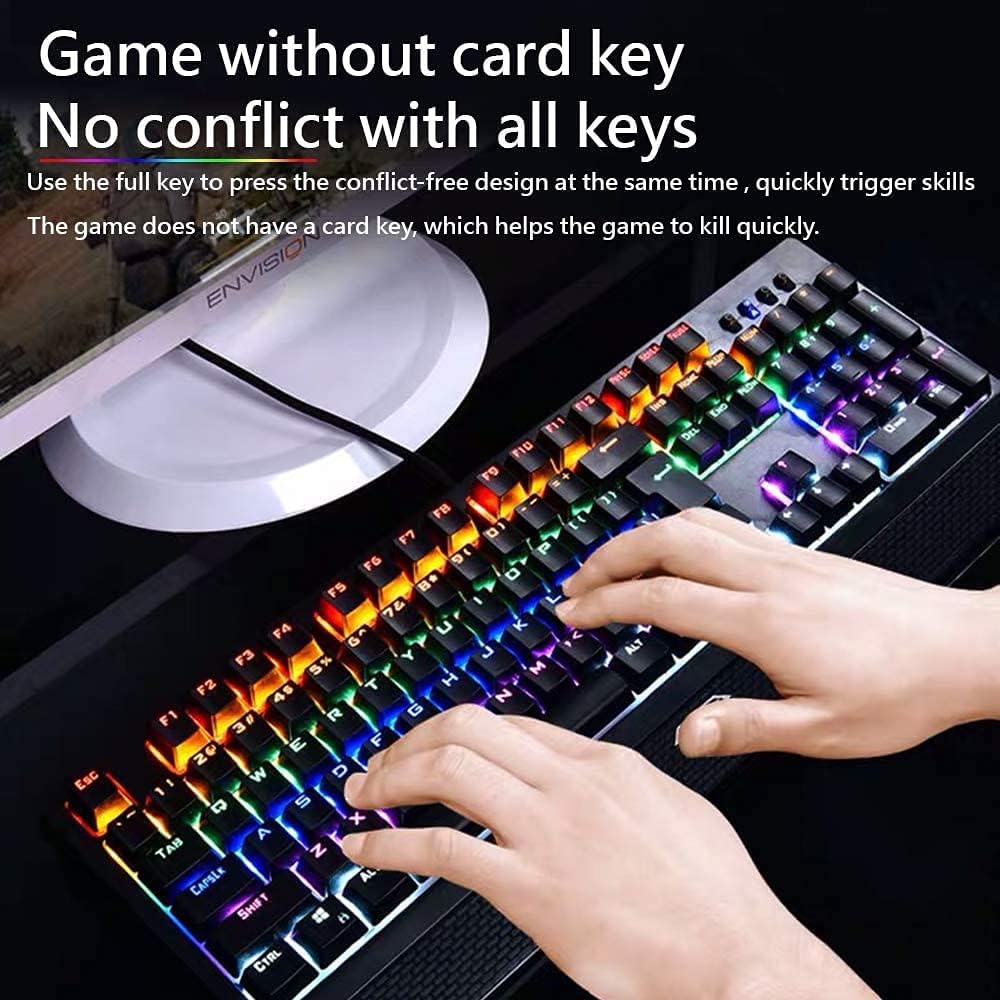
Image 5: Illustration of anti-ghosting functionality during use.
4.4. Tecles programables
Every key on the AULA S2018 is customizable. Through the AULA Synapse software, you can rebind keys, assign macros, and personalize device lighting. This allows for tailored control and optimized workflow or gaming performance. Download the AULA Synapse software from the official AULA support weblloc.
5. Manteniment i cura
- Neteja: Disconnect the keyboard from your computer before cleaning. Use a soft, dry cloth to wipe the surface. For deeper cleaning, use compressed air to remove dust and debris from between the keycaps. A slightly damp cloth can be used for stubborn marks, but avoid excessive moisture.
- Eliminació de la tapa de les tecles: Keycaps can be carefully removed for cleaning or replacement using a keycap puller (not included). Exercise caution to avoid damaging the switches.
- Emmagatzematge: Store the keyboard in a clean, dry environment away from direct sunlight and extreme temperatures.
6. Solució De Problemes
- Keyboard is not responding:
- - Ensure the USB cable is securely plugged into both the keyboard and the computer's USB port.
- - Try plugging the keyboard into a different USB port on your computer.
- - Reinicieu l'ordinador.
- - Test the keyboard on another computer to rule out a system-specific issue.
- Backlight is not working or is dim:
- - Check if the backlight brightness is set to the lowest level. Use Fn + Fletxa amunt per augmentar la brillantor.
- - Cycle through different lighting modes using Fn + Fx keys to see if other modes function.
- - Ensure the AULA Synapse software (if installed) is not overriding settings or causing conflicts.
- Keys are not registering correctly (ghosting):
- - The AULA S2018 features full anti-ghosting. If you experience ghosting, ensure no software conflicts are present. Try updating your operating system or keyboard drivers if available.
- - Clean the keyboard to ensure no debris is interfering with key switches.
7. Especificacions

Image 6: Keyboard specifications overview.
| Característica | Detall |
|---|---|
| Marca | AULA |
| Model | S2018 |
| Tecnologia de connectivitat | Cable USB |
| Descripció del teclat | Teclat mecànic per a jocs |
| Característiques especials | Backlit (RGB), Ergonomic, Removable Wrist Rest |
| Nombre de claus | 104 |
| Tipus de canvi | Interruptors mecànics blaus |
| Durada de la pulsació de tecles | Aprox. 60 milió |
| Anti-fantasma | 100% Anti-Ghosting with Full N-Key Rollover |
| Compatibilitat | Windows 2000/XP/Vista/7/8/10, PS4, Mac OS |
| Dimensions (L x A x A) | 445 x 172 x 40 mm (±0.5MM) |
| Pes | 1300 ± 5G |
| Tecla de tecla | 4.0 MM |
| Força clau | 60 ± 5G |
| Voltage / Actual | DC 5V / <200MA |
8. Garantia i Suport
AULA products are covered by a limited warranty. For detailed warranty terms and conditions, please refer to the warranty card included with your product or visit the official AULA website. For technical support, driver downloads (such as AULA Synapse software), or service inquiries, please visit the AULA official support page or contact their customer service department.
Official AULA Weblloc: www.aulagaming.com (Please verify the actual official website for AULA products)
Ask a question about this manual
Ask about setup, troubleshooting, compatibility, parts, safety, or missing instructions. Manuals+ will review the question and use this page’s manual context to help answer it.