
Introducció
Thank you for choosing the MEDION MD 10319 Tower Fan. This manual provides essential information for the safe and efficient operation of your new fan. Please read these instructions carefully before use and keep them for future reference.
Instruccions importants de seguretat
Seguiu sempre les precaucions de seguretat bàsiques quan utilitzeu aparells elèctrics per reduir el risc d'incendi, descàrrega elèctrica i lesions a les persones.
- Assegureu-vos que la font d'alimentació voltagcoincideix amb l'etiqueta de classificació del ventilador.
- No feu funcionar el ventilador amb un cable o endoll danyats. Si el cable està danyat, l'ha de substituir el fabricant, el seu agent de servei o persones similarment qualificades per evitar un perill.
- Keep the fan away from water or other liquids. Do not immerse the fan in water.
- No introduïu els dits ni objectes estranys a la reixeta mentre el ventilador està en funcionament.
- Desendolleu el ventilador de la presa de corrent quan no l'utilitzeu, quan el traslladeu d'un lloc a un altre i abans de netejar-lo.
- Aquest aparell no està pensat per ser utilitzat per persones (inclosos nens) amb capacitats físiques, sensorials o mentals reduïdes, o amb manca d'experiència i coneixements, tret que hagin rebut la supervisió o instruccions sobre l'ús de l'aparell per una persona responsable de la seva seguretat.
- Els nens han de ser supervisats per assegurar-se que no juguin amb l'aparell.
- Col·loqueu el ventilador sobre una superfície estable i plana per evitar que bolqui.
Contingut del paquet
Si us plau, comproveu el paquet per veure si hi ha els components següents:
- MEDION MD 10319 Tower Fan
- Base (two halves)
- Femella de seguretat
- 4 Mounting Screws for Base
- Remote Control (with 2 x AAA batteries)
- Manual d'instruccions
Muntatge i configuració
Segueix aquests passos per muntar el teu ventilador de torre:
- Traieu amb cura tots els components de l'embalatge.
- Assemble the two halves of the base by interlocking them.
- Align the assembled base with the bottom of the fan unit. Ensure the power cord passes through the designated slot in the base.
- Secure the base to the fan unit using the 4 mounting screws provided.
- Tighten the securing nut from underneath the base to firmly attach it to the fan body.
- Insert the 2 AAA batteries into the remote control, observing polarity.
- Col·loqueu el ventilador sobre una superfície ferma i anivellada.
- Connecteu el cable d'alimentació a una presa de corrent adequada (220 V).
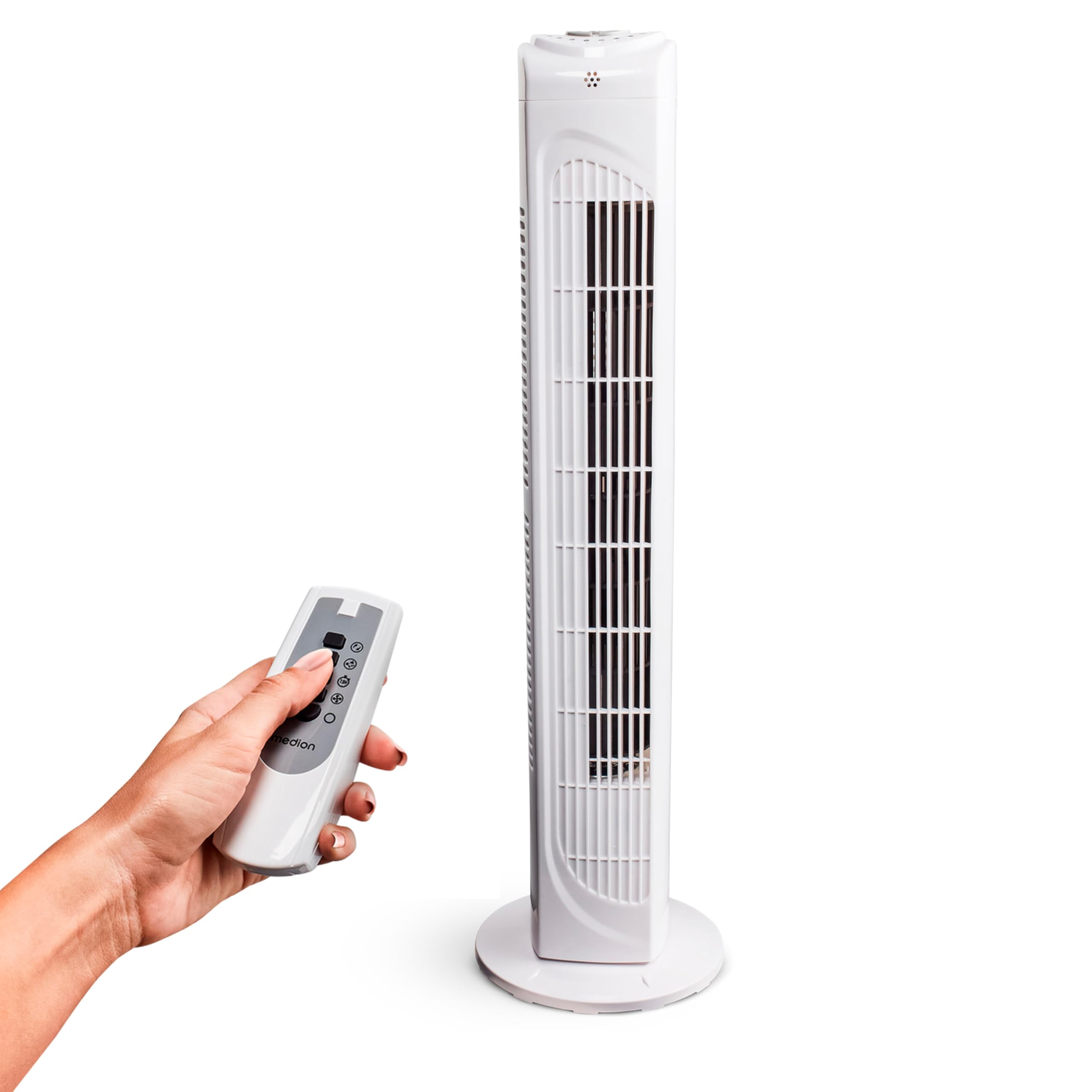
Image: The MEDION MD 10319 Tower Fan, fully assembled with its base, ready for use.

Image: A hand demonstrating the integrated carrying handle on top of the fan for easy portability.
Producte acabatview
Tauler de control
The control panel is located on the top of the fan unit. It features buttons for power, speed, oscillation, and timer functions.

Imatge: Detallada view of the fan's top control panel, showing buttons for power, speed settings (3 levels), timer, and oscillation.
Control remot
The included remote control allows you to operate all fan functions from a distance.
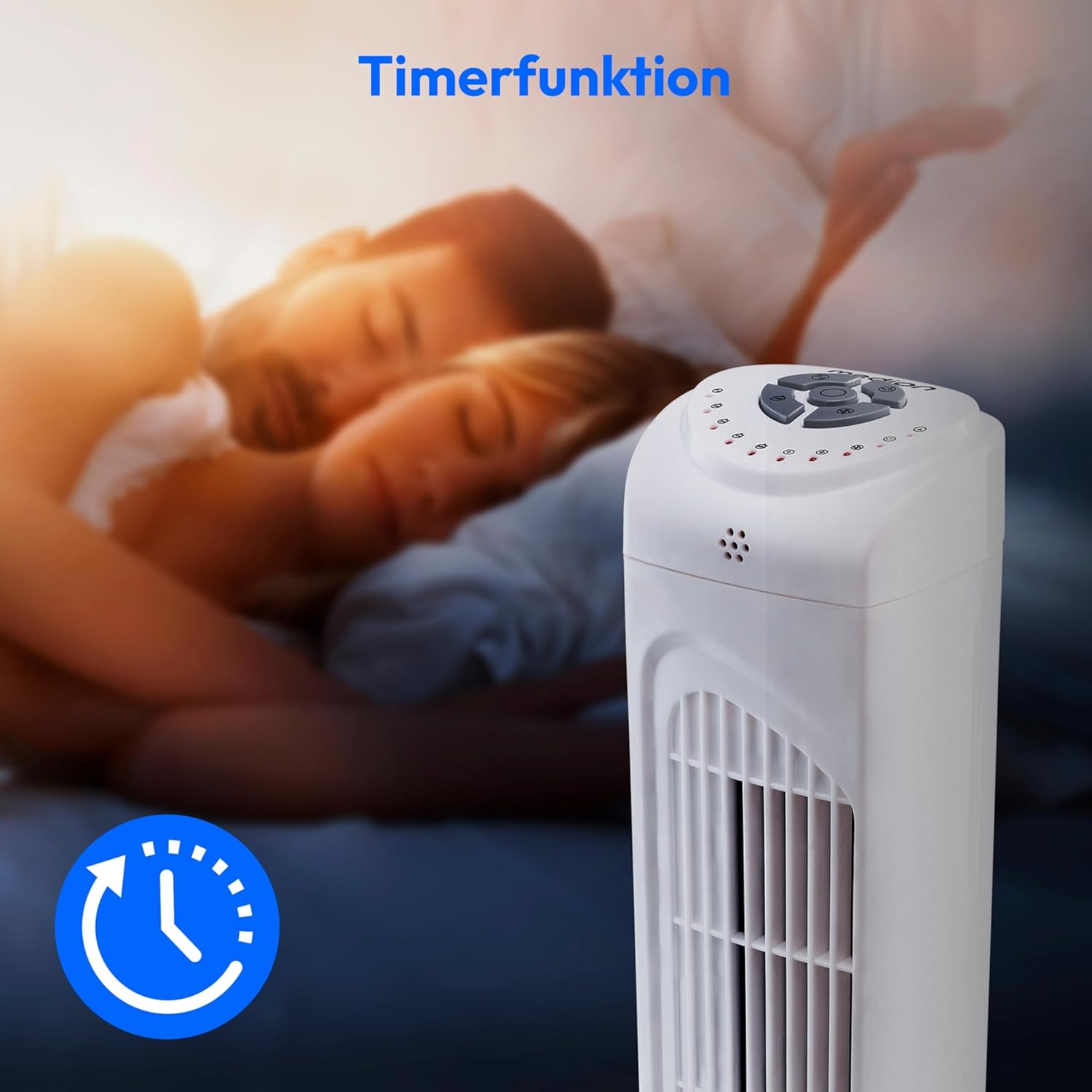
Image: A hand holding the remote control, which features buttons for power, speed, oscillation, and timer, mirroring the main control panel.
Instruccions de funcionament
Encès/Apagat
- Premeu el botó PODER button on the control panel or remote control to turn the fan ON.
- Premeu el botó PODER de nou el botó per apagar el ventilador.
Ajust de la velocitat del ventilador
El ventilador té 3 ajustos de velocitat: Baixa, Mitjana i Alta.
- Premeu el botó VELOCITAT button repeatedly to cycle through the speed settings.
- The current speed level will be indicated by LED lights on the control panel.
Funció d'oscil·lació
The oscillation function allows the fan to rotate horizontally, distributing air over a wider area.
- Premeu el botó OSC button on the control panel or remote control to activate oscillation. The fan will rotate approximately 60 degrees.
- Premeu el botó OSC button again to stop oscillation. The fan will stop in its current position.

Image: The tower fan oscillating, indicated by blue arrows showing a 60-degree rotation for wider air distribution.
Funció de temporitzador
The timer function allows you to set the fan to automatically turn off after a specified period, up to 7.5 hours.
- Premeu el botó TEMPORIZADOR button repeatedly to set the desired operating time (e.g., 0.5h, 1h, 2h, 4h, up to 7.5h).
- The selected timer duration will be indicated by LED lights on the control panel.
- To cancel the timer, cycle through the settings until no timer LEDs are illuminated, or turn the fan off.

Image: The fan with a timer icon, illustrating its use for setting automatic shut-off, ideal for use during sleep.
Manteniment
Una neteja regular ajudarà a mantenir el rendiment i allargarà la vida útil del ventilador.
- Desendolleu sempre el ventilador de la presa de corrent abans de netejar-lo.
- Utilitzeu un suau, damp drap per netejar les superfícies exteriors del ventilador. No utilitzeu productes de neteja abrasius ni dissolvents.
- Feu servir un aspirador amb un accessori de raspall per eliminar suaument la pols de les reixetes d'entrada i sortida d'aire.
- No permeteu que l'aigua gotegi a l'interior del ventilador.
- Store the fan in a cool, dry place when not in use for extended periods.
Resolució de problemes
If you encounter any issues with your MEDION MD 10319 Tower Fan, please refer to the following common problems and solutions:
| Problema | Causa possible | Solució |
|---|---|---|
| El ventilador no s'encén. | Sense font d'alimentació. No s'ha premut el botó d'engegada. | Comproveu si el cable d'alimentació està ben connectat a una presa de corrent que funcioni. Press the POWER button on the fan or remote. |
| El control remot no funciona. | Les piles estan gastades o incorrectament inserides. Obstrucció entre el comandament a distància i el ventilador. | Replace batteries (2 x AAA) and ensure correct polarity. Remove any objects blocking the signal path. Ensure you are within range. |
| El ventilador fa un soroll estrany. | El ventilador no està sobre una superfície plana. Obstruction in the fan grille. | Col·loqueu el ventilador sobre una superfície plana i estable. Unplug the fan and carefully check for any foreign objects in the grilles. |
| Oscillation function is not working. | El botó d'oscil·lació no està activat. | Press the OSC button on the control panel or remote control. |
Especificacions
| Característica | Detall |
|---|---|
| Marca | MEDIÓ |
| Nom del model | MD 10319 |
| Tipus | Tower Fan / Floor Fan |
| Color | Blanc |
| Font d'alimentació | Elèctric amb cable |
| Wattage | 45 W |
| Voltage | 220 Volts |
| Nombre de velocitats | 3 |
| Característiques especials | Oscil·lant, funció de temporitzador |
| Angle d'oscil·lació | 60° |
| Funció de temporitzador | Fins a 7.5 hores |
| Mètode de control | Remote, On-unit buttons |
| Nivell de soroll | 50 decibels |
| Dimensions del producte (P x A x A) | 28 cm x 28 cm x 79 cm |
| Pes de l'article | 2.5 quilos |
| Material | Plàstic |
| Tipus de connector d'alimentació principal | CEE 7/7 (Schuko) |

Image: The MEDION MD 10319 Tower Fan with its height (79 cm) and base width (28 cm) clearly indicated.
Garantia i Suport
Your MEDION MD 10319 Tower Fan comes with a manufacturer's warranty. Please refer to the warranty card included in your package for detailed terms and conditions, including the warranty period and coverage.
For technical support, service, or spare parts, please contact MEDION customer service. Contact information can typically be found on the MEDION official weblloc web o a la documentació de la garantia.