
1. Introducció
Thank you for choosing the Pixio PX259 Prime Gaming Monitor. This manual provides essential information for setting up, operating, and maintaining your monitor to ensure optimal performance and longevity. Please read this manual thoroughly before using the product and retain it for future reference.
The Pixio PX259 Prime is a high-performance 24.5-inch gaming monitor featuring a 280Hz refresh rate, 1ms GTG response time, and a Fast Nano IPS panel, designed to deliver a smooth and immersive gaming experience.
2. Contingut del paquet
Verifiqueu que tots els elements siguin presents al vostre paquet:
- Pixio PX259 Prime Monitor
- Suport de monitor (base i coll)
- Cable DisplayPort
- Adaptador d'alimentació CA
- Cable d'alimentació
- Manual d'usuari (aquest document)

Image: The Pixio PX259 Prime monitor showcasing its 24.5-inch screen, 280Hz refresh rate, 1080p FHD resolution, and Fast IPS panel technology.
3. Muntatge
Seguiu aquests passos per muntar el vostre monitor:
- Traieu amb cura els components del monitor i del suport de l'embalatge.
- Fixeu el coll del suport al panell del monitor. Assegureu-vos que encaixi correctament al seu lloc o que estigui fixat amb cargols si n'hi ha.
- Attach the stand base to the stand neck. Tighten the thumb screw or screws from the bottom of the base to secure it.
- Col·loqueu el monitor muntat sobre una superfície plana i estable.
4. Connectivitat
The Pixio PX259 Prime offers versatile connectivity options. Refer to the image below for port locations.

Imatge: Part posterior view of the monitor displaying the DC power input, two DisplayPort 1.2 inputs (280Hz), two HDMI 2.0 inputs (240Hz), and an earphone jack.
Connexió a un dispositiu:
- Potència: Connect the power cable to the AC adapter, then plug the adapter into the monitor's DC IN port and a power outlet.
- DisplayPort: For optimal performance (280Hz refresh rate), connect your PC's graphics card to one of the monitor's DisplayPort 1.2 inputs using the provided DisplayPort cable.
- HDMI: Connect your device (e.g., gaming console, PC) to one of the monitor's HDMI 2.0 inputs. Note that HDMI 2.0 supports up to 240Hz.
- Sortida d'àudio: Connect headphones or external speakers to the earphone jack for audio.
5. Instruccions de funcionament
Encès/apagat:
Premeu el botó d'engegada que es troba al monitor per encendre'l o apagar-lo.
On-Screen Display (OSD) Navigation:
The monitor features a joystick-style button for navigating the OSD menu. Push the joystick in to access the main menu, then move it up, down, left, or right to select and adjust settings.
Configuració clau:
- Freqüència d'actualització: Ensure your graphics card settings are configured to output at 280Hz (via DisplayPort) or 240Hz (via HDMI) for the smoothest experience.
- Temps de resposta: The 1ms GTG response time is automatically enabled by the Fast IPS panel.
- AMD FreeSync Premium: Enable FreeSync in your monitor's OSD and your graphics card control panel for tear-free gaming.
- Configuració de color: Adjust brightness, contrast, and color temperature to your preference. The monitor supports 101.34% sRGB for vibrant colors.
- Característiques del joc: Access built-in crosshairs and other game-specific enhancements through the OSD.
- Mode d'estalvi d'ulls: Activate this mode to reduce blue light emission for comfortable extended viewing.
6. Característiques acabadesview
The Pixio PX259 Prime is engineered with features to enhance your gaming and viewExperiència:
- Freqüència de refresc de 280 Hz: Provides ultra-smooth motion and reduced input lag, crucial for competitive gaming.
- Temps de resposta GTG d'1 ms: Minimizes motion blur and ghosting, ensuring crisp visuals during fast-paced action.
- Fast Nano IPS Panel: Combines the wide viewing angles and color accuracy of IPS technology with the rapid response times typically found in TN panels.
- AMD FreeSync Premium: Sincronitza la freqüència d'actualització del monitor amb la freqüència d'imatges de la GPU, eliminant el trencament i les entrebancades de la pantalla.
- Colors vibrants: With 101.34% sRGB coverage, experience rich, accurate, and lifelike colors.
- Altaveus duals: Equipped with integrated speakers for audio output.
- Mode d'estalvi d'ulls: Reduces blue light to minimize eye strain during prolonged use.
- Gaming Ready: Features like customizable crosshairs are available to assist in gameplay.

Image: Monitor displaying a dynamic game scene, highlighting 280Hz Refresh Rate, 1ms (GTG) Response Time, Fast IPS Panel, and AMD FreeSync Premium.

Image: Visual comparison demonstrating the smoothness of 280Hz refresh rate versus a conventional 60Hz display in a gaming context.

Image: Visual comparison illustrating the difference between 4ms and 1ms GTG response time, showing reduced motion blur with 1ms.
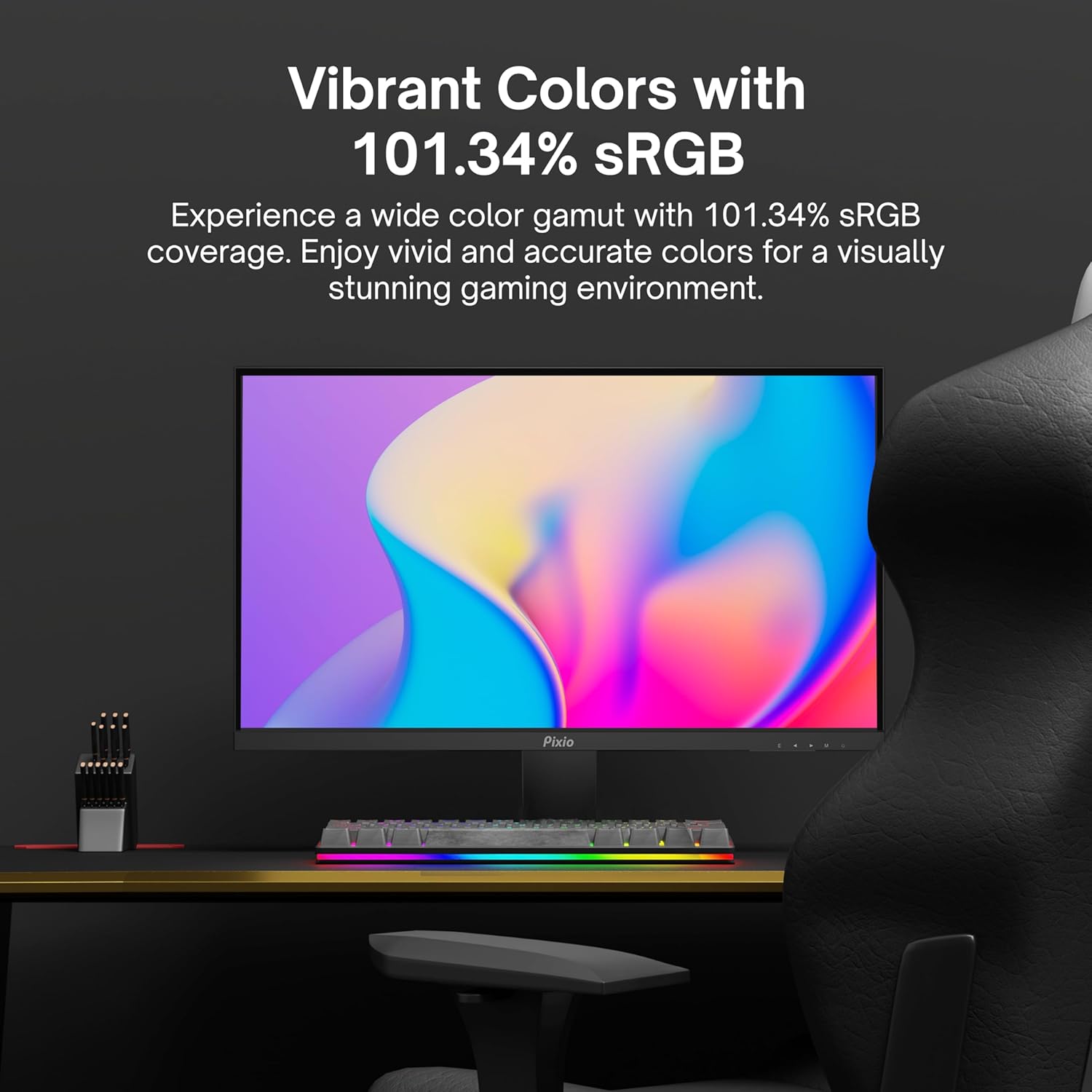
Image: Monitor displaying a colorful game environment, emphasizing the vibrant color reproduction with 101.34% sRGB.
Vídeo del producteview:
Vídeo: Un vídeo oficial del producte de la presentació de Pixioasing the PX259 Prime 25-inch 1080p 280Hz Fast IPS 1ms Gaming Monitor, highlighting its features and performance.
7. Manteniment
- Neteja de la pantalla: Netegeu suaument la pantalla amb un drap suau i sense borrissol. Per a marques difícils, dampen the cloth with a small amount of screen cleaner (non-ammonia based) and wipe carefully.
- Neteja de la Casing: Feu servir un drap suau i sec per netejar la superfície del monitor.asing. Eviteu utilitzar productes de neteja o dissolvents abrasius.
- Ventilació: Assegureu-vos que les obertures de ventilació del monitor no estiguin bloquejades per evitar el sobreescalfament.
- Emmagatzematge: Si guardeu el monitor durant un període prolongat, desconnecteu-lo de l'alimentació i guardeu-lo en un lloc fresc i sec, preferiblement en el seu embalatge original.
8. Solució De Problemes
- Sense energia:
- Assegureu-vos que el cable d'alimentació estigui connectat correctament al monitor i a una presa de corrent que funcioni.
- Comproveu si l'adaptador d'alimentació funciona correctament.
- Sense senyal:
- Verify that the video cable (DisplayPort or HDMI) is securely connected to both the monitor and your device.
- Assegureu-vos que la font d'entrada correcta estigui seleccionada al menú OSD del monitor.
- Prova amb un cable o port de vídeo diferent si està disponible.
- Esquinçament/entretallat de la pantalla:
- Enable AMD FreeSync Premium in both the monitor's OSD and your graphics card settings.
- Assegureu-vos que els controladors gràfics estiguin actualitzats.
- Incorrect Refresh Rate:
- Check your operating system's display settings and your graphics card control panel to set the refresh rate to 280Hz (DisplayPort) or 240Hz (HDMI).
- Ensure you are using a DisplayPort cable for 280Hz.
- Poor Picture Quality/Colors:
- Adjust brightness, contrast, and color settings in the OSD menu.
- Assegureu-vos que el cable de vídeo no estigui danyat.
9. Especificacions
Detailed technical specifications for the Pixio PX259 Prime monitor:
| Característica | Especificació |
|---|---|
| Número de model | PX259 Prime |
| Mida de la pantalla | 24.5 Inches (25 Inches equivalent) |
| Tipus de panell | Fast Nano IPS |
| Resolució | FHD 1080p (1920 x 1080 píxels) |
| Freqüència d'actualització | 280Hz (144Hz Supported) |
| Temps de resposta | 1 ms GTG |
| Relació d'aspecte | 16:9 |
| Brillantor de la imatge | 350 Candela |
| Sincronització adaptativa | AMD FreeSync Premium |
| Connectivitat | 2x DisplayPort 1.2, 2x HDMI 2.0, Earphone Jack, DC In |
| Dimensions del producte | 7.09 x 21.98 x 16.52 polzades |
| Pes de l'article | 12.42 lliures |
| Compatibilitat VESA | 75x75mm (VESA Ready) |

Image: Diagram showing the dimensions of the Pixio PX259 Prime monitor, including width (21.98 inches), height (16.52 inches), and depth (7.09 inches).
10. Garantia i Suport
Pixio products are designed for reliability and performance. For specific warranty details, please refer to the warranty card included with your product or visit the official Pixio weblloc web. Per a assistència tècnica, assistència per a la resolució de problemes o consultes de servei, poseu-vos en contacte amb el servei d'atenció al client de Pixio a través dels seus canals oficials.
Recursos en línia: For additional information, FAQs, and driver downloads, please visit the Pixio Store on Amazon.