
SENCKIT B097R4X833
SENCKIT Smart WiFi Video Doorbell Camera User Manual
Model: B097R4X833
1. Introducció
Thank you for choosing the SENCKIT Smart WiFi Video Doorbell Camera. This device provides enhanced home security with its 1080P HD video, motion detection capabilities, and two-way audio communication. It is designed for easy installation and seamless integration with your smart home ecosystem, including compatibility with Alexa and Google Home. This manual will guide you through the setup, operation, and maintenance of your new video doorbell.
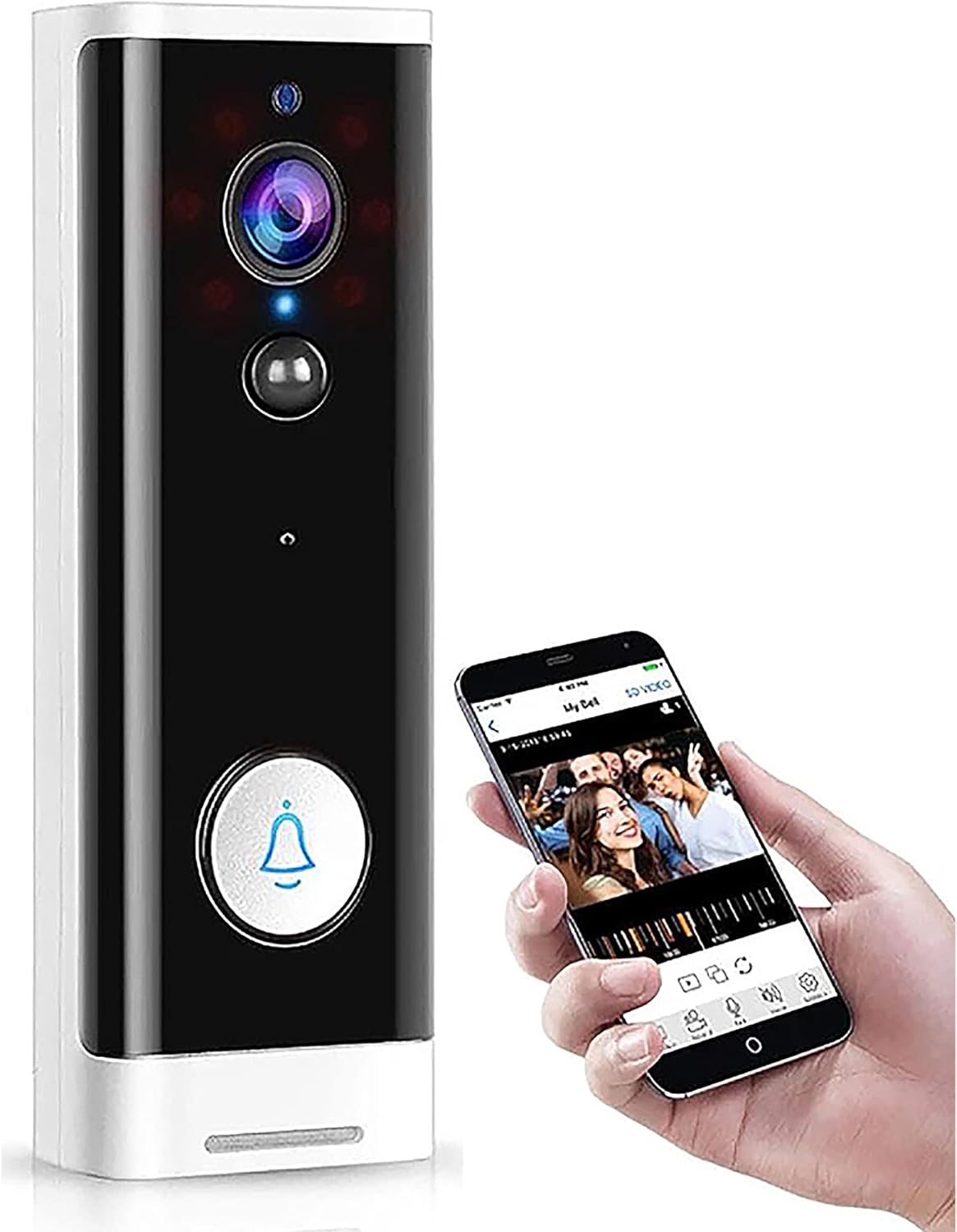
Figure 1: SENCKIT Smart WiFi Video Doorbell Camera
The SENCKIT Smart WiFi Video Doorbell Camera is a wireless security device that allows you to monitor your front door from anywhere. It features a 1080P HD camera with a 166° wide viewing angle, ensuring comprehensive coverage. The built-in infrared night vision provides clear visibility even in low-light conditions. With PIR motion detection, you receive instant alerts on your smartphone via the Tuya Smart/Smart Life app when activity is detected. The two-way audio feature enables real-time communication with visitors, and its compatibility with Alexa and Google Home allows for voice control and integration into your smart home routines.
2. Components del producte
Si us plau, verifiqueu que tots els components siguin presents al vostre paquet:
- 1 x SENCKIT WiFi Video Doorbell
- 1 x suport de muntatge a la paret
- 1 x Tools Package (screws, anchors)
- 1 x Manual d'usuari

Figure 2: Included Product Components
3. Especificacions
| Característica | Especificació |
|---|---|
| Resolució | 1920 x 1080 (1080p HD) |
| Viewangle ing | 166 graus |
| Gamma de visió nocturna | Up to 20 Feet (Infrared) |
| Connectivitat | 2.4 GHz Wi-Fi (Does not support 5G) |
| Font d'alimentació | Battery Powered (Batteries not included) or USB Cable |
| Àudio | Built-in Microphone & Speaker (Two-way audio) |
| Opcions d'emmagatzematge | Local (6-64 GB Micro SD card, not included), Cloud Storage |
| Compatibilitat d'aplicacions | Tuya Smart / Smart Life |
| Compatibilitat amb la llar intel·ligent | Alexa, Google Home |
| Detecció de moviment | Sensor de moviment PIR |
| Dimensions (L x A x A) | 5.2 x 1.78 x 0.98 polzades (132 x 45 x 25 mm) |
| Pes | 7.8 oz (220g) |
| Classificació IP | IP65 |
4. Configuració i instal·lació
4.1 Engegar el timbre
The doorbell can be powered by either a USB cable or batteries (not included). Ensure batteries are inserted correctly before installation if opting for battery power.
4.2 Descàrrega de l'aplicació i creació de compte
- Descarrega't el Tuya Smart or Vida intel·ligent l'aplicació des de la botiga d'aplicacions del teu telèfon intel·ligent (iOS App Store o Google Play Store).
- Registra't per obtenir un compte nou o inicia la sessió si ja en tens un.
4.3 Emparellament de dispositius
- Assegureu-vos que el vostre telèfon intel·ligent estigui connectat a un Xarxa Wi-Fi de 2.4 GHz. The doorbell does not support 5 GHz Wi-Fi.
- Open the Tuya Smart/Smart Life app and follow the on-screen instructions to add a new device. Select 'Video Doorbell' or 'Smart Camera'.
- Follow the app's prompts to connect the doorbell to your Wi-Fi network. This typically involves scanning a QR code generated by the app with the doorbell's camera.
4.4 Instal·lació física
- Choose a suitable location near your front door.
- Feu servir el suport de paret proporcionat com a plantilla per marcar els punts de perforació a la paret.
- Perfora forats i insereix els ancoratges de paret si cal.
- Fixeu el suport de muntatge a la paret amb els cargols proporcionats.
- Attach the video doorbell to the mounted bracket, ensuring it clicks securely into place.

Figura 3: Passos fàcils d'instal·lació
5. Instruccions de funcionament
5.1 Viu View i àudio bidireccional
Open the Tuya Smart/Smart Life app and select your doorbell device to access the live video feed. From here, you can initiate two-way audio communication by tapping the microphone icon. This allows you to speak with visitors at your door from anywhere.

Figure 4: Two-Way Voice Talk Functionality
5.2 Detecció de moviment i alertes
The doorbell is equipped with PIR (Passive Infrared) motion detection. When a moving object remains within 5 meters of the doorbell for more than 4 seconds, the doorbell will automatically capture video and send an alert notification to your smartphone via the app. You can adjust motion detection sensitivity in the app settings.

Figure 5: PIR Motion Detection Area
5.3 Visió nocturna
The doorbell automatically switches to infrared night vision mode in low-light conditions, providing clear 1080P HD video footagi fins i tot en la foscor completa.
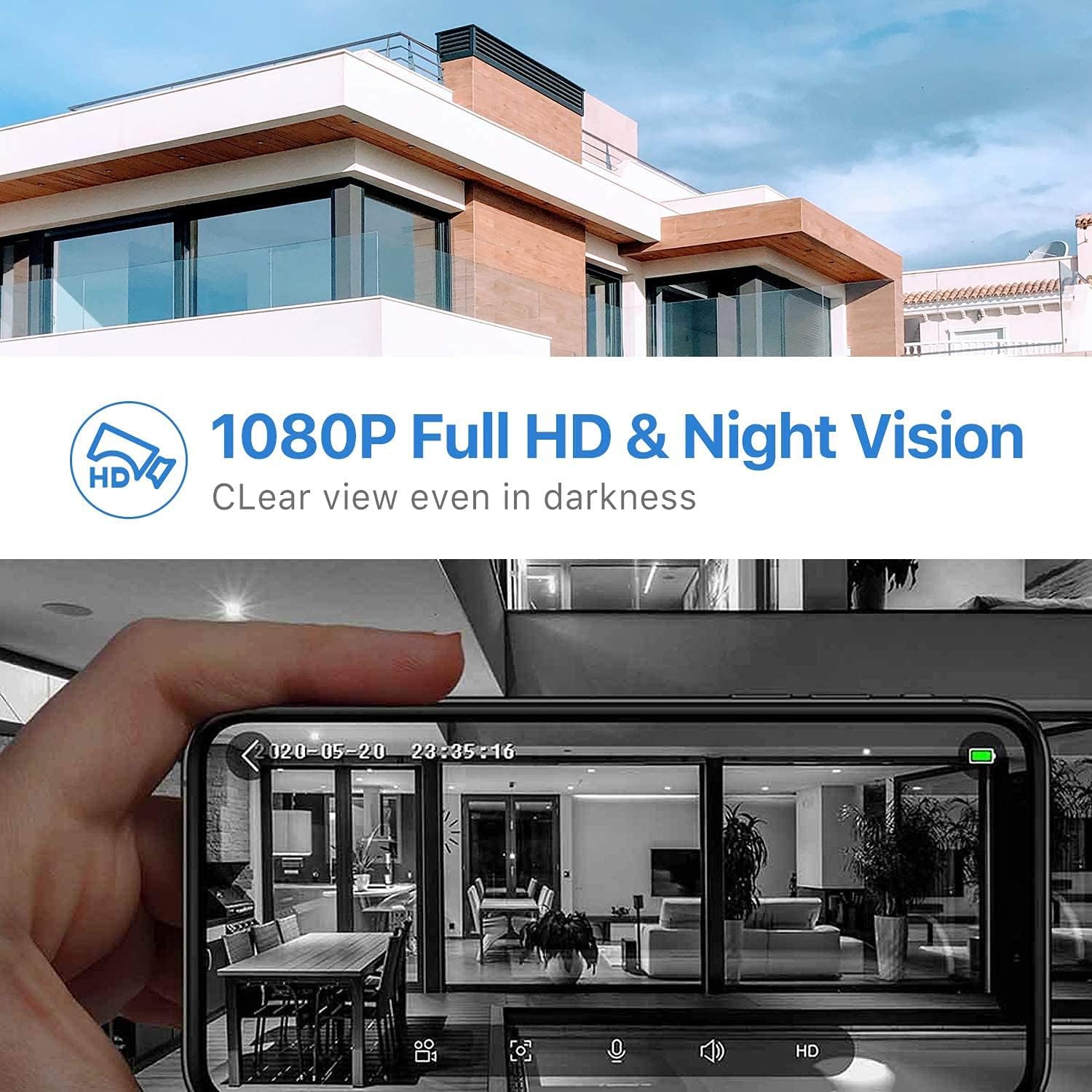
Figure 6: 1080P Full HD and Night Vision
5.4 Opcions d'emmagatzematge
The doorbell supports two storage methods for recorded video:
- Emmagatzematge local: Insert a Micro SD card (6-64 GB, not included) into the designated slot on the doorbell. Recorded events will be saved directly to the card.
- Emmagatzematge al núvol: The doorbell also supports cloud storage services, which may require a subscription through the Tuya Smart/Smart Life app.
5.5 Smart Home Integration (Alexa/Google Home)
The SENCKIT Smart WiFi Video Doorbell Camera is compatible with Amazon Alexa and Google Home. You can link your doorbell to these platforms through the respective smart home apps. Once linked, you can use voice commands to view the live feed on compatible smart displays (e.g., Echo Show) or receive announcements when someone is at the door. For example, you can say “Alexa, talk to the front door.”

Figure 7: Compatibility with Alexa and Echo Show
6. Manteniment
6.1 Gestió de la bateria
If using battery power, the doorbell will enter a low-power standby sleep mode when inactive to conserve battery life. The app will send low-battery notifications when the battery capacity reaches 20%.
6.2 Neteja
To maintain optimal performance, periodically clean the doorbell's camera lens and surrounding area with a soft, dry cloth. Avoid using abrasive cleaners or solvents.
7. Solució De Problemes
7.1 Problemes comuns i solucions
- El timbre no es connecta a la Wi-Fi:
- Ensure your Wi-Fi network is 2.4 GHz. The doorbell does not support 5 GHz networks.
- Check your Wi-Fi signal strength at the doorbell's location.
- Restart your Wi-Fi router and the doorbell.
- Verify that you have entered the correct Wi-Fi password in the app.
- Sense alertes de detecció de moviment:
- Check the motion detection settings in the Tuya Smart/Smart Life app. Ensure it is enabled and sensitivity is adjusted appropriately.
- Verifiqueu que les notificacions de l'aplicació estiguin habilitades al vostre telèfon intel·ligent.
- Ensure the doorbell has a clear line of sight and is not obstructed.
- Mala qualitat de vídeo o visió nocturna:
- Netegeu la lent de la càmera amb un drap suau.
- Ensure adequate Wi-Fi signal strength for optimal streaming.
- For night vision, ensure there are no strong light sources directly facing the camera that could interfere with the infrared sensors.
- Problemes d'àudio bidireccional:
- Comproveu la configuració del volum a l'aplicació i al telèfon intel·ligent.
- Ensure there is no excessive background noise interfering with the microphone or speaker.
- Verifiqueu una connexió Wi-Fi estable.
8. Garantia i Suport
SENCKIT provides a 24 mesos de garantia for this product. If you encounter any issues or have questions regarding your Smart WiFi Video Doorbell Camera, please do not hesitate to contact our customer service team. Our service team provides 7 * 24 hours support per ajudar-te.
For support, please refer to the contact information provided on the product packaging or the SENCKIT official weblloc.
Ask a question about this manual
Ask about setup, troubleshooting, compatibility, parts, safety, or missing instructions. Manuals+ will review the question and use this page’s manual context to help answer it.