
Producte acabatview
The aigo AR12 Pro 120mm PWM ARGB Case Fans are designed to provide efficient cooling and customizable lighting for your computer system. This 3-pack includes fans with precise PWM control for automatic speed adjustment and Addressable RGB (ARGB) lighting that can synchronize with compatible motherboards.
Característiques principals:
- High Performance PWM Fan: 120mm fan with automatic speed control (800-1600 RPM ±20%) for low noise and efficient cooling.
- Flux d'aire optimitzat: 9-blade design engineered to optimize case airflow.
- Funcionament silenciós: Integrat damping pads absorb vibration for reduced noise levels.
- Il·luminació RGB direccionable: Customizable lighting effects controllable via a motherboard with a 5V 3-pin ARGB port.
- Refrigeració efectiva: Tuned for high-airflow and large volume cooling, suitable for various case configurations.

Image: aigo AR12 Pro fans installed in a PC case, showcasing vibrant ARGB lighting and indicating precise PWM control. The image highlights the fan's ability to adjust speed between 800-1600 RPM for optimal performance.
Configuració i instal·lació
Follow these steps to properly install your aigo AR12 Pro case fans into your computer system.
1. Prepareu el vostre sistema
- Assegureu-vos que l'ordinador estigui apagat i desendollat de la presa de corrent.
- Obriu la carcassa de l'ordinador per accedir a les ubicacions de muntatge del ventilador.
- Identify available 120mm fan mounting points in your case.
2. Mount the Fans
- Position each fan at your desired mounting location. Consider the airflow direction (see "Operating" section for details).
- Secure each fan using the provided screws. Do not overtighten.

Image: Diagram illustrating the wind direction of the aigo AR12 Pro fan. The front of the fan acts as the air inlet for cold air, and the back expels hot air.
3. Connect Power and ARGB Cables
Each aigo AR12 Pro fan has two cables: a 4-pin PWM cable for fan speed control and a 3-pin 5V ARGB cable for lighting control.
- Connexió PWM: Connect the 4-pin PWM cable from each fan to an available 4-pin fan header on your motherboard. These headers are typically labeled "CPU_FAN", "SYS_FAN", or "CHA_FAN".
- Connexió ARGB: Connect the 3-pin 5V ARGB cable from each fan to an available 3-pin 5V ARGB header on your motherboard. These headers are often labeled "ADD_HEADER", "JRAINBOW", or "ARGB_HEADER". No connecteu a un connector RGB de 12V, ja que això danyarà els LED.
- If your motherboard does not have a 5V 3-pin ARGB header, an external ARGB controller (purchased separately) will be required to control the lighting effects.

Image: Diagram illustrating the connection of the aigo AR12 Pro fan's 5V 3-pin ARGB connector to a compatible motherboard header (labeled ADD GEN2), and the 4-pin PWM connector. It also shows an incorrect 12V RGB header connection.

Image: Close-up diagram of the 4-pin PWM and 5V 3-pin ARGB connectors, demonstrating the correct method for connecting them to ensure proper functionality.
Instruccions de funcionament
Control de velocitat del ventilador (PWM)
The aigo AR12 Pro fans utilize Pulse Width Modulation (PWM) technology for automatic speed control. Once connected to a 4-pin PWM header on your motherboard, the fan speed will be regulated by your system's temperature sensors or through software control provided by your motherboard manufacturer.
- Control automàtic: The motherboard will automatically adjust fan speed between 800-1600 RPM based on CPU or system temperature to maintain optimal cooling and noise levels.
- Control manual: Normalment podeu ajustar les corbes del ventilador i definir un pro de velocitat personalitzat.files through your motherboard's BIOS/UEFI settings or dedicated software (e.g., ASUS AI Suite, MSI Dragon Center, Gigabyte SIV).
Control d'il·luminació ARGB
The Addressable RGB (ARGB) lighting of the AR12 Pro fans can be synchronized and controlled via your motherboard's ARGB software.
- Sincronització de la placa base: If connected to a 5V 3-pin ARGB header, use your motherboard's RGB control software (e.g., ASUS Aura Sync, MSI Mystic Light Sync, Gigabyte RGB Fusion, ASRock Polychrome Sync) to customize lighting effects, colors, and patterns.
- Controlador extern: If using an external ARGB controller, refer to the controller's manual for instructions on how to change lighting modes.
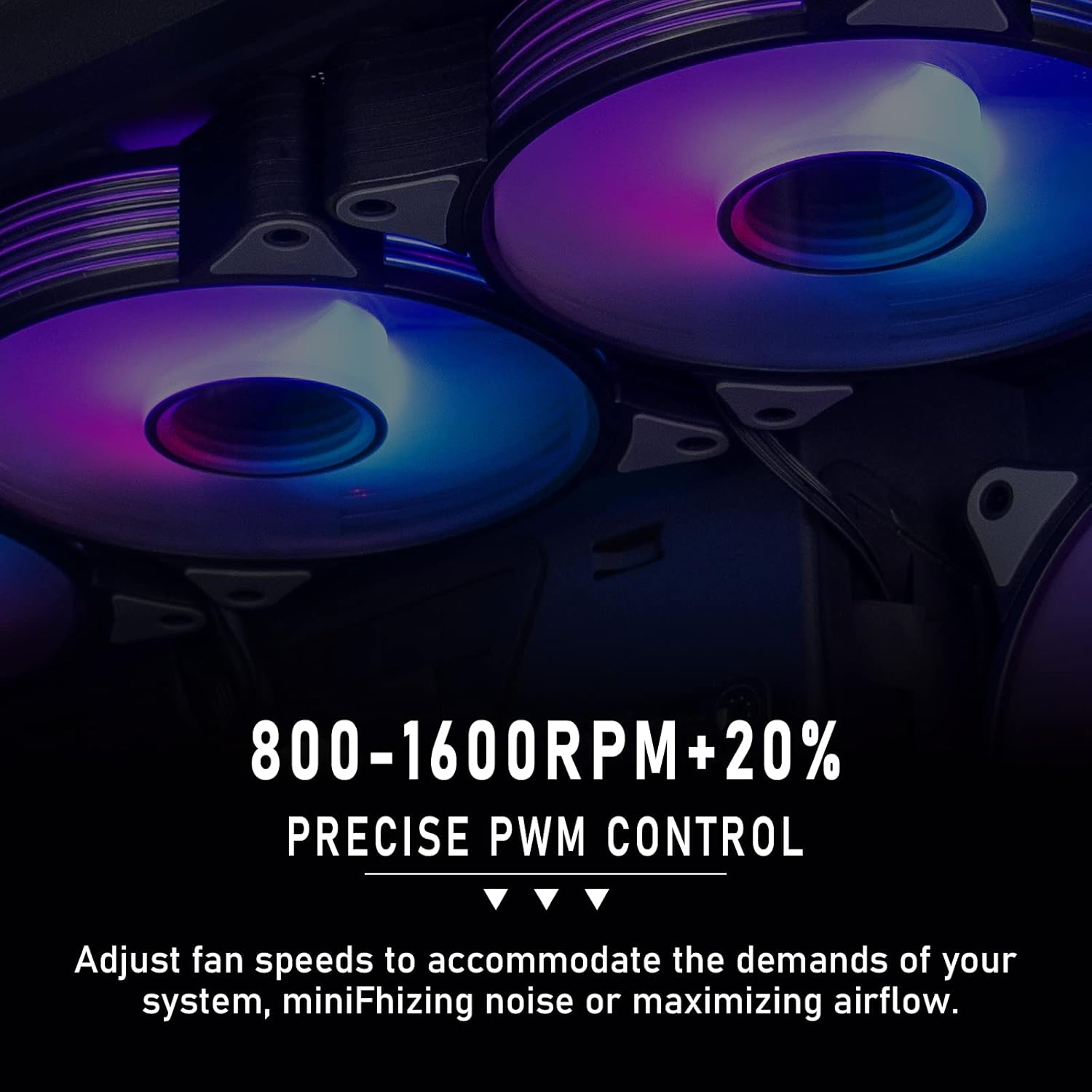
Image: Multiple aigo AR12 Pro fans illuminating a PC interior with synchronized ARGB lighting, demonstrating aesthetic integration and vibrant color display.
Manteniment
Regular maintenance helps ensure optimal performance and longevity of your aigo AR12 Pro fans.
- Eliminació de pols: Periodically clean the fan blades and frame to remove accumulated dust. Use compressed air or a soft brush. Ensure the computer is powered off and unplugged before cleaning.
- Inspecció: Occasionally inspect the fan cables for any signs of wear or damage. Ensure all connections remain secure.
Resolució de problemes
If you encounter issues with your aigo AR12 Pro fans, refer to the following common troubleshooting steps.
- El ventilador no gira:
- Comproveu si el cable PWM de 4 pins està connectat correctament al capçal del ventilador de la placa base.
- Ensure the motherboard fan header is enabled in BIOS/UEFI settings.
- Test the fan on a different fan header if available.
- ARGB Lights Not Working:
- Verify that the 3-pin 5V ARGB cable is correctly connected to a 5V ARGB header on the motherboard (not a 12V RGB header).
- Confirm that your motherboard's ARGB software is installed and configured correctly.
- If using an external controller, ensure it is powered and functioning.
- Check for any loose connections in the ARGB daisy chain (if applicable).
- Soroll excessiu:
- Assegureu-vos que el ventilador estigui ben muntat i que no vibri contra la carcassa.
- Comproveu si hi ha cables o obstruccions que toquin les aspes del ventilador.
- Adjust fan speed curves in your motherboard's BIOS/UEFI or software to reduce RPM at idle or low loads.
- A slight whirring noise at certain RPMs can sometimes occur; ensure it's not indicative of a physical obstruction.
- Rendiment de refrigeració deficient:
- Verify that the fans are oriented correctly for optimal airflow (intake vs. exhaust).
- Clean any dust buildup on the fan blades or case filters.
- Ensure fan speeds are set appropriately for your system's thermal demands.
Especificacions
| Característica | Especificació |
|---|---|
| Nom del producte | aigo AR12 Pro PWM Fan |
| Mida del ventilador | 120 x 120 x 25 mm |
| Mètode de refrigeració | Refrigerat per aire |
| Velocitat del ventilador (RPM) | 800-1600 RPM ±20% |
| Volum d'aire (CFM) | 74 CFM (MÀX) |
| Pressió del vent | 2.2 mmH2O (MÀX) |
| Nivell de soroll | 28.6 dBA (MAX) |
| Connector d'alimentació | PWM de 4 pins |
| Connector ARGB | ARGB de 3 pins i 5 V |
| Fan Voltage | DC 12V |
| ARGB Voltage | DC 5V |
| Wattage | 3 watts |
| Dispositius compatibles | Ordinadors d'escriptori |
| Tipus de material | Policarbonat |
| Recompte d'unitats | 3 fans |
Garantia i Suport
For information regarding product warranty, please refer to the warranty policy provided by your retailer at the time of purchase or visit the official aigo website. For technical support or further assistance, please contact aigo customer service through their official channels.
Official aigo Weblloc: www.aigo.com (Nota: Això és un marcador de posició URL. Please refer to the actual manufacturer's website for accurate support information.)