
Introducció
This manual provides essential information for the safe and efficient operation of your Arafuna 10.5 Inch Dual Screen Portable DVD Player. Please read these instructions thoroughly before using the device and retain them for future reference. This system is designed for in-car entertainment, offering a main player and a secondary monitor for simultaneous viewing.
Contingut del paquet
Verifiqueu que tots els elements que s'enumeren a continuació s'inclouen al vostre paquet:
- 1x Main DVD Player (10.5 Inch)
- 1x Slave Monitor (10.5 Inch)
- 2x suports de muntatge
- 1x comandament a distància
- 2x Headrest Straps
- 1 carregador de cotxes
- 1x cable HDMI
- Adaptador de CA 1x
- 1x DC Cable
- 1x Cable RCA

Figura 1: Included components in the Arafuna Dual Screen Portable DVD Player package.
Configuració
1. Mounting the Players
The players can be mounted using either the provided mounting brackets or headrest straps.
- Using Mounting Brackets:
- Attach the base of the mounting bracket to the headrest posts.
- Tighten the fixing screws to secure the base.
- Insert the DVD player or monitor onto the bracket until it clicks into place.
- Using Headrest Straps:
- Securely fasten the headrest straps around the headrest and the back of the player/monitor.
- Ensure the player/monitor is stable and does not obstruct the driver's view.

Figura 2: Step-by-step installation guide for the headrest mounting bracket.
2. Connecting the Players
To enable dual-screen playback, connect the main DVD player to the slave monitor.
- Connecteu el subministrament Cable DC from the DC OUT port on the main player to the DC IN port on the slave monitor.
- Connecteu el subministrament Cable HDMI from the HDMI OUT port on the main player to the HDMI IN port on the slave monitor. This ensures high-quality video and audio transmission to the secondary screen.
3. Alimentació del sistema
The system can be powered via the car charger, AC adapter, or its internal rechargeable battery.
- Carregador de cotxe: Plug the car charger into your vehicle's cigarette lighter socket and connect the other end to the DC IN port on the main player.
- Adaptador de CA: For home use, connect the AC adapter to a standard wall outlet and the DC IN port on the main player.
- Bateria interna: The main player features a 5000mAh rechargeable battery, providing extended playback time when external power is unavailable. Ensure the battery is charged before use.

Figura 3: Connection diagram for the dual screen system, showing power and signal flow.
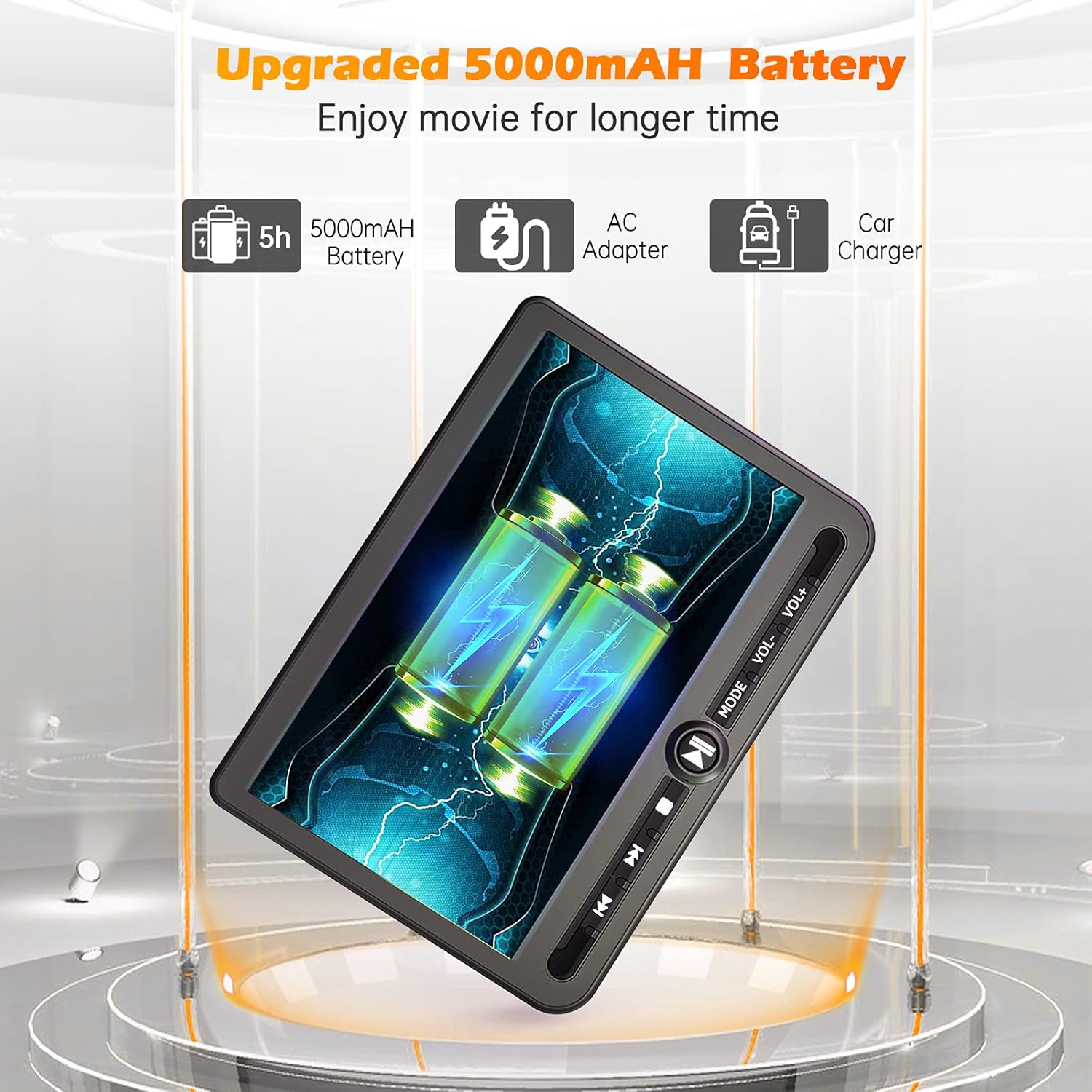
Figura 4: Power options including the 5000mAh battery, AC adapter, and car charger.
Instruccions de funcionament
1. Controls bàsics
The main player features control buttons on the unit and can also be operated via the included remote control.
- Botó d'encesa: Premeu per engegar / apagar la unitat.
- Botó Reproduir/Pausa: Inicia o posa en pausa la reproducció.
- Botó d'aturada: Atura la reproducció.
- Botons anterior/següent: Salta a la pista/capítol anterior o següent.
- Botons de volum +/-: Ajusta el volum d'àudio.
- Botó de mode: Switches between input sources (DVD, USB, SD).
2. Playing DVDs
- Insert a DVD disc into the main player's disc slot.
- The player will automatically detect the disc and begin playback. If not, press the 'Play' button or select 'DVD' mode.
- Use the control buttons or remote to navigate menus, play, pause, or stop.
3. Reproducció des de targeta USB/SD
The player supports media playback from USB drives and SD cards.
- Inseriu una unitat USB al port USB o una targeta SD a la ranura per a targetes SD.
- Press the 'Mode' button to select 'USB' or 'SD' input.
- Navega pel teu files using the control buttons or remote and select the desired media to play.
4. Last Memory Function
The player features a last memory function, which allows it to resume playback from where it was last stopped, even after being powered off.
5. Region Free & Multi-Format Support
This DVD player is region-free, allowing playback of DVDs from any region. It also supports multiple media formats from USB and SD cards.

Figura 5: Features including USB/TF card support, region-free playback, and last memory function.
6. Sync Screen to TV
You can connect the main DVD player to a larger TV screen using the provided RCA cable for a home viewexperiència.
- Connect one end of the RCA cable to the AV OUT port on the main DVD player.
- Connect the other end of the RCA cable to the corresponding AV IN ports on your television.
- Seleccioneu la font d'entrada AV correcta al televisor.

Figura 6: Connecting the portable DVD player to a TV using the RCA cable.
Manteniment
1. Neteja
- Use a soft, dry cloth to clean the exterior of the players.
- Per a marques difícils, lleugerament dampRenta el drap amb aigua. Evita utilitzar productes químics agressius o netejadors abrasius.
- Do not spray cleaning solutions directly onto the screen or into any openings.
- To clean the disc lens, use a specialized DVD lens cleaning disc.
2. Cura de la bateria
- Per allargar la durada de la bateria, eviteu descarregar-la completament amb freqüència.
- Charge the battery regularly, even if the device is not in use for extended periods.
- Guardeu el dispositiu en un lloc fresc i sec, allunyat de la llum solar directa i de temperatures extremes.
Resolució de problemes
If you encounter issues with your Arafuna DVD player, refer to the following common problems and solutions:
| Problema | Causa possible | Solució |
|---|---|---|
| El reproductor no s'encén. | No power supply; discharged battery; faulty power adapter/cable. | Ensure power cable is securely connected. Charge the battery using the AC adapter or car charger. Test with a different power source if available. |
| No picture or sound on slave monitor. | Loose or incorrect HDMI/DC cable connection. | Check that the HDMI and DC cables are securely connected between the main player and the slave monitor. Ensure they are connected to the correct IN/OUT ports. |
| DVD disc does not play or skips. | Disc is dirty, scratched, or inserted incorrectly; lens is dirty; incompatible disc format. | Clean the disc with a soft cloth. Ensure the disc is inserted correctly with the label side up. Use a lens cleaning disc. Try a different, known-good disc. |
| No sound from player. | Volume is too low or muted; headphones not properly connected; faulty audio settings. | Increase the volume. Check headphone connection. Ensure no mute function is active. |
| No es reconeix la targeta USB/SD. | Incorrecte file format; card/drive not properly inserted; corrupted media. | Assegureu-vos dels mitjans de comunicació files are in a supported format. Reinsert the USB drive or SD card. Try a different USB drive or SD card. |
Especificacions
| Característica | Detall |
|---|---|
| Marca | Arafuna |
| Número de model | DM-12 |
| Mida de la pantalla | 10.5 polzades |
| Tipus de visualització | LCD |
| Tecnologia de connectivitat | HDMI, USB |
| Tipus de suports compatibles | DVD, USB, SD Card |
| Bateria recarregable | Yes (5000mAh Lithium-polymer) |
| UPC | 730096858222 |
Garantia
This Arafuna product is covered by a Garantia del fabricant de 1 anys des de la data de compra. Aquesta garantia cobreix els defectes de materials i fabricació en condicions d'ús normal. No cobreix els danys causats per mal ús, accidents, modificacions no autoritzades o causes externes.
Suport
For technical assistance, warranty claims, or further inquiries regarding your Arafuna 10.5 Inch Dual Screen Portable DVD Player, please refer to the contact information provided with your purchase or visit the official Arafuna support weblloc.