
1. Introducció
Welcome to your new HAOVM 10-inch Android 11 Tablet. This manual provides essential information to help you set up, operate, maintain, and troubleshoot your device. Please read it carefully to ensure optimal performance and longevity of your tablet.

Image: The HAOVM 10-inch Android 11 Tablet, showcasing el seu disseny i pantalla elegants.
2. Introducció (Configuració)
2.1 Càrrega de la tauleta
Before first use, ensure your tablet is fully charged.
- Connecteu el cable USB tipus C al port de càrrega de la tauleta.
- Connect the other end of the cable to a compatible power adapter and plug it into a wall outlet.
- The battery icon on the screen will indicate the charging status.
2.2 Encès/Apagat
- Per encendre: Press and hold the Power Button (located on the side) until the HAOVM logo appears on the screen.
- Per apagar: Press and hold the Power Button until a power options menu appears. Select "Power off" and confirm.
2.3 Configuració inicial
En engegar-lo per primera vegada, se us guiarà a través del procés de configuració inicial:
- Seleccioneu el vostre idioma preferit.
- Connecteu-vos a una xarxa Wi-Fi per accedir a Internet.
- Inicia la sessió amb el teu compte de Google o crea'n un de nou.
- Follow the remaining prompts to complete the setup.

Image: Close-up of the tablet's USB Type-C port, highlighting its modern connectivity.
3. Com utilitzar la tauleta
3.1 Pantalla i navegació
The HAOVM tablet features a vibrant 10.1-inch IPS FHD display with a resolution of 1920x1200 pixels, providing clear and crisp visuals. The capacitive touchscreen allows for smooth and responsive navigation.
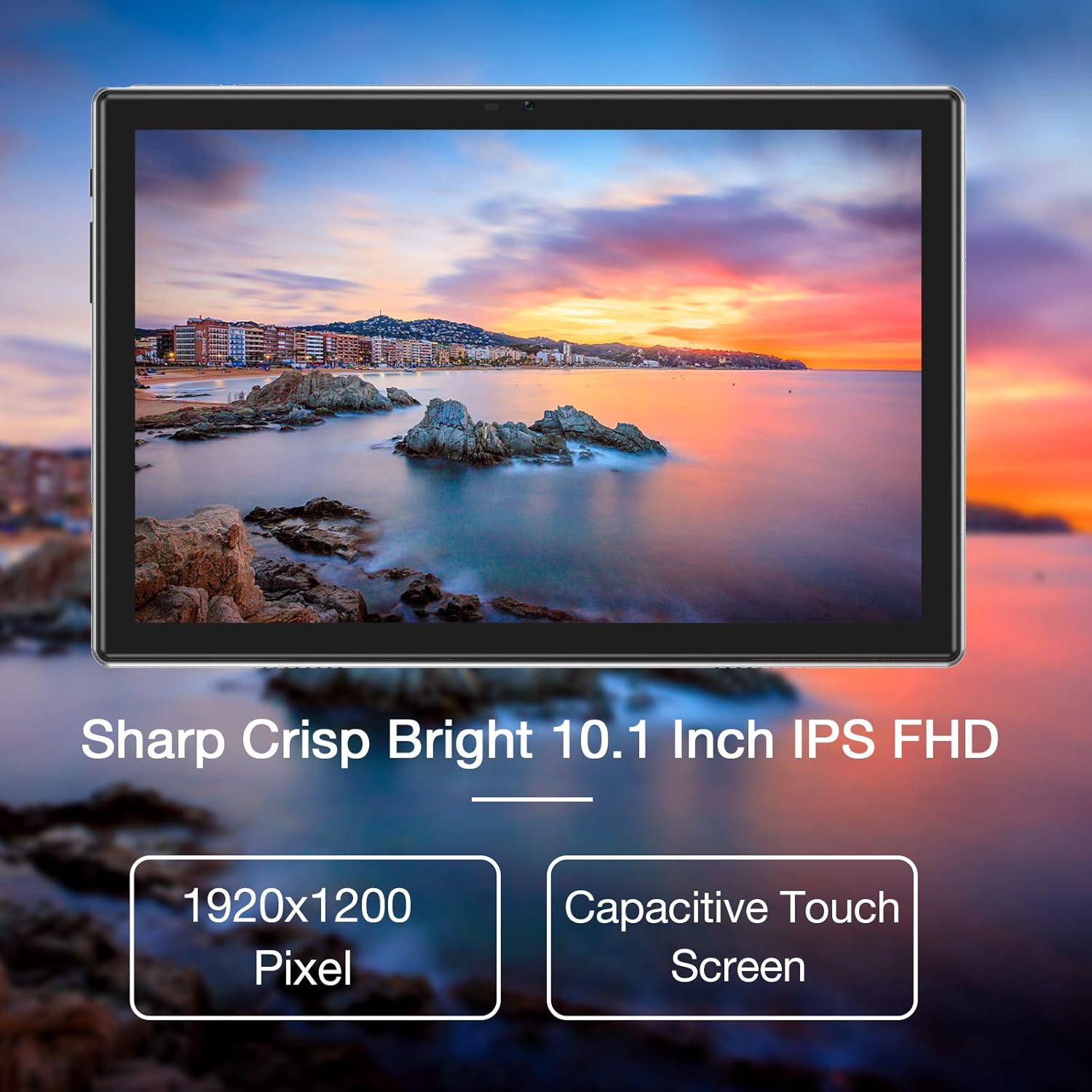
Image: The tablet's 10.1-inch IPS FHD display showcasing its sharp and bright visual quality.
3.2 Connectivitat
Your tablet offers robust connectivity options:
- Wi-Fi: Supports 5G WiFi (802.11ac) for high-speed internet access. To connect, go to Configuració > Xarxa i Internet > Wi-Fi, select your network, and enter the password.
- Bluetooth: Equipped with Bluetooth 5.0 for connecting to wireless headphones, speakers, and other compatible devices. Enable it via Configuració> Dispositius connectats> Preferències de connexió> Bluetooth.
3.3 Càmeres
Capture moments and make video calls with the tablet's dual cameras:
- Càmera frontal: 5 Megapixels, ideal for video conferencing and selfies.
- Càmera posterior: 13 Megapixels, suitable for taking photos and recording videos.

Image: Illustration showing the tablet's 5.0MP front camera and 13.0MP back camera capabilities.
3.4 Emmagatzematge i rendiment
The tablet is designed for efficient multitasking and ampl'emmagatzematge:
- RAM: 3GB of RAM ensures smooth operation and efficient multitasking.
- Emmagatzematge intern: 64GB of internal storage for your apps, photos, and files.
- Emmagatzematge ampliable: Storage can be expanded up to 128GB using a microSD card (not included).
- Processador: Powered by a 1.6 GHz Octa-Core processor, providing fast and fluid performance for various applications.

Image: Diagram illustrating the tablet's powerful internal configuration, including the Octa-Core CPU, 3GB RAM, and 64GB storage.
3.5 Funcionalitat del GPS
The integrated GPS system allows for accurate navigation and location-based services, making it a useful tool for travel and exploration.

Image: The tablet being used for navigation, demonstrating its GPS capabilities and long-lasting 6000mAh battery.
4. Manteniment
4.1 Neteja
- Feu servir un drap suau i sense borrissol per netejar suaument la pantalla i el cos de la tauleta.
- Avoid using abrasive cleaners, alcohol, or chemical solvents, as they may damage the surface.
4.2 Cura de la bateria
- To prolong battery life, avoid exposing the tablet to extreme temperatures (hot or cold).
- Do not frequently allow the battery to fully discharge to 0%.
- Si guardeu la tauleta durant un període prolongat, carregueu-la al 50% aproximadament abans d'apagar-la.
4.3 Actualitzacions de programari
- Regularly check for system updates to ensure your tablet has the latest features, performance improvements, and security patches.
- You can usually find update options in Configuració > Sistema > Actualització del sistema.
5. Solució De Problemes
5.1 Problemes comuns i solucions
| Problema | Solució |
|---|---|
| La tauleta no s'encén | Ensure the battery is charged. Connect to a power source for at least 30 minutes. Press and hold the power button for 10-15 seconds to force a restart. |
| Problemes de connexió Wi-Fi | Restart the tablet and your Wi-Fi router. Go to Wi-Fi settings, forget the network, and then reconnect. Ensure you are within range of the Wi-Fi signal. |
| Les aplicacions es bloquegen o es bloquegen | Tanca l'aplicació i torna-la a obrir. Esborra la memòria cau i les dades de l'aplicació. Configuració > Aplicacions > [Nom de l'aplicació] > Emmagatzematge > Esborra la memòria cau/Esborra les dades. Ensure sufficient storage space is available. |
| Rendiment lent | Close unused background apps. Clear system cache (if option available). Uninstall unnecessary apps. If issues persist, consider a factory reset (backup all data first). |
| La pantalla no respon | Restart the tablet by holding the power button. If unresponsive, let the battery drain completely and then recharge and power on. |
6. Especificacions
6.1 Especificacions tècniques
| Característica | Detall |
|---|---|
| Marca | HAOVM |
| Número de model | Tablet (HP20) |
| Sistema operatiu | Android 11 |
| Processador | Octa-nucli 1.6 GHz |
| RAM | 3 GB |
| Emmagatzematge intern | 64 GB |
| Emmagatzematge ampliable | Fins a 128 GB (MicroSD) |
| Mida de la pantalla | 10.1 polzades |
| Resolució de visualització | 1920 x 1200 pixels (FHD IPS) |
| Càmera frontal | 5 MP |
| Càmera posterior | 13 MP |
| Connectivitat | Wi-Fi (802.11ac), Bluetooth 5.0, GPS |
| Interfície | USB tipus C |
| Bateria | 6000 mAh |
| Dimensions (L x A x A) | 27.2 x 18 x 6.1 cm |
| Pes | 5 grams |
7. Garantia i Suport
7.1 Informació de la garantia
Your HAOVM tablet comes with a limited warranty. Please refer to the warranty card or documentation included in the product packaging for specific terms, conditions, and duration of the warranty. Keep your proof of purchase for warranty claims.
7.2 Atenció al client
For technical assistance, troubleshooting beyond this manual, or service inquiries, please contact HAOVM customer support. You can typically find contact information on the official HAOVM weblloc web o a través del venedor on vau comprar el producte.