
1. Introducció
This user manual provides detailed instructions for the Yimaut Universal Remote Control, designed for seamless compatibility with various Hisense Roku TV models. This remote offers a straightforward, plug-and-play experience, eliminating the need for complex setup or programming. It includes a protective glow-in-the-dark cover and a wrist strap for enhanced usability and loss prevention.
2. Contingut del paquet
En obrir el paquet, comproveu que hi hagi tots els elements següents:
- 1 x Yimaut Remote Control for Hisense Roku TV
- 1 x Remote Control Case (Glow Pink)
- 1 x Corretja de canell
Nota: Les piles AAA no estan incloses i s'han de comprar per separat.
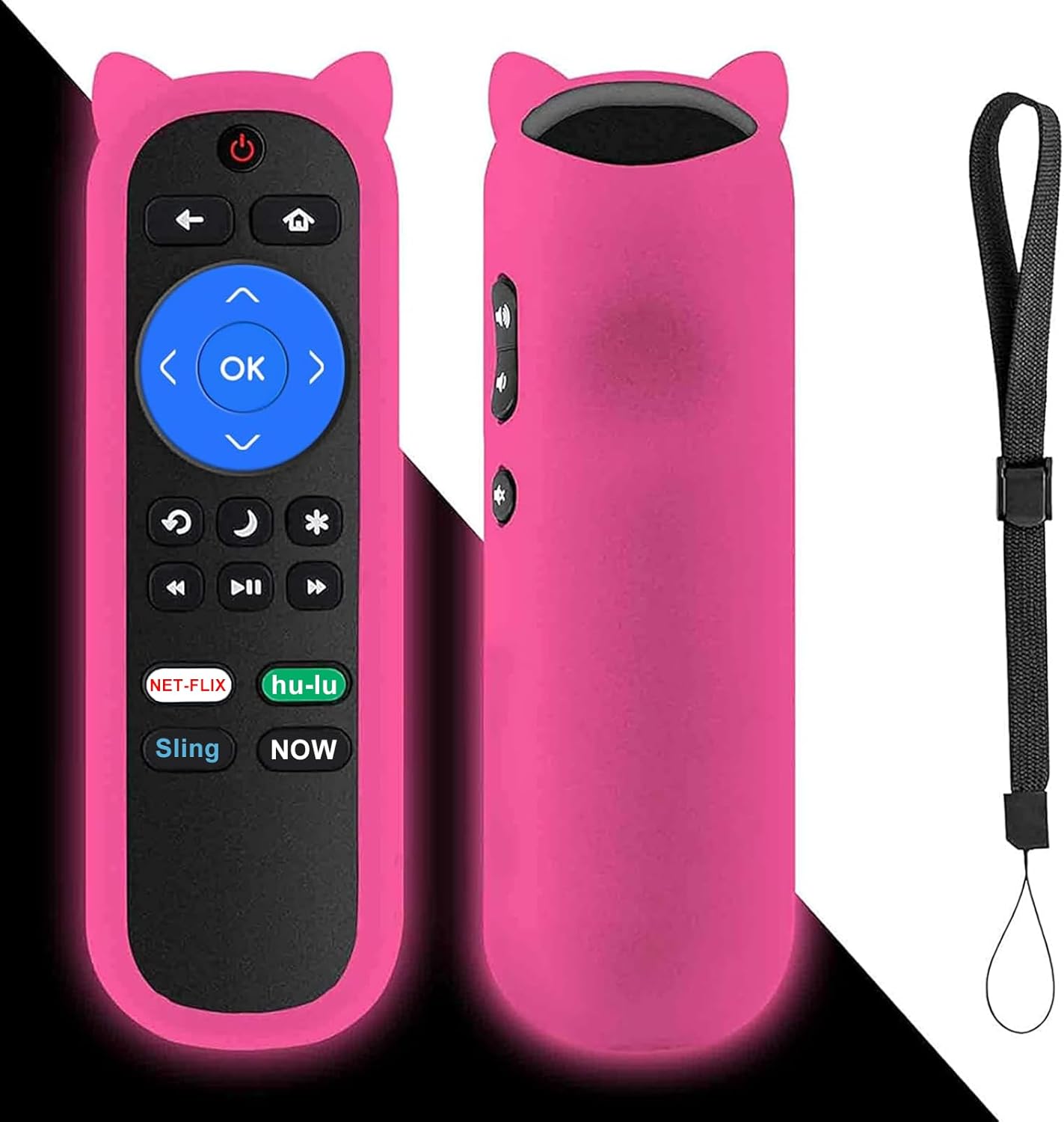
Image: The Yimaut remote control, shown with its glow pink silicone protective cover and an attached wrist strap. The remote features standard Roku TV buttons including navigation, playback, and dedicated streaming service shortcuts.
3. Guia de configuració
The Yimaut Remote Control is designed for immediate use without any programming. Follow these simple steps to begin using your new remote:
- Insereix les piles: Locate the battery compartment on the back of the remote control. Open the cover and insert two AAA batteries (not included), ensuring correct polarity (+/-).
- Tanca el compartiment de la bateria: Tanqueu de manera segura la tapa del compartiment de la bateria.
- Attach Silicone Cover: Carefully slide the glow pink silicone cover onto the remote control. Ensure all buttons are properly aligned and accessible.
- Fixeu la corretja del canell: Thread the wrist strap through the designated loop on the silicone cover. This helps prevent accidental drops and makes the remote easier to carry.
- A punt per al seu ús: Your remote control is now ready to operate your Hisense Roku TV. Point the remote towards your TV and begin using it.
No additional setup or pairing is required for this standard IR remote.
4. Instruccions de funcionament
The Yimaut Remote Control provides intuitive access to your Hisense Roku TV's functions. Below is a guide to its key features and buttons:
Funcions del botó:
- Botó d'encesa: Encén o apaga el televisor.
- Teclat de navegació (amunt, avall, esquerra, dreta, OK): Used to navigate menus, select items, and confirm choices.
- Botó enrere: Torna a la pantalla o menú anterior.
- Botó d'inici: Returns to the Roku TV home screen.
- Pujar/baixar el volum: Ajusta el volum del televisor.
- Botó de silenci: Silencia o activa l'àudio del televisor.
- Controls de reproducció (rebobinar, reproduir/pausar, avançar ràpidament): Controla la reproducció de suports.
- Star (*) Button: Accesses options or settings within certain apps or menus.
- Sleep/Moon Button: May activate sleep timer or other power-saving features depending on TV model.
Dedicated Shortcut Buttons:
The remote features four dedicated shortcut buttons for quick access to popular streaming channels:
- Netflix
- Hulu
- Eslinga
- Ara
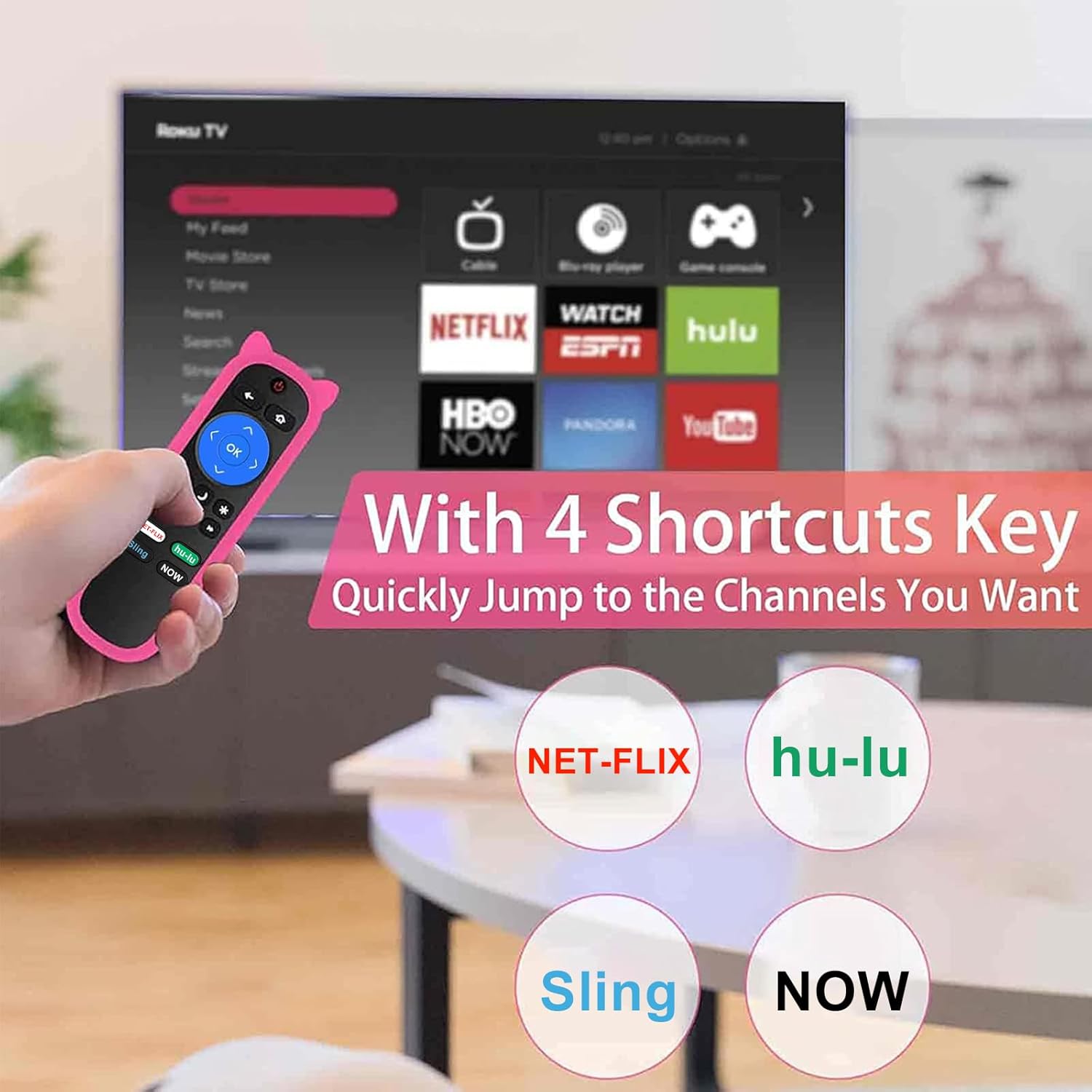
Image: A hand holding the Yimaut remote control, pointing towards a TV screen displaying the Roku interface. The image highlights the four dedicated shortcut buttons for Netflix, Hulu, Sling, and Now, indicating quick access to these streaming services.
The remote offers a quick transmission response time of 0.2 seconds and an effective operating distance of over 40 feet.
5. Compatibilitat
This Yimaut remote control is universally compatible with all Hisense Roku TV models, including various screen sizes and series. It is a direct replacement for the HU-RCRUS-20 remote.
Compatible Hisense Roku TV Sizes:
- 32 polzades
- 40 polzades
- 43 polzades
- 50 polzades
- 55 polzades
- 58 polzades
- 65 polzades
- 70 polzades
- 75 polzades
- 85 polzades
Examples of Compatible Series and Models:
- H4 Series: 32H4D, 40H4D, 43H4D, 50H4D, 55H4D, 40H4E, 43H4E, 32H4E1, 32H4F, 40H4F, 43H4F
- Sèrie R6: 65R6D, 43R6E, 50R6E, 55R6E, 65R6E, 65R6E1, 75R6E1, 60R5800E, 50R6090G, 55R6000E
- Sèrie R6070: 65R6070E, 55R6070E3, 65R7050E1
- Sèrie R7: 43R7E, 50R7E, 55R7E, 65R7E
- R7E Series: 75R7070E2
- Sèrie R8: 55R8F, 55H8G, 65H8F, 65H8G, 32H4E, 60R6E, 50R7F, 55R7F, 65R8F, 43R6E1, 50R6E1
- H4030 Series: 32H4030F, 40H4030F, 43H4030F, 43H4080F
- R6090G Series: 43R6090G, 50R6090G, 55R6090G, 65R6090G
- Other Series: 43R61G, 50R61G, 55R61G, 58R61G, 65R61G, 70R6209, 75R61G, 32H4030F, 40H4030F, 70R6209, 32H4020E, 32H4020E1, 32H4040E, 32H4050E, 32H4050E1, 32H4060E, 32H4060E
Nota important:
- Aquest comandament a distància és NO compatible with Roku Stick or Roku Streaming Player devices.
- Ho fa NOT support voice control funcionalitat.
- Ho fa NOT include a headphone jack.

Image: The Yimaut remote control positioned next to two Hisense Roku TVs, illustrating its broad compatibility. A text overlay lists various TV types and resolutions it supports.
6. Cura i Manteniment
To ensure the longevity and optimal performance of your Yimaut Remote Control, please follow these maintenance guidelines:
- Neteja: Wipe the remote and its silicone cover with a soft, dry cloth. For stubborn dirt, a slightly damp cloth can be used, but ensure no moisture enters the remote.
- Substitució de la bateria: Replace batteries when the remote's response becomes sluggish or it stops functioning. Always use new AAA batteries and dispose of old ones responsibly.
- Característica que brilla a la foscor: The glow pink cover's luminescence is activated by light exposure. To maximize its glow at night, ensure it is charged under daylight or natural UV light.
- Protecció: The included silicone cover provides protection against drops, scratches, and minor spills. The wrist strap helps prevent accidental drops and makes it easy to hang the remote when not in use.
- Emmagatzematge: Guardeu el comandament a distància en un lloc fresc i sec, allunyat de la llum solar directa i de temperatures extremes.
- Seguretat de les mascotes: Keep the remote control away from pets to prevent chewing or damage.
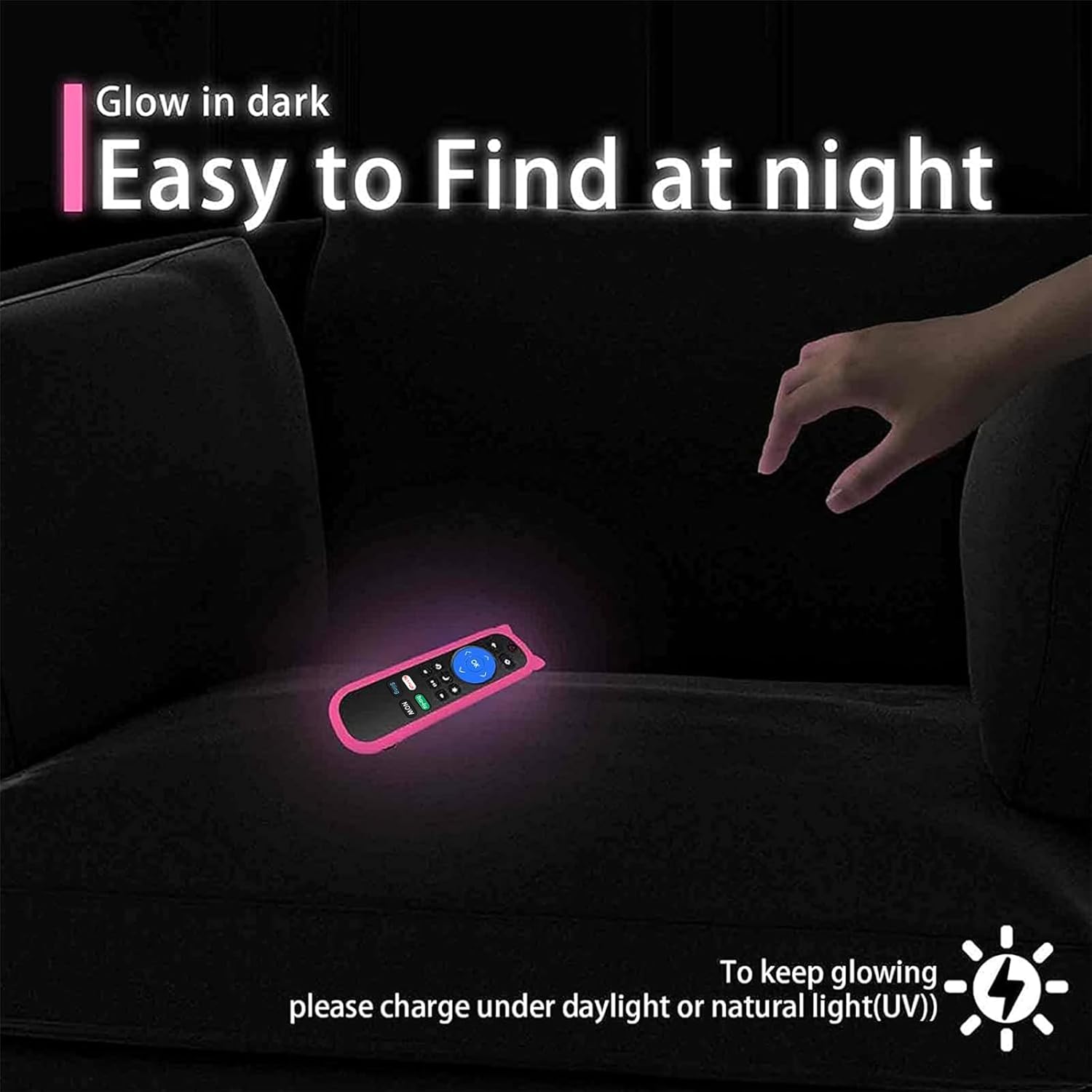
Image: The Yimaut remote control glowing in the dark on a couch, demonstrating its easy-to-find feature at night. A note advises charging it under daylight or natural UV light for optimal glow.

Image: A composite image showing the remote control hanging on a hook by its wrist strap and a "no pets" symbol over a dog, emphasizing the remote's portability and the importance of keeping it safe from pets.
7. Solució De Problemes
If you encounter issues with your Yimaut Remote Control, please refer to the following common solutions:
| Problema | Causa possible | Solució |
|---|---|---|
| El comandament a distància no respon. |
|
|
| Alguns botons específics no funcionen. |
|
|
| El remot funciona de manera intermitent. |
|
|
If the problem persists after trying these solutions, please contact Yimaut customer support for further assistance.
8. Especificacions del producte
| Característica | Detall |
|---|---|
| Marca | Yimaut |
| Model | HU-RCRUS-20 (Replacement) |
| Dimensions del producte | 5 x 4 x 0.1 polzades |
| Pes de l'article | 0.353 unces |
| Tecnologia de comunicació sense fils | Infrarojos (IR) |
| Característiques especials | Universal compatibility, 4 shortcut buttons, Glow-in-the-dark cover, Wrist strap |
| Factor de forma | Portada |
| Color | Pink (Glow Pink Cover) |
| Dispositius compatibles | Hisense Roku TV (various models and sizes) |
| Tipus de closca | Silicona suau |
| País d'origen | Xina |
| Primera data disponible | 28 de juliol de 2021 |
9. Garantia i atenció al client
Yimaut is committed to providing high-quality products. For any questions, concerns, or technical assistance regarding your Yimaut Remote Control, please contact our customer support team.
While specific warranty details are not provided in this manual, please refer to the product packaging or the retailer's website for information on warranty coverage and return policies.
For direct support, please visit the official Yimaut store or contact the seller through your purchase platform.
We aim to ensure your satisfaction with our products.