
Introducció
This manual provides comprehensive instructions for the safe and efficient operation of your AudioBox ABX-650R Portable Karaoke Bluetooth Speaker. Please read this manual thoroughly before using the device and retain it for future reference.
Informació de seguretat
- No exposeu l'altaveu a l'aigua ni a la humitat.
- Eviteu col·locar l'altaveu a prop de fonts de calor o sota la llum solar directa.
- No intenteu desmuntar ni reparar la unitat vosaltres mateixos. Poseu-vos en contacte amb personal de servei qualificat.
- Feu servir només els accessoris de càrrega especificats.
- Mantenir fora de l'abast dels nens.
Contingut del paquet
Verifiqueu que tots els elements siguin presents al paquet:
- AudioBox ABX-650R Portable Karaoke Bluetooth Speaker
- Micròfon per cable
- Cable de càrrega
- Manual d'usuari (aquest document)

Image: AudioBox ABX-650R speaker shown with its included wired microphone.
Producte acabatview
The AudioBox ABX-650R is a compact and portable speaker designed for various audio applications, including karaoke and music playback. It features a 6.5-inch woofer, multi-color LED lights, and multiple connectivity options.

Imatge: Frontal view of the AudioBox ABX-650R speaker, emphasizing its 6.5-inch woofer and 7-color sound-activated LED lights.
Característiques principals:
- WaveSync Technology: For seamless Bluetooth connectivity.
- Llums LED dinàmiques: 7-color woofer lights that sync with music.
- Disseny portàtil: Lightweight with an integrated grab handle.
- Suport de telèfon integrat: Subjecta el teu telèfon intel·ligent de manera segura.
- Múltiples entrades: Bluetooth, AUX, USB, FM Radio, Microphone.

Image: A hand demonstrating the comfortable grab handle on the AudioBox ABX-650R speaker, highlighting its portability.
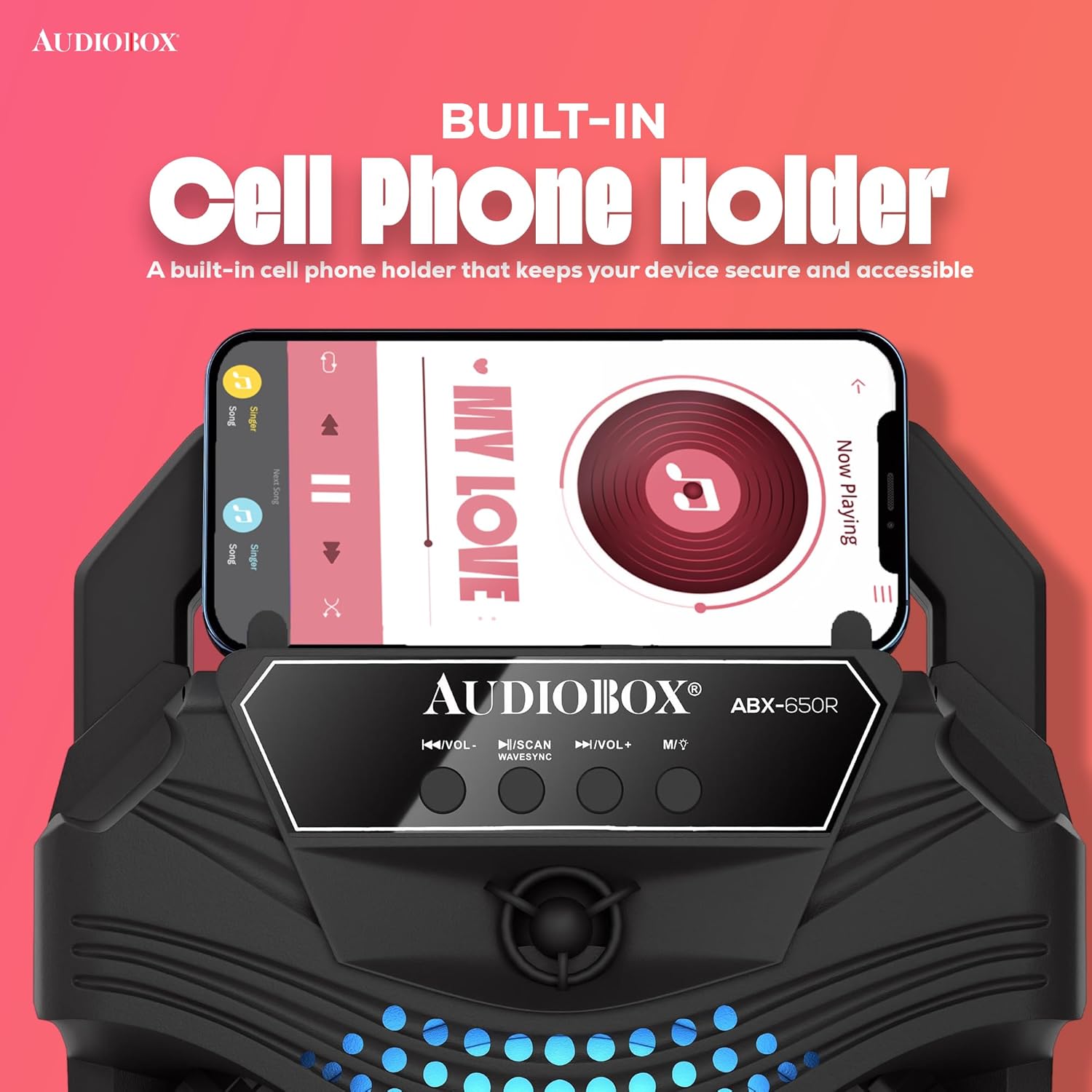
Image: Close-up of the AudioBox ABX-650R speaker showing a smartphone securely placed in its integrated cell phone holder.
Configuració
1. Carregant l’altaveu
- Localitzeu el port de càrrega de l'altaveu.
- Connect the provided charging cable to the speaker and a suitable power source (e.g., USB wall adapter, computer USB port).
- The charging indicator light will illuminate. Allow sufficient time for a full charge before first use.
2. Connecting the Wired Microphone
- Locate the 1/4-inch microphone input jack on the speaker.
- Insert the plug of the wired microphone firmly into the microphone input jack.
- Ensure the microphone's ON/OFF switch is in the "ON" position when in use.
Instruccions de funcionament
1. Encendre/apagar
Press and hold the power button (usually labeled with a power symbol) for a few seconds to turn the speaker ON or OFF.
2. Opcions de connectivitat

Image: Diagram illustrating the various connectivity options of the AudioBox ABX-650R speaker, including AUX, Bluetooth, FM Radio, and USB input.
Bluetooth Pairing (WaveSync Technology)
- Engegueu l'altaveu. Entrarà automàticament en mode d'emparellament Bluetooth, cosa que indicarà un LED intermitent.
- Al dispositiu (telèfon intel·ligent, tauleta, etc.), activeu el Bluetooth i cerqueu els dispositius disponibles.
- Select "AudioBox ABX-650R" from the list.
- Un cop emparellat, l'altaveu emetrà un so de confirmació i l'indicador LED deixarà de parpellejar.
Entrada AUX
- Connect a 3.5mm audio cable (not included) from your audio source to the AUX input port on the speaker.
- L'altaveu canviarà automàticament al mode AUX o potser haureu de prémer el botó "Mode" per seleccionar AUX.
Reproducció USB
- Inseriu una unitat flash USB que contingui àudio MP3 files al port USB.
- The speaker will automatically detect the USB drive and begin playing music, or you may need to press the "Mode" button to select USB.
Ràdio FM
- Premeu el botó "Mode" per canviar al mode de ràdio FM.
- Press the "Scan" button (often combined with Play/Pause) to automatically scan and save available FM stations.
- Feu servir els botons "Pista anterior/següent" per navegar entre les emissores desades.
3. Ús del micròfon (karaoke)
With the wired microphone connected and the speaker powered on:
- Adjust the microphone volume using the dedicated "Mic Vol" knob or buttons on the speaker.
- Speak or sing into the microphone. Ensure the microphone is switched ON.
- Per obtenir un so òptim, manteniu el micròfon a prop de la boca.

Image: Children enjoying a karaoke session with the AudioBox ABX-650R speaker and wired microphone.
4. Llums LED
The speaker features dynamic 7-color LED lights that respond to the music. These lights automatically activate when the speaker is on. There may be a dedicated button (often labeled "LED" or "Light") to cycle through light modes or turn them off, if available on your specific unit.
Manteniment
Neteja
- Apagueu i desendolleu sempre l'altaveu abans de netejar-lo.
- Feu servir un drap suau i sec per netejar les superfícies exteriors.
- No utilitzeu netejadors líquids, aerosols ni dissolvents.
Cura de la bateria
- Per allargar la durada de la bateria, eviteu descarregar-la completament amb freqüència.
- Recharge the speaker regularly, even if not in use, to maintain battery health.
- Guardeu l'altaveu en un lloc fresc i sec quan no l'utilitzeu durant períodes prolongats.
Resolució de problemes
| Problema | Solució |
|---|---|
| L'altaveu no s'encén. | Ensure the battery is charged. Connect the speaker to a power source using the charging cable. |
| No es pot emparellar per Bluetooth. | Make sure the speaker is in Bluetooth mode. Turn off and on your device's Bluetooth. Move the speaker closer to your device. |
| No hi ha so del micròfon. | Check if the microphone is securely plugged into the 1/4-inch jack. Ensure the microphone's ON/OFF switch is in the "ON" position. Adjust the "Mic Vol" control. |
| Sound distortion or low volume. | Adjust the master volume on the speaker and your connected device. Ensure audio cables (if using AUX) are fully inserted and not damaged. |
| La reproducció per USB no funciona. | Ensure the USB drive contains compatible MP3 files. Try reformatting the USB drive to FAT32 if issues persist. |
Especificacions
| Característica | Detall |
|---|---|
| Número de model | ABX-650R |
| Marca | Caixa d'àudio |
| Tecnologia de connectivitat | Bluetooth |
| Mida del woofer | 6.5 polzades |
| Potència de sortidatage | 1000 Watts (Music Power) |
| Bateria | 800mAh 3.7V Lithium-Ion |
| Entrada d'àudio | 1/4 Microphone Jack, Aux |
| Pes de l'article | 1 quilograms |
| Mitjans integrats | Micròfon |
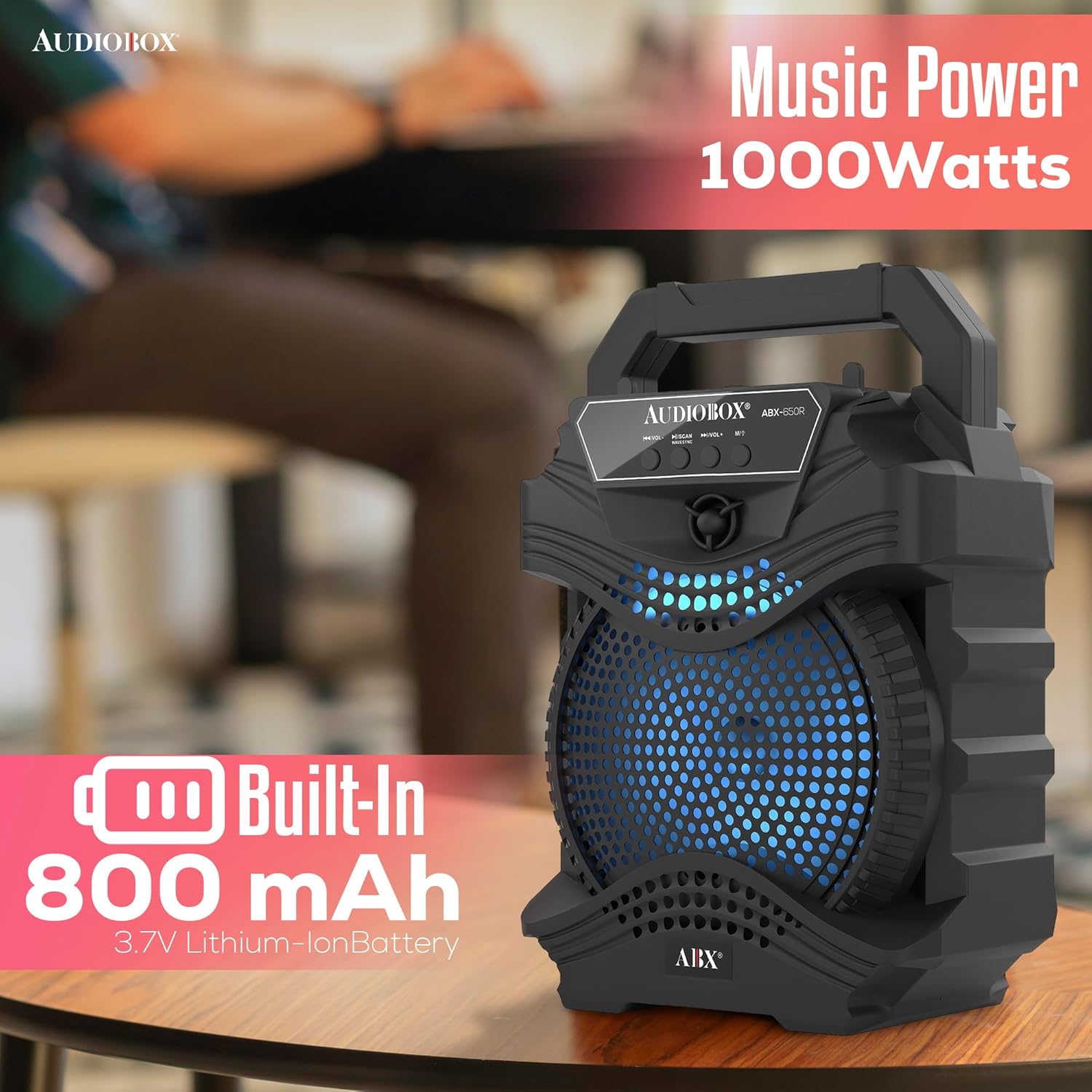
Image: Visual representation of the AudioBox ABX-650R speaker's 1000 Watts music power output and 800 mAh built-in Lithium-Ion battery.
Garantia i Suport
For warranty information or technical support, please contact the seller directly. Refer to your purchase documentation for seller contact details.