
JOH Trail Camera 01
JOH Upgraded WiFi Trail Camera User Manual
Model: Trail Camera 01
Producte acabatview
The JOH Upgraded WiFi Trail Camera is a high-performance device designed for capturing wildlife, monitoring property, or for security applications. It features 4K video recording at 30 frames per second, 30MP still image resolution, and a rapid 0.2-second trigger speed. Equipped with low-glow night vision and a 120-degree wide-angle lens, it ensures clear captures day and night. Its IP66 waterproof rating makes it suitable for various outdoor conditions. The camera also offers convenient Wi-Fi and Bluetooth connectivity for easy management via a mobile application.
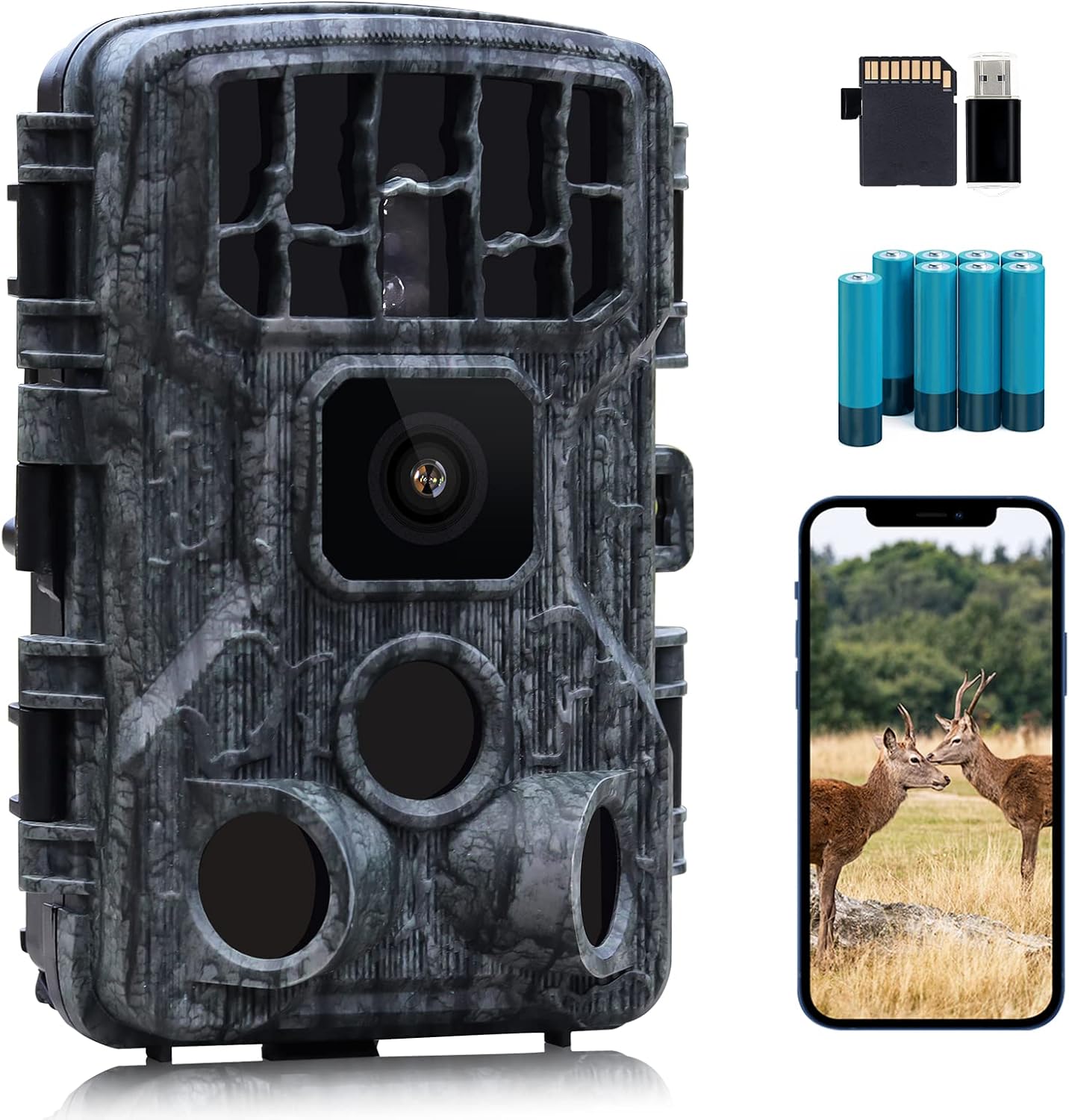
Imatge: The JOH Upgraded WiFi Trail Camera, showcasing its compact design and the various accessories included in the package, such as the SD card, USB adapter, rechargeable batteries, and a smartphone demonstrating the camera's app connectivity and image viewcapacitats d'ingrés.
Contingut del paquet
Upon unboxing your JOH Upgraded WiFi Trail Camera, please verify that all the following items are included:
- JOH Upgraded WiFi Trail Camera Unit
- Targeta Micro SD de 32 GB
- Cable USB
- Corretja de muntatge
- Suport de muntatge ajustable
- Cargols i ancoratges de paret
- 8 AA Batteries (as shown in images)
- Manual d'usuari (aquest document)

Imatge: Una completa view of all items included in the JOH Upgraded WiFi Trail Camera package, ensuring users can confirm they have received all necessary components for setup and operation.
Guia de configuració
- Install Batteries and SD Card: Open the camera's battery compartment. Insert 8 AA batteries into the designated slots, ensuring correct polarity. Insert the provided 32GB Micro SD card into the SD card slot until it clicks into place.
Imatge: Illustration of battery and SD card installation. The camera requires 8 AA batteries for operation, and a 32GB Micro SD card is included for storage.
- Encès: Locate the power switch inside the camera's housing and switch it to the 'ON' position. The camera's screen will illuminate.
- Descarrega l'aplicació: Scan the QR code provided in the Quick Start guide or search for "WiFi Hunting 4K" in your device's app store (available on Apple App Store and Google Play Store). Install the application on your smartphone or tablet.

Imatge: The Quick Start guide outlines the initial steps for setting up the camera, including downloading the "WiFi Hunting 4K" app and connecting to the camera's Wi-Fi network.
- Connect to Camera Wi-Fi:
- Activa el Bluetooth al teu telèfon intel·ligent.
- Open the "WiFi Hunting 4K" app and select "Add camera".
- The app will use Bluetooth to find the camera and prompt you to connect to its Wi-Fi network. Confirm the connection.
- Once connected, you can access camera settings, view photos/videos, and download content directly through the app.

Imatge: The "Wi-Fi APP Management" interface, showing how users can control camera settings, play videos, view photos, and download media directly to their smartphone via the dedicated app.
- Muntatge de la càmera: Use the provided mounting strap to secure the camera to a tree or pole. Alternatively, use the adjustable mounting bracket and screws to attach it to a flat surface. Ensure the camera is positioned to capture the desired area, avoiding direct sunlight or strong light sources that might trigger false detections.

Imatge: The camera being held against a tree, illustrating its compact form factor and how it can be discreetly mounted in outdoor environments.
Instruccions de funcionament
Modes de funcionament
The JOH Trail Camera supports various operating modes to suit different monitoring needs:
- Mode de fotografia: Captures still images when motion is detected. You can set the resolution (up to 30MP) and burst shot settings.
- Mode de vídeo: Records video clips when motion is detected. Supports 4K resolution at 30fps.
- Mode foto + vídeo: Captures both a still image and a video clip upon motion detection.
- Mode de lapse de temps: Captures images at set intervals, regardless of motion. Useful for observing long-term events like plant growth or construction.
Característiques clau i rendiment
- 30MP Still Photos & 4K 30fps Video: The camera captures high-resolution images and smooth video, ensuring clear details.

Imatge: A visual comparison demonstrating the enhanced detail and clarity achieved with 30MP image resolution compared to 12MP.

Imatge: This image illustrates the difference between true 4K 30FPS video and lower frame rate alternatives, emphasizing the reduced motion blur and smoother capture with the JOH camera.
- Velocitat de disparador ràpida de 0.2 s: The camera reacts quickly to motion, minimizing the chance of missing fast-moving subjects.

Imatge: A visual representation of the camera's 0.2-second fast trigger speed, showing how it captures clear images of rapidly moving subjects, such as a tiger running through snow.
- Low Glow Night Vision (850nm IR): Equipped with 42pcs LEDs, the camera provides clear night captures up to 75 feet without disturbing wildlife.

Imatge: This image demonstrates the camera's low-glow night vision feature, capturing a deer in a dark forest environment with clarity, utilizing 850nm IR and 42 LEDs for illumination up to 75 feet.
- Lent gran angular de 120°: Ofereix un camp més ampli de view, capturing more of the surrounding environment.

Imatge: A diagram illustrating the camera's 120-degree wide-angle detection capability, showing its extensive coverage area for capturing subjects.
- Resistència a la intempèrie IP66: The robust design ensures the camera operates reliably in various weather conditions, including rain and snow.
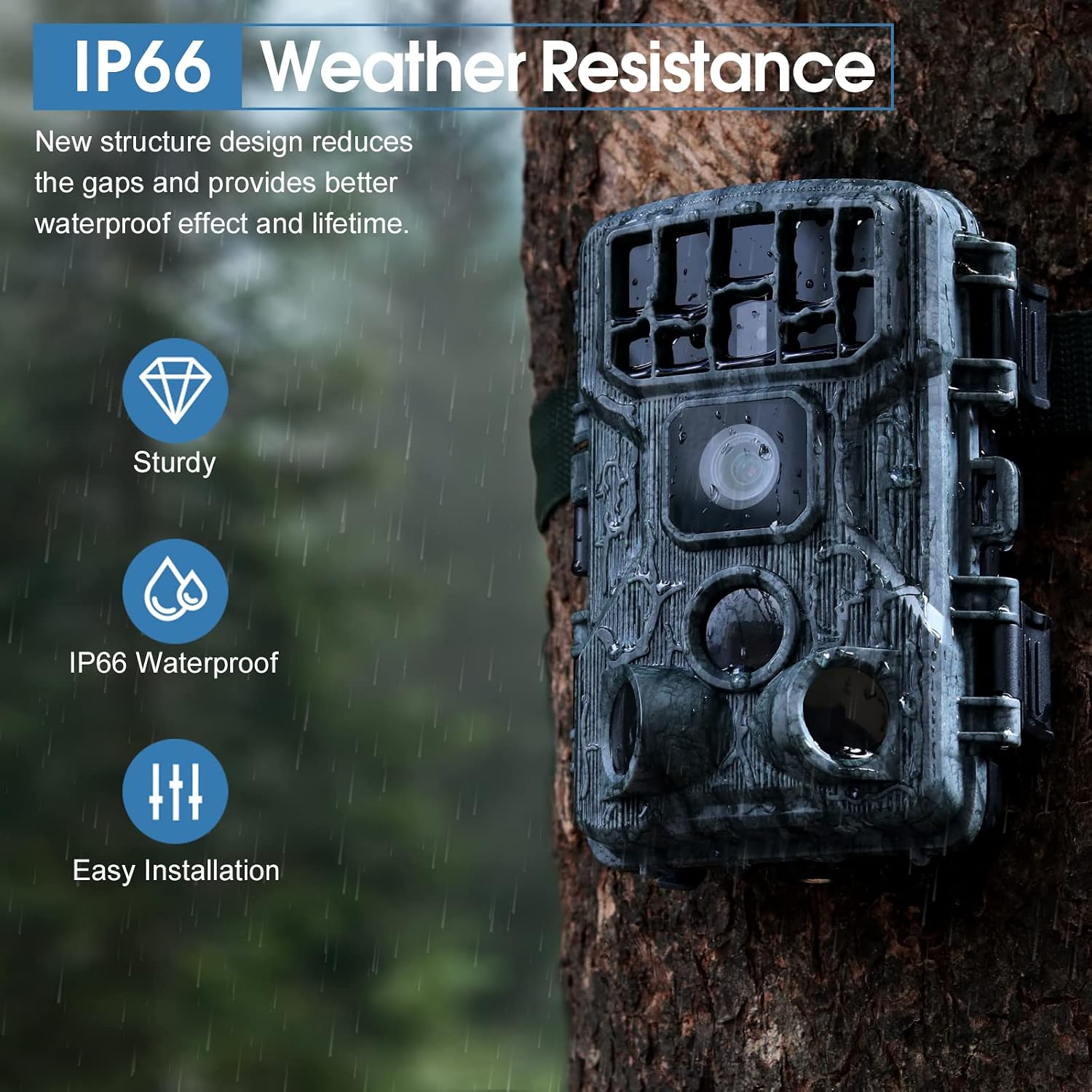
Imatge: The camera mounted on a tree during rainfall, visually confirming its IP66 weather resistance and durability in outdoor environments.
Manteniment
- Substitució de la bateria: Replace all 8 AA batteries when the low battery indicator appears on the screen or in the app. Always use fresh, high-quality alkaline or rechargeable batteries.
- Gestió de la targeta SD: Regularly check the SD card capacity. Format the SD card periodically (via the camera's menu or app) to maintain optimal performance and prevent data corruption. Back up important files abans de formatar.
- Neteja de lents: Gently clean the camera lens and PIR sensors with a soft, lint-free cloth. Avoid abrasive materials or harsh chemicals that could scratch the lens.
- Neteja de l'habitatge: Netegeu l'exterior de la càmera amb anuncisamp cloth to remove dirt, dust, or debris. Ensure the battery compartment and ports are clean and dry before closing.
- Emmagatzematge: When not in use for extended periods, remove the batteries and store the camera in a cool, dry place away from direct sunlight.
Resolució de problemes
| Problema | Causa possible | Solució |
|---|---|---|
| La càmera no s'encén. | Low or dead batteries; incorrect battery polarity; power switch off. | Replace batteries with fresh ones, ensuring correct +/- orientation. Check if the power switch is in the 'ON' position. |
| Mala qualitat d'imatge/vídeo. | Dirty lens; low light conditions; incorrect resolution settings; camera vibration. | Clean the lens. Ensure adequate lighting or use night vision. Adjust resolution settings in the app/menu. Securely mount the camera. |
| La càmera no detecta moviment. | PIR sensor obstructed; incorrect sensitivity settings; subject out of range. | Clear any obstructions from the PIR sensors. Adjust PIR sensitivity in settings. Ensure subjects are within the detection range. |
| Problemes de connexió Wi-Fi. | Bluetooth/Wi-Fi not enabled; app not updated; camera too far from phone. | Ensure Bluetooth and Wi-Fi are enabled on your phone. Update the "WiFi Hunting 4K" app. Move closer to the camera for connection. |
| Error de targeta SD. | SD card full; corrupted card; incompatible card. | Back up and format the SD card. Try a different compatible SD card if the issue persists. |
Especificacions
| Característica | Detall |
|---|---|
| Marca | JO |
| Número de model | Trail Camera 01 |
| Resolució de fixes efectius | 30 MP |
| Resolució de captura de vídeo | 4K |
| Velocitat de fotogrames | 30 fps |
| Velocitat de desencadenament | 0.2 s |
| Visió nocturna | Low Glow (850nm IR, 42pcs LEDs, Max 75FT) |
| Lent gran angular | 120° |
| Nivell de resistència a l'aigua | IP66 |
| Protocol de connectivitat | Bluetooth, WiFi |
| Tipus de memòria flash | SD (targeta de 32 GB inclosa) |
| Font d'alimentació | 8 AA Batteries (as per image) |
| Tipus de muntatge | Muntanya de l'arbre |
| Pes de l'article | 0.634 unces |
| Dimensions del paquet | 7.99 x 4.76 x 3.31 polzades |
| UPC | 746131822363 |
Garantia i Suport
For specific warranty information and customer support, please refer to the official JOH website or contact their customer service directly. Details are typically provided on the product packaging or through the retailer where the product was purchased.
També podeu visitar el JOH Store on Amazon per obtenir informació i recursos addicionals sobre el producte.
Ask a question about this manual
Ask about setup, troubleshooting, compatibility, parts, safety, or missing instructions. Manuals+ will review the question and use this page’s manual context to help answer it.