Introducció
This manual provides detailed instructions for the installation, operation, and maintenance of your AXAGON ADSA-ST USB 3.0 Docking Station. This device is designed to connect 2.5" and 3.5" SATA SSDs and HDDs to your computer via a USB 3.0 interface, offering fast data transfer speeds.
Si us plau, llegiu aquest manual detingudament abans d'utilitzar el producte per garantir-ne el funcionament correcte i evitar danys.
Contingut del paquet
Verifiqueu que tots els components siguin presents al paquet:
- AXAGON ADSA-ST Docking Station
- USB 3.0 Type-A to Micro-B cable
- Adaptador d'alimentació
- Manual d'usuari (aquest document)

Image: The AXAGON ADSA-ST Docking Station shown alongside its retail packaging, illustrating the product and its box.
Característiques clau
- Supports 2.5" and 3.5" SATA I/II/III SSDs and HDDs.
- USB 3.0 (USB 3.2 Gen 1) interface with up to 5 Gbps transfer speed.
- SATA 6G (SATA III) support.
- UASP (USB Attached SCSI Protocol) support for enhanced performance.
- TRIM support for SSDs.
- HDD Auto Spindown function.
- LED indication for power and activity.
- Compact design with aluminum body.

Imatge: A view of the AXAGON ADSA-ST Docking Station highlighting its 5 Gbps USB 3.2 Gen 1 speed and compact size.
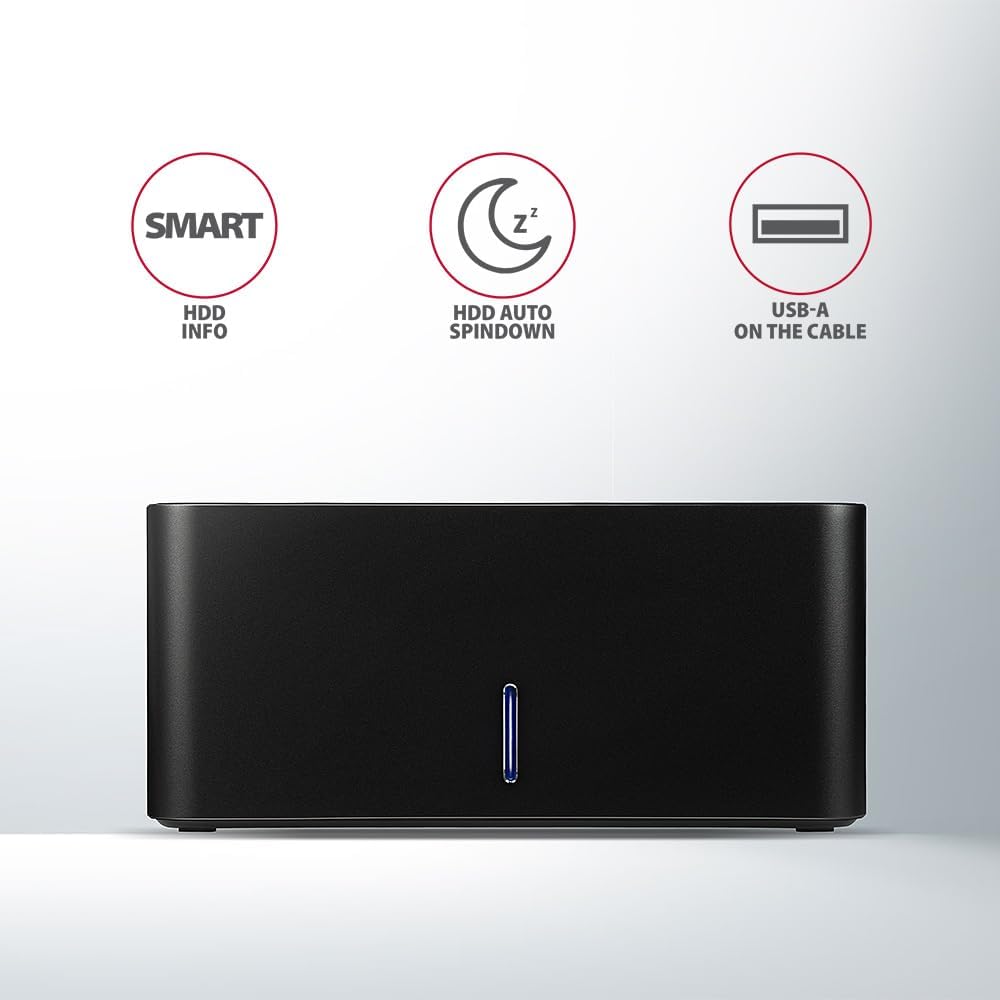
Image: The docking station from the front, indicating features like SMART HDD info, automatic HDD spindown, and USB-A connectivity.
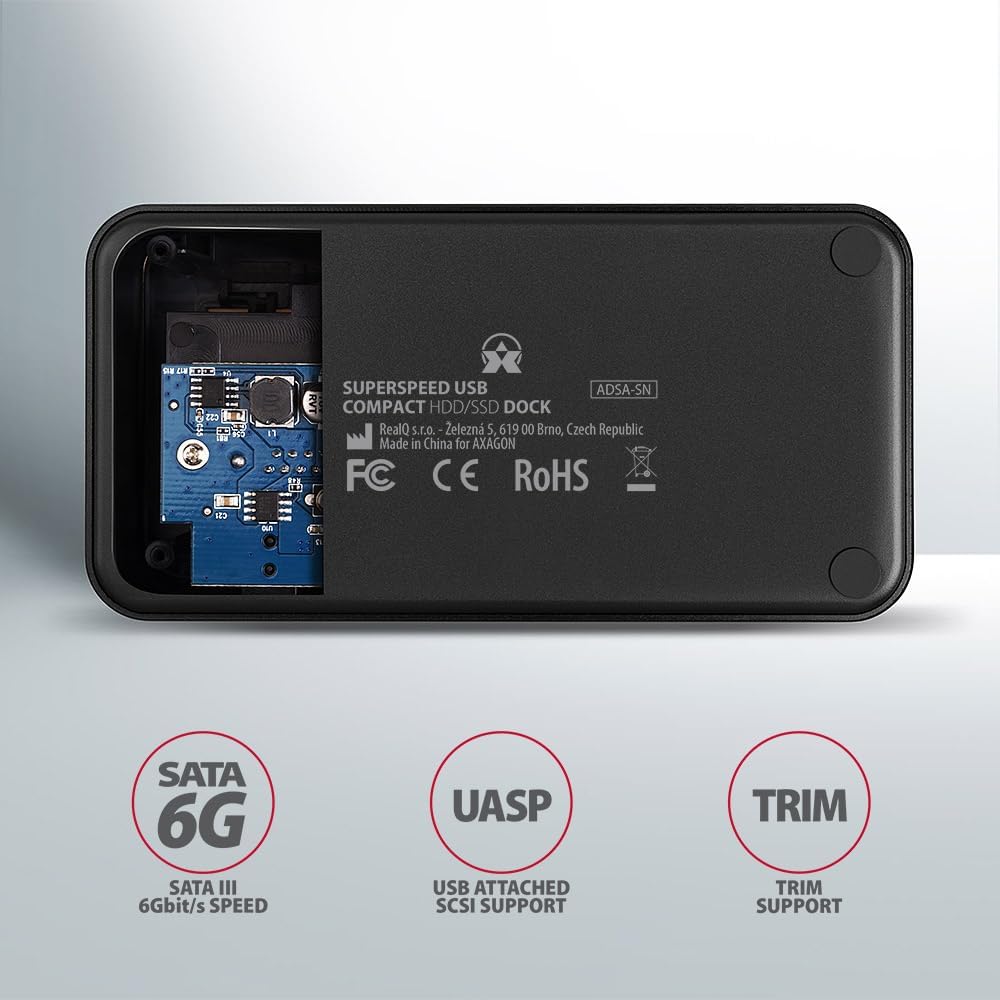
Image: The underside of the docking station, showing internal components and highlighting SATA 6G, UASP, and TRIM support.
Instruccions de configuració
- Connecteu l'adaptador d'alimentació: Plug the included power adapter into the DC IN port on the back of the docking station and then into a power outlet.
- Connexió a l'ordinador: Connect the USB 3.0 cable from the docking station's Micro-B port to an available USB 3.0 (or higher) port on your computer.
- Insert HDD/SSD:
- For 2.5" SSD/HDD: Gently slide the 2.5" drive into the slot until it connects firmly with the SATA connector.
- For 3.5" HDD: Gently slide the 3.5" drive into the slot until it connects firmly with the SATA connector.
Ensure the drive is inserted correctly with the SATA connector facing the correct direction. Do not force the drive.

Image: A 2.5-inch SSD being inserted into the docking station, demonstrating compatibility with smaller drives.
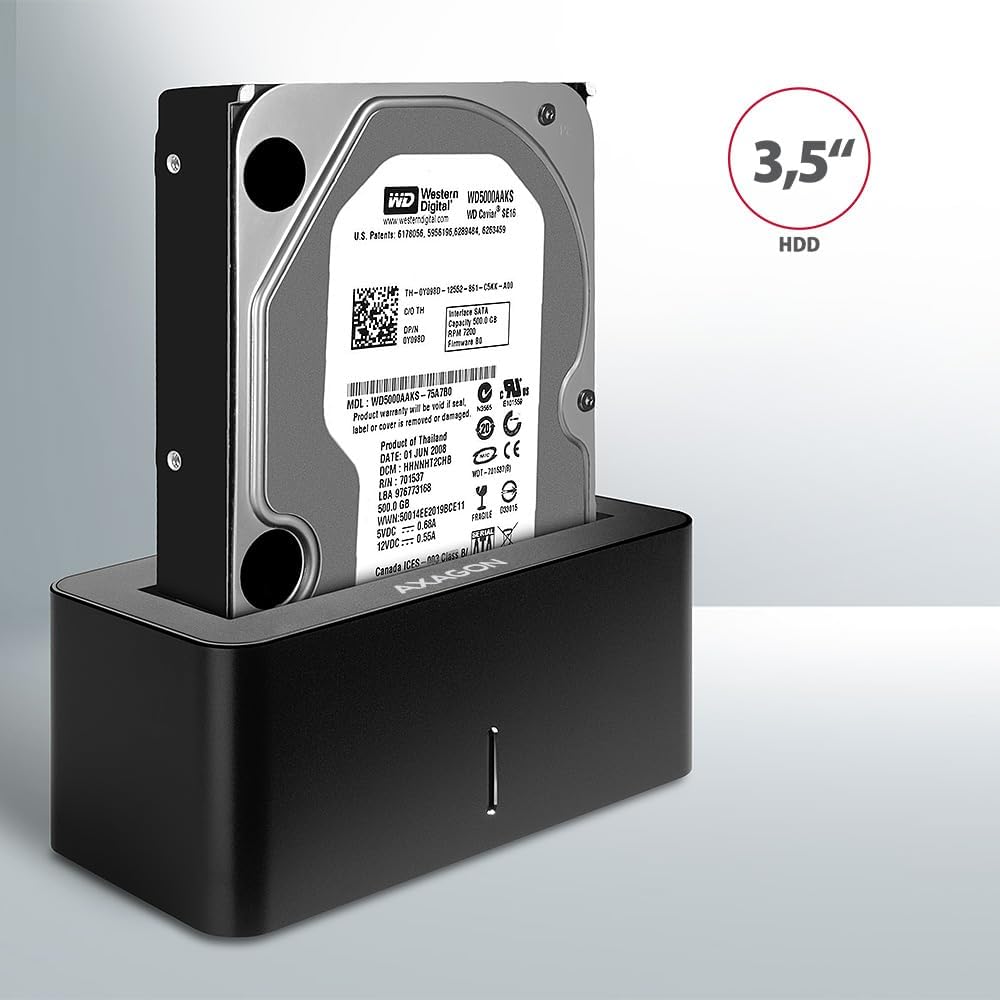
Image: A 3.5-inch HDD being inserted into the docking station, demonstrating compatibility with larger drives.
- Encès: Press the power button located on the back of the docking station. The LED indicator on the front will illuminate.
Image: The rear panel of the docking station, showing the power button, USB Micro-B port, and power input for connection.
Instruccions de funcionament
Drive Recognition
Once powered on and connected, your operating system should automatically detect the inserted drive. If it's a new drive, you may need to initialize and format it through Disk Management (Windows) or Disk Utility (macOS) before it appears in File Explorer/Finder.
Indicador LED
The LED indicator on the front of the docking station provides status information:
- Blau sòlid: Power on, drive idle.
- Blau intermitent: Drive activity (reading or writing data).
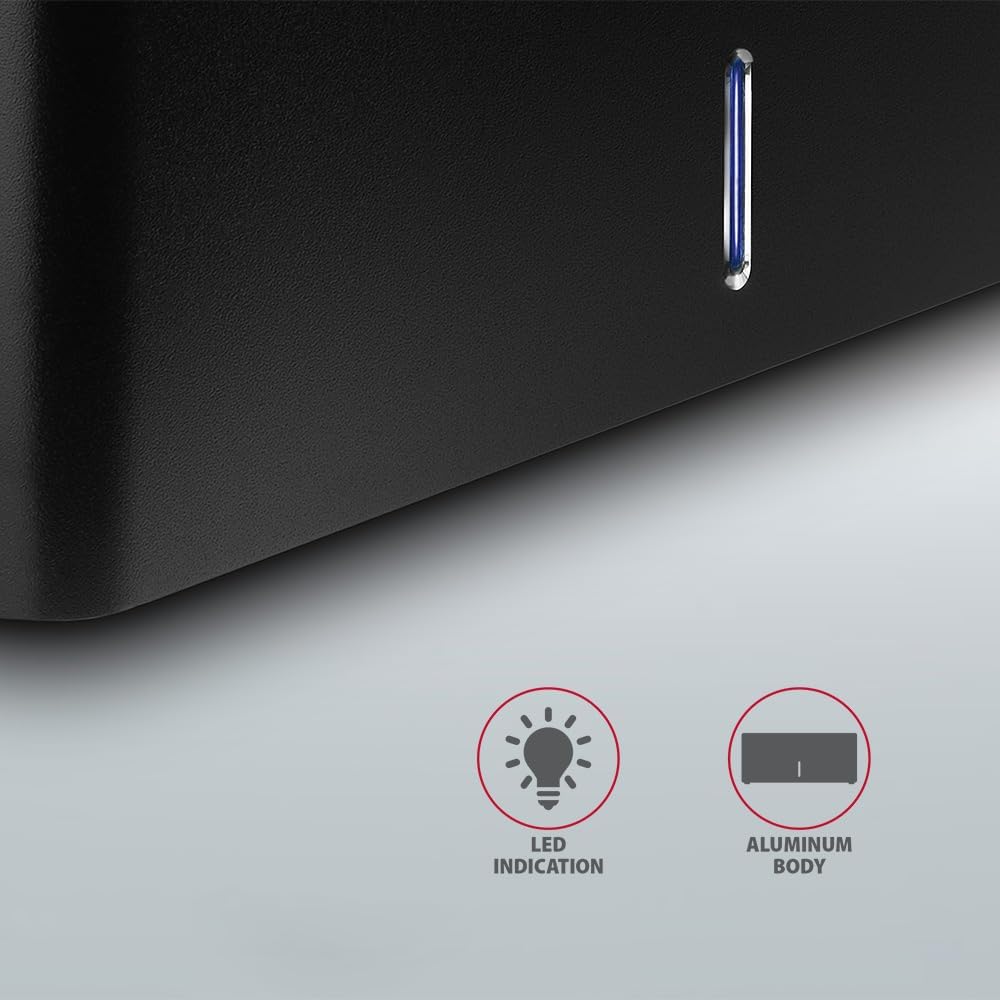
Imatge: Un primer pla view of the docking station's front panel, highlighting the LED indicator light.
Removing a Drive
Before removing a drive, always safely eject it from your operating system to prevent data corruption. After ejection, gently pull the drive straight out of the docking station slot.
Desactivació automàtica del disc dur
The docking station supports automatic spindown of the HDD when it is idle for a certain period, conserving power and extending drive lifespan. This feature is managed by the operating system or the drive itself.
Manteniment
- Mantingueu l'estació d'acoblament neta i sense pols. Feu servir un drap suau i sec per netejar-la.
- Eviteu exposar el dispositiu a temperatures extremes, humitat o llum solar directa.
- No intenteu desmuntar ni reparar el dispositiu vosaltres mateixos. Poseu-vos en contacte amb personal de servei qualificat.
- Ensure proper ventilation around the docking station during operation.
Resolució de problemes
- Unitat no detectada:
- Assegureu-vos que l'adaptador de corrent estigui connectat correctament i que la base de càrrega estigui engegada.
- Verify the USB cable is properly connected to both the docking station and the computer.
- Proveu un port USB diferent a l'ordinador.
- Ensure the HDD/SSD is fully seated in the docking station's slot.
- Check Disk Management (Windows) or Disk Utility (macOS) to see if the drive is recognized but uninitialized/unformatted.
- Test with a different HDD/SSD to rule out a drive issue.
- Velocitats de transferència lentes:
- Ensure the docking station is connected to a USB 3.0 (or higher) port on your computer. USB 2.0 ports will limit speeds.
- Verify your operating system and drivers are up to date.
- The actual speed depends on the drive's performance and your computer's USB controller.
- Drive disconnects randomly:
- Comproveu totes les connexions de cable.
- Assegureu-vos que l'adaptador de corrent proporciona alimentació estable.
- Disable USB power saving features in your computer's operating system settings.
Especificacions tècniques
| Característica | Detall |
|---|---|
| Marca | AXÀGON |
| Número de model | ADSA-SN |
| Plataforma de maquinari | PC |
| Dispositius compatibles | Ordinador portàtil, ordinador de sobretaula |
| Compatibilitat amb la unitat | 2.5" / 3.5" SATA I/II/III SSD/HDD |
| Interfície | USB 3.0 (USB 3.2 Gen 1) |
| Velocitat de transferència de dades | Up to 5 Gbps (USB 3.0), 6 Gbps (SATA III) |
| Ports USB totals | 1 (Micro-B) |
| Nombre de badies d'unitats | 1 |
| Color | Negre |
| Pes de l'article | 2.2 lliures (aprox. 1 kg) |
| Dimensions del paquet | 3.94 x 0.79 x 0.39 polzades (aprox. 10 x 2 x 1 cm) |
| Data de primera disponibilitat | 30 de març de 2021 |
Garantia i Suport
For warranty information and technical support, please refer to the official AXAGON weblloc web o poseu-vos en contacte amb el vostre distribuïdor local. Conserveu el comprovant de compra per a reclamacions de garantia.


