
Introducció
Welcome to the Philips T4506 True Wireless Headphones user manual. This guide provides essential information for setting up, operating, and maintaining your new headphones. Please read these instructions carefully to ensure optimal performance and longevity of your device.
Què hi ha a la caixa
Your Philips T4506 True Wireless Headphones package includes the following items:
- Philips T4506 True Wireless Headphones (Left and Right earbuds)
- Portable USB-C Charging Case
- Cable de càrrega USB-C
- Puntes per a les orelles (3 mides: Petita, Mitjana, Gran)
- Guia d'inici ràpid
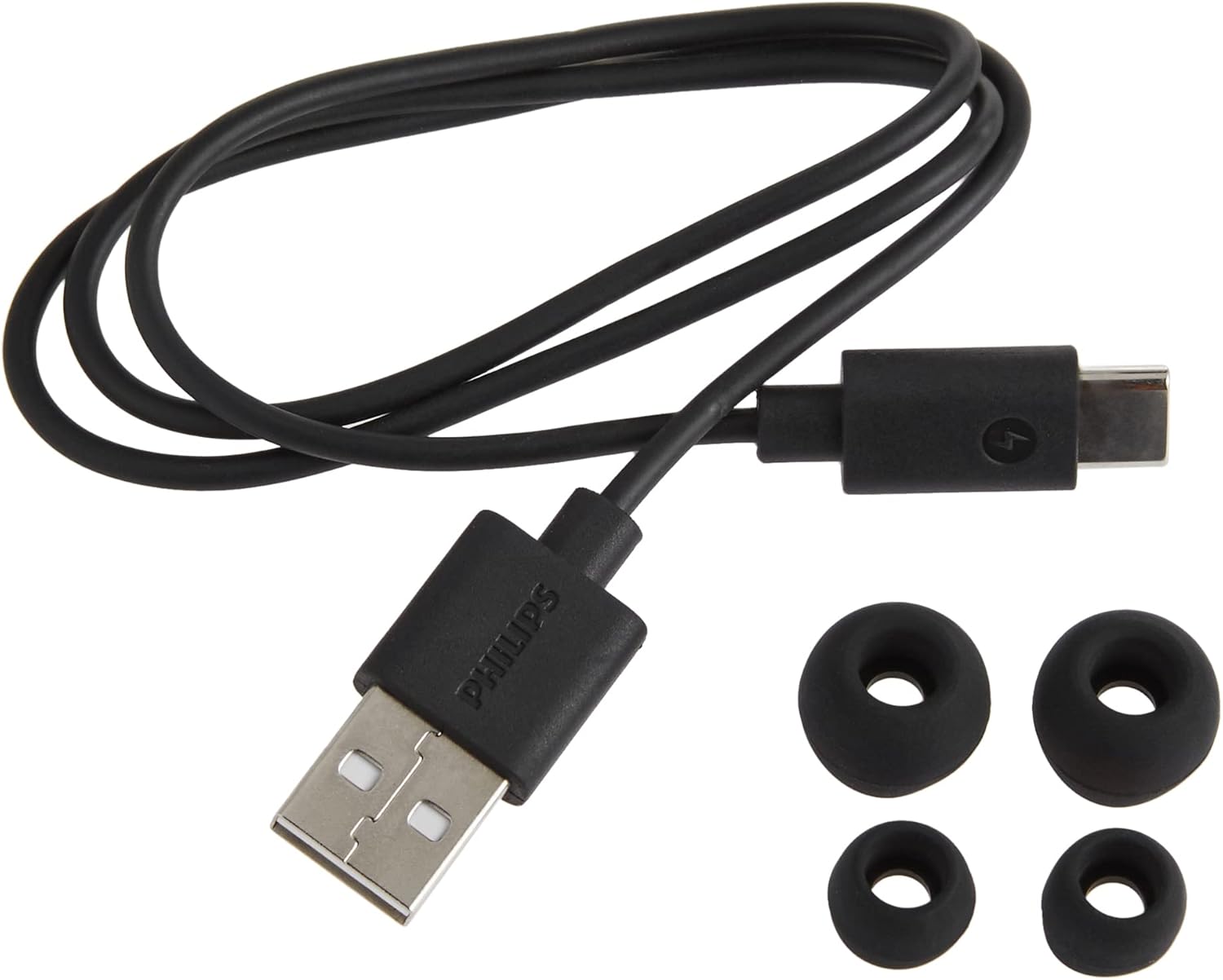
Included accessories: USB-C charging cable and three sizes of silicone ear-tips.
Producte acabatview
The Philips T4506 headphones feature a sleek design with touch controls and a compact charging case. Each earbud is equipped with 10 mm neodymium drivers for clear audio and active noise canceling technology.

Davant view of Philips T4506 True Wireless Headphones and their charging case.

Philips T4506 True Wireless Headphones placed inside their open charging case.
Configuració
1. Càrrega dels auriculars i l'estoig
Before first use, fully charge the charging case and earbuds. Place the earbuds into the charging case. Connect the USB-C cable to the charging case and a power source. The indicator lights on the case will show charging status. A full charge provides up to 6 hours of playtime for the earbuds, with an additional 18 hours from the charging case, totaling 24 hours.
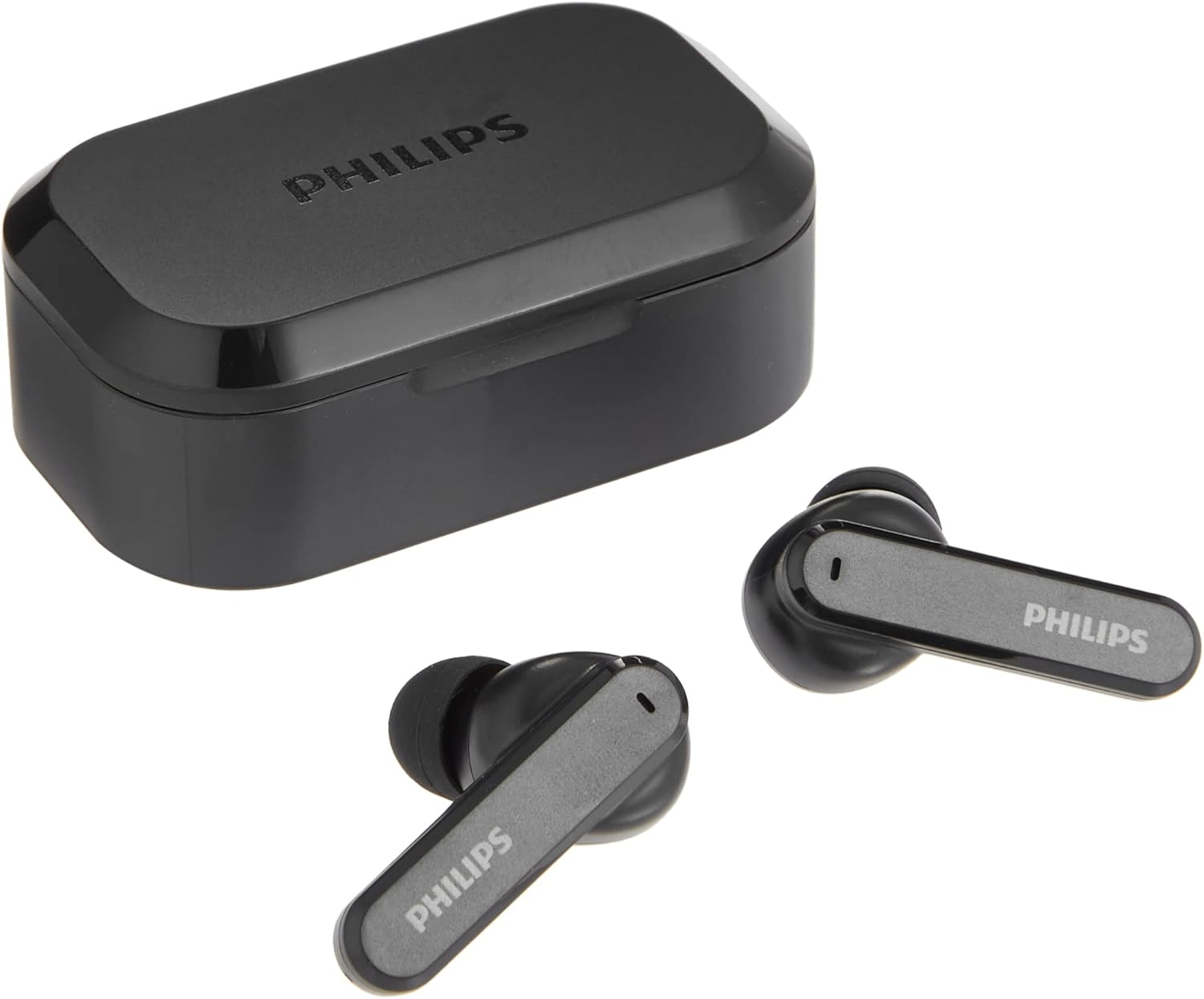
Philips T4506 True Wireless Headphones next to their closed USB-C charging case.
2. Emparellament Bluetooth
- Obre l'estoig de càrrega. Els auriculars entraran automàticament en mode d'emparellament.
- Al dispositiu (telèfon intel·ligent, tauleta, etc.), activeu el Bluetooth.
- Cerca "Philips T4506" in the list of available devices and select it to connect.
- Un cop connectat, sentiràs una confirmació d'àudio.
Els auriculars es tornaran a connectar automàticament a l'últim dispositiu emparellat quan es treguin de l'estoig, si el Bluetooth està habilitat al dispositiu.
3. Selecting the Right Ear-tip Size
For optimal sound quality and comfort, choose the ear-tips that best fit your ears. Experiment with the three included sizes (Small, Medium, Large) to find the most secure and comfortable fit. A proper seal is crucial for effective Active Noise Canceling.
Instruccions de funcionament
Controls tàctils
The Philips T4506 headphones feature intuitive touch controls on each earbud:
- Reproduir/pausar música: Un sol toc a qualsevol dels auriculars.
- Pista següent: Toqueu dues vegades l'auricular dret.
- Pista anterior: Toqueu dues vegades l'auricular esquerre.
- Respondre/Finalitzar la trucada: Un sol toc a qualsevol dels auriculars.
- Rebutja la trucada: Prem i mantén premut qualsevol dels auriculars.
- Activa l'Assistent de veu: Toqueu tres vegades qualsevol dels auriculars.
Active Noise Canceling (ANC) and Awareness Mode
The headphones feature Active Noise Canceling to reduce ambient noise, allowing for a more immersive listening experience. Awareness Mode allows you to hear your surroundings without removing the earbuds. Switch between modes using the touch controls (refer to the Quick Start Guide for specific gestures).
Mode Mono
You can use a single earbud independently. Simply remove one earbud from the case, and it will automatically connect. The microphone functionality will be assigned to the earbud in use. This is useful for calls or when you need to be aware of your surroundings with one ear.
Manteniment
To ensure the longevity and performance of your Philips T4506 headphones:
- Neteja: Regularly clean the earbuds and charging case with a soft, dry cloth. Avoid using abrasive cleaners or solvents.
- Resistència a l'aigua: The headphones have an IPX4 rating, meaning they are resistant to splashing water from any direction. They are not waterproof and should not be submerged in water. Dry them thoroughly if they get wet.
- Emmagatzematge: Quan no els utilitzeu, guardeu els auriculars a la seva funda de càrrega per protegir-los i mantenir-los carregats.
Resolució de problemes
If you encounter issues with your Philips T4506 headphones, try the following solutions:
- Auriculars que no es carreguen: Ensure the earbuds are correctly seated in the charging case and the charging contacts are clean. Verify the charging case itself has sufficient power or is connected to a power source.
- Auriculars que no s'emparellan/connecten: Make sure Bluetooth is enabled on your device and the earbuds are in pairing mode (open the case). Try forgetting the device in your phone's Bluetooth settings and re-pairing. Ensure the earbuds are sufficiently charged.
- Low battery message immediately after connecting: This may indicate an issue with the earbud's battery or charging contacts. Ensure contacts are clean and the earbuds are fully charged. If the issue persists, contact customer support.
- Problemes de qualitat del so: Check that the ear-tips provide a good seal in your ear canal. Try different sized ear-tips. Ensure the earbuds are clean and free from debris.
- No se sent cap so d'un auricular: Try placing both earbuds back in the case, closing it, and then reopening to reset the connection. Ensure both earbuds are charged.
Especificacions
| Característica | Detall |
|---|---|
| Nom del model | T4506 |
| Número de model de l'article | T4506BK |
| Marca | Philips |
| Tecnologia de connectivitat | Sense fil (Bluetooth) |
| Tecnologia de comunicació sense fils | Bluetooth |
| Control de soroll | Active Noise Cancellation, Awareness Mode |
| Nivell de resistència a l'aigua | IPX4 (resistent a l'aigua) |
| Durada de la bateria | Up to 24 Hours (6 hours earbuds + 18 hours charging case) |
| Temps de càrrega | 2 hores |
| Mètode de control | Toc, veu |
| Tipus de controlador d'àudio | Conductor dinàmic |
| Interval Bluetooth | 10 metres |
| Forma de l'auricular | Punta arrodonida |
| Dimensions del producte | 1.34 x 3.78 x 6.14 polzades |
| Pes de l'article | 9.6 unces |
Garantia i Suport
For warranty information and customer support, please refer to the documentation included with your product or visit the official Philips weblloc web. Conserveu el comprovant de compra per a qualsevol reclamació de garantia.