
Introducció
Thank you for choosing the Gadgets TOPTECH GH-10 Gaming Headphone. This manual provides essential information for the proper setup, operation, and maintenance of your new gaming headset. Please read it thoroughly before use to ensure optimal performance and longevity of the product.
Producte acabatview
The Gadgets TOPTECH GH-10 is an over-ear gaming headphone designed for an immersive audio experience. It features comfortable ear cups, an integrated microphone, and LED lighting to enhance your gaming environment.
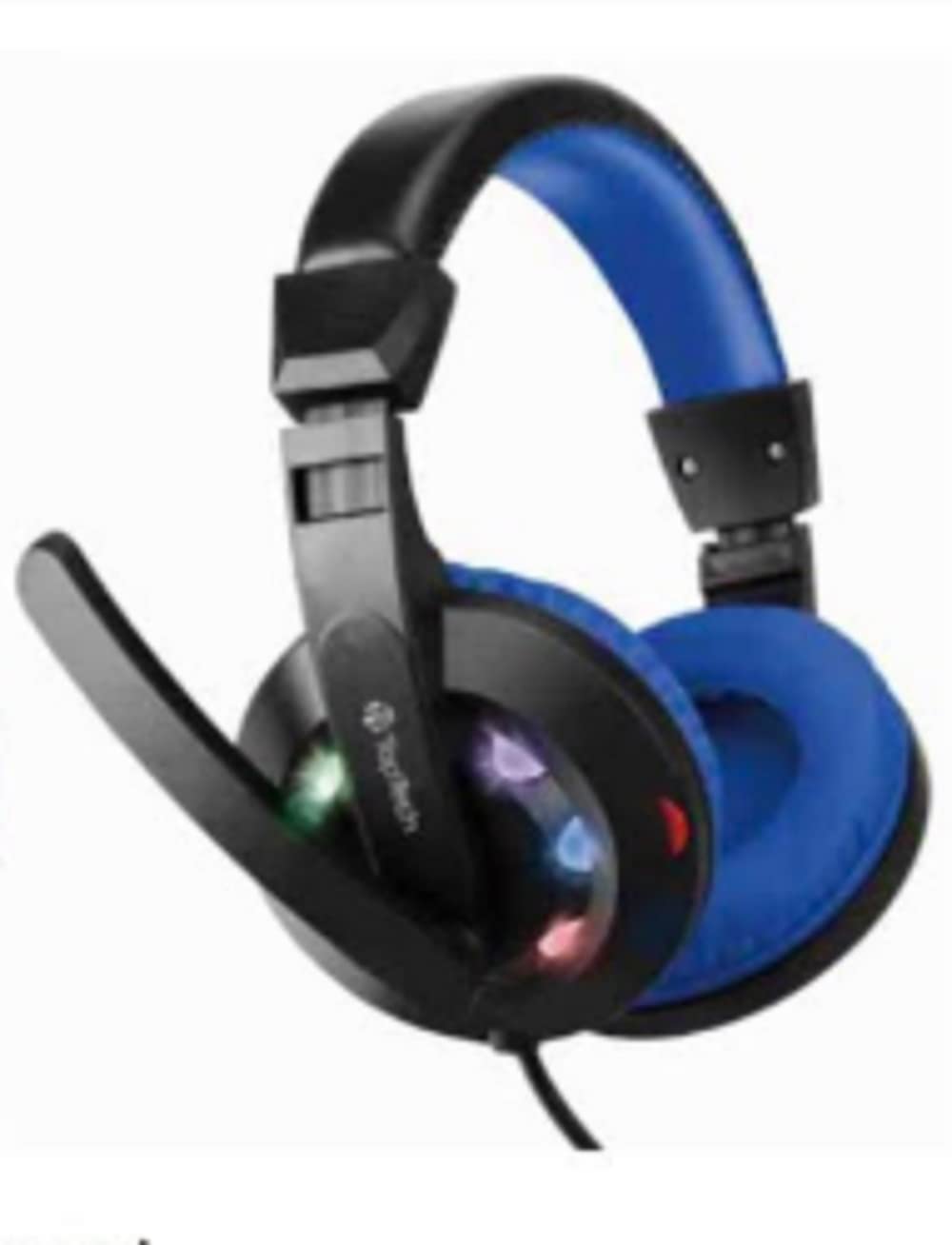
Image: Gadgets TOPTECH GH-10 Gaming Headphone, blue in color, packaged in a clear plastic and cardboard box. The box highlights features such as 1.8m cable, microphone, and LED lights.
Característiques principals:
- Blue Gaming Headphone: Distinctive blue design with integrated LED lights.
- High Quality Stereo Sound: Delivers clear audio with enhanced bass for an immersive experience.
- Micròfon integrat: Omni-directional microphone for clear communication.
- Extra Long 6FT Cord: Proporciona ample length for flexible movement.
- Dual Interface: Connects via USB for LED power and 3.5mm jack for audio.
- Ajust còmode: Soft, adjustable over-ear cups and a durable steel suspension frame ensure comfort during extended use.
- Noise Insulation: Over-ear design helps to reduce external noise.
- Control de volum integrat: Conveniently adjust audio levels.
Contingut del paquet
Marqueu la casella per als elements següents:
- Gadgets TOPTECH GH-10 Gaming Headphone
- Manual d'usuari (aquest document)
Configuració
- Connecta l'àudio: Insert the 3.5mm audio jack into the corresponding port on your computer, gaming console controller, or other audio device.
- Connect USB for LED Lights: Plug the USB connector into an available USB port on your device. This powers the LED lights on the headphones.
- Ajustar l'ajust: Gently extend or retract the headband to fit comfortably over your head. Position the ear cups so they fully cover your ears for optimal sound and noise insulation.
- Posició del micròfon: Adjust the flexible microphone arm to bring the microphone close to your mouth for clear voice capture.
Instruccions de funcionament
Control de volum:
The headphones feature an in-line volume control wheel located on the cable. Rotate the wheel upwards to increase volume and downwards to decrease volume.
Ús del micròfon:
The integrated omni-directional microphone is designed for clear voice communication. Ensure the microphone is positioned correctly near your mouth. Some devices may require you to select the headset microphone as the default input device in their audio settings.
Llums LED:
The LED lights on the ear cups will illuminate automatically once the USB connector is plugged into a powered USB port. These lights are for aesthetic purposes and enhance the gaming atmosphere.
Manteniment
- Neteja: Use a soft, dry cloth to wipe the ear cups and headband. Do not use harsh chemicals or abrasive cleaners.
- Emmagatzematge: Guardeu els auriculars en un lloc net i sec, allunyat de temperatures extremes i de la llum solar directa.
- Cura del cable: Avoid sharp bends or excessive pulling on the cable to prevent damage. Do not wrap the cable too tightly around the headset.
- Eviteu la humitat: No exposeu els auriculars a l'aigua ni a una humitat excessiva.
Resolució de problemes
| Problema | Solució |
|---|---|
| No se sent so dels auriculars. |
|
| El micròfon no funciona. |
|
| Els llums LED no s'il·luminen. |
|
Especificacions
| Característica | Detall |
|---|---|
| Marca | Gadgets |
| Número de model | GH10 |
| Col·locació de l'orella | Sobre l'orella |
| Tecnologia de connectivitat | Amb cable |
| Conector d'auriculars | 3.5 mm Jack |
| Característiques addicionals | Microphone Included, Noise Isolation, USB connectivity (for LEDs), Volume Control |
| Longitud del cable | Aproximadament 6 peus (1.8 metres) |
| Material de tancament | Steel (suspension frame) |
| Usos específics | Pel·lícules i jocs |
Garantia i Suport
Per obtenir informació sobre la garantia i assistència al client, consulteu la documentació proporcionada en el moment de la compra o poseu-vos en contacte amb el vostre distribuïdor. Conserveu el comprovant de compra per a qualsevol reclamació de garantia.