
1. Introducció
This manual provides detailed instructions for the safe and effective use of your BEBIRD X3 Visual Ear Wax Removal Device. Please read this manual thoroughly before operating the device and retain it for future reference.
2. Informació de seguretat
Important: Statements regarding this device have not been evaluated by the FDA and are not intended to diagnose, treat, cure, or prevent any disease or health condition. Consult a medical professional for any health concerns.
- Do not use the device if you have an ear infection, ear drum perforation, or any other ear injury.
- Mantenir fora de l'abast dels nens.
- Clean the ear spoon and lens thoroughly before and after each use.
- Use gentle movements to avoid injury to the ear canal.
- If you experience discomfort or pain, discontinue use immediately.
3. Producte acabatview
The BEBIRD X3 is a visual ear wax removal device designed for personal ear inspection and cleaning. It features a high-definition camera and a small lens for clear visualization of the ear canal.
Característiques principals:
- Lent de 3.5 mm: Equipped with a 3.5mm lens for detailed viewing inside the ear canal.
- Bateria recarregable: Features a rechargeable battery with an approximate 1-year battery life. The battery is replaceable.
- Disseny lleuger: Compact and portable for easy handling and storage.
- Compatibilitat amb iOS: Designed exclusively for use with iOS devices.
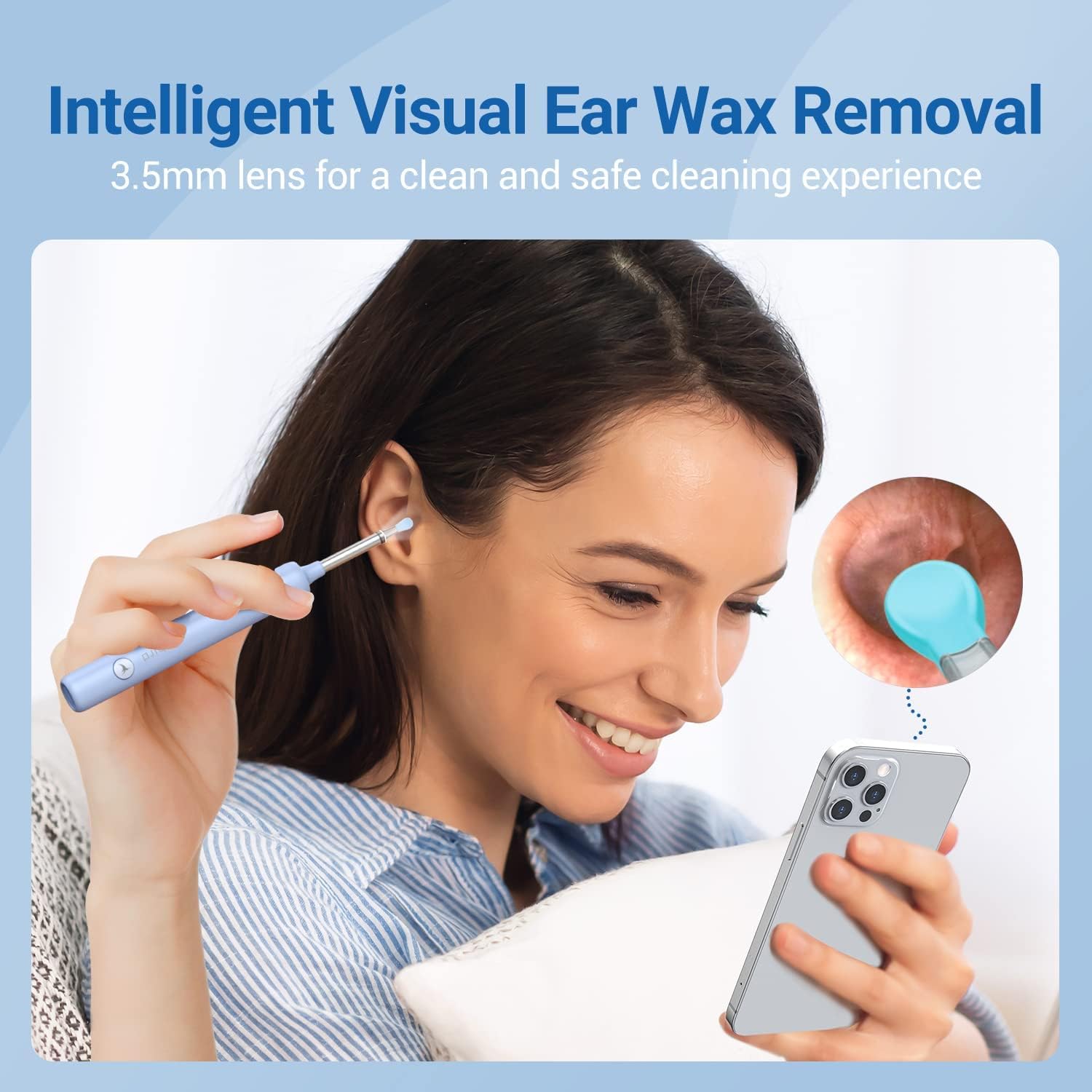
Image 3.1: The BEBIRD X3 device in use, demonstrating its visual capabilities with a 3.5mm lens for clear ear canal inspection.
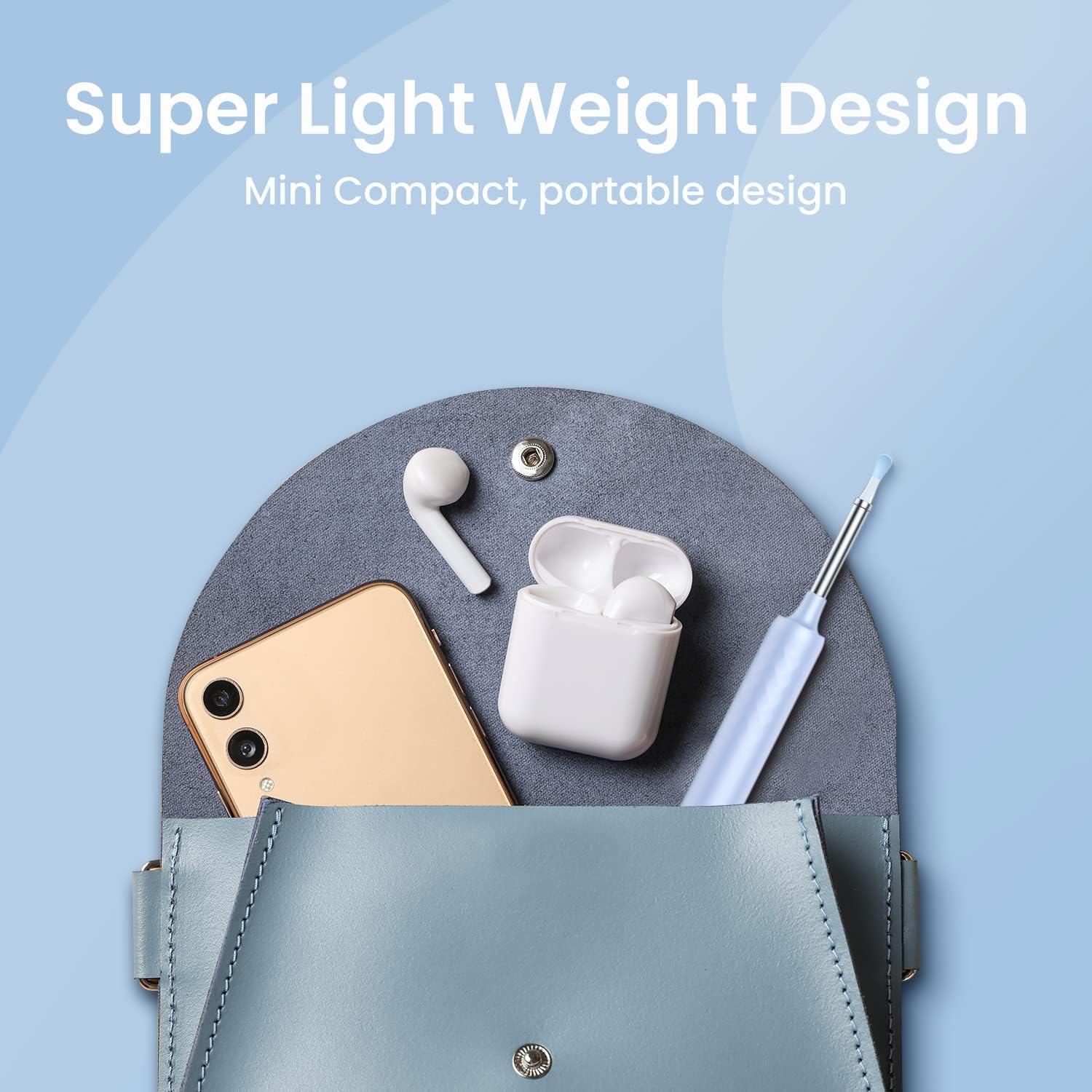
Image 3.2: The BEBIRD X3's lightweight and compact design, making it portable and easy to carry.
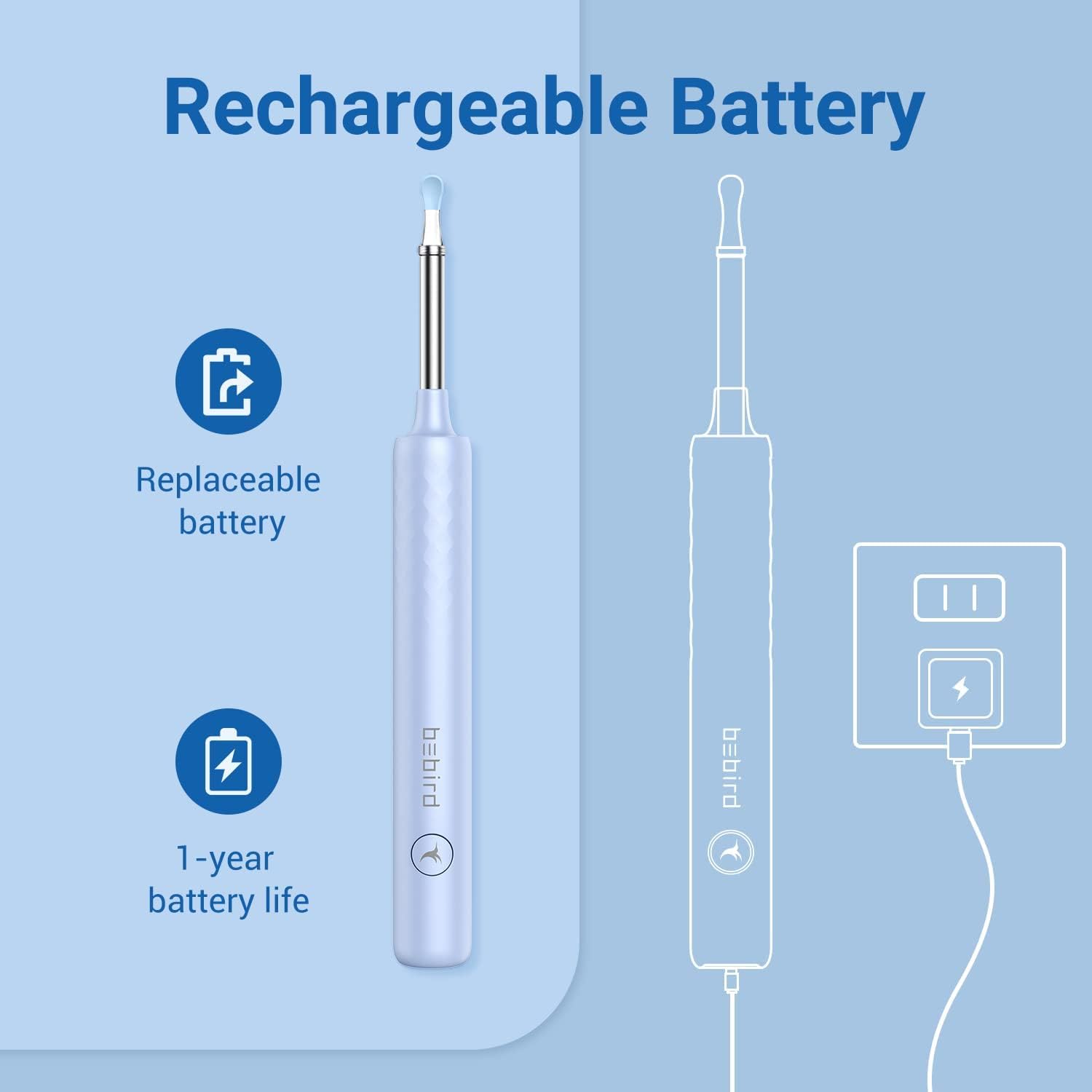
Image 3.3: Illustration of the BEBIRD X3's rechargeable and replaceable battery, highlighting its 1-year battery life.
4. Introducció (Configuració)
4.1 Càrrega del dispositiu
Before first use, fully charge the BEBIRD X3 device using the provided charging cable. The indicator light will show charging status.
4.2 Descàrrega i instal·lació d'aplicacions
Download the official BEBIRD application from the Apple App Store. This device is designed for iOS users only.

Image 4.1: The BEBIRD X3 device is exclusively compatible with iOS devices.
4.3 Connexió al dispositiu
- Turn on the BEBIRD X3 device. The indicator light will illuminate.
- On your iOS device, go to Wi-Fi settings.
- Locate and select the Wi-Fi network named 'bebird X3-XXXXXX' (where XXXXXX is a unique identifier for your device).
- Connect to this network. No password is required.
- Open the BEBIRD app. The live view from the device's camera should now be displayed.
Video 4.1: This video demonstrates the process of connecting the BEBIRD X3 device to a smartphone via Wi-Fi and accessing the live camera feed through the BEBIRD application.
5. Funcionament
5.1 Ear Inspection and Cleaning
- Ensure the device is connected to your phone and the app is open.
- Gently insert the ear spoon end of the device into your ear canal while observing the live feed on your phone screen.
- Carefully maneuver the ear spoon to dislodge and remove ear wax. Avoid pushing wax deeper into the ear.
- Use the various ear spoon attachments as needed for different types of wax or ear canal shapes.
5.2 Ús multiusos
The BEBIRD X3 can also be used for inspecting other areas such as the nose or mouth, providing a visual aid for personal hygiene and observation.

Imatge 5.1: Ex.amples of the BEBIRD X3's versatile use for inspecting ears, nose, and mouth.
6. Manteniment
6.1 Neteja del dispositiu
- After each use, remove the ear spoon attachment.
- Clean the ear spoon and the lens tip with an alcohol wipe or a soft cloth dampamb desinfectant.
- Ensure the lens is clear of debris for optimal viewing.
- Do not immerse the main body of the device in water.
6.2 Cura de la bateria
- Recharge the device when the battery indicator is low.
- The internal battery is replaceable. Contact customer support for replacement instructions or service.
- Guardeu el dispositiu en un lloc fresc i sec quan no l'utilitzeu.
7. Solució De Problemes
- El dispositiu no es connecta a la Wi-Fi:
Ensure the BEBIRD X3 device is powered on. Check your phone's Wi-Fi settings to confirm you are connected to the 'bebird X3-XXXXXX' network. Try restarting both the device and your phone. - No image in the app:
Verify the Wi-Fi connection. Close and reopen the BEBIRD app. Ensure the device's camera lens is clean and unobstructed. - Poca qualitat d'imatge:
Clean the camera lens thoroughly. Ensure there is adequate lighting (the device has built-in lights). - El dispositiu no es carrega:
Check the charging cable and adapter. Ensure the charging port is clean and free of debris.
8. Especificacions
| Model | BEBIRD X3 |
| Fabricant | OCELL |
| Diàmetre de la lent | 3.5 mm |
| Durada de la bateria | Approx. 1 year (replaceable) |
| Compatibilitat | iOS devices only |
| Dimensions del paquet | 6.69 x 2.44 x 0.75 polzades |
| Pes de l'article | 2.08 unces |
| Primera data disponible | 30 de desembre de 2021 |
9. Garantia i Suport
For warranty information, technical support, or to purchase replacement parts, please refer to the BEBIRD official weblloc web o contacteu directament amb el seu servei d'atenció al client. Conserveu el rebut de compra com a comprovant de compra.