

1. Introducció
Thank you for choosing the ETA Nutri Vital Smart Digital Kitchen Scale. This manual provides essential information for the safe and efficient use of your new kitchen scale. Please read it thoroughly before first use and keep it for future reference. This scale is designed to assist you in monitoring the nutritional value of your food in conjunction with the dedicated smart application.
2. Informació important de seguretat
- No submergiu la bàscula en aigua o altres líquids.
- Netegeu la bàscula amb l'anunciamp només tela. No utilitzeu netejadors abrasius.
- Place the scale on a firm, flat, and stable surface to ensure accurate measurements.
- No sobrecarregueu la bàscula més enllà de la seva capacitat màxima de 5 kg. Una sobrecàrrega pot danyar el sensor.
- Mantingueu la bàscula allunyada de temperatures extremes, llum solar directa i humitat elevada.
- Aquest aparell no està pensat per ser utilitzat per persones (inclosos nens) amb capacitats físiques, sensorials o mentals reduïdes, o amb manca d'experiència i coneixements, tret que hagin rebut la supervisió o instruccions sobre l'ús de l'aparell per una persona responsable de la seva seguretat.
- Dispose of batteries according to local regulations. Do not mix old and new batteries.
3. Contingut del paquet
Si us plau, comproveu el paquet per veure si hi ha els elements següents:
- ETA Nutri Vital Smart Digital Kitchen Scale
- Pila CR2032 (preinstal·lada o separada)
- Manual d'instruccions (aquest document)
4. Producte acabatview
Familiarize yourself with the components of your ETA Nutri Vital kitchen scale.

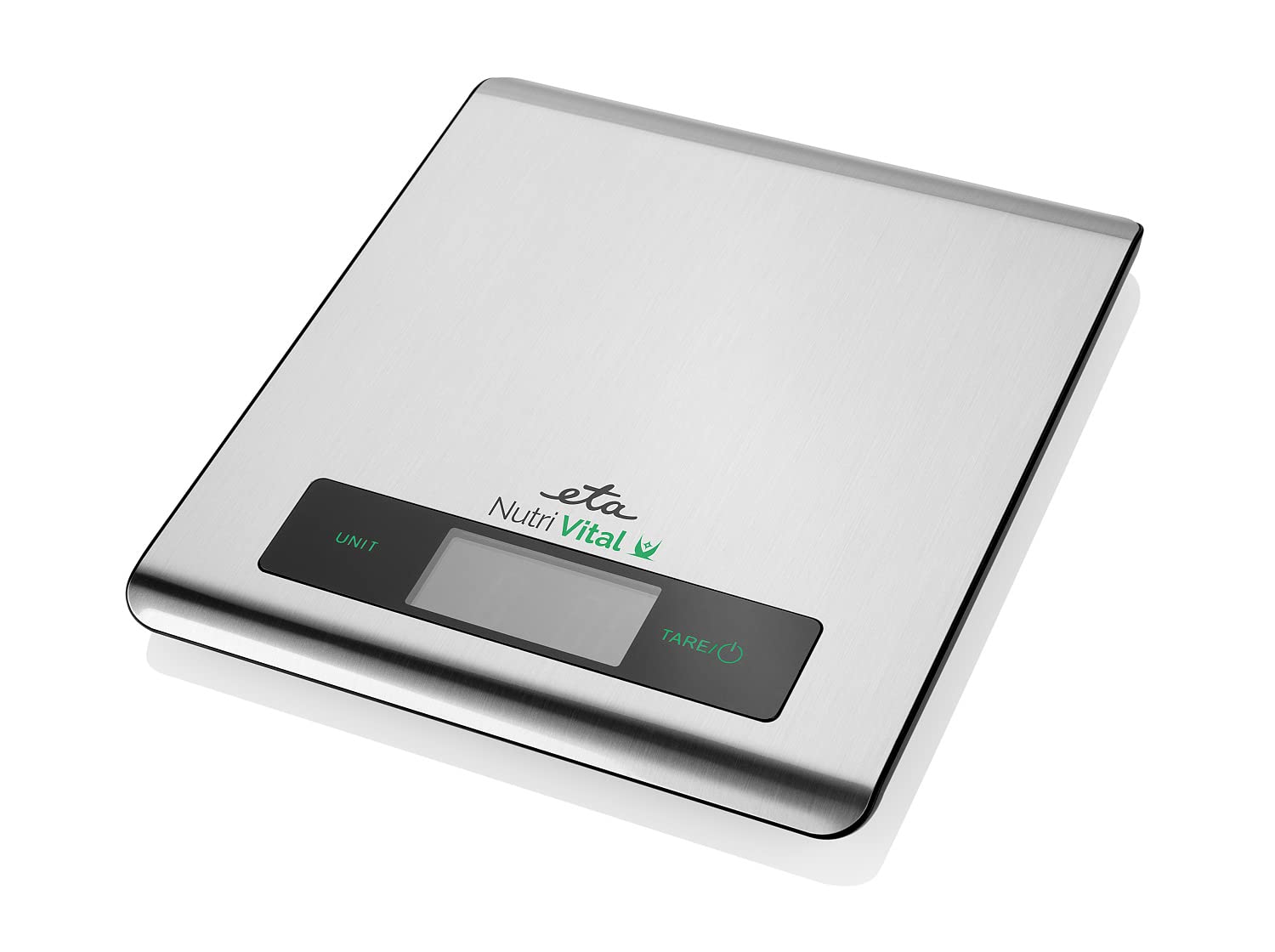
Imatge 4.1: A dalt view of the ETA Nutri Vital Smart Digital Kitchen Scale. This image shows the sleek, flat design of the scale with its weighing platform and integrated display and control buttons.
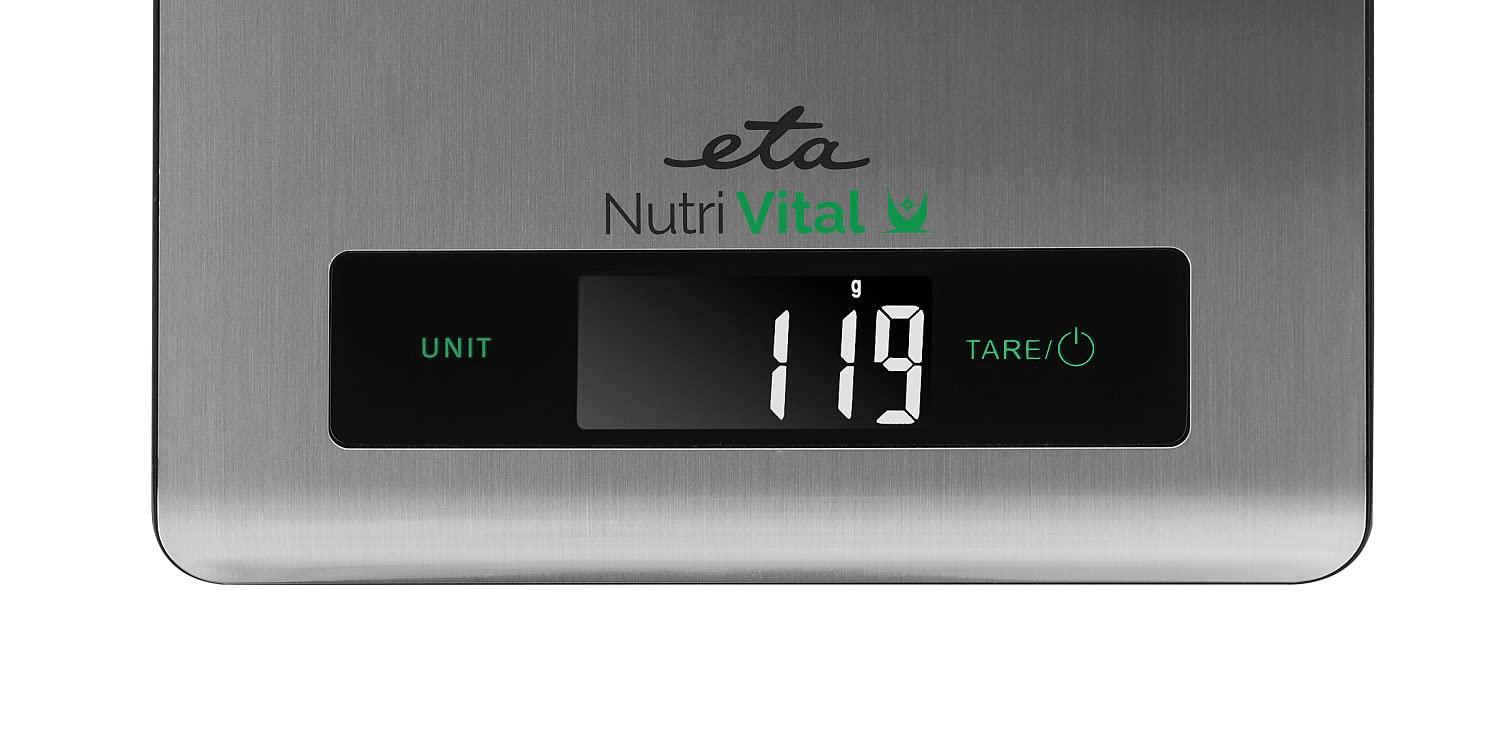
Imatge 4.2: Close-up of the scale's LCD display. The display clearly shows '119 g', indicating a measurement in grams, along with the 'UNIT' and 'TARE/⑂' touch controls.

Imatge 4.3: lateral view of the ETA Nutri Vital Smart Digital Kitchen Scale, highlighting its slim profile and anti-slip feet.
Components clau:
- Plataforma de pesatge: The surface where items are placed for measurement.
- Pantalla LCD: Shows weight, unit, and other indicators.
- Botó UNIT: Used to change the unit of measurement.
- TARE/⑂ Button: Used to power on/off the scale and activate the tare function.
- Peus antilliscants: Located on the bottom to ensure stability.
5. Configuració
5.1. Instal·lació de la bateria
- Localitzeu el compartiment de la bateria a la part inferior de la bàscula.
- Obriu la tapa del compartiment de la bateria.
- Inseriu la pila CR2032, assegurant-vos de la polaritat correcta (+/-).
- Tanqueu bé la tapa del compartiment de la bateria.
5.2. Col·locació inicial
Place the scale on a hard, flat, and stable surface. Uneven surfaces can affect accuracy. Avoid placing it near heat sources or in areas with strong vibrations.
6. Instruccions de funcionament
6.1. Encès / apagat
- Per encendre: Press the TARE/⑂ button. The display will show '0' or '0.0'.
- Per apagar: Press and hold the TARE/⑂ button for a few seconds until the display turns off. The scale will also automatically power off after a period of inactivity to save battery.
6.2. Conversió d'unitats
With the scale powered on, press the UNIT button to cycle through available units: grams (g), kilograms (kg), pounds (lb), and ounces (oz).
6.3. Tare Function (Zeroing)
The tare function allows you to weigh items in a container without including the container's weight.
- Col·loqueu un recipient buit a la plataforma de pesatge. La pantalla mostrarà el seu pes.
- Press the TARE/⑂ button. The display will reset to '0' or '0.0'.
- Afegiu els articles que voleu pesar al contenidor. La pantalla només mostrarà el pes net dels articles.
6.4. Procediment de pesatge
- Ensure the scale is on a flat, stable surface and powered on.
- If using a container, perform the tare function as described above.
- Gently place the item(s) to be weighed on the center of the weighing platform.
- Llegeix el pes que es mostra a la pantalla LCD.
6.5. Smart App Connection and Nutritional Tracking
The ETA Nutri Vital scale connects to a smart application to help you monitor the nutritional value of your diet.
Imatge 6.1: The ETA Nutri Vital scale displaying a weight, with a smartphone nearby showing the connected smart application interface, indicating nutritional data.
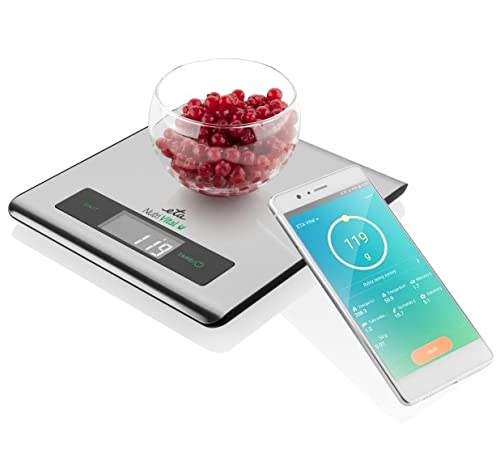
Imatge 6.2: The ETA Nutri Vital scale weighing a bowl of red berries, with a smartphone displaying the smart app's nutritional analysis for the weighed food item.
- Descarrega l'aplicació: Cerca the 'ETA Nutri Vital' app in your smartphone's app store (iOS or Android).
- Activa el Bluetooth: Assegureu-vos que el Bluetooth estigui habilitat al vostre telèfon intel·ligent.
- Maridatge: Open the ETA Nutri Vital app and follow the on-screen instructions to pair your scale. The app will guide you through the connection process.
- Track Nutrition: Once connected, weigh your food items on the scale. The app will receive the weight data and, based on your selection of food type, provide nutritional information such as calories, protein, carbohydrates, and fats.
7. Manteniment i cura
7.1. Neteja
Netegeu la superfície de l'escala amb un drap lleugeramentamp cloth. For stubborn stains, use a mild detergent. Do not use abrasive cleaners, organic solvents, or immerse the scale in water.
7.2. Emmagatzematge
Guardeu la bàscula en un lloc fresc i sec. Eviteu col·locar objectes pesats a sobre quan no l'utilitzeu.
7.3. Substitució de la bateria
When the display shows a 'Lo' indicator, it's time to replace the battery. Follow the battery installation steps in Section 5.1.
8. Solució De Problemes
| Problema | Causa possible | Solució |
|---|---|---|
| L'escala no s'encén | Bateria baixa o gastada; instal·lació incorrecta de la bateria. | Replace battery (CR2032); ensure correct polarity. |
| Lectures inexactes | Scale on uneven surface; overloaded; strong air currents; internal error. | Place on a flat, stable surface; do not exceed 5 kg; avoid drafts; try recalibrating (if applicable, refer to app for advanced settings) or reset by removing battery. |
| La pantalla mostra "Lo" | Bateria baixa. | Substituïu la bateria CR2032. |
| La pantalla mostra "Err" o "O-Ld" | Sobrecàrrega. | Traieu l'article immediatament. No supereu la capacitat de 5 kg. |
| No es pot connectar a l'aplicació | Bluetooth off; app not installed; scale not in pairing mode; interference. | Ensure Bluetooth is on; download/reinstall app; restart scale and phone; try pairing again. |
9. Especificacions
- Model: ETA079090000
- Capacitat: 5 kg
- Unitats: g, kg, lb, oz
- Tipus de visualització: LCD
- Font d'alimentació: 1 x bateria CR2032
- Dimensions del producte (L x A x A): 20.5 x 18.5 x 1.5 cm
- Pes del producte: 3.5 kg
- Material: Vidre, plàstic
- Característiques especials: Smart app connectivity, Nutritional tracking, Touch control, Overload and low battery indicator, Anti-slip feet
10. Informació de la garantia
ETA products are manufactured to high-quality standards and are warranted against defects in materials and workmanship for a period specified by your retailer from the date of purchase. This warranty does not cover damage caused by misuse, neglect, accident, alteration, or unauthorized repair. Please retain your proof of purchase for warranty claims.
11. Atenció al client
If you have any questions, require assistance, or encounter issues not covered in this manual, please contact your retailer or visit the official ETA website for support. Please have your model number (ETA079090000) and proof of purchase ready when contacting customer service.