
Hifree 021e723a-26d5-4aa1-b112-8e3dc0aec1a2
Hifree Smart Table Lamp + LED RGB Color Changing Touch Lamp Manual d'usuari del paquet
Model: 021e723a-26d5-4aa1-b112-8e3dc0aec1a2
Producte acabatview
This Hifree Smart Table Lamp + LED RGB Color Changing Touch Lamp Bundle is designed to enhance your living space with versatile lighting options. The bundle includes both a smart version and a normal touch control version of the night light, offering flexibility in control methods.
Les característiques clau inclouen:
- Control de veu: Seamless integration with Alexa or Google Assistant via Wi-Fi and Bluetooth for hands-free operation.
- Eye-Care Design: Anti-blue light LED protects children's eyesight, making it suitable for reading and extended use.
- Durador i segur: Constructed from toy-grade ABS and PC materials, ensuring safety for children.
- DIY Scene Mode: Customize lighting effects, brightness, color flash modes (breath, flash, static), and speed through the "Smart Life" APP.
- Configuració avançada: Natural Rhythm light, timer, and schedule settings for automated on/off, brightness, and color changes.

Image: The Hifree Smart Table Lamp bundle, showcasing two lamps and the mobile application for control.
Què hi ha a la caixa
Your Hifree Smart Table Lamp bundle includes the following components:
- 2 Hifree Smart Table Lamps
- 2 LED RGB Color Changing Touch Lamps
Especificacions
| Característica | Detall |
|---|---|
| Marca | Hola lliure |
| Número de model | 021e723a-26d5-4aa1-b112-8e3dc0aec1a2 |
| Estil | RGB Color Changing Touch Lamp + Smart Table Lamp Paquet |
| Color | Multicolor |
| Tipus de font de llum | LED |
| Mètode de control | Aplicació, Tàctil, Veu |
| Tecnologia de connectivitat | Bluetooth, WiFi |
| Tipus de controlador | Assistent de Google, Amazon Alexa |
| Material | Acrilonitril butadiè estirè (ABS) |
| Font d'alimentació | Elèctric amb cable |
| Tipus d'habitació | Dormitori |
| Tipus de muntatge | Taula |
| Nombre de fonts de llum | 4 |
| Interval d'edat (descripció) | Nen |
Instruccions de configuració
1. Desembalatge i col·locació
- Traieu amb cura tots els components de l'embalatge.
- Place the Hifree Smart Table Lamp on a stable, flat surface in your desired location. Ensure it is within reach of a power outlet.
2. Connexió d'alimentació
- Connecteu l'adaptador d'alimentació a lampPort d'entrada d'alimentació.
- Plug the power adapter into a standard electrical outlet. The lamp should illuminate briefly or indicate power.
3. App Installation and Pairing (for Smart Lamp)
For the smart version of the lamp, download and install the "Smart Life" application on your smartphone or tablet.
- Download the "Smart Life" app from your device's app store (App Store for iOS, Google Play Store for Android).
- Obre l'aplicació i registra't per obtenir un compte nou o inicia la sessió si ja en tens un.
- Assegureu-vos que el vostre telèfon intel·ligent estigui connectat a una xarxa Wi-Fi de 2.4 GHz.
- In the "Smart Life" app, tap the "+" icon to add a new device.
- Select "Lighting" or "Light Source (Wi-Fi)" from the device list.
- Segueix les instruccions que apareixen a la pantalla per posar la lamp into pairing mode (this usually involves turning the lamp on/off a few times until it blinks rapidly).
- Confirmeu la lamp is blinking rapidly in the app and enter your Wi-Fi password.
- Wait for the app to connect and add the device. Once connected, you can rename the lamp for easier control.

Image: The "Smart Life" application interface, demonstrating color and brightness controls for the lamp.
Instruccions de funcionament
1. Touch Control (for both Smart and Normal Touch Control Lamps)
El lamp features intuitive touch controls for basic functions.
- Encès/apagat: Lightly tap the top surface of the lamp per activar-lo o apagar-lo.
- Ajust de brillantor (atenuació continua): Press and hold the top surface to smoothly adjust the brightness level. Release when the desired brightness is reached.
- Color Change (Normal Touch Control Lamp): Tap the top surface to cycle through available colors (e.g., warm white, cool white, RGB colors).
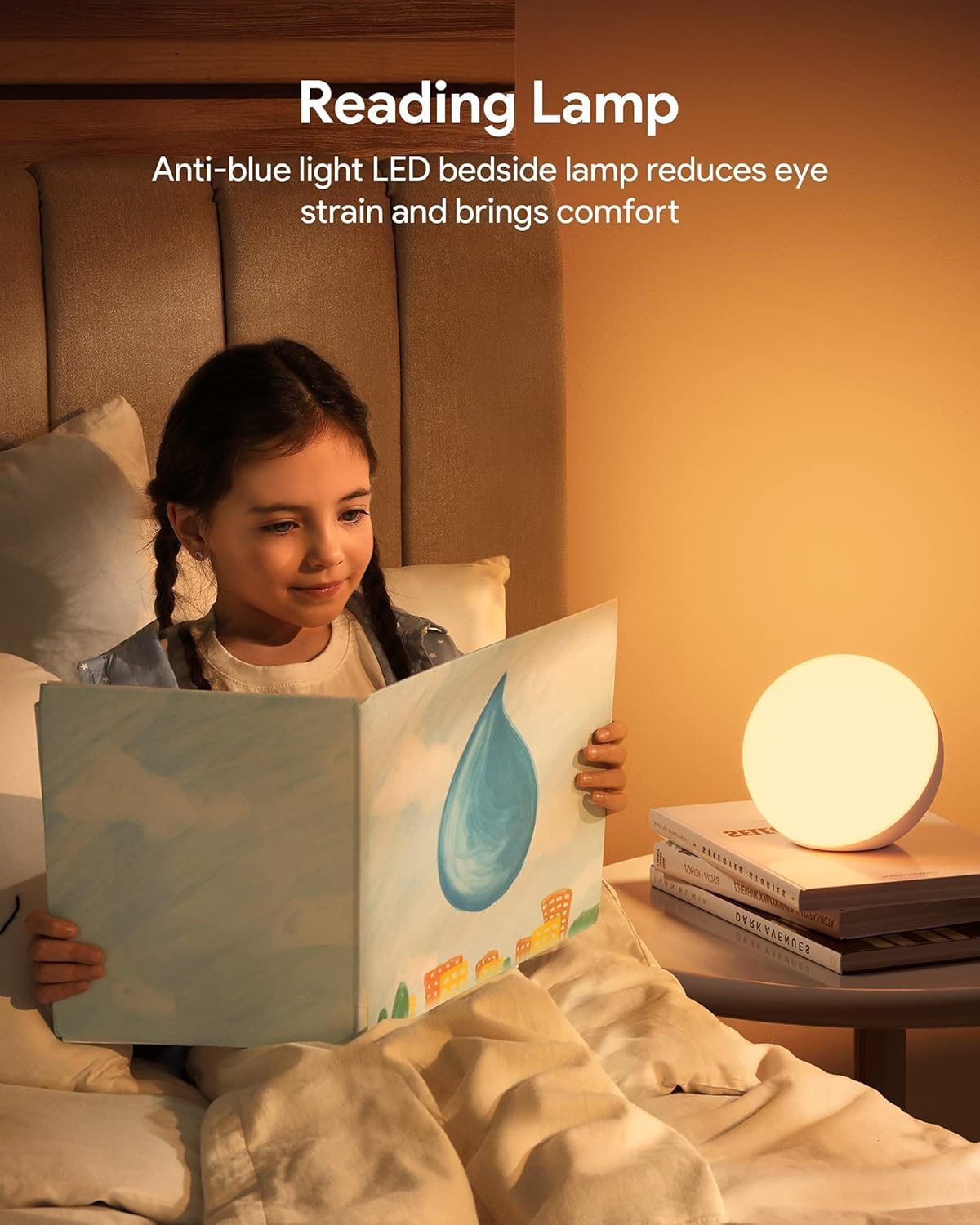
Image: Demonstration of stepless dimming by touching the lampla superfície.
2. App Control (for Smart Lamp)
Utilize the "Smart Life" app for advanced control and customization.
- Selecció de color: Use the color wheel in the app to select any RGB color.
- Brillantor i saturació: Adjust brightness and color saturation precisely using sliders.
- DIY Scene Mode: Create custom lighting scenes by selecting colors, flash modes (breath, flash, static), and adjusting light effect speed (0-90%). The app includes eight pre-set scenes like gorgeous, colorful, working, reading, and night light.
- Natural Rhythm Light: Estableix la lamp to automatically adjust brightness and color throughout the day to mimic natural light cycles.
- Temporitzador i horari: Programa la lamp to turn on/off at specific times, or to change settings according to a daily schedule.
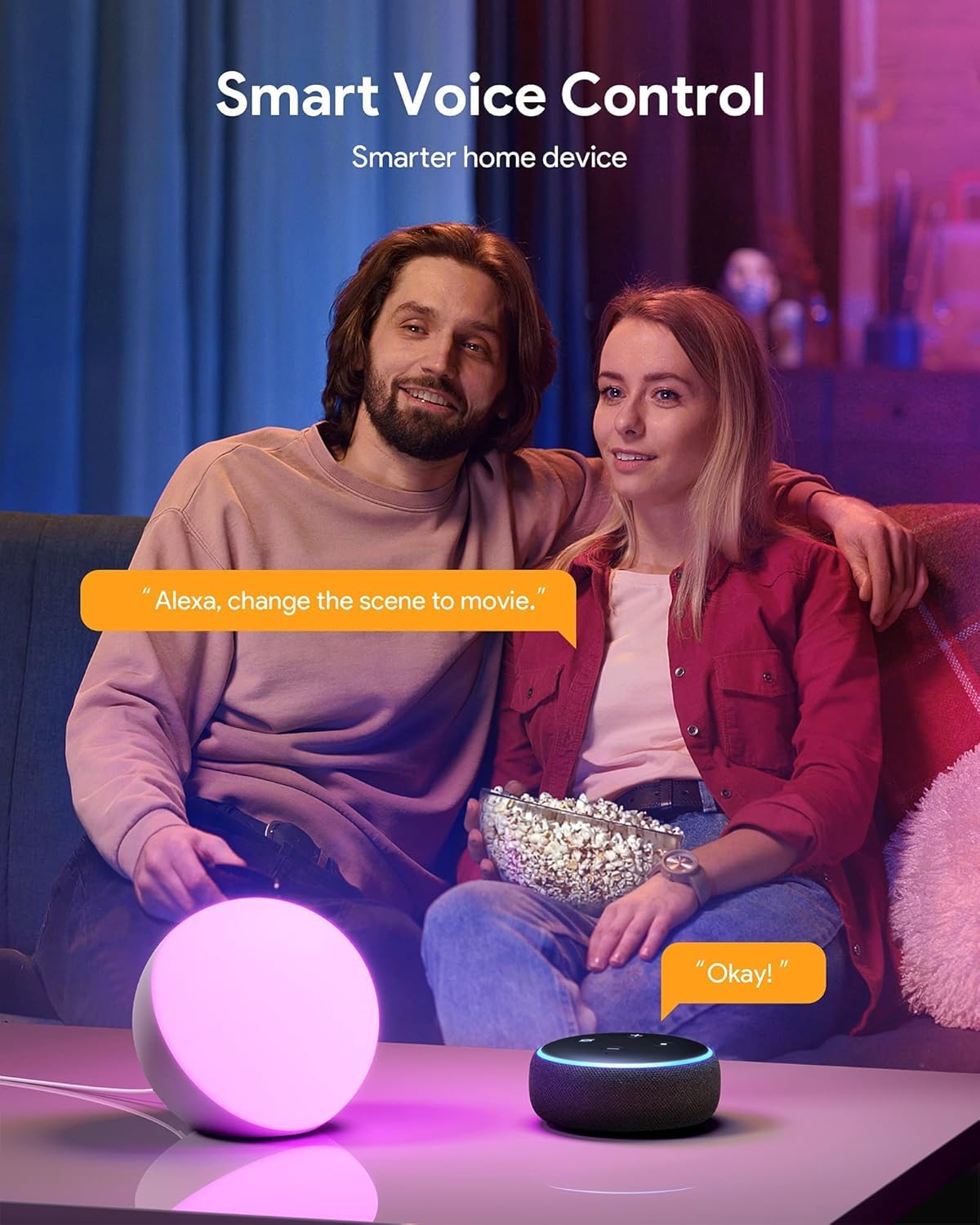
Image: Customizing mood lighting through the "Smart Life" app.
3. Voice Control (for Smart Lamp)
Integrate your smart lamp with Amazon Alexa or Google Assistant for convenient voice commands.
- Enllaça el compte: Ensure your "Smart Life" account is linked to your Alexa or Google Home app. Refer to the respective voice assistant's instructions for linking third-party services.
- Descobriu els dispositius: Once linked, ask your voice assistant to "Discover devices" to find your Hifree Smart Table Lamp.
- Comandaments de veu: Use commands such:
- "Alexa, activa [L]"amp Nom]."
- "Hey Google, turn off [Lamp Nom]."
- "Alexa, set [Lamp Nom] a blau."
- "Ei Google, fosc [L]"amp Nom] al 50%."
- "Alexa, change the scene to movie."

Image: Using voice commands with Alexa to control the smart lamp.
4. Specific Use Cases
- Lectura de Lamp: The anti-blue light LED feature helps reduce eye strain, making it ideal for reading. Adjust brightness to a comfortable level.
- Sleep Night Light Mode: Utilize the warm colors and timer function to help facilitate a peaceful sleep or gentle wake-up.

Imatge: La lamp used as a reading light, emphasizing its eye-care properties.

Imatge: La lamp functioning as a night light for sleep.

Imatge: Més deview de la lamp's control features and lighting options.
Manteniment
Proper maintenance ensures the longevity and optimal performance of your Hifree Smart Table Lamp.
- Neteja:
- Abans de netejar, assegureu-vos que lamp està desconnectat de la presa de corrent.
- Netegeu la lamp's surface with a soft, dry, or slightly damp tela.
- No utilitzeu netejadors abrasius, dissolvents ni productes químics agressius, ja que poden danyar l'acabat.
- Emmagatzematge: Si emmagatzema la lamp for an extended period, unplug it and keep it in a cool, dry place away from direct sunlight and extreme temperatures.
- Seguretat:
- No desmunteu la lamp. Refer to qualified personnel for any repairs.
- Mantingueu la lamp away from water or excessive moisture. It is not waterproof.
- Assegureu-vos una ventilació adequada al voltant de lamp durant el funcionament.
Resolució de problemes
If you encounter issues with your Hifree Smart Table Lamp, consulteu els passos habituals següents per a la resolució de problemes:
| Problema | Causa possible | Solució |
|---|---|---|
| Lamp no s'encén. | Sense connexió elèctrica. | Assegureu-vos que l'adaptador de corrent estigui ben connectat a la presa de correntamp i una presa de corrent que funcioni. |
| Intel·ligent lamp cannot connect to Wi-Fi. | Incorrect Wi-Fi password; 5GHz network; lamp not in pairing mode; network interference. |
|
| El control per veu no funciona. | Account not linked; device not discovered; incorrect commands. |
|
| El control tàctil no respon. | Temporary glitch; surface obstruction. |
|
If the problem persists after trying these solutions, please contact Hifree customer support for further assistance.
Garantia i Suport
This product is sold by YOABO and fulfilled by Amazon. For any issues or support, please contact the seller directly through your Amazon order history. The product is subject to Amazon's standard return policy, which typically allows returns within 30 days of receipt for a refund or replacement.
For technical support or inquiries not covered in this manual, please refer to the Hifree brand store on Amazon or contact the seller YOABO via your Amazon purchase details.
Venedor: YOABO
Amazon Return Policy: Learn more about Amazon's return policy
Ask a question about this manual
Ask about setup, troubleshooting, compatibility, parts, safety, or missing instructions. Manuals+ will review the question and use this page’s manual context to help answer it.