
1. Producte acabatview
The Tuerthy Light Alarm Clock (Model ACA-002-B) is a versatile device designed to enhance your sleep and wake-up experience. It combines a gentle sunrise simulation with natural sounds or FM radio to help you wake up refreshed. Additionally, it offers a sunset simulation for a peaceful transition to sleep, a 7-color LED night light, and a convenient USB charging port.

Image: Gentle Morning Wake-Up Call with Sunrise Simulation and Natural Melodies.
Característiques principals:
- Sunrise & Sunset Simulation: Gradually brightens or dims to mimic natural light cycles.
- Alarmes dobles: Configura dues alarmes independents per a diferents horaris.
- Ràdio FM: Sintonitza les teves emissores de ràdio preferides.
- 7 sons naturals: Choose from a selection of soothing sounds for waking or sleeping.
- Llum nocturna LED de 7 colors: Offers various ambient light options.
- Port de càrrega USB: Conveniently charge your devices.
- Funció de posposar: Provides extra sleep time.
- 12/24-Hour Display: Flexible time format.
2. Contingut del paquet
Si us plau, comproveu el paquet per veure si hi ha els elements següents:
- Tuerthy Light Alarm Clock
- Adaptador d'alimentació
- Cable USB
- Manual d'usuari

Image: Product components and packaging.
3. Disseny del dispositiu
Familiarize yourself with the buttons and ports on your Tuerthy Light Alarm Clock:
Image: Labeled diagram of the alarm clock's buttons and ports.
- Volum +/-: Ajustar el volum del so.
- Botó de ràdio FM: Activate/deactivate FM radio.
- Fall-asleep Button: Initiate sunset simulation and sleep aid.
- Botó de configuració: Enter settings mode.
- Interfície USB: Per a l'entrada de potència.
- Botó Posposa: Temporarily pause the alarm.
- + Up Button: Augmenta els valors o navega cap amunt.
- Lamp Botó: Control the light.
- - Down Button: Disminueix els valors o navega cap avall.
- Alarm Clock 1 / 2 Buttons: Set and activate individual alarms.
- Ponent: Sortida d'àudio.
- Port del carregador USB: Charge external devices.
4. Configuració
4.1 Connexió d'alimentació
- Connect the USB cable to the USB Interface on the back of the alarm clock.
- Connecteu l'altre extrem del cable USB a l'adaptador d'alimentació.
- Connecteu l'adaptador de corrent a una presa de corrent estàndard. La pantalla s'il·luminarà.
4.2 Configuració de l'hora
- Premeu el botó Botó de configuració to enter time setting mode. The hour display will flash.
- Utilitza el + Up Button or - Down Button per ajustar l'hora.
- Premeu el botó Botó de configuració again to confirm the hour and move to minute setting. The minute display will flash.
- Utilitza el + Up Button or - Down Button per ajustar el minut.
- Premeu el botó Botó de configuració a third time to select 12-hour or 24-hour format. Use the + Up Button or - Down Button per triar.
- Premeu el botó Botó de configuració once more to save and exit time setting mode.
5. Instruccions de funcionament
5.1 Alarma de simulació de sortida del sol
The sunrise simulation gradually brightens the light before your set alarm time, preparing your body for waking.
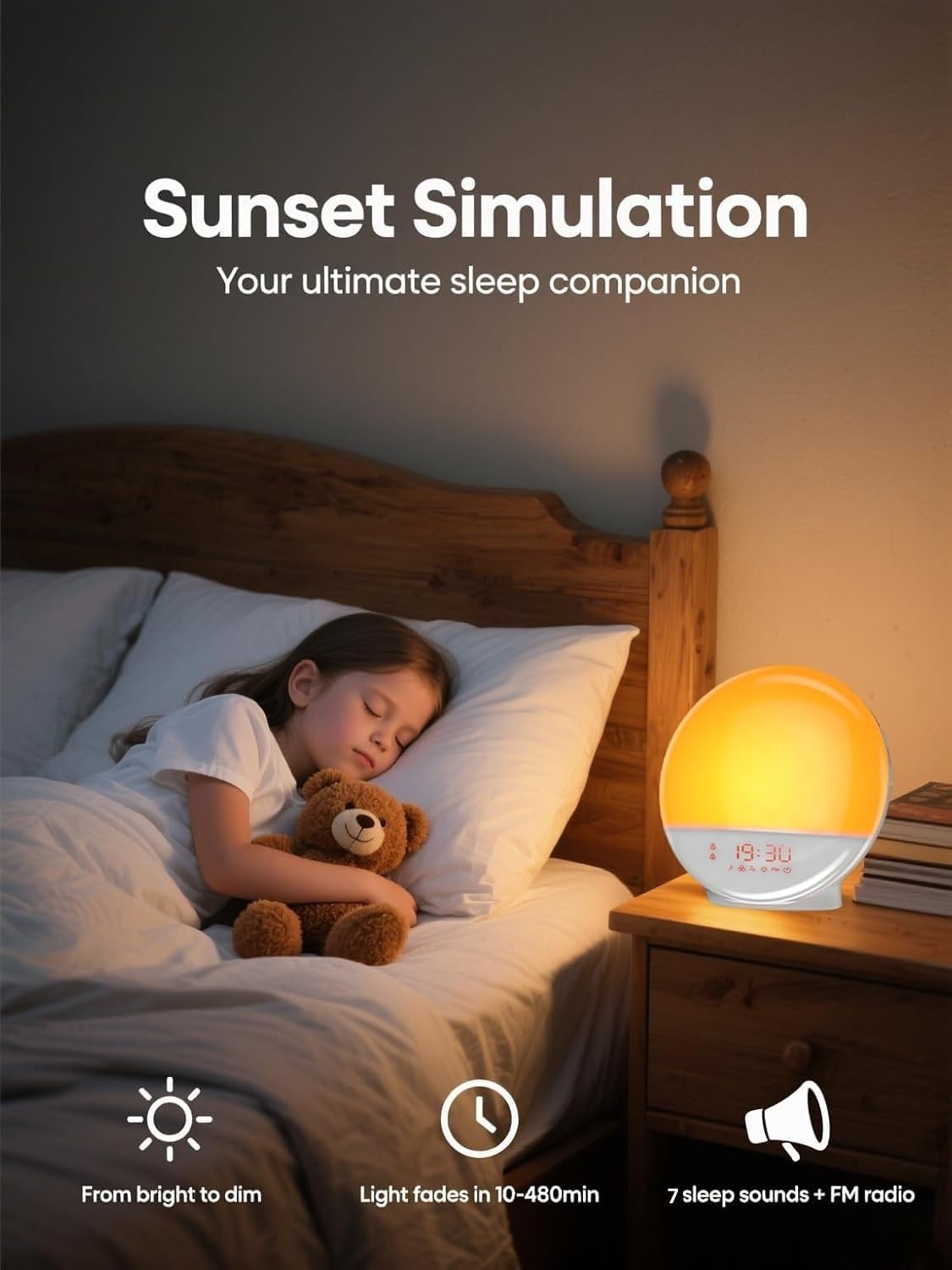
Image: Sunrise Simulation for a natural wake-up.
- Premeu qualsevol Rellotge despertador 1 Botó or Rellotge despertador 2 Botó to activate the alarm. The alarm icon will appear on the display.
- Press and hold the selected Botó del despertador to enter alarm settings.
- Set the alarm time using the + Up Button or - Down Buttoni, a continuació, premeu Botó del despertador to confirm each step (hour, minute).
- Next, select the wake-up sound (7 natural sounds or FM radio) and volume level (0-20) using the + Up Button or - Down Button. Confirm with the Botó del despertador.
- Choose the sunrise simulation duration (e.g., 10-60 minutes) before the alarm time. The light will gradually increase during this period.
- Premeu el botó Botó del despertador per desar la configuració.
- To turn off the alarm, press the corresponding Botó del despertador.
5.2 Sunset Simulation (Sleep Aid)
The sunset simulation gradually dims the light and plays soothing sounds to help you fall asleep.

Image: Sunset Simulation for a restful sleep.
- Premeu el botó Fall-asleep Button to activate sunset simulation. The sleep aid icon will appear.
- Manteniu premut el botó Fall-asleep Button per entrar a la configuració.
- Set the duration for the light to dim (e.g., 10-480 minutes) using the + Up Button or - Down Button. Confirm with the Fall-asleep Button.
- Choose a sleep sound (7 natural sounds or FM radio) and volume level. Confirm with the Fall-asleep Button.
- The light will gradually dim and the sound will play for the set duration.
- To turn off the sleep aid, press the Fall-asleep Button de nou.
5.3 Light Control (Night Light)
Use the alarm clock as a bedside lamp or ambient light source.
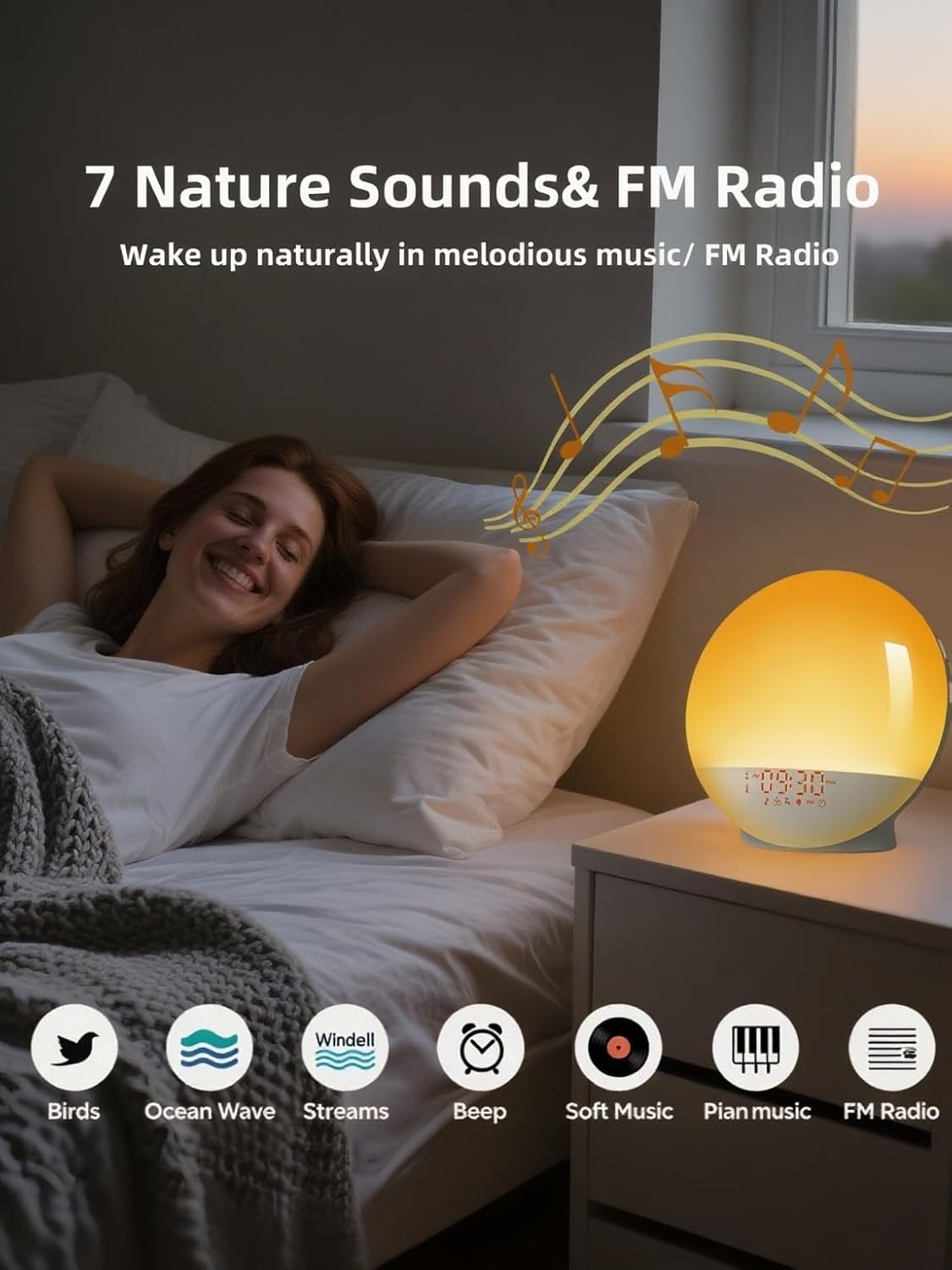
Image: 11 Color Options & RGB Ambience Light with 20 Brightness Settings.
- Premeu el botó Lamp Botó per encendre/apagar la llum.
- When the light is on, use the + Up Button or - Down Button per ajustar la brillantor (20 nivells).
- Premeu el botó Lamp Botó repeatedly to cycle through 7 different colors or a color-changing mode.
5.4 Ràdio FM
Escolta les teves emissores de ràdio FM preferides.

Image: 7 Nature Sounds & FM Radio for a pleasant wake-up.
- Premeu el botó Botó de ràdio FM per encendre/apagar la ràdio.
- Manteniu premut el botó Botó de ràdio FM per escanejar i desar automàticament les emissores disponibles.
- Utilitza el + Up Button or - Down Button to switch between saved stations.
- Ajusteu el volum amb el botó Volume + / - Buttons.
5.5 Funció de repetició
Quan soni l'alarma, premeu el botó Botó Posposa (top center) to temporarily pause the alarm for 9 minutes. The alarm will sound again after the snooze period. To cancel snooze and turn off the alarm, press the corresponding Botó del despertador.
6. Manteniment
6.1 Neteja
- Desconnecteu el dispositiu abans de netejar-lo.
- Use a soft, dry cloth to wipe the surface of the alarm clock.
- No utilitzeu netejadors abrasius ni dissolvents, ja que poden danyar l'acabat.
6.2 Emmagatzematge
If not in use for an extended period, store the alarm clock in a cool, dry place away from direct sunlight and moisture.
7. Solució De Problemes
If you encounter any issues with your Tuerthy Light Alarm Clock, please refer to the following common solutions:
- El dispositiu no s'encén: Ensure the power adapter is securely connected to both the alarm clock and a working power outlet.
- L'alarma no sona: Check if the alarm is activated (alarm icon on display) and if the volume is set to an audible level.
- FM radio reception poor: Try repositioning the device or extending the antenna (if applicable) for better signal.
- La pantalla no funciona correctament: Try unplugging the device for a few minutes and then plugging it back in to reset it.
Per a més ajuda, poseu-vos en contacte amb l'atenció al client.
8. Especificacions
| Característica | Detall |
|---|---|
| Marca | Tuerthy |
| Número de model | ACA-002-B |
| Opcions de color | Blue, Indigo, Violet, Red, Orange, Yellow, Green |
| Dimensions (L x A x A) | 16.05 x 3.81 x 16.05 cm |
| Pes | 535.24 grams |
| Voltage | 5 Volts |
| Material | Acrilonitril butadiè estirè (ABS) |
| Característiques especials | Alarm, Radio, Snooze, Sunset Lamp, Wake-up Lamp |
| Tipus de visualització | Digital |
| Font d'alimentació | Elèctric amb cable |
| Ús interior/exterior | Interior |
For detailed energy information, please refer to the EU EPREL database: https://eprel.ec.europa.eu/qr/1443362
9. Garantia i Suport
The Tuerthy Light Alarm Clock is constructed from safe ABS material and is approved by FCC, CE, and RoHS standards. We offer a 100% satisfaction guarantee and a one-year warranty.
If you are not satisfied with your product or require assistance, please do not hesitate to contact our customer support team. We are committed to providing excellent service.