
1. Introducció
This manual provides instructions for the proper setup, operation, and maintenance of your Havit H2002P Gaming Headset. The Havit H2002P is designed for an immersive audio experience, featuring 7.1 virtual surround sound, 53mm high-magnetic drivers, and comfortable over-ear design with RGB lighting.
Si us plau, llegiu aquest manual detingudament abans d'utilitzar el producte per garantir un rendiment i una longevitat òptims.
2. Contingut del paquet
Verifiqueu que tots els elements siguin presents al paquet:
- Havit H2002P Gaming Headset
- Micròfon desmuntable
- Manual d'usuari (aquest document)
3. Producte acabatview
Familiarize yourself with the components of your Havit H2002P Gaming Headset.

Figura 3.1: Davant view of the Havit H2002P Gaming Headset with microphone attached.
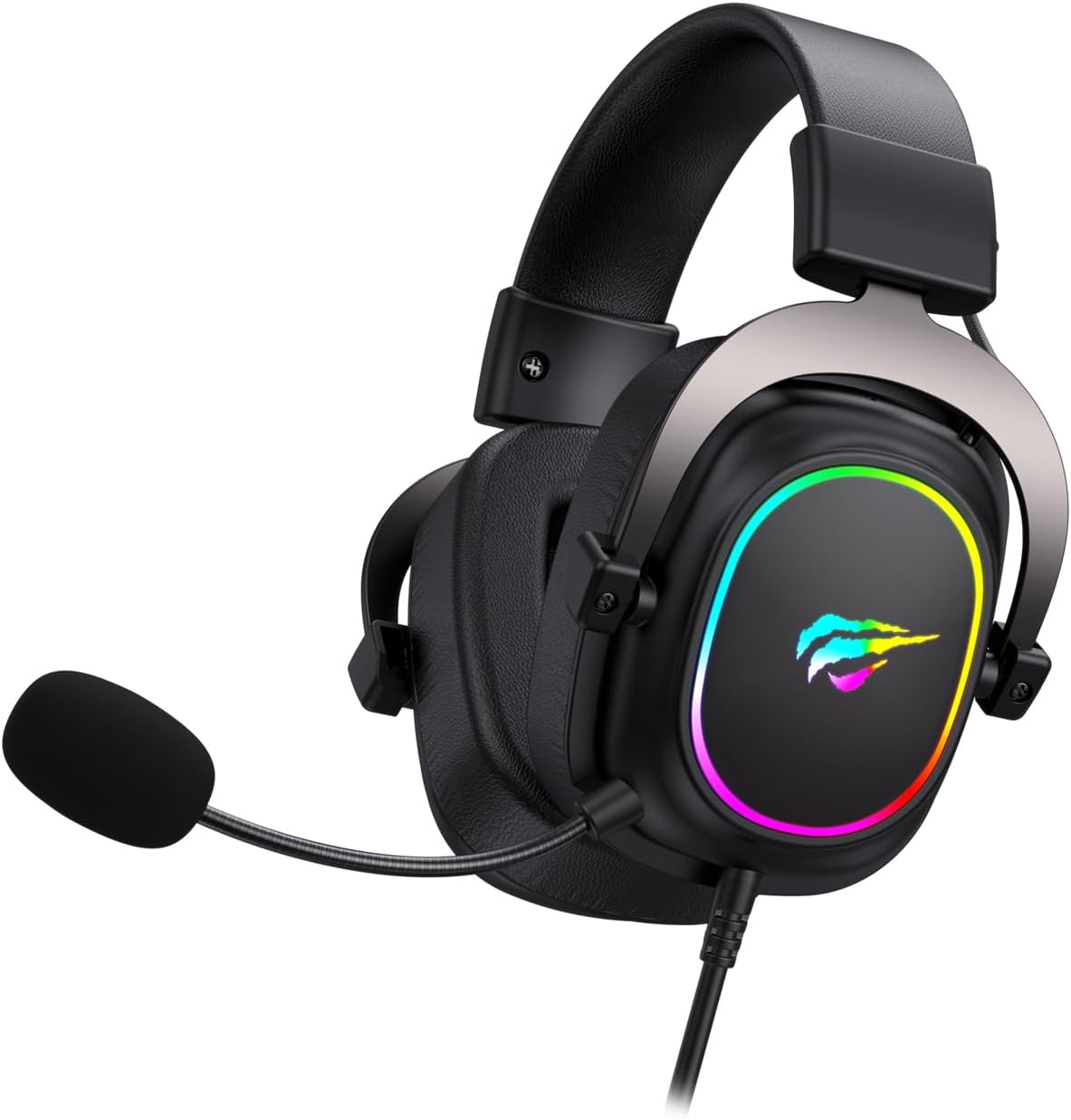
Figura 3.2: lateral view illustrating the headset's USB cable connection and microphone attachment point.
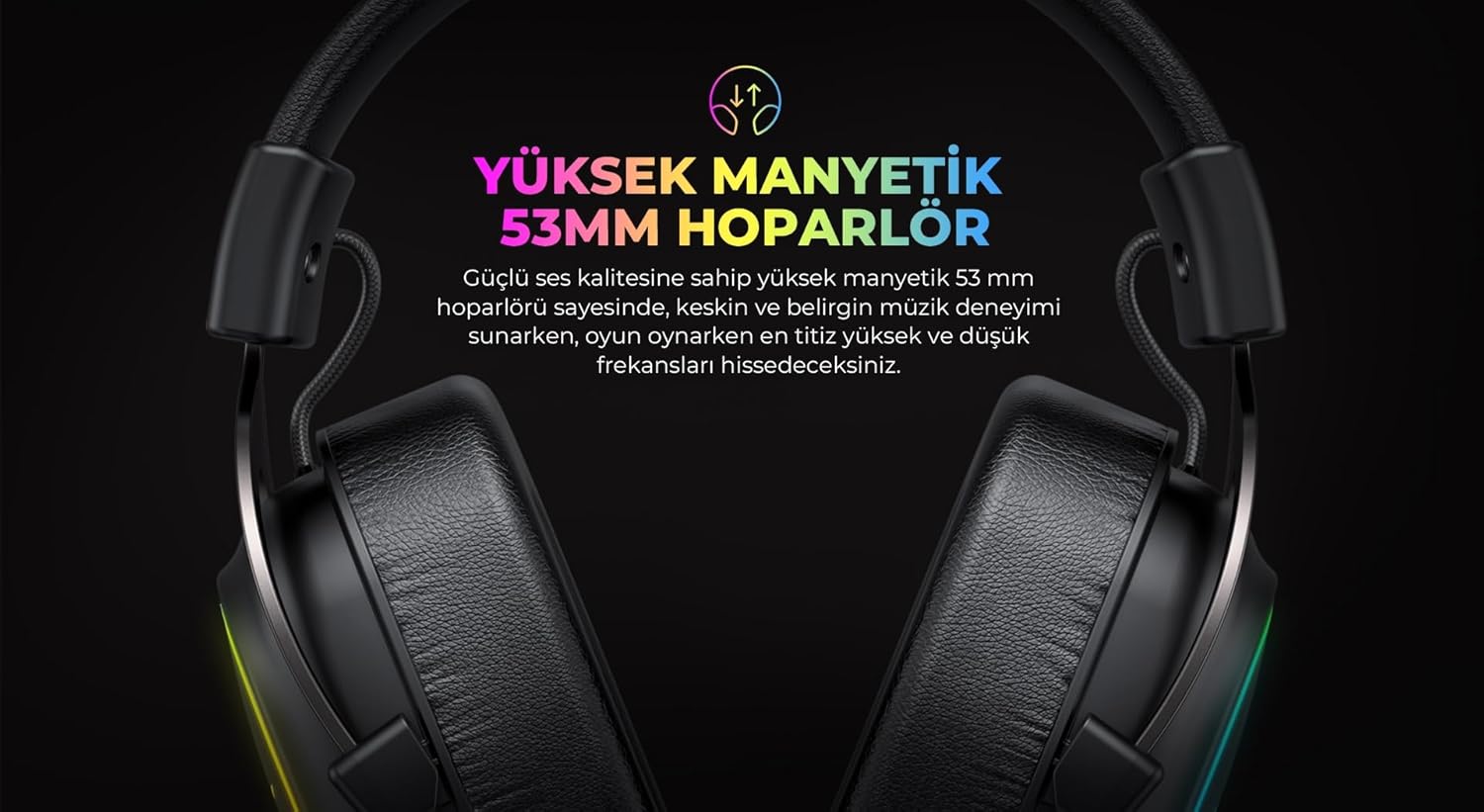
Figura 3.3: Detail of the ear cup featuring integrated RGB lighting.

Figura 3.4: The adjustable headband mechanism for a comfortable fit.
4. Instruccions de configuració
4.1 Connexió dels auriculars
- Localitzeu un port USB disponible al vostre ordinador.
- Plug the USB connector of the Havit H2002P headset into the USB port.
- Your operating system should automatically detect the new hardware.
4.2 Connectar el micròfon
- Identifiqueu el port del micròfon a l'auricular esquerre dels auriculars.
- Align the detachable microphone with the port and gently insert it until it clicks into place.
- Adjust the flexible microphone arm to position the microphone optimally near your mouth.
4.3 Driver Installation (for 7.1 Virtual Surround Sound)
To enable 7.1 virtual surround sound and customize audio settings, driver installation is recommended.
- Visit the official Havit website (refer to the product packaging or Havit's main weblloc web per a l'exactitud URL).
- Navigate to the support or downloads section and locate the driver for the Havit H2002P model.
- Baixeu i executeu l'instal·lador. Seguiu les instruccions que apareixen a la pantalla per completar la instal·lació.
- Reinicieu l'ordinador si se us demana.
- After installation, open the Havit audio software to configure 7.1 virtual surround sound and other audio preferences.
5. Instruccions de funcionament
5.1 Control de volum
The headset features an in-line control unit on the cable for convenient volume adjustment. Rotate the volume wheel up or down to increase or decrease the audio output.
5.2 Funció de silenciament del micròfon
On the in-line control unit, locate the microphone mute switch. Toggle the switch to mute or unmute the microphone. A visual indicator (if present on the control unit) may show the microphone status.
Il·luminació RGB 5.3
The Havit H2002P features integrated RGB lighting on the earcups. The lighting typically activates automatically when the headset is connected via USB. Specific controls for RGB patterns or colors may be available through the Havit audio software after driver installation.
So envoltant virtual 5.4 7.1
Once the Havit audio driver is installed, open the associated software application. Within this software, you can enable, disable, and customize the 7.1 virtual surround sound experience to suit your preferences for gaming or media consumption.
6. Manteniment
6.1 Neteja
- Feu servir un drap suau i sec per netejar les superfícies dels auriculars.
- For earcups, a slightly damp cloth with mild soap can be used, but ensure no liquid enters the speaker grilles.
- No utilitzeu productes químics agressius, dissolvents ni netejadors abrasius.
6.2 Emmagatzematge
When not in use, store the headset in a clean, dry place away from extreme temperatures and direct sunlight. Avoid placing heavy objects on the headset to prevent damage to the headband or earcups.
7. Solució De Problemes
| Problema | Causa possible | Solució |
|---|---|---|
| No hi ha so dels auriculars |
|
|
| El micròfon no funciona |
|
|
| La il·luminació RGB no funciona |
|
|
8. Especificacions
| Característica | Detall |
|---|---|
| Nom del model | H2002P |
| Marca | Havit |
| Factor de forma dels auriculars | Sobre l'orella |
| Col·locació de l'orella | Sobre l'orella |
| Diàmetre de l'altaveu | 53mm (High Magnetic) |
| Efecte de so | 7.1 Virtual Surround Sound (via USB and driver) |
| Impedància | 53 ohms |
| Sensibilitat | 96 dB |
| Resposta de freqüència | 135 Hz (Note: This value seems unusually low for a full frequency response range, typically it's a range like 20Hz-20kHz. This might be a partial spec or an error in the source data. Assuming it's a single data point provided.) |
| Connectivitat | USB (for 7.1 audio and RGB) |
| Micròfon | Pluggable/Detachable |
| Il·luminació | RGB |
| Color | Black (with RGB elements) |
| Dimensions del producte | 11.2 x 20.8 x 22.8 cm |
| Pes de l'article | 740 g |
9. Garantia i Suport
For warranty information, technical support, or service inquiries, please refer to the warranty card included with your product or visit the official Havit weblloc web. Les dades de contacte per a l'atenció al client solen estar disponibles al lloc web del fabricant. weblloc.