
1. Introducció
The CUBOT King Kong 7 is a rugged smartphone designed for durability and performance in challenging environments. It features IP68/IP69K water, dust, and shock resistance, an Android 11 operating system, a powerful Octa-Core processor, and a high-resolution camera system. This manual provides essential information for setting up, operating, maintaining, and troubleshooting your device.

Imatge: Més deview of CUBOT King Kong 7 key features including ruggedness, processor, operating system, camera, memory, battery, and connectivity options.
2. Contingut del paquet
Please check the package contents upon unboxing your CUBOT King Kong 7 smartphone. If any items are missing or damaged, contact your retailer.
- CUBOT King Kong 7 Smartphone
- Adaptador d'alimentació
- Cable USB (tipus C)
- Eina expulsora de SIM
- Protector de pantalla (preaplicat o en caixa)
- Guia d'inici ràpid
- Targeta de garantia
3. Disseny del dispositiu
Familiarize yourself with the physical components of your CUBOT King Kong 7.
- Davant: 6.36-inch FHD+ Display, 32MP Front Camera, Earpiece, Sensors.
- posterior: 64MP Main Camera, 16MP Wide-Angle Camera, 5MP Macro Camera, LED Flash, Fingerprint Sensor.
- Laterals: Power Button, Volume Up/Down Buttons, SIM/SD Card Tray, USB Type-C Port.
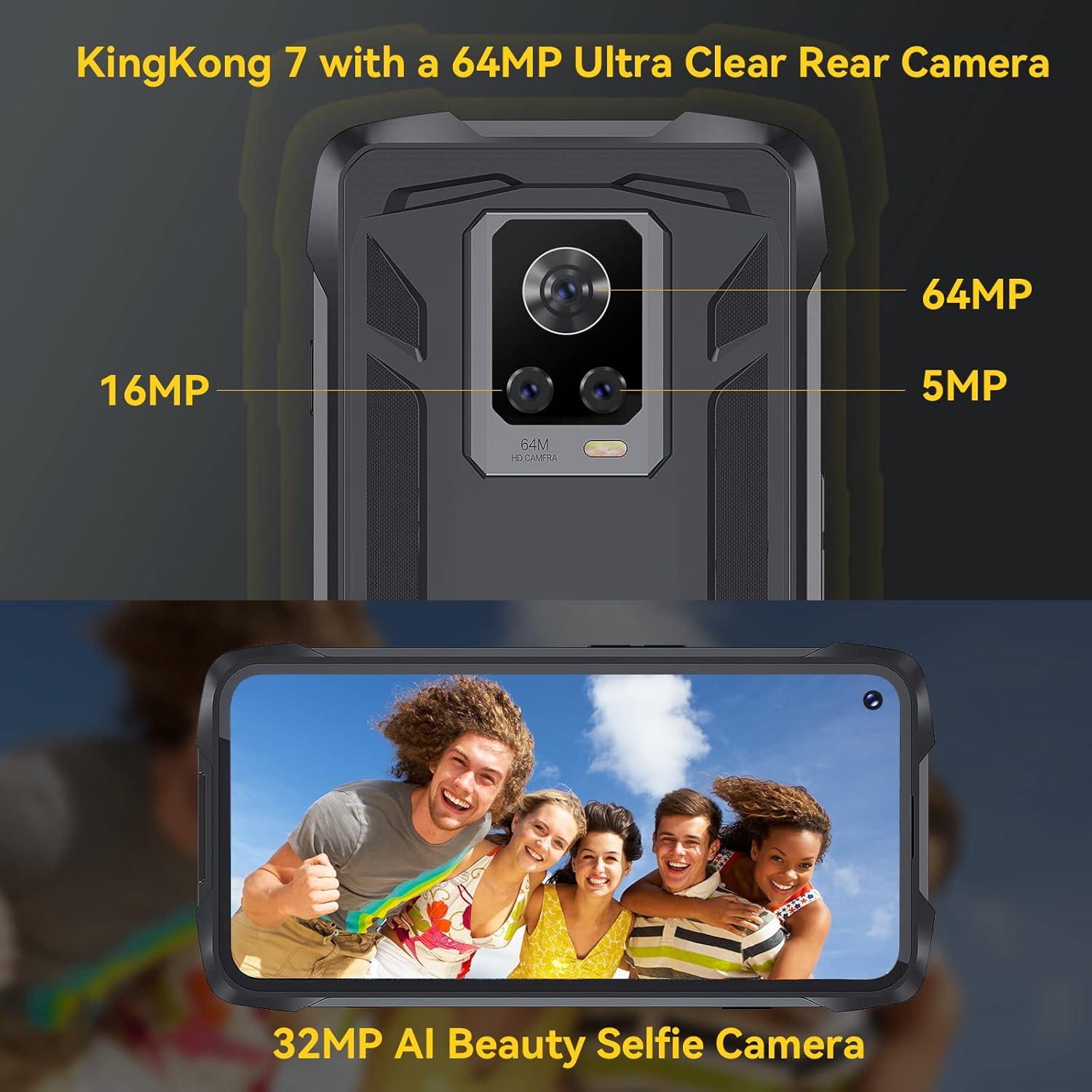
Imatge: Part posterior view of the CUBOT King Kong 7, highlighting the camera array and fingerprint sensor placement.
4. Configuració
4.1 Installing SIM and SD Cards
- Localitza la safata de la targeta SIM/SD al lateral del dispositiu.
- Introduïu l'eina d'expulsió de la SIM al forat petit que hi ha al costat de la safata i premeu suaument fins que la safata surti.
- Place your Nano-SIM card(s) and/or microSD card (up to 256GB) into the designated slots on the tray, ensuring correct orientation.
- Empenyeu amb cura la safata cap al telèfon fins que encaixi al seu lloc.
4.2 Engegada/apagada
- Per encendre: Press and hold the Power button until the CUBOT logo appears.
- Per apagar: Press and hold the Power button until the power options appear on the screen, then select "Power off."
4.3 Configuració inicial
En encendre'l per primera vegada, seguiu les instruccions que apareixen a la pantalla per fer el següent:
- Seleccioneu el vostre idioma.
- Connecteu-vos a una xarxa Wi-Fi.
- Set up your Google account.
- Configure screen lock (PIN, pattern, password, fingerprint, Face ID).
5. Funcionament del vostre dispositiu
5.1 Conceptes bàsics d'Android 11
Your CUBOT King Kong 7 runs on Android 11, offering an intuitive user experience. Navigate using gestures or on-screen buttons. Swipe down from the top for notifications and quick settings.
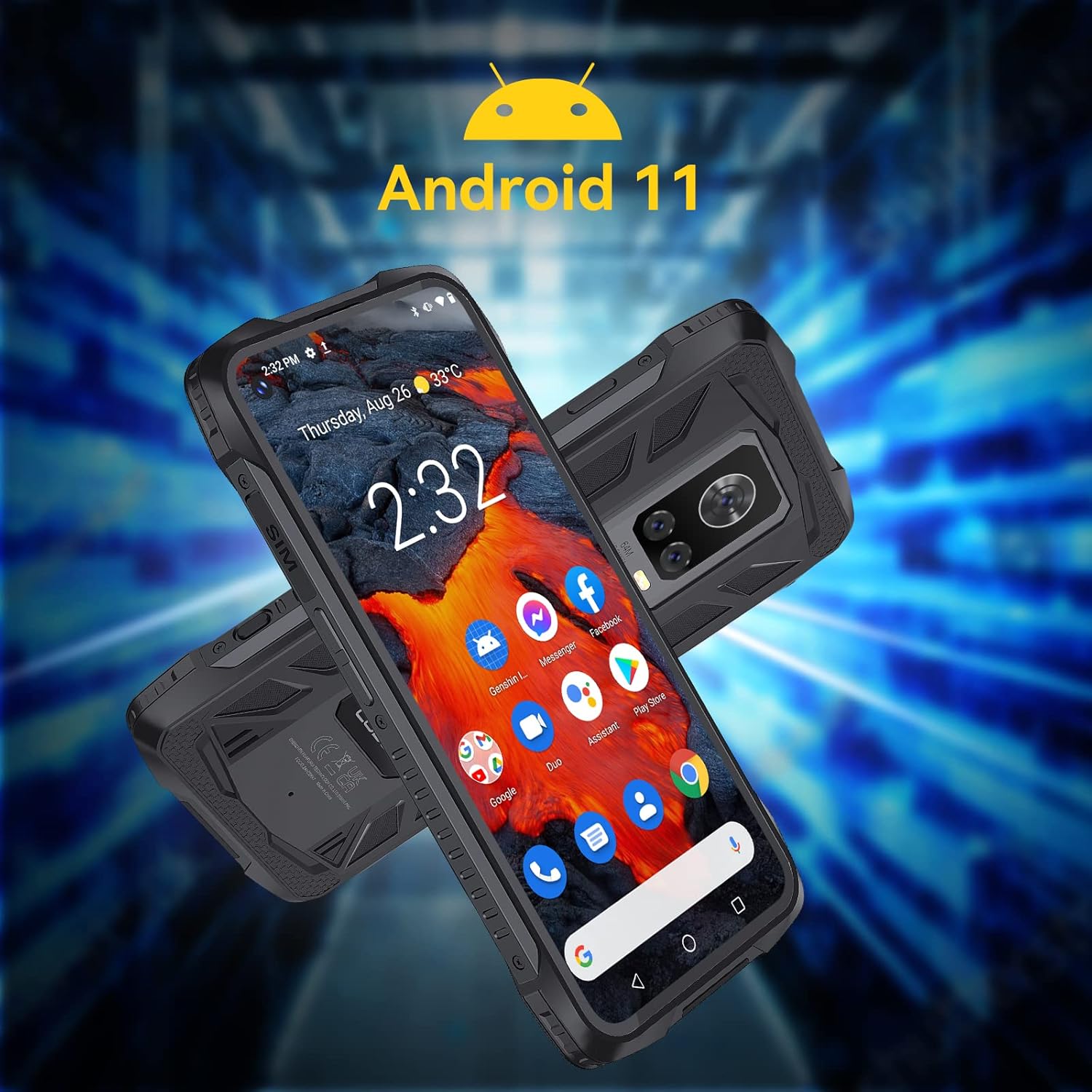
Image: The CUBOT King Kong 7 running Android 11, showing the user interface and pre-installed applications.
5.2 Trucades i missatges
- Fer trucades: Obriu l'aplicació Telèfon, introduïu el número i toqueu la icona de trucada.
- Enviament de missatges: Obre l'aplicació Missatges, toca per iniciar una conversa nova, introdueix el destinatari i el teu missatge.
5.3 Ús de la càmera
The King Kong 7 features a versatile camera system:
- Càmera principal de 64MP: Per a fotos d'alta resolució.
- Lent gran angular de 16MP: Capturar escenes més àmplies.
- Lent macro de 5MP: Per a primers plans detallats.
- Càmera frontal de 32MP: Per a selfies i videotrucades.
- Supermode nocturn: Enhance photos in low-light conditions.

Imatge: Detallada view of the King Kong 7's AI Triple Camera system, illustrating the different lens capabilities.
5.4 Connectivitat
- Wi-Fi: Connecteu-vos a xarxes sense fil per accedir a Internet.
- 4G LTE: Utilize cellular data for internet on the go (Dual SIM support).
- Bluetooth 4.2: Connecteu-vos a auriculars, altaveus i altres dispositius sense fil.
- NFC: Per a pagaments sense contacte i emparellament ràpid amb dispositius compatibles.
5.5 Funcions de seguretat
- Identificació facial: Desbloqueja el telèfon mitjançant el reconeixement facial.
- Sensor d’empremta digital: Unlock your phone quickly and securely using the side-mounted fingerprint sensor.

Image: Visual representation of NFC, Face ID, and Dual Nano SIM capabilities.
5.6 Navegació
El dispositiu admet diversos sistemes globals de navegació per satèl·lit per a un posicionament precís:
- GPS
- GLONASS
- BEIDOU
6. Manteniment
6.1 Neteja del vostre dispositiu
To maintain the rugged features and appearance of your phone:
- Netegeu la pantalla i el cos amb un drap suauamp tela.
- Eviteu utilitzar productes químics o materials abrasius.
- Assegureu-vos que totes les cobertes dels ports estiguin ben tancades abans d'exposar el telèfon a l'aigua o la pols.
6.2 Cura de la bateria
The CUBOT King Kong 7 is equipped with a 5000mAh battery. To prolong battery life:
- Eviteu temperatures extremes.
- Feu servir el carregador i el cable originals.
- No descarregueu completament la bateria amb freqüència.
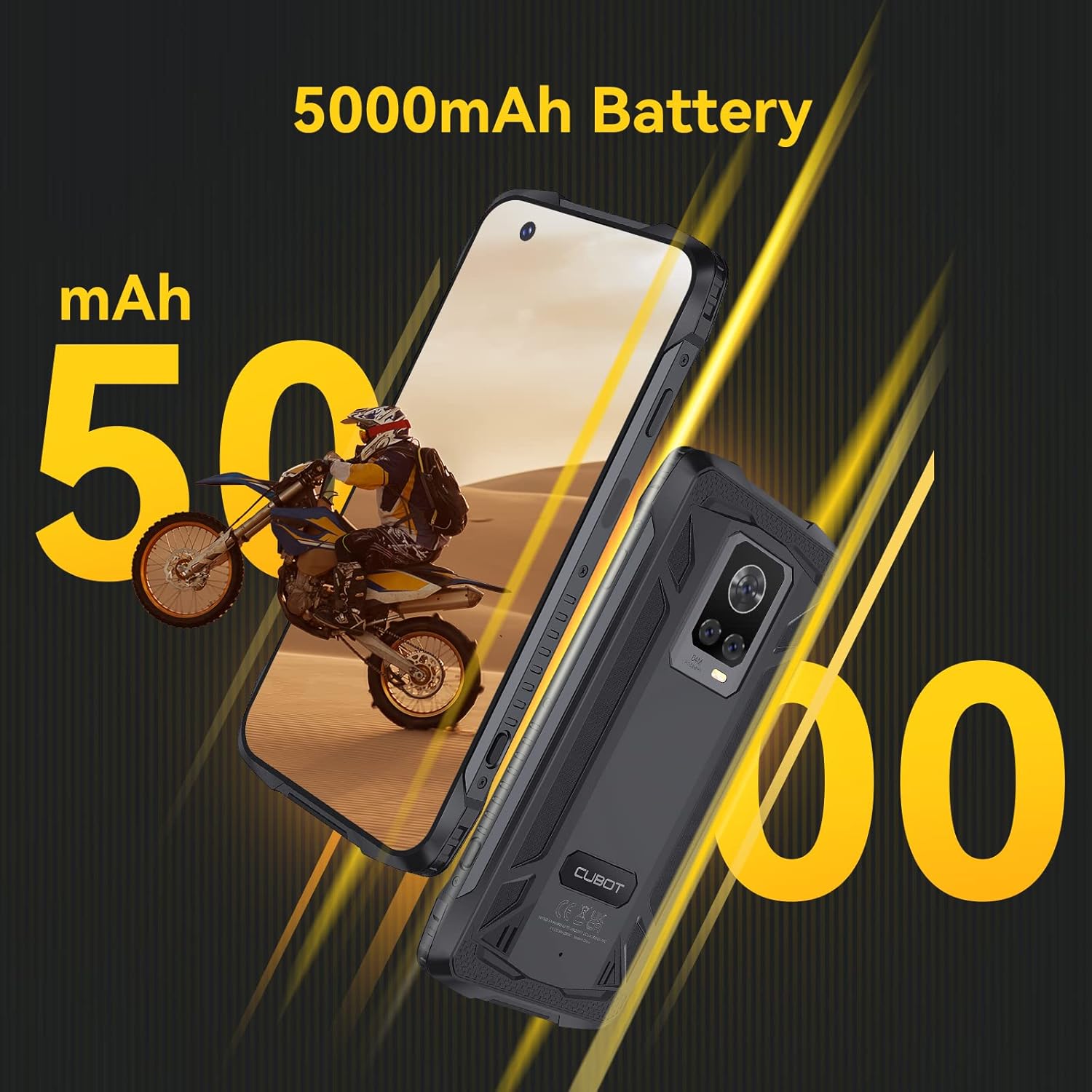
Image: The CUBOT King Kong 7 highlighting its 5000mAh battery capacity.
6.3 Actualitzacions de programari
Comproveu i instal·leu regularment si hi ha actualitzacions de programari per garantir un rendiment òptim, seguretat i accés a noves funcions. Aneu a Configuració > Sistema > Actualització del sistema.
7. Solució De Problemes
Aquesta secció tracta problemes comuns que podeu trobar.
| Problema | Solució |
|---|---|
| El dispositiu no s'encén | Assegureu-vos que la bateria estigui carregada. Connecteu-la al carregador durant almenys 10 minuts i, a continuació, torneu-la a engegar. |
| Senyal de xarxa pobre | Comproveu la inserció de la targeta SIM. Moveu-vos a una zona amb millor cobertura de xarxa. Reinicieu el dispositiu. |
| Les aplicacions es bloquegen o es bloquegen | Clear the app's cache (Settings > Apps > [App Name] > Storage > Clear cache). Restart the device. Update the app. |
| El sensor d'empremtes dactilars no funciona | Ensure your finger and the sensor are clean and dry. Re-register your fingerprints in Settings > Security. |
| Water/Dust ingress | Ensure all port covers are properly sealed. If water has entered, power off immediately and seek professional service. |
8. Especificacions
Key technical specifications for the CUBOT King Kong 7.
| Característica | Detall |
|---|---|
| Nom del model | King Kong 7 |
| Sistema operatiu | Android 11.0 |
| Processador | P60 Octa-Core Processor |
| RAM | 8 GB |
| Emmagatzematge intern | 256 GB (ampliable fins a 256 GB amb targeta TF) |
| Mostra | 6.36 polzades FHD+ (1080 x 2300) |
| Càmera posterior | 64MP Main + 16MP Wide-Angle + 5MP Macro |
| Càmera frontal | 32MP |
| Capacitat de la bateria | 5000 mAh |
| Connectivitat | 4G Dual SIM, Wi-Fi, Bluetooth 4.2, NFC |
| Navegació | GPS, GLONASS, BEIDOU |
| Seguretat | Face ID, Side Fingerprint Sensor |
| La robustesa | IP68 & IP69K Waterproof, Dustproof, Shockproof |
| Dimensions | 6.56 x 3.29 x 0.55 polzades |
| Pes | 6 unces |
| Jack d'àudio | Sense presa per a auriculars |
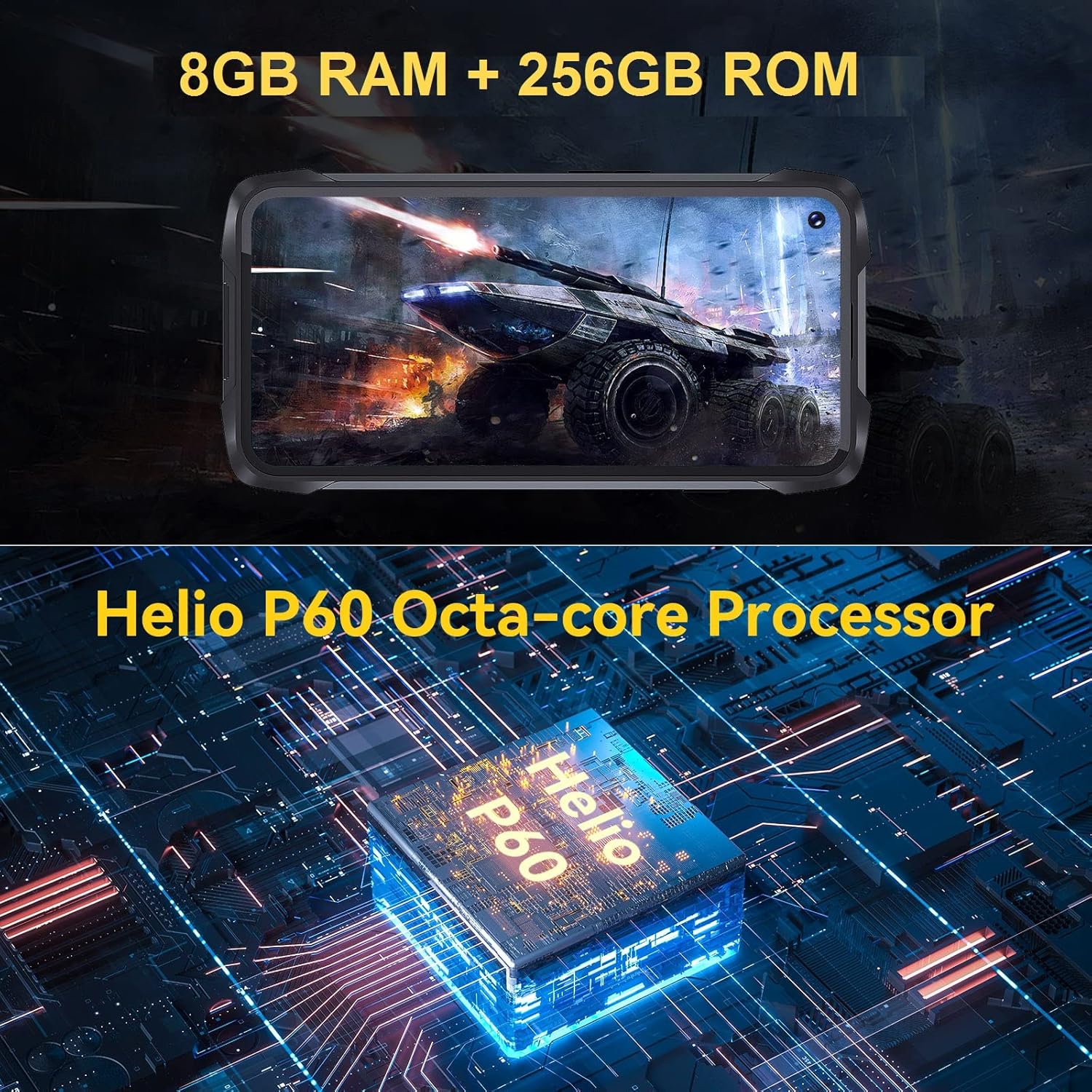
Image: Visual representation of the King Kong 7's powerful Helio P60 Octa-core Processor and memory configuration (8GB RAM + 256GB ROM).
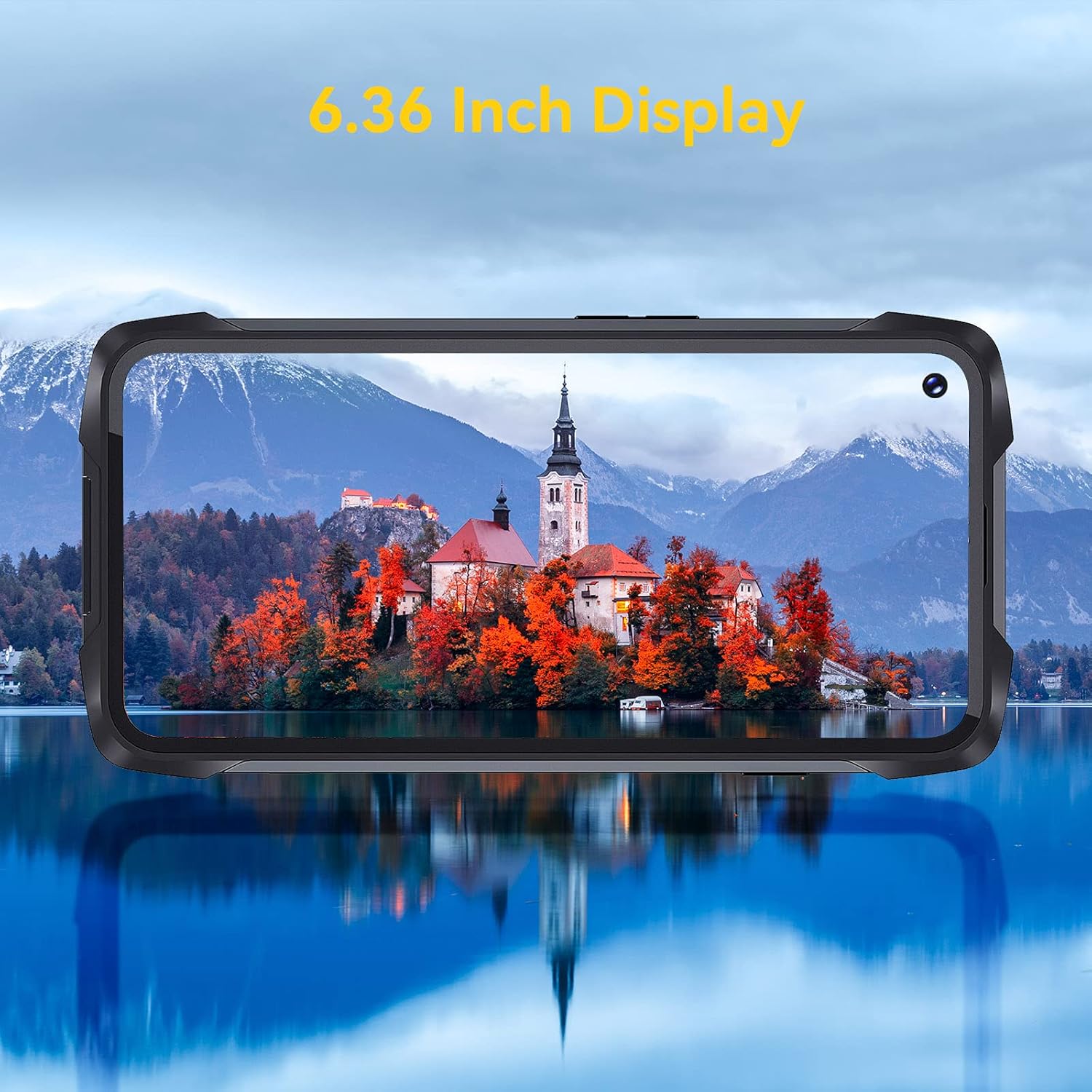
Image: The 6.36-inch display of the CUBOT King Kong 7 showcasing its visual clarity.
9. Informació de seguretat
Please read the following safety guidelines carefully to ensure safe and proper use of your device:
- No intenteu desmuntar o modificar el dispositiu.
- Feu servir només carregadors i accessoris aprovats.
- Eviteu exposar el dispositiu a temperatures extremes o a la llum solar directa durant períodes prolongats.
- Mantingueu el dispositiu allunyat de dispositius mèdics i marcapassos.
- Desfeu-vos del dispositiu i de la bateria de manera responsable d'acord amb la normativa local.
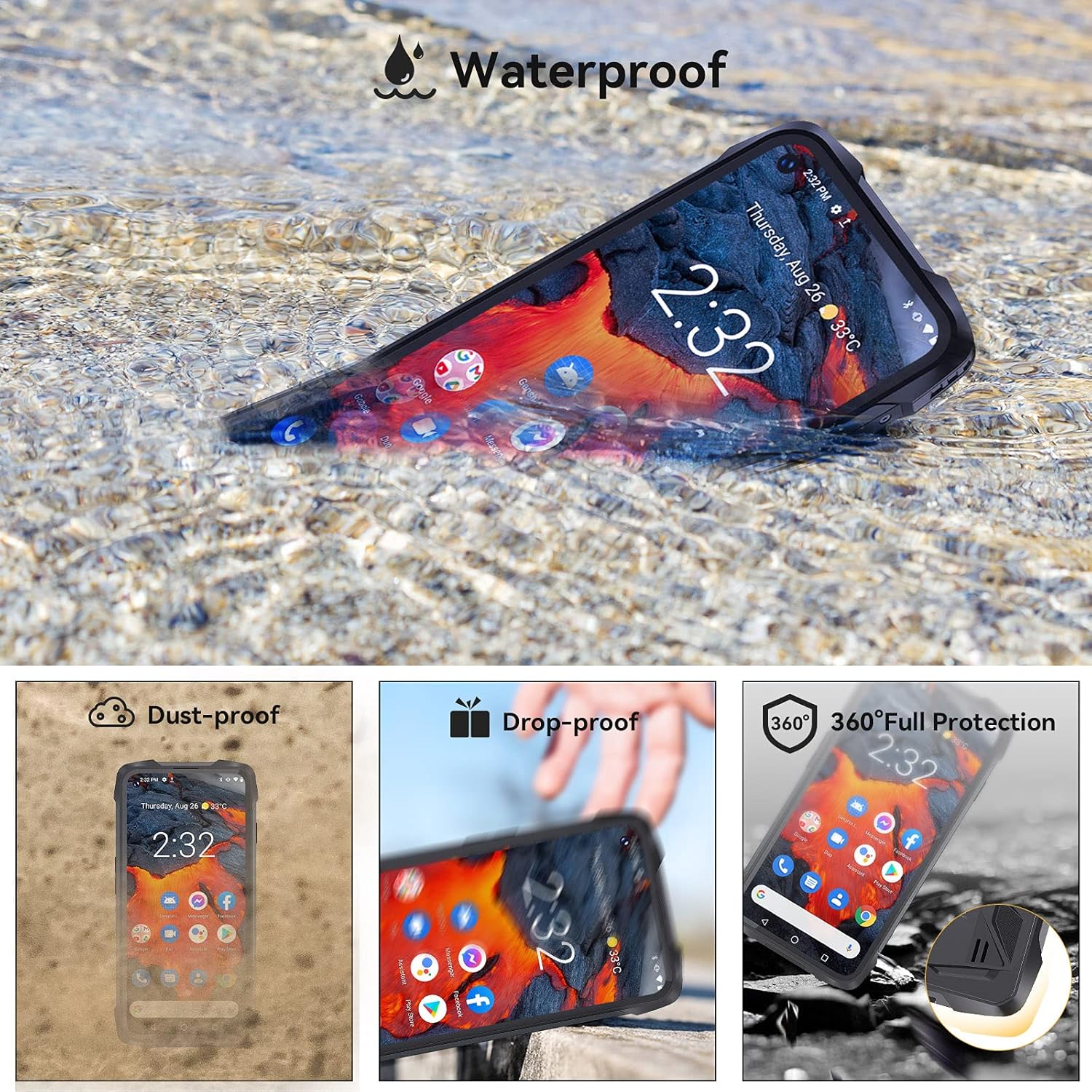
Image: The CUBOT King Kong 7 demonstrating its waterproof capability, alongside icons indicating its dust-proof, drop-proof, and overall rugged protection.
10. Garantia i Suport
Your CUBOT King Kong 7 is covered by a limited warranty. Please refer to the warranty card included in your package for specific terms and conditions. For technical support, software updates, or further assistance, please visit the official CUBOT weblloc web o poseu-vos en contacte amb el vostre distribuïdor local.


