
Introducció
Thank you for choosing the SONOMO Remote Control Robot Dog Toy. This intelligent programmable robotic puppy is designed to provide interactive play and learning experiences. This manual provides essential information for the safe and effective use of your new robot dog.
Què inclou:
- 1x Robot Dog Toy
- Control remot 1x
- 1x cable de càrrega USB
- 1x Small Screwdriver
- 1 x manual d'instruccions
Configuració
1. Robot Dog Battery Installation & Charging
- Locate the battery compartment on the underside of the robot dog.
- Use the provided small screwdriver to open the battery compartment cover.
- Connect the included 3.7V 600mA rechargeable battery to the robot dog's internal connector. Ensure correct polarity.
- Close the battery compartment cover and secure it with the screwdriver.
- To charge the battery, remove it from the robot dog. Connect the battery to the USB charging cable. Plug the USB end into a compatible USB power source (e.g., computer, wall adapter).
- The charging time is approximately 120 minutes. The pilot lamp on the charging cable will turn off automatically when charging is complete. An adult should supervise battery charging.

2. Instal·lació de la bateria del comandament a distància
- Localitzeu el compartiment de les piles a la part posterior del comandament a distància.
- Use the provided small screwdriver to open the battery compartment cover.
- Insert two 1.5V AAA batteries (not included) into the compartment, observing the correct polarity (+/-).
- Close the battery compartment cover and secure it with the screwdriver.
Instruccions de funcionament
1. Encendre/apagar
- To power on the robot dog, press the switch button located on its back. It will enter standby mode after playing a voice introduction and performing a series of motions.
- To power off, press the power switch button again.
2. Standby / Sleep Mode
When standby mode is enabled, voice instructions will be played every 5 seconds for 5 times, with no motions or other sounds. After the fifth 5-second slot, the robot dog will play a voice instruction and fall into sleep mode. (Once it is in sleep mode, it can only be waked by rebooting.)
3. Basic Movements
- Endavant: Press and hold the forward button on the remote to make the robot dog move forward.
- Enrere: Press and hold the back button to make it move backward.
- Giri a l'esquerra: Long press the left turn button. The robot dog will turn left.
- Giri a la dreta: Long press the right turn button. The robot dog will turn right.
4. Stunt Actions & Interactive Modes
The remote controller features dedicated buttons for various stunt actions and interactive modes:

- Stunt Actions: Press the corresponding buttons for actions like Sit Down, Push Up, Lie Down, Say Hi, Act like a spoiled baby, and Handstand.
- Dancing & Singing: The robot dog has learned 3 different songs and dances. Press the dance mode button for rhythmic music and movement, or the sing button for children's songs and simple actions. Re-pressing the same button will switch between dances or songs.
- Resposta tàctil: If you touch the robot dog's chin, it will respond with voice and actions, mimicking a real dog.
- Mode següent: In this mode, the robot dog will follow the remote controller. Maintain a distance of no more than 5 meters for optimal performance.
- Botó d'aturada: Press this button to halt all current actions of the robot dog.
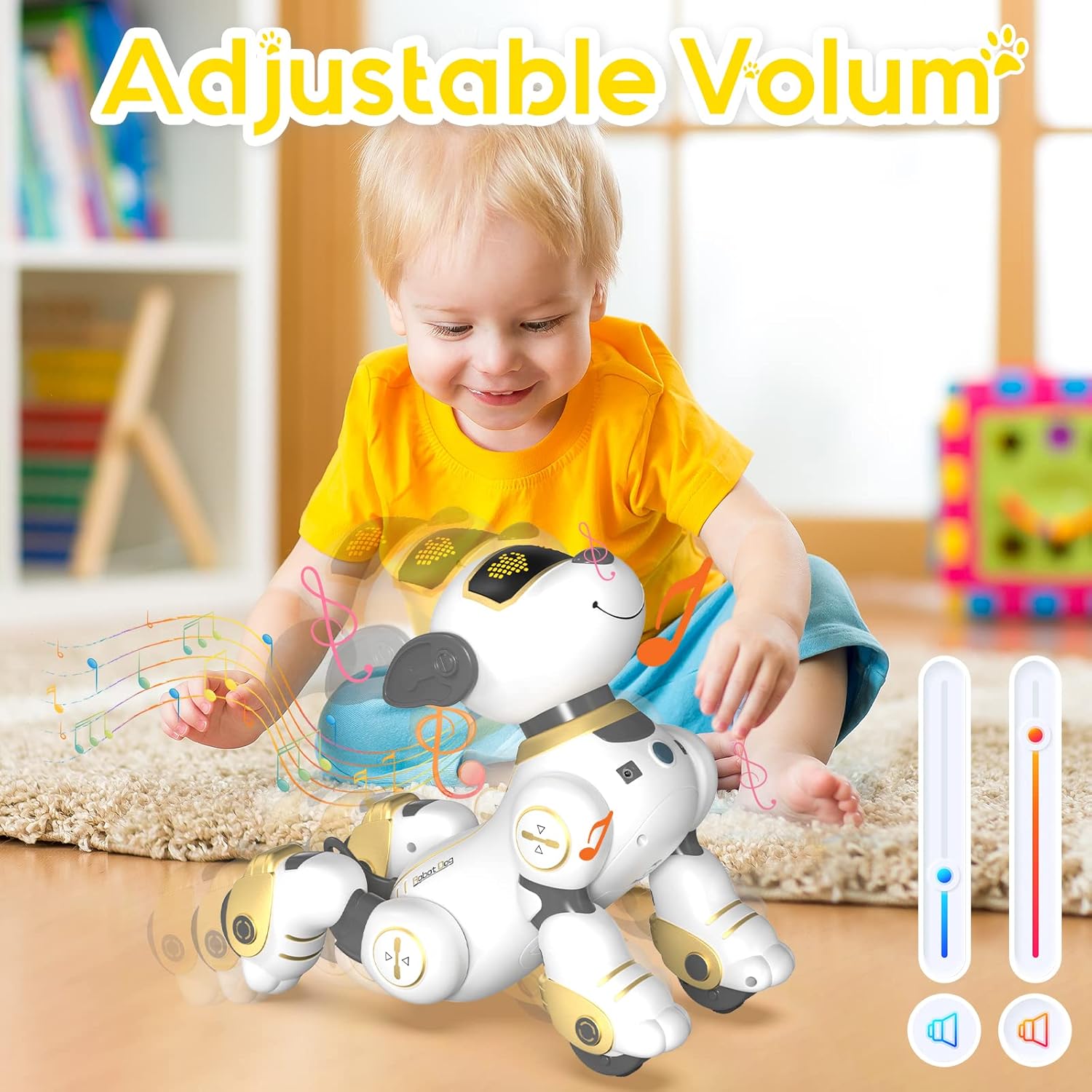
- Ajust de volum: Use the Volume+ and Volume- buttons to adjust the sound level.


5. Programació intel·ligent
You can program the robot dog to perform a sequence of up to 100 commands. This feature encourages imagination and creativity.
- Press the 'Programming' button on the remote controller to enter programming mode.
- Input your desired sequence of actions (e.g., forward + push + sit down + dancing).
- Press the 'Programming' button again to save and execute the programmed sequence.
- The programming process will automatically finish if no new button is pressed within 10 seconds.

6. Vídeo oficial del producte
Video 1: Robot Dog Toy. This video demonstrates various features and movements of the SONOMO robot dog, including its interactive capabilities and remote control functions.
Manteniment
1. Neteja
Wipe the robot dog and remote controller with a soft, dry cloth. Do not use water or cleaning agents, as this may damage the electronic components.
2. Emmagatzematge
When not in use, store the robot dog and its accessories in a cool, dry place away from direct sunlight. Remove batteries from the remote controller if storing for extended periods to prevent leakage.
Resolució de problemes
| Problema | Causa possible | Solució |
|---|---|---|
| Robot dog does not respond. | Low battery in robot dog or remote controller. | Charge the robot dog's battery. Replace batteries in the remote controller. |
| Robot dog moves erratically. | Interferències o bateria baixa. | Ensure no other infrared devices are nearby. Charge robot dog battery. |
| Robot dog does not follow in 'Following Mode'. | Distance too far or obstruction. | Keep the remote controller within 5 meters of the robot dog and ensure a clear path. |
| Sound is too loud/quiet. | Configuració del volum. | Use the Volume+ and Volume- buttons on the remote controller to adjust. |
Especificacions
| Característica | Detall |
|---|---|
| Dimensions del producte | 9.44 x 5.5 x 9.84 polzades |
| Pes de l'article | 2 lliures |
| Número de model de l'article | BG1533 |
| Edat recomanada pel fabricant | 6 - 12 anys |
| Robot Dog Battery | 1 Lithium Polymer battery (3.7V 600mA), rechargeable (included) |
| Bateria del comandament a distància | 2 piles AAA de 1.5 V (no incloses) |
| Temps de càrrega | Aproximadament 2 hores |
| Temps de joc | Approximately 60 minutes (in full-power condition) |
| Material | Non-toxic ABS |
Garantia i Suport
Per obtenir informació sobre la garantia o assistència tècnica, consulteu l'embalatge del producte o poseu-vos en contacte directament amb el fabricant. Conserveu el rebut de compra com a comprovant de compra.