
Introducció
This manual provides comprehensive instructions for the installation, operation, and maintenance of your Eonon R0020 HD 720P Dashcam. Designed for seamless integration with compatible Android car stereos, this dashcam enhances your driving experience by recording road conditions. Please read this manual thoroughly before use to ensure proper functionality and safety.
Producte acabatview
Característiques clau
- High-Definition 720P Recording: Captura vídeo nítidtage at 1280x720 resolution.
- Android Head Unit Compatibility: Integrates with various Eonon Android car stereos for viewing i control.
- Enregistrament en bucle sense interrupcions: Automatically overwrites older footage quan la targeta d'emmagatzematge està plena, garantint un enregistrament contínuu.
- G-Sensor for Emergency Recording: Automatically locks important video clips to prevent overwriting during sudden impacts or events.
- Angle de la lent ajustable: Allows for optimal recording angle adjustment.
- Fàcil instal·lació: Plug-and-play USB connection with automatic power on/off.
Components
- Eonon R0020 Dashcam Unit
- Muntatge de succió
- Cable USB
- Manual d'usuari
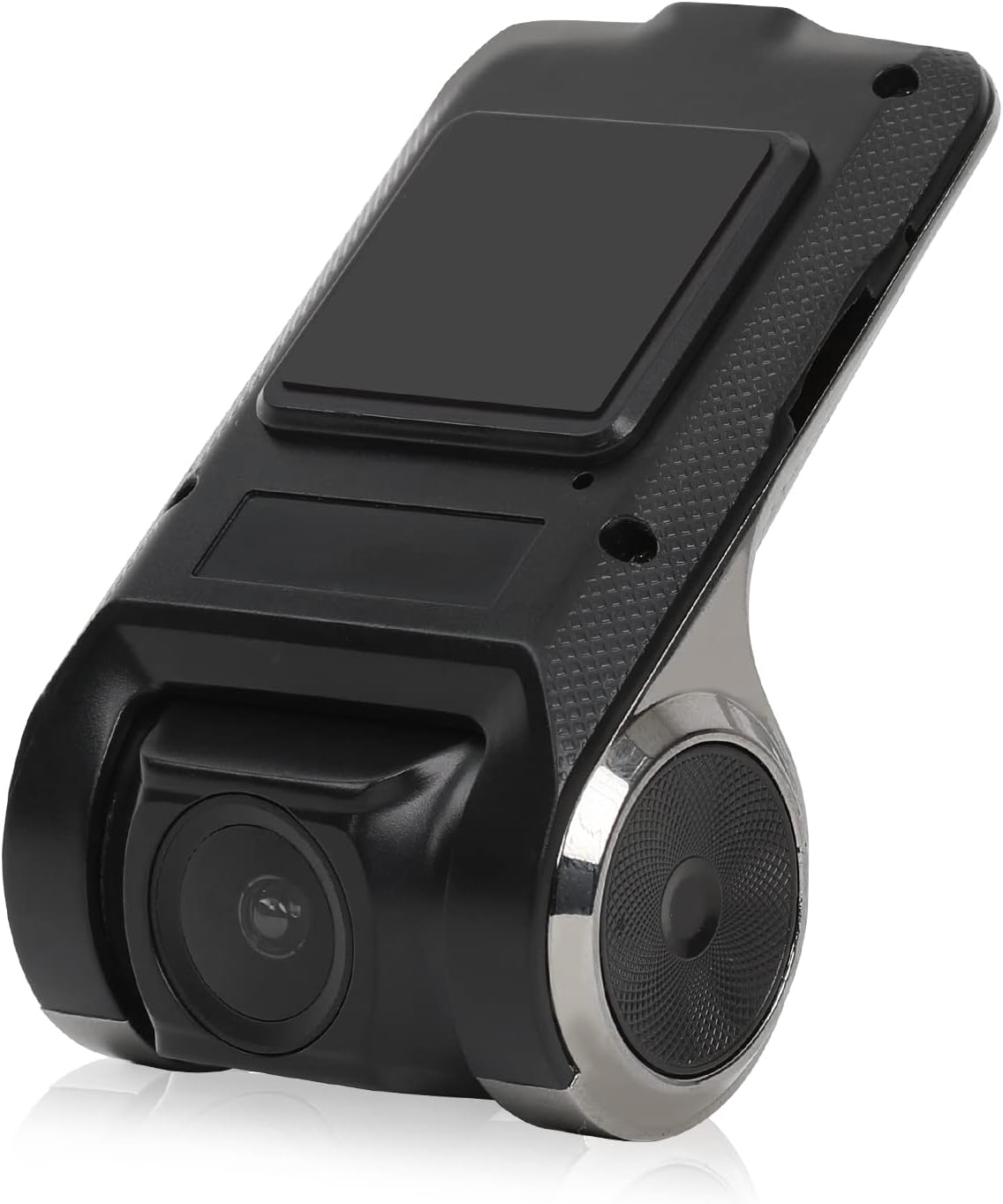
Figure 1: Eonon R0020 Dashcam Unit. This image displays the compact design of the dashcam, highlighting its lens and mounting area.
Configuració
Què hi ha a la caixa
- 1x Eonon R0020 Dashcam
- 1x Suction Mount
- 1 x manual d'usuari
Passos d'instal·lació
- Prepareu la zona de muntatge: Clean the area on your windshield where you intend to mount the dashcam. Ensure it is free of dust and grease for optimal adhesion of the suction mount.
- Fixeu el suport de ventosa: Securely attach the suction mount to the dashcam unit. Then, press the suction mount firmly onto the cleaned windshield area, ensuring a stable position that does not obstruct your view.
- Inseriu la targeta MicroSD: Insert a compatible MicroSD card (up to 32GB, not included) into the dashcam's card slot. Ensure it is inserted correctly until it clicks into place.
- Connecteu el cable USB: Connect one end of the provided USB cable to the dashcam unit. Route the cable neatly along the windshield trim and dashboard to avoid interference with driving.
- Connecta't a la unitat principal d'Android: Plug the other end of the USB cable into an available USB port on your compatible Eonon Android car stereo.
- Encès: The dashcam is designed for plug-and-play operation and will automatically power on/off with your vehicle's ignition.
- Ajusta l'angle de la lent: Once powered on, adjust the lens angle up or down to capture the desired view de la carretera.
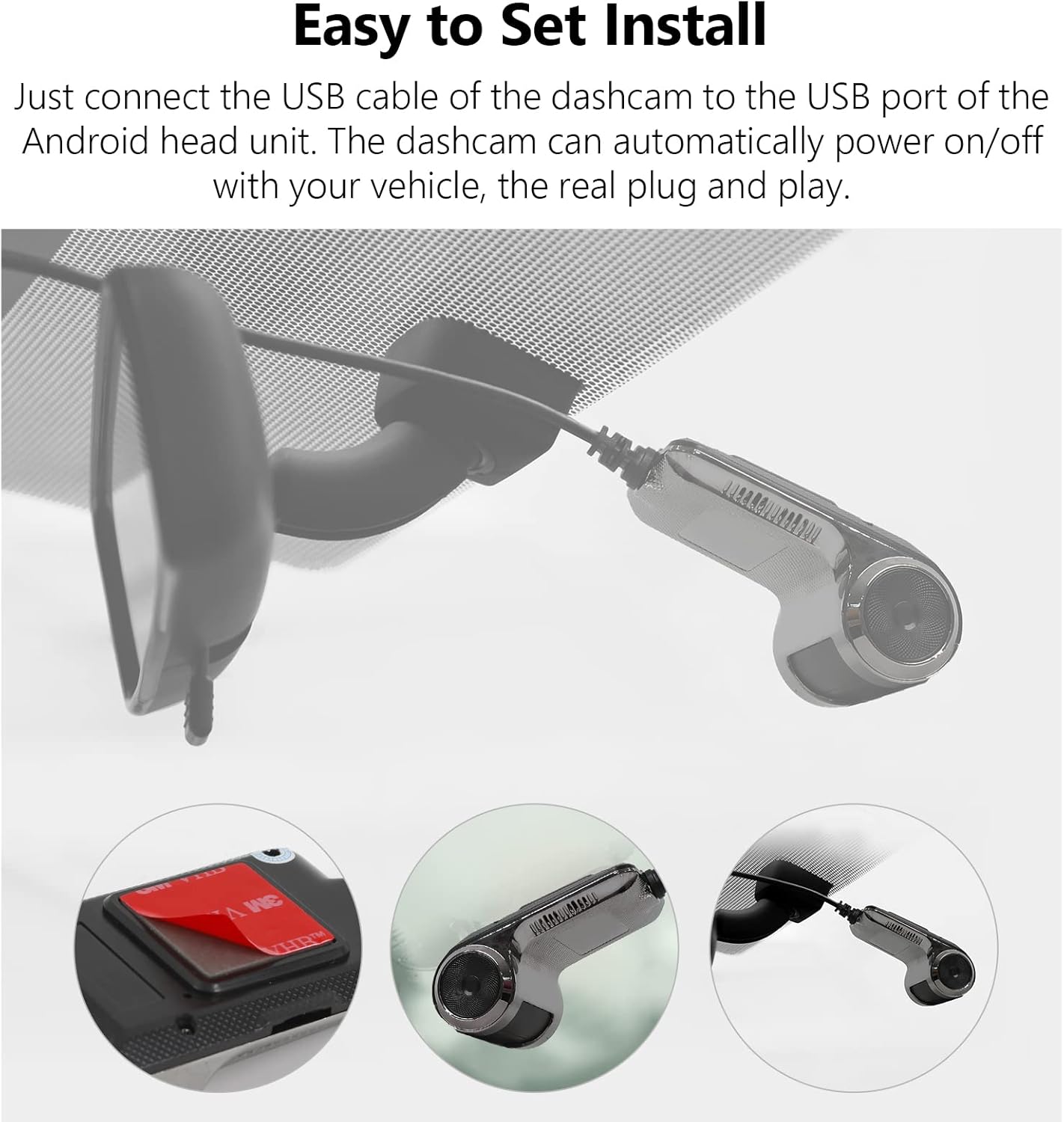
Figure 2: Easy Installation. This image illustrates the simple steps for mounting the dashcam and connecting it via USB.
Instruccions de funcionament
Funcionament bàsic
- Enregistrament automàtic: The dashcam begins recording automatically when your vehicle's ignition is turned on and stops when the ignition is turned off.
- Viewing Footage: Access recorded videos directly through the interface on your compatible Eonon Android car stereo. The dashcam's application will typically launch automatically or can be found in your stereo's app menu.
- Monitorització en temps real: View live road conditions on the large screen of your head unit for enhanced awareness.

Figure 3: Compatible with Android Head Units. The dashcam's live feed is displayed on a car stereo screen, showing integration.
Enregistrament en bucle
The dashcam utilizes seamless loop recording. When the MicroSD card reaches its full capacity, the oldest video files are automatically overwritten by new recordings. This ensures continuous operation without manual intervention.
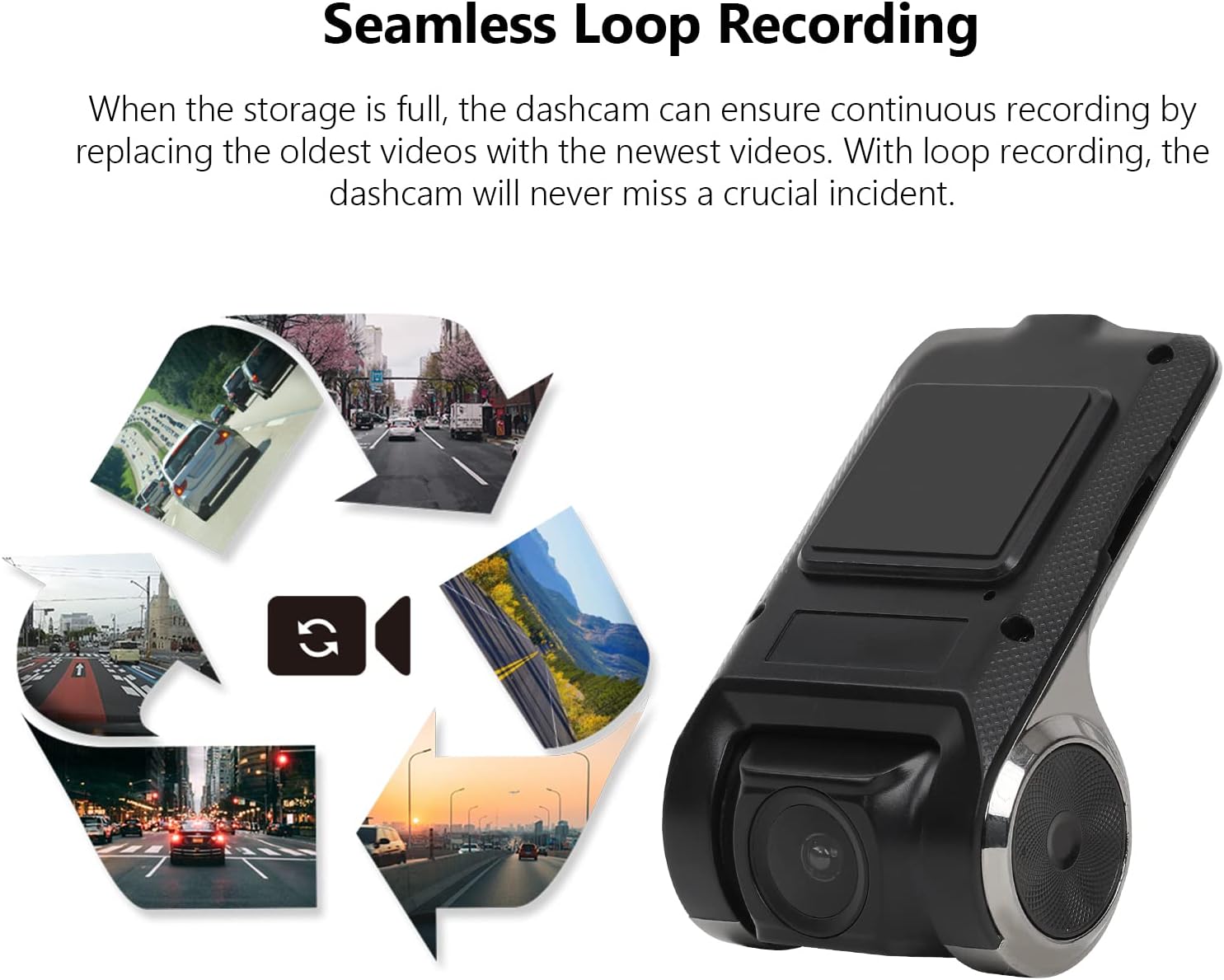
Figure 4: Seamless Loop Recording. This image visually explains how older footage is replaced by new recordings to maintain continuous operation.
Locking Important Footage
In the event of a sudden impact or emergency, the built-in G-Sensor will automatically detect the event and lock the current video segment. This prevents the footage no sigui sobreescrit per l'enregistrament en bucle, preservant les proves crítiques.

Figure 5: Retain the Important Footage. A lock icon on the screen indicates that a video segment has been protected from overwriting.
Manteniment
- Gestió de targetes MicroSD: Regularly check the MicroSD card for errors or degradation. It is recommended to format the card periodically (e.g., monthly) through the dashcam's settings to maintain optimal performance. The dashcam supports MicroSD cards up to 32GB.
- Neteja de la lent: Use a soft, lint-free cloth to gently clean the dashcam lens. Avoid abrasive materials or harsh chemicals that could scratch the lens.
- Actualitzacions de firmware: Check the Eonon website periodically for any available firmware updates for your R0020 Dashcam. Keeping the firmware updated ensures the best performance and access to new features.
Resolució de problemes
- La càmera del salpicader no s'encén:
- Ensure the USB cable is securely connected to both the dashcam and the Android head unit.
- Verify that the Android head unit is powered on and functioning correctly.
- Test the USB port on the head unit with another device to confirm it is supplying power.
- MicroSD card not detected or recording:
- Ensure the MicroSD card is inserted correctly and fully seated in the slot.
- Verify that the MicroSD card is 32GB or less. Larger capacity cards may not be recognized.
- Try formatting the MicroSD card through the dashcam's settings menu on the Android head unit.
- Test with a different, known-good MicroSD card to rule out card failure.
- Poca qualitat de vídeo:
- Clean the dashcam lens with a soft, lint-free cloth.
- Ensure the windshield area in front of the dashcam is clean and free of obstructions.
- Adjust the lens angle to avoid glare or reflections.
Especificacions
| Característica | Especificació |
|---|---|
| Marca | EONON |
| Nom del model | R0020 |
| Resolució de captura de vídeo | 720p (1280x720) |
| Característica especial | Enregistrament en bucle |
| Tecnologia de connectivitat | USB |
| Tipus de muntatge | Muntatge de succió |
| Mètode de control | Touch (via Android Head Unit) |
| Color | Negre |
| Pes de l'article | 6.7 unces |
| Dimensions del paquet | 6.65 x 4.96 x 2.05 polzades |
Garantia i Suport
For warranty information, technical support, or service inquiries, please refer to the contact details provided in the packaging or visit the official Eonon weblloc web. Conserveu el rebut de compra com a comprovant de compra per a qualsevol reclamació de garantia.